

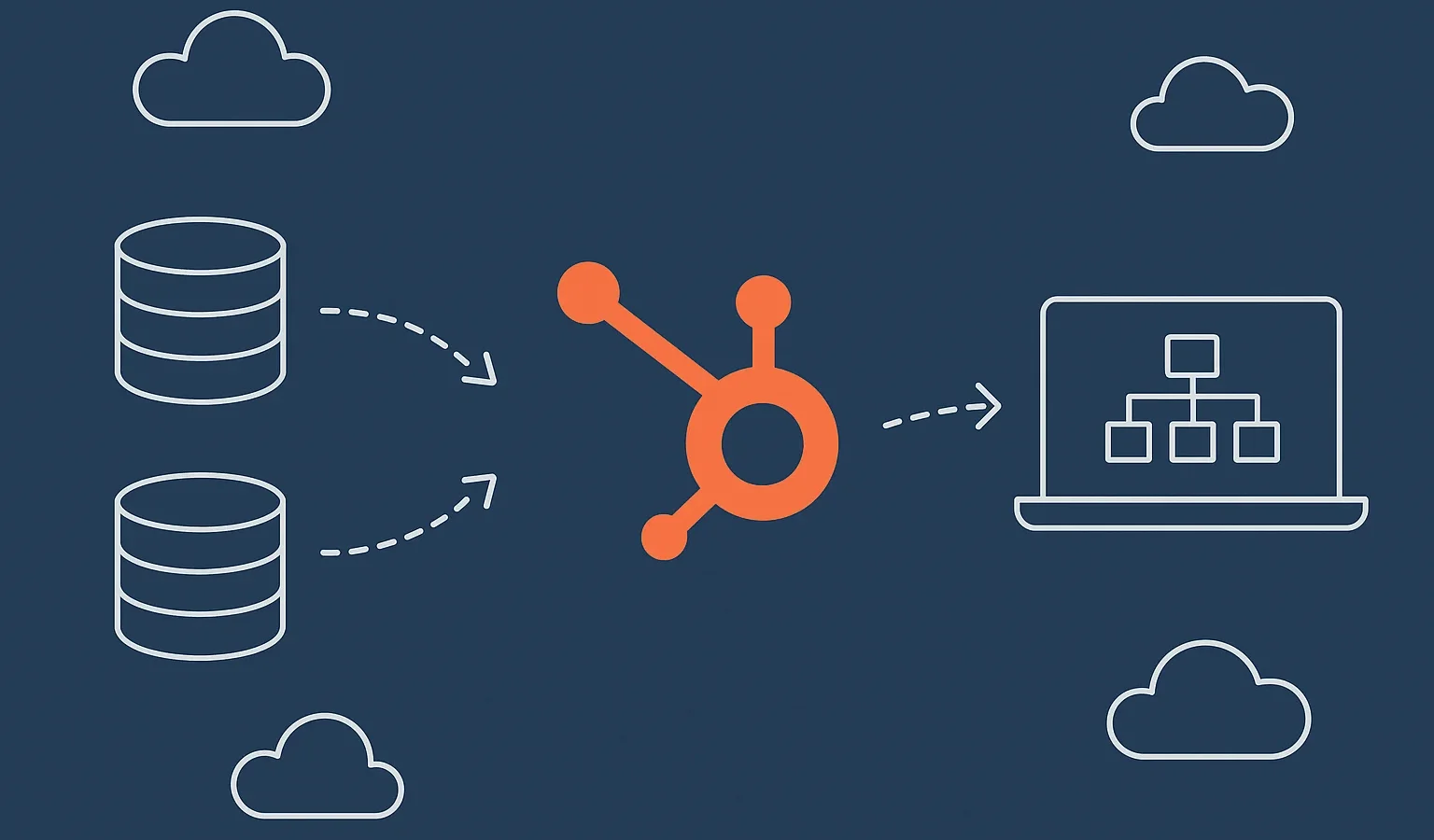
Zero downtime CRM migration is now the expectation, not the exception, for companies modernizing their customer systems. Revenue teams can’t pause selling. Support teams can’t slow down. Leaders want a migration path that keeps operations humming while the business moves into a more powerful CRM environment.
This guide breaks down how organizations can transition smoothly, reduce risk, and maintain full productivity with support from specialists.
Key Takeaways
- Zero downtime CRM migration is achievable with the right operational, technical, and workflow planning.
- Running old and new CRMs in parallel protects active deals and customer conversations.
- Real-time syncing and staged cutovers reduce disruption for sales and support teams.
- Consistent testing and communication ensure business continuity throughout the transition.
- A well-executed migration accelerates CRM adoption, accuracy, and time to value.
Why Zero Downtime CRM Migration Matters More in 2025
Zero downtime CRM migration is now a competitive necessity as companies modernize systems without pausing revenue operations. Sales and support teams rely on uninterrupted access to customer data, which means migrations must happen behind the scenes while business keeps moving.
Organizations want a CRM transition with no downtime, predictable workflows, and minimal risk. This explains how to migrate CRM while operating normally without slowing deals, delaying service tickets, or disrupting customer engagement.
Understanding Zero Downtime CRM Migration
Zero downtime CRM migration means teams continue selling and supporting customers while the CRM transition occurs in the background. This approach protects revenue velocity and customer experience.
Migrating a CRM without disruption requires thoughtful planning, aligned workflows, and integration strategies that keep both systems accurate throughout the transition.
Mapping Critical Workflows Before Any CRM Changes Occur
Your workflows determine whether your migration succeeds. Understanding how your teams currently operate helps prevent surprises during cutover.
Spend time documenting how leads move, how tickets escalate, how data syncs, and which fields power automation. Revenue operations depend on these flows staying intact during continuous operations migration.
Include in your workflow map:
- How leads enter and are routed
- How deals progress through stages
- How reps log calls, emails, and activities
- How support cases escalate
- Which automations rely on specific fields
Creating a Parallel CRM Environment to Maintain Continuity
A parallel environment allows teams to keep using the current CRM while the new one is built, customized, and validated. This prevents operational slowdowns while the new system is being prepared.
Running both environments simultaneously supports testing, data validation, and integration setup without interrupting day-to-day activity.
A strong parallel environment includes:
- Clean field structure
- Rebuilt automations
- Early integration testing
- User role and permission mapping
Using Real-Time Data Syncing to Power a Seamless Transition
Real-time syncing ensures both CRMs stay aligned while users continue their normal workflows. This prevents sales reps from losing momentum and support agents from losing ticket visibility.
Accurate sync keeps data fresh, reduces cleanup after migration, and ensures teams operate confidently throughout the CRM transition with no downtime.
Benefits of real-time syncing:
- Up-to-date records in both CRMs
- Reduced manual reconciliation
- More accurate forecasting
- Smoother cutover planning
Role-Based Testing to Protect Productivity
Role-based testing prevents workflow disruptions by validating how each team uses the system daily. What impacts a sales director is different from what affects a frontline rep and both matter during migration.
Testing should simulate real work, not theoretical flows.
Test for:
- Lead assignment precision
- Deal updates and automation triggers
- Ticket cues and handoffs
- Required fields and validation rules
- Sequence and template functionality
Delivering Clear Communication Throughout the Migration
Migration success is often determined by communication, not technology. Teams need clarity about what’s changing, when to expect updates, and how to report issues.
A strong communication plan minimizes resistance, reduces confusion, and encourages faster adoption.
Include in your comms plan:
- Weekly status summaries
- Channels for real-time questions
- What is changing vs. what stays the same
- How cutover impacts daily work
Phased Cutover Instead of One Big Launch
A phased approach reduces overall risk and keeps teams productive. Instead of flipping the entire CRM at once, organizations gradually transition users, pipelines, or functions.
This controlled approach supports CRM migration without disruption by limiting exposure and allowing teams to monitor system performance at each step.
Possible phasing models:
- Transition by department (sales first, support next)
- Transition by pipeline (new business, renewals, success)
- Transition by automation groups
Training and Change Management That Speeds User Adoption
A new CRM is only valuable if teams know how to use it. Practical, role-specific training empowers users to continue working with confidence from day one.
Training should be concise, scenario-based, and accessible on demand.
Training essentials:
- Micro-guides for daily tasks
- Quick videos for workflow walkthroughs
- Live Q&A sessions
- Reference sheets for common actions
Things To Watch Out For
Migration challenges often arise from small, overlooked details. Addressing these early prevents system downtime and user frustration.
- Unmapped automations that break after field changes
- Missing dependencies for third-party integrations
- Poorly aligned lifecycle stages
- Under-communicated workflow changes
- Insufficient validation before cutover
What Marketers Should Do Now
Marketing, sales, and operations leaders must prepare the organization for a smooth migration. These steps help ensure teams remain productive throughout the transition.
- Review your existing CRM workflows
- Document which fields and automations matter most
- Identify your integration dependencies
- Build a communication plan for your teams
- Begin planning a parallel CRM setup and phased cutover
FAQs
How does zero downtime CRM migration work?
Zero downtime CRM migration maintains full business continuity while the new CRM is built, synced, tested, and rolled out gradually. Teams continue working while the transition happens in the background.
Can we migrate CRM without disruption to sales or support?
Yes. With parallel systems, real-time sync, and staged rollout, organizations can achieve CRM migration without disruption and keep teams fully operational.
Would it be possible to migrate CRM while operating during peak seasons?
Absolutely. Zero downtime CRM migration is specifically designed to support high-volume periods by ensuring both CRMs stay aligned during the transition.
What ensures CRM transition with no downtime?
Workflow mapping, real-time syncing, thorough testing, and a structured cutover plan are the core components of CRM transition with no downtime.
Bottom Line
Zero downtime CRM migration allows teams to stay focused on revenue-driving activities while transitioning to a stronger, more efficient CRM. With the right plan, supporting technology, and controlled rollout approach, companies can modernize without slowing down sales cycles or customer support operations.
Ready for a cleaner, more reliable migration? Integrate IQ specializes in CRM integrations, real-time syncing, and zero-disruption transitions that help companies modernize with confidence.
