

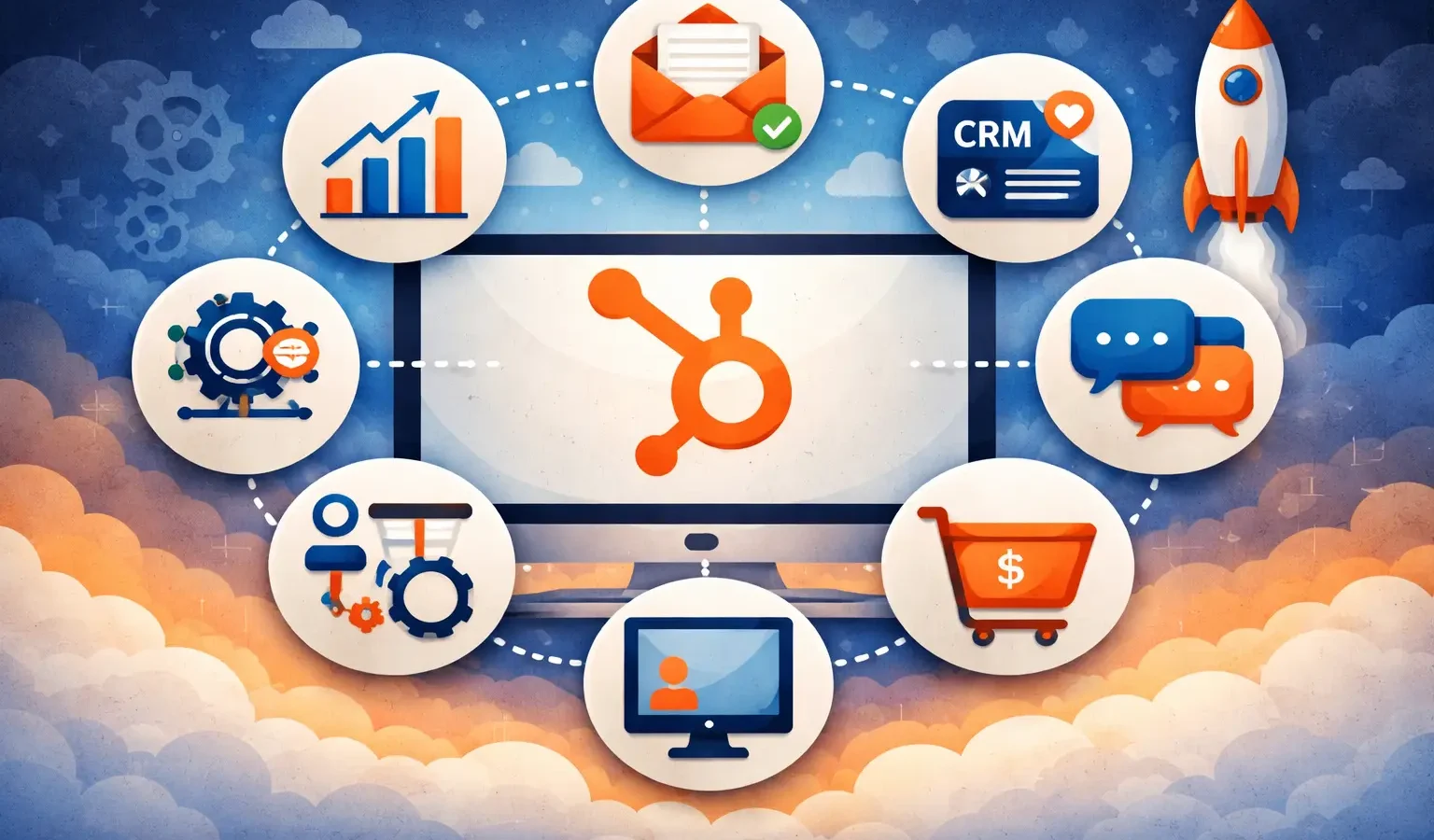
The first 90 days with HubSpot determine everything. We’ve worked with hundreds of companies implementing HubSpot, and there’s a pattern to the ones that win: they integrate the right tools from the start. The companies we see struggling later? They’re typically fixing integration mistakes made months into their HubSpot journey. We’re Integrate IQ, a HubSpot Diamond Solutions Partner with experience connecting 275+ platforms and managing over 16 billion records. Here are the seven integrations we’ve watched transform HubSpot from a good CRM into a powerhouse that actually drives business results. These aren’t flashy. They’re foundational. Your team will wonder how you ever worked without them.
What Are HubSpot Integrations and Why Do They Matter?
HubSpot alone is excellent. But HubSpot connected to your entire tech stack? That’s where the magic happens. Integrations eliminate the gap between systems. Your marketing platform talks to your sales platform. Your support software syncs with your CRM. Your accounting system pulls customer data automatically. No more manual data entry. No more closed loops. No more silos.
Here’s what we see happen when companies wait too long to integrate: they accumulate technical debt. They build workarounds. They create spreadsheet nightmares. They lose data integrity. Our customers with 98.5% retention rates? They got their integrations right from the beginning. They automated what could be automated. They connected what should be connected.
Let’s get into the seven integrations that change the game.
Why Your Revenue Team Needs Salesforce and HubSpot Working Together
If you’re using Salesforce for enterprise deals and HubSpot for mid-market pipeline, this integration isn’t optional. It’s mandatory.
Here’s why: your revenue team lives across both platforms. Your SDRs work in HubSpot. Your AE’s close in Salesforce. Without a proper integration, accounts exist in two places. Opportunities duplicate. Deal history fragments. Your forecast becomes a guess.
The right Salesforce-HubSpot integration (we recommend checking our detailed guide on HubSpot-Salesforce connections) keeps lead data synchronized in real-time. When an opportunity closes in Salesforce, HubSpot knows immediately. When a contact updates their information in HubSpot, it flows to Salesforce. Your entire go-to-market organization sees one source of truth.
Revenue impact: We’ve measured 12-18% faster deal closure when this integration’s done right. Your team stops playing telephone between platforms.
Why Zapier Becomes Your Integration Backbone
Not every integration requires custom code. Zapier handles 90% of your day-to-day connection needs without engineering resources.
Think of Zapier as your integration quick-start. Your form submissions in Typeform create contacts in HubSpot. Your Gmail stars become HubSpot tasks. Your Slack messages trigger deal updates. You’re building workflow automation without writing a single line of code.
Here’s the practical truth: Zapier isn’t a long-term replacement for deeper integrations. But for your first 90 days? It’s invaluable. You’re learning what needs to connect. You’re testing workflows. You’re proving ROI. Once you’ve proved the value, you can graduate to custom solutions. (Read more about why custom integrations often outperform iPaaS solutions at scale.)
Quick win: Set up at least three Zapier workflows in your first week. Your team will immediately see time savings.
How Revenue Recognition Becomes Automatic (Not Manual)
Your revenue team and finance team speak different languages. One thinks in pipelines. One thinks in cash flow. The Stripe-HubSpot integration translates between them automatically.
When a customer pays in Stripe, your HubSpot contact record updates with transaction data. Deal stage advances. Revenue is logged. Your accounting system has the information it needs. No spreadsheets. No sync delays. No arguments about whether the deal actually closed.
For SaaS companies, this integration is foundational. Your subscription data flows directly into HubSpot. Churn automatically triggers customer success workflows. Upsell opportunities surface automatically when customers upgrade. You’re not watching for renewal dates manually. The system alerts your team when action’s needed.
Data point: Companies with integrated payment data see 34% better customer lifetime value predictions because they’re working with real, live data instead of month-old reports.
Why Your Team Should Never Miss a Lead or Task Again
Here’s a hard truth: if HubSpot notifications don’t reach your team where they already work, they won’t take action. Your team lives in Slack. So HubSpot should too.
The HubSpot-Slack integration does three critical things. First, it alerts your sales team instantly when a high-value prospect lands in your database. No more checking HubSpot three times a day and missing leads. Second, it creates Slack threads tied directly to HubSpot records, so your team coordinates on deals without context switching. Third, it logs important customer conversations directly into contact records, so nothing gets lost between platforms.
We’ve watched teams implement this and cut their lead response time from 45 minutes to 4 minutes. That’s not a small difference. That’s the difference between closing deals and losing them to competitors.
How Email and Calendar Data Becomes Your Competitive Advantage
Your sales team spends 70% of their time in Gmail and Google Calendar. If those systems aren’t talking to HubSpot, you’re missing insight into your team’s actual buying process.
When you integrate Google Workspace with HubSpot, every email your sales rep sends to a prospect automatically logs to that contact’s HubSpot record. Meeting invites create activities. Email attachments attach to deals. Your sales leader can see exactly what conversations are happening with every prospect without asking. You’re not relying on sales reps to manually log their work. It’s happening automatically.
This is where forecast accuracy improves dramatically. Your sales leader has real visibility into activity levels. They can see which reps are actively working their pipeline versus which ones are ghosting their accounts. They can identify bottlenecks before they become problems. They can coach based on actual data, not hope.
Why Ecommerce Data Must Live in Your CRM
If you sell anything online through Shopify, your ecommerce data should inform every marketing and sales decision you make. Right now, that data probably lives in isolation.
Integrating Shopify with HubSpot means your customer’s full journey is visible. You know they browsed your site three times, added items to their cart, then purchased. You know their lifetime purchase value. You know their average order value. You know when they’re at risk of churn. This information used to live in analytics dashboards. Now it lives where it matters: in your CRM, where your team makes decisions about how to nurture that customer.
For more on connecting ecommerce platforms to HubSpot, check out our guide on best ecommerce integrations with HubSpot.
Revenue impact: Companies that align ecommerce and CRM data see 23% higher customer lifetime value because they’re making marketing decisions based on actual purchasing behavior.
How Inventory and Fulfillment Data Become Your Selling Advantage
B2B companies with complex products need their ERP talking to HubSpot. Otherwise, your sales team is selling without knowing what you can actually deliver.
When you integrate your ERP with HubSpot, your sales reps can see real-time inventory, shipping times, and production schedules while they’re negotiating deals. They’re not promising delivery dates they can’t keep. They’re not overbooking production. They’re not guessing about what’s actually possible. They’re selling based on reality, not hope.
Your operations team also stops being surprised. When a large deal closes in HubSpot, your ERP knows immediately. Production schedules adjust. Procurement makes calls. Fulfillment prepares. It’s all connected. For details on making this work smoothly, check out our guide on HubSpot-ERP integrations.
Operational impact: We’ve measured 18-22% improvement in on-time delivery when ERP and CRM are properly synchronized.
Why Getting Integrations Right in Month One Matters More Than You Think
Integration debt accumulates quietly. You skip the Slack integration because your team isn’t using HubSpot much yet. You manually sync Stripe data because it’s not a huge volume. You maintain a spreadsheet for inventory because the ERP integration seems complicated. Six months later, you’re spending 15 hours a week managing workarounds. Eighteen months later, you’re ripping it all apart and starting over at triple the cost.
Every HubSpot implementation we’ve seen that scaled smoothly did the integrations right from the start. They didn’t skip the hard work early. They invested in getting the foundation solid. That’s why they end up with 98.5% user retention across their entire platform ecosystem.
The companies that struggle are the ones that treated integrations as “nice to have” or “something we’ll get to later.” They’re the ones fighting with data silos, manual processes, and team frustration. By then, the cost to fix it is brutal.
Common Questions About HubSpot Integrations
Do we need all seven of these integrations?
No. You need the ones that connect to your actual tech stack. If you don’t use Salesforce, skip that integration. If you don’t sell online, Shopify doesn’t matter. If you don’t have an ERP, ignore that section. But whatever tools you do use should be connected to HubSpot. The principle is universal. The specific implementations change based on your business.
How much does it cost to build these integrations?
Zapier? Usually under 100 dollars per month. Native integrations within HubSpot? Free or included in your plan. Custom integrations? $5,000 to $25,000 depending on complexity. Complex systems like ERP connections might cost more. The ROI calculation isn’t hard though. If an integration saves your team 5 hours a week, that’s 260 hours per year. At a fully loaded cost of $150 per hour, that’s $39,000 in value. Even an expensive integration pays for itself in the first year.
What if we made integration mistakes already?
Fix them now. The cost of fixing integration mistakes compounds. Every month you delay, you’re burning time on workarounds. You’re losing data integrity. You’re making team members frustrated with their tools. We’ve helped clients re-architect their entire integration landscape and the ROI came back in three months. If you want a clear picture of your integration roadmap, check out our ROI calculator.
How do we know which integration to build first?
Start with the system your team uses most. If your sales team lives in Salesforce, that’s your first priority. If your team lives in Slack, start there. If you’re doing significant ecommerce, Shopify comes first. Build integrations in order of team adoption and business impact. You’re removing friction where it’s most felt.
What’s the difference between building custom integrations and using Zapier or iPaaS?
Speed versus flexibility. Zapier and iPaaS get you running in hours or days. Custom integrations take weeks but give you complete control and often better performance at scale. For detailed analysis, read our comparison on
why custom integrations often outperform iPaaS. Most smart companies start with Zapier or native tools, then graduate to custom solutions as their needs get more sophisticated.
How do we keep our integrations secure?
Use OAuth where possible instead of API keys. Rotate credentials regularly. Limit permissions to only what’s needed. Monitor data flow for anomalies. Use encrypted connections. If you’re building custom integrations, work with partners who understand security requirements. Don’t let security concerns prevent you from integrating. A small amount of planning eliminates most risks.
What happens when we outgrow our integrations?
You upgrade them. A Zapier connection that worked at 100 records per day might need custom code at 10,000 records per day. That’s fine. That’s progress. You’re solving better problems. For help understanding your current tech stack and what you’ll need as you scale, check out our guide on building scalable tech stacks with HubSpot.
How long does it take to see ROI from integrations?
Some integrations show ROI in the first week (Slack integration = faster deal response). Some take longer (ERP integration requires process change). Most integrations show measurable impact within 30 days. If an integration isn’t showing value after 60 days, you’ve either built it wrong or it wasn’t necessary for your business. Be honest about which is true and adjust accordingly.
The Real Cost of Waiting
We started this article with a clear premise: the companies that win integrate early. They don’t wait. They don’t postpone. They don’t hope that manual processes will be enough.
The companies we see struggling later are the ones that treated integrations as “we’ll figure that out next quarter.” Eighteen months later, they’re paying three times as much to clean up the mess. They’re losing customers to competitors who move faster. They’re burning out their teams.
These seven integrations aren’t nice-to-have. They’re the foundation of a HubSpot implementation that actually delivers on its promise. Your first 90 days determine everything. Get integrations right now, and you’ll have systems that scale with you for years.
If you’re not sure where to start or you want a second opinion on your integration roadmap, we’re here to help. We’ve connected 275+ platforms and managed 16 billion records. We know what works.
Let’s talk about your integration strategy.