Shopify HubSpot Integration: Benefits, Automation Use Cases and What Actually Syncs
Shopify tells you what sold. HubSpot tells you who bought it, why they came back and how to get more people like them. Run those two platforms without connecting them and you’re making decisions with half the picture. Marketing sends generic campaigns because purchase history lives in Shopify. Sales can’t see order value on a contact record. Revenue attribution disappears the moment a customer checks out.
The HubSpot Shopify integration bridges that gap by syncing customers, orders, products, and abandoned carts between your store and your CRM. Done correctly, it turns raw transaction data into automated workflows, personalized campaigns, and revenue reporting that actually traces a sale back to the marketing that drove it.
Done poorly, it creates duplicate contacts, broken attribution, and automation that fires on stale data.
As a HubSpot Diamond Solutions Partner with custom integration accreditation, we’ve built and maintained Shopify HubSpot integrations across hundreds of e-commerce brands. This page covers what the integration does, what the native connector can’t handle, and when a custom build is the right call.
What Syncs Between Shopify and HubSpot (And What Doesn’t)
The HubSpot native Data Sync connector handles the core data objects most Shopify stores need: contacts and customers, orders (as deals or line items), products, and abandoned cart events. Contacts sync in real-time via webhook. Orders update within 10 minutes of a change in Shopify.
That’s a solid foundation. But the native connector has documented architecture constraints that mid-market brands consistently run into.
What the Native Connector Supports
- Contacts / customers — bidirectional sync, matched by email address
- Orders — Shopify to HubSpot (one-way), appearing as deals or e-commerce records
- Products — parent product records sync; includes product name, SKU, price
- Abandoned carts — triggers available for workflow automation
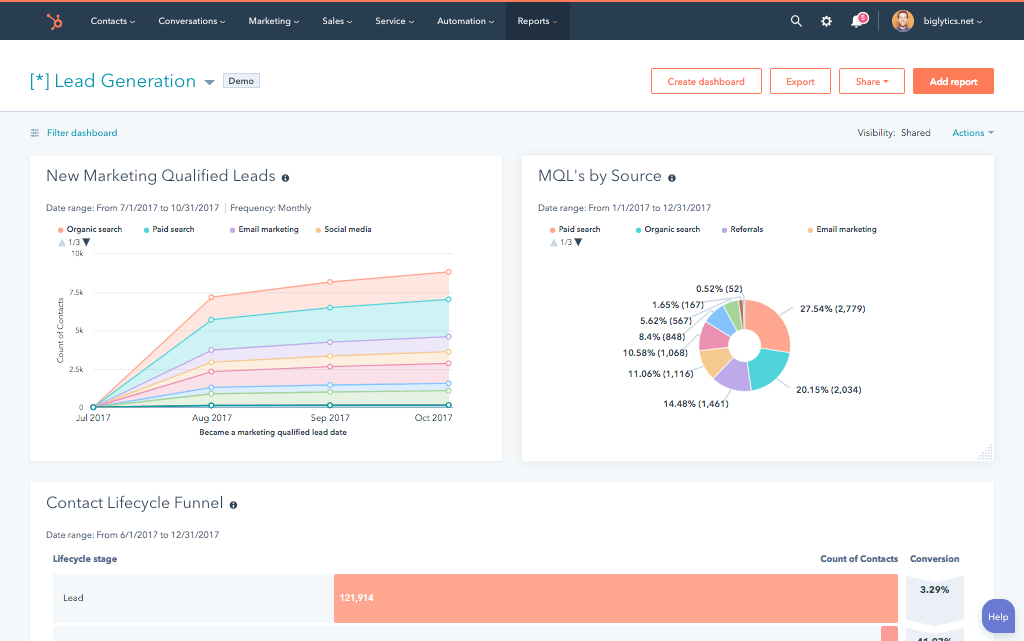
- E-commerce dashboard — auto-generated after connection, tracks orders, revenue, cart recovery rate
What the Native Connector Doesn’t Support
This section is almost entirely absent from the SERP. It matters because discovering these gaps post-launch is how integration projects go sideways.
- Shopify metafields — custom product attributes stored in Shopify metafields don’t transfer. You need middleware or a custom API layer to route metafield data into HubSpot properties.
- Product variants — only the parent product record syncs. Individual variants with different SKUs, colors, or sizes don’t transfer as separate HubSpot line items.
- Subscription / recurring order data — the native sync doesn’t cover subscription objects. Brands running recurring billing models need a custom build or middleware to automate subscription lifecycle stages.
- Historical data backfill — the native connector is forward-looking. Orders and contacts created before activation don’t sync automatically. Historical data requires a manual CSV import or a custom backfill process.
- Guest checkout attribution — when a customer checks out as a guest, Shopify creates the contact record, which can conflict with an existing HubSpot contact and break source attribution.
- Custom field mapping without a paid tier — custom field mapping requires Data Hub Starter or Operations Hub Starter at minimum. Free HubSpot accounts are locked to default mappings.
None of these are criticisms of HubSpot’s product. They’re intentional architecture decisions. The native connector is built for simplicity. Brands with more complex data models need a different approach, which we’ll get to in the native vs. custom comparison section below.

Turn HubSpot Into A Real-Time SMS Engine with Message IQ
 Two-Way Conversations
 Shared Team Inbox
 Automation Triggers
 Advanced Reporting
 Compliance Tools
- 98% SMS read within 3 min
- 78% Buy from first responder
- 21× More likely to qualify

*MessageIQ is an IntegrateIQ product – built natively for HubSpot by the same team.
The Business Benefits of the Shopify HubSpot Integration
The integration’s value isn’t the sync itself. It’s what the sync enables. Here are the five outcomes that actually move revenue.
1. Abandoned Cart Recovery That Actually Converts
Cart abandonment averages over 70% in e-commerce. The Shopify HubSpot integration routes abandoned cart events into HubSpot as workflow triggers, so you can build automated email sequences that fire within minutes of a customer leaving without purchasing.
A well-configured recovery workflow doesn’t just send one email. We build two-segment branching logic that treats first-time visitors differently from returning customers. A repeat buyer who abandons a cart gets a different message than someone on their first visit, because their intent signals are different. That level of personalization requires clean contact data and lifecycle stage awareness, both of which the integration provides.
2. Personalized Post-Purchase Automation
Once a purchase completes, the integration keeps working. Order data flowing into HubSpot unlocks product-specific re-engagement, cross-sell sequences, and loyalty triggers based on purchase frequency.
For brands that want more sophistication than a basic repeat-purchase email, RFM segmentation (Recency, Frequency, Monetary value) lets you build HubSpot smart lists that identify your highest-value customers automatically. You can then build workflows that treat a customer who’s bought four times in the last 90 days very differently from someone who bought once six months ago. Most e-commerce tools don’t do this cleanly. HubSpot does, once the Shopify data is flowing correctly.
3. Unified Customer Data Across Marketing and Sales
Without the integration, a sales rep looking at a HubSpot contact record has no idea what that person bought, how many times they’ve ordered, or what their average order value is. With it, every Shopify customer record surfaces total orders, AOV, product views, and a purchase timeline directly on the HubSpot contact.
Across the 300+ platforms we’ve integrated, the visibility gap between sales and marketing systems is one of the most common friction points. Unified customer data fixes it at the source.
4. Revenue Attribution and E-Commerce Reporting
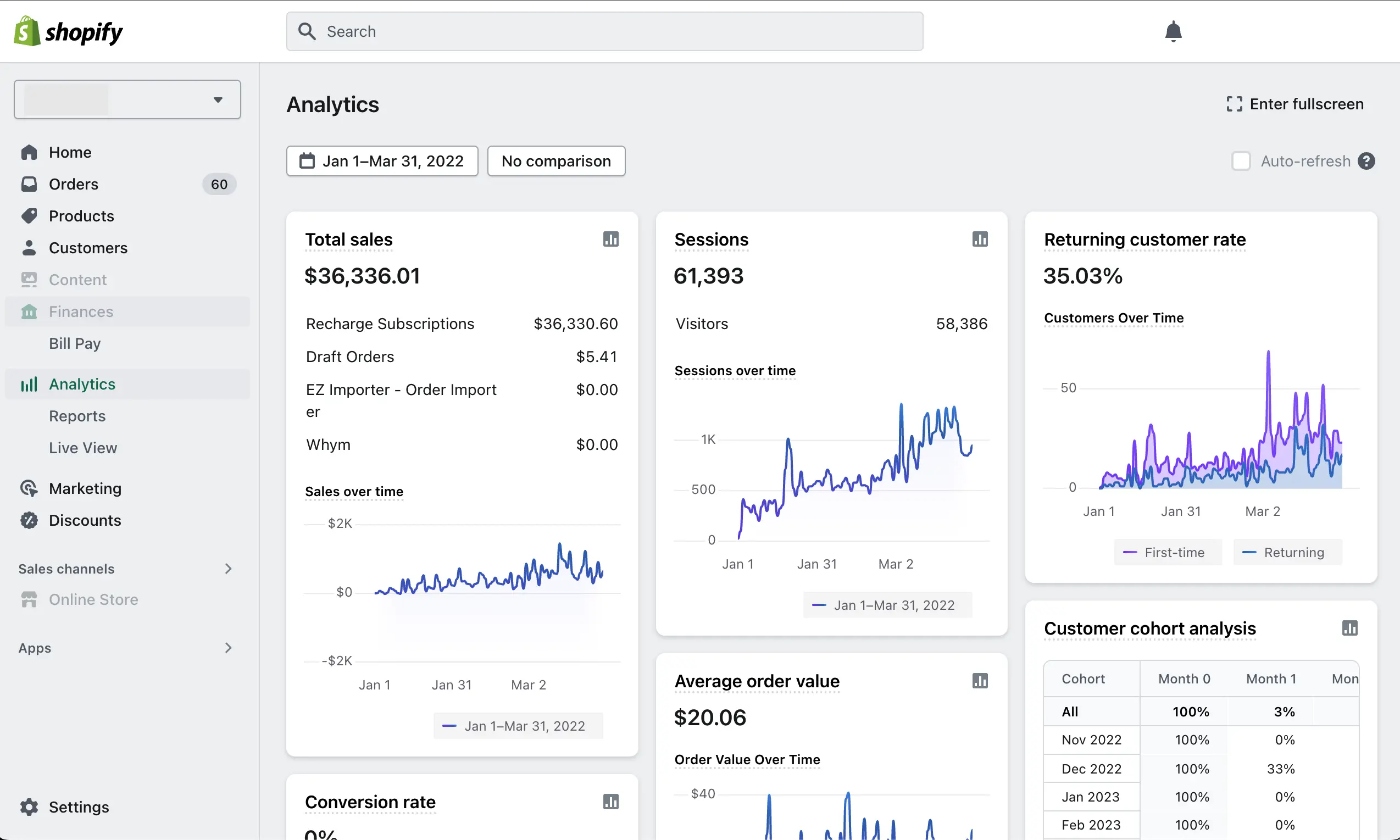
Shopify’s native analytics show you what happened. HubSpot shows you why. The integration’s e-commerce dashboard tracks revenue by marketing source, abandoned cart recovery rate, purchase frequency, and customer lifetime value, so you can answer the question every marketing team actually needs to answer: which campaigns drove revenue, not just clicks.
Marketing attribution from the HubSpot side connects campaign spend to closed-won deals. That’s a reporting capability Shopify can’t produce on its own, and it’s the foundation for decisions about where to invest next.
5. Lifecycle Stage Automation at Scale
Managing lifecycle stages manually, moving contacts from Lead to Customer to Repeat Buyer, doesn’t scale. The integration automates those transitions based on real purchase behavior. A contact who places their first order moves to Customer automatically. Hit a purchase threshold and they move to VIP. Lifecycle logic like this drives the personalization that makes post-purchase sequences feel relevant instead of generic.
Shopify HubSpot Use Cases by E-Commerce Business Type
Most guides treat every Shopify store as if it has the same architecture. They don’t. The use cases and integration requirements for a DTC subscription brand look nothing like a B2B wholesale operation. Here’s what the integration unlocks by store type.
DTC Subscription Brands
Subscription data, recurring billing cycles, churn events, and renewal workflows don’t exist in the native connector. For subscription brands, this is the first wall you’ll hit. A custom integration maps subscription objects from Shopify (or your billing platform) into HubSpot custom objects, enabling lifecycle stage automation tied to subscription status: trial, active, at-risk, churned. Once that data flows correctly, you can build re-engagement workflows for at-risk subscribers that trigger before they cancel, not after.
B2B Wholesale Shopify Stores
B2B buyers frequently check out with business email addresses that don’t match their existing HubSpot contact record. Guest checkout exacerbates this. The result is duplicate contacts and broken attribution. We address this during implementation with custom deduplication logic and lifecycle gating rules that prevent bad data from compounding over time.
B2B wholesale stores also frequently need to link orders to HubSpot Companies, not just Contacts. The native connector doesn’t do this by default. A custom build maps Shopify company fields into HubSpot’s Company object so your sales team sees deal history at the account level.
Multi-Store and Multi-Region Retail
Running two or more Shopify storefronts through a single HubSpot instance introduces orchestration challenges the native connector isn’t built to handle. Which store does a contact belong to? How do you segment campaigns by storefront? How do you consolidate revenue reporting across regions without double-counting?
We process over 7 million fields daily across integrations exactly like this, applying consistent business rules and deduplication logic across multi-store setups so your HubSpot data reflects one coherent view of the customer, regardless of which storefront they bought from.
Native Connector vs. Custom-Built: Which Shopify HubSpot Integration Do You Need?
The native connector is the right choice for a single-store DTC brand with straightforward data needs and a small contact list. It installs in minutes, it’s free to activate, and for basic contact and order sync, it works. But there are clear signals that you’ve outgrown it.
You need a custom integration if any of the following are true: you run subscriptions or recurring billing; you have more than one Shopify store; your store uses metafields for product attributes that matter to marketing; your B2B checkout flow creates duplicate contact records; or your HubSpot contact count is approaching your subscription tier and you haven’t set sync filters.
Here’s how the three main approaches compare:
| Native Connector | iPaaS Middleware | Custom API (IntegrateIQ) | |
| Setup time | Minutes | 1–2 weeks | 8 weeks (full build) |
| Sync direction | Mostly one-way | Bidirectional | Bidirectional + custom rules |
| Field mapping | Default fields only* | Configurable | Fully custom |
| Shopify metafields | Not supported | Partial support | Full support |
| Product variant sync | Parent record only | Varies by tool | Variant-level detail |
| Subscription data | Not supported | With add-ons | Supported |
| Multi-store support | One store at a time | Limited | Full orchestration |
| Historical data backfill | Manual CSV only | Partial | Included in scoping |
| Best for | Small, single-store DTC | Mid-size with some complexity | Mid-market and enterprise |
*Custom field mapping requires Data Hub Starter or Operations Hub Starter. Free tier is limited to default mappings.
iPaaS platforms like Zapier or Make sit between the native connector and a full custom build. They’re appropriate when you need more flexibility than the native connector offers but don’t yet have the data volume or complexity to justify a custom API build. The tradeoff is ongoing maintenance cost and the risk that complex logic gets fragile over time.
IntegrateIQ builds custom integrations. We’re not reselling an iPaaS subscription. Our builds are engineered to your data model, with error handling, conflict resolution, and sync monitoring built in from day one. Explore our HubSpot integration services to understand what that process looks like in practice.
What the Integration Implementation Process Looks Like
The native connector takes minutes. A custom mid-market implementation takes 8 weeks. That gap isn’t overhead. It’s the difference between flipping a switch and building something that runs reliably for three years.
Here’s how our HubSpot integration process runs for a Shopify integration:
- Weeks 1–2: Discovery and Data Architecture. We audit your Shopify data model and your HubSpot instance. We produce a field mapping document that specifies exactly which Shopify fields map to which HubSpot properties, in which direction, and with what transformation rules. We define sync direction for each object, contact deduplication strategy, lifecycle stage entry criteria, and sync filters that prevent contact count bloat.
- Weeks 3–4: Build. Engineering configures the custom connector, builds the field mapping layer, architects your HubSpot workflow automation (abandoned cart recovery, post-purchase nurture, RFM segmentation smart lists), and sets up the e-commerce reporting dashboard.
- Weeks 5–6: Testing. We run sample orders through the integration and validate that contacts create correctly, orders appear on the right records, abandoned cart triggers fire on schedule, and lifecycle stages advance on the correct events. This phase catches field mapping errors and duplicate contact edge cases before they reach production.
- Weeks 7–8: Go-Live and Monitoring Setup. We go live, then stand up sync health monitoring, API rate limit alerting, and contact count governance rules. Post-go-live support is included, not sold separately. If something breaks, we fix it.
The 8-week timeline reflects engineering thoroughness, not project bureaucracy. We’ve processed over 20 billion records across these builds. The ones that don’t need maintenance are the ones that got the data architecture right upfront.
See your 12-month revenue impact with HubSpot CRM
Enter your current numbers — visitors, leads, deal size — and get a personalized projection based on real HubSpot customer benchmarks.
Calculate My ROI
Related E-Commerce Integrations
If you’re evaluating Shopify HubSpot integration, you may also be managing other platform connections. We’ve built integrations for the full e-commerce stack:
- HubSpot WooCommerce integration — for WordPress-based stores running WooCommerce
- HubSpot BigCommerce integration — for mid-market and enterprise storefronts on BigCommerce
- HubSpot Stripe integration — for connecting payment data to HubSpot deals and revenue reporting
You can also use our ROI calculator to model the revenue impact of cleaner e-commerce data and automated workflows before committing to a build.


Table of Contents
- Shopify HubSpot Integration: Benefits, Automation Use Cases and What Actually Syncs
- What Syncs Between Shopify and HubSpot (And What Doesn’t)
- The Business Benefits of the Shopify HubSpot Integration
- Shopify HubSpot Use Cases by E-Commerce Business Type
- Native Connector vs. Custom-Built: Which Shopify HubSpot Integration Do You Need?
- What the Integration Implementation Process Looks Like
- Related E-Commerce Integrations