









































What is a HubSpot Attentive integration?
A HubSpot Attentive integration connects your SMS and email marketing platform to HubSpot, syncing subscriber data, consent status, and message engagement so sales and marketing teams can personalize outreach and prove SMS revenue attribution.
How does the HubSpot Attentive integration work?
The integration maps Attentive subscribers, segments and SMS interactions to HubSpot contacts, lists, and timeline events. HubSpot data like deal stage or lead score can build dynamic Attentive segments, while SMS clicks and opt-out events sync back to HubSpot.

Turn HubSpot Into A Real-Time SMS Engine with Message IQ
 Two-Way Conversations
 Shared Team Inbox
 Automation Triggers
 Advanced Reporting
 Compliance Tools
- 98% SMS read within 3 min
- 78% Buy from first responder
- 21× More likely to qualify

*MessageIQ is an IntegrateIQ product – built natively for HubSpot by the same team.
Does HubSpot have a native Attentive integration?
Yes, but it’s built and hosted by Attentive rather than listed as a HubSpot marketplace app; HubSpot’s own community forum confirms HubSpot doesn’t offer its own integration for Attentive. Setup happens from Attentive’s side, and the integration has a real, specific default limitation worth knowing about.
Does Attentive’s native integration sync phone numbers to HubSpot by default?
No. Attentive’s own official documentation confirms its native HubSpot integration only posts back email data by default. Phone number, creative ID, and source data all require manually enabling optional settings, a step many SMS-focused businesses miss entirely, assuming phone data syncs automatically.
How long does a HubSpot Attentive integration take to build?
A custom HubSpot Attentive integration typically takes 6 to 8 weeks: 1 to 2 weeks of discovery and consent-flow mapping, 3 weeks of build and staging and the remaining weeks for testing and go-live support.
Can Zapier connect Attentive and HubSpot?
Yes, with real limits. Attentive’s Zapier integration supports only three actions: adding a subscriber, removing a subscriber, and sending a message. Anything beyond that, custom segmentation logic, multi-object sync, consent evidence capture, requires a custom integration built against Attentive’s API.
Three Ways to Connect Attentive and HubSpot
Not every team needs custom. Here is the honest comparison, currently absent from the page.
| Factor | Native Attentive-to-HubSpot Integration | Zapier | Custom Integration (Integrate IQ) |
|---|---|---|---|
| Best for | Basic email list growth with SMS sign-up forms | Very simple subscriber add/remove/send actions | Full data flow, consent evidence, and real-time suppression at any volume |
| Default data posted back | Email only by default; phone, creative ID, and source require manual optional setup | Whatever the specific Zap is built to pass | All relevant fields configured and validated from day one |
| Available actions | Fixed to what Attentive’s integration screen exposes | Limited to 3: add subscriber, remove subscriber, send message | Full access to Attentive’s API, not limited to a pre-built action list |
| Suppression sync speed | Depends on Attentive’s own sync timing | Depends on the specific Zap’s trigger | Real-time propagation, not batch-based |
| Business logic | None beyond basic list sync | Minimal, constrained by the 3-action ceiling | Custom rules, e.g. consent evidence capture, multi-channel reconciliation |
| Volume handling | Fine for standard subscriber volume | Task limits and throttling at scale | Built for high-volume peak seasons without data lag |
| Maintenance | Vendor-managed | You manage it | Monitored, maintained, and supported |
If you mainly need email list growth from SMS sign-up forms, the native integration’s default settings cover that. Once phone data, real-time suppression, or consent evidence matter, and for most SMS-driven brands, they do, a custom integration is what gets you there instead of leaving important data behind an unchecked setting.
Additional Messaging Workflows You Can Automate Once Attentive Data Lives in HubSpot
This page already covers precision segmentation, event-based triggers, compliance sync, unified attribution, timeline visibility, and workflow enrollment. The five below are deliberately new.
- Phone Number and Source Data Activation Beyond the Email-Only Default. Since Attentive’s native integration posts back only email data by default, a custom integration explicitly configures and validates the additional optional fields, phone number, creative ID, source, that most SMS-driven businesses actually need in HubSpot from day one.
- 10DLC Consent Evidence Migration. Since HubSpot now requires documented proof, screenshot or file evidence, for every opt-in method, not just a description, a custom integration captures and stores that evidence alongside the contact record at the moment of opt-in, rather than trying to reconstruct it later during a compliance audit.
- Real-Time Suppression Propagation Beyond Batch Sync. Since manual or batch-based opt-out syncing creates a real window where a suppressed subscriber could be re-contacted, a custom integration listens for opt-out events and propagates suppression immediately, closing that compliance gap rather than relying on a scheduled sync interval.
- Multi-Channel Consent Reconciliation. For contacts opted into both email and SMS through Attentive’s combined sign-up flow, HubSpot tracks each consent type as a distinct, auditable record rather than a single blended subscription status, preventing an email opt-out from accidentally being read as an SMS opt-out or vice versa.
- Creative and Source-Level Attribution Rollup. Since creative ID and source data aren’t posted back by default, a custom integration surfaces this data in HubSpot reporting, letting marketing see which specific SMS creative or sign-up source is actually driving revenue, not just that “Attentive” as a channel converted.
What Breaks in an Attentive HubSpot Sync, and How We Prevent It
This section is currently absent from the page entirely.
- Duplicate records and identity resolution. A contact who opts into SMS through one form and email through another can create two disconnected records if matching relies on a single identifier. We use a hierarchy of stable identifiers, email and phone, to consolidate the same person into one record.
- System-of-record conflicts. Marketing may update a contact’s consent status directly in Attentive while a HubSpot workflow still reflects an outdated status. We define clear field ownership and refresh timing so the two don’t diverge, especially for consent-sensitive fields.
- The native integration only posts back email data by default. Attentive’s own official documentation confirms that its native HubSpot integration only syncs email data back to HubSpot by default; phone number, creative ID, and source require manually enabling optional settings. Many businesses assume phone data flows automatically simply because Attentive is an SMS platform, and miss this configuration step entirely. We validate and enable every field a business actually needs during setup, not just the defaults.
- Zapier’s available actions are narrow. Real reports confirm Zapier’s Attentive integration is limited to adding a subscriber, removing a subscriber, and sending a message; there’s no native way to build more complex logic through that path. Businesses needing anything beyond these three actions need a custom integration built against Attentive’s API directly.
- Real-time suppression gaps at scale. Manual or batch-based opt-out sync processes create a window where a suppressed subscriber could still be recontacted before the sync catches up, a real, documented compliance risk. We build real-time suppression propagation, not scheduled batch updates, for anything opt-out related.
See your 12-month revenue impact with HubSpot CRM
Enter your current numbers — visitors, leads, deal size — and get a personalized projection based on real HubSpot customer benchmarks.
Calculate My ROI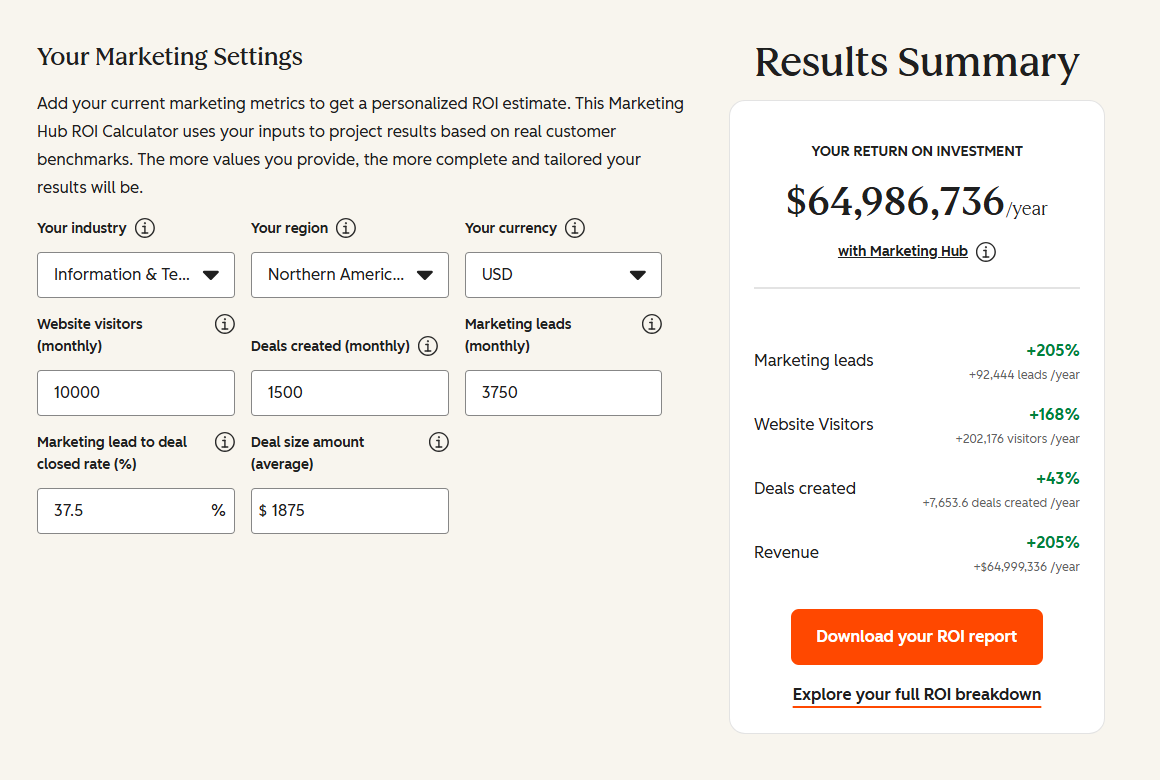
Connect the Rest of Your Marketing Stack
Custom consent-evidence capture or real-time suppression logic beyond the standard build often needs full-stack development support. Getting marketing and RevOps teams onto the new workflow goes faster with HubSpot training and HubSpot marketing operations support. Not sure what any of this is worth to your team? Run the numbers on our Integration ROI Calculator.

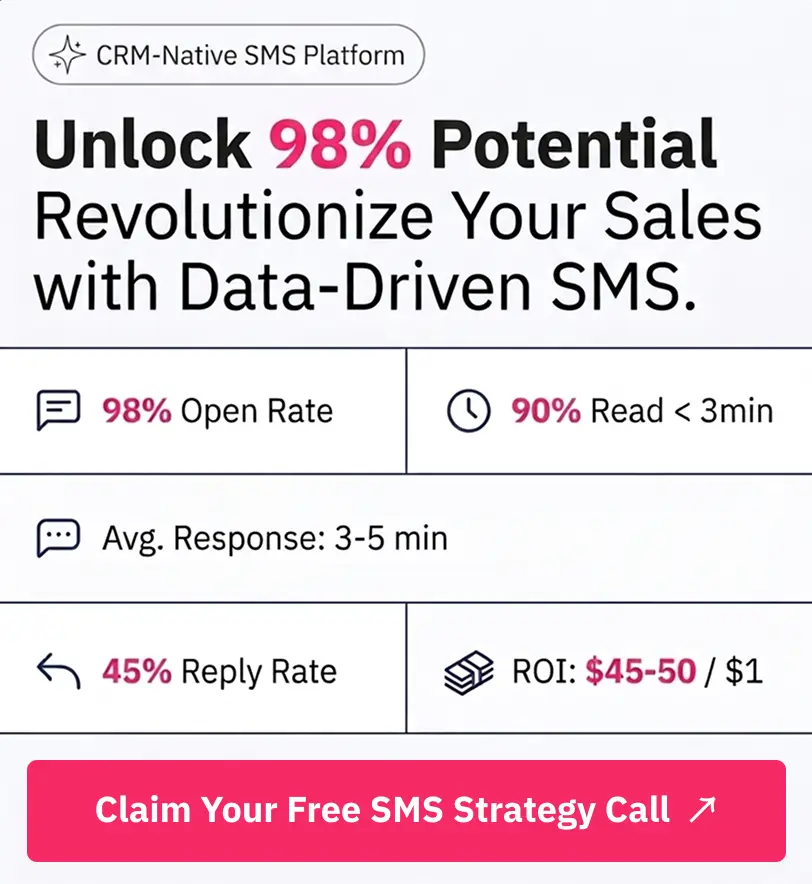
Table of Contents
- What is a HubSpot Attentive integration?
- How does the HubSpot Attentive integration work?
- Does HubSpot have a native Attentive integration?
- Does Attentive’s native integration sync phone numbers to HubSpot by default?
- How long does a HubSpot Attentive integration take to build?
- Can Zapier connect Attentive and HubSpot?
- Three Ways to Connect Attentive and HubSpot
- Additional Messaging Workflows You Can Automate Once Attentive Data Lives in HubSpot
- What Breaks in an Attentive HubSpot Sync, and How We Prevent It
- Connect the Rest of Your Marketing Stack