






































What is a HubSpot Hivebrite integration?
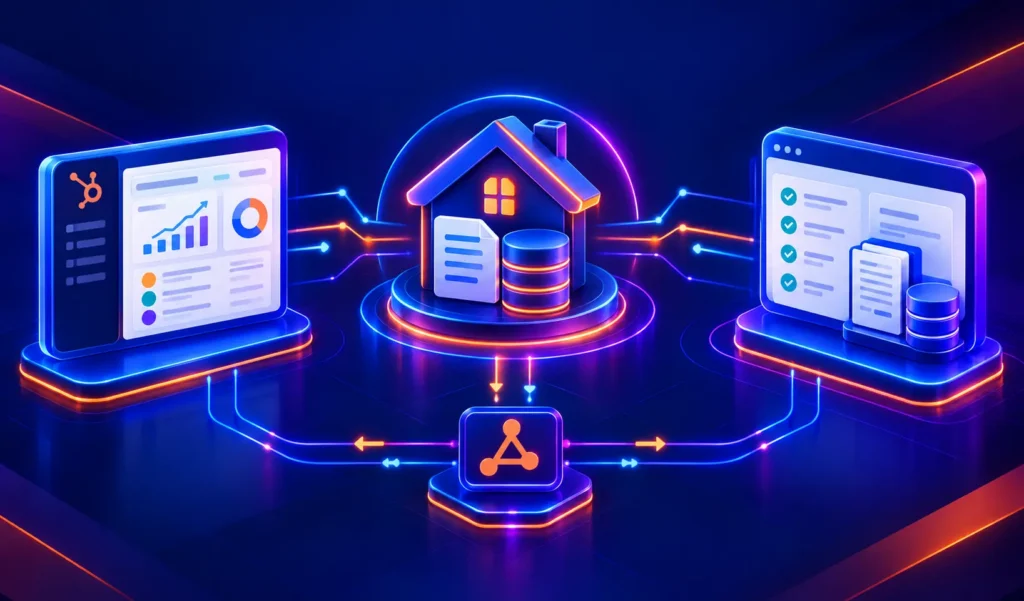
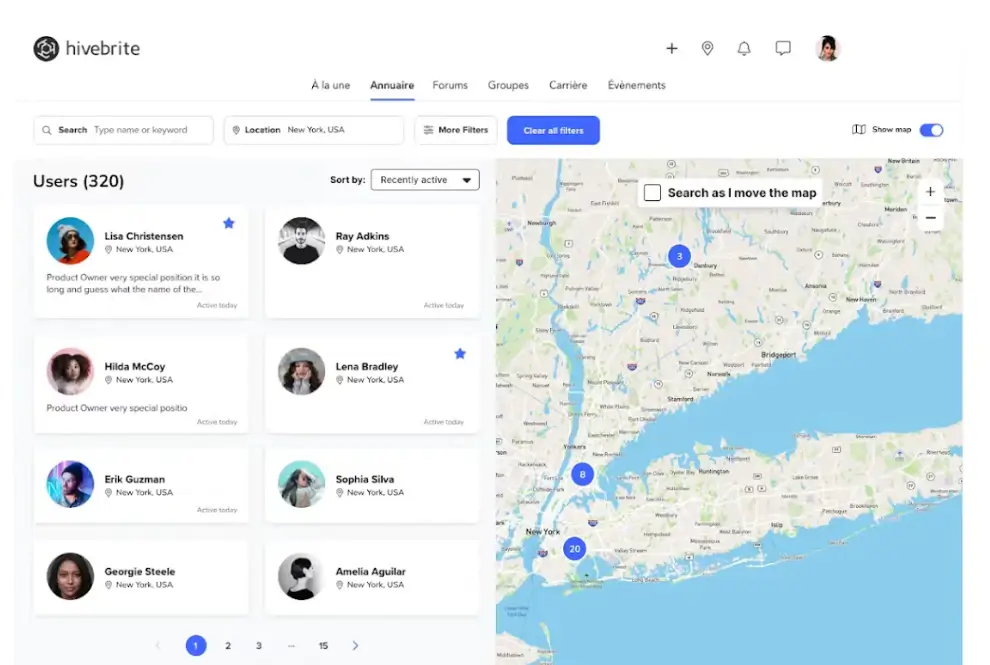
A HubSpot Hivebrite integration connects your community, alumni, or partner portal platform to your CRM, syncing member profiles, event attendance, and discussion activity so sales, marketing, and community teams share one accurate view of engagement.
How does the HubSpot Hivebrite integration work?
The integration maps HubSpot contacts, deals, and custom properties to Hivebrite members, memberships, events and forum activity. HubSpot data like lifecycle stage or deal amount can control a member’s community access or content, while Hivebrite engagement data syncs back to inform lead scoring and account health.

Turn HubSpot Into A Real-Time SMS Engine with Message IQ
 Two-Way Conversations
 Shared Team Inbox
 Automation Triggers
 Advanced Reporting
 Compliance Tools
- 98% SMS read within 3 min
- 78% Buy from first responder
- 21× More likely to qualify

*MessageIQ is an IntegrateIQ product – built natively for HubSpot by the same team.
Does HubSpot have a native Hivebrite integration?
No dedicated native connector exists between HubSpot and Hivebrite in either platform’s marketplace. Most businesses connecting the two build a custom integration, since community platforms like Hivebrite have data models too specific for a generic connector to handle well.
Can HubSpot handle all of Hivebrite’s different object types without hitting limits?
It depends on how the integration is planned. HubSpot caps the number of distinct association types allowed between each object pairing, 10 for Free accounts, 50 for Super Admin accounts. Since Hivebrite’s data model spans several distinct object types, memberships, events, forum posts, tickets, this needs to be planned deliberately during discovery so a growing community doesn’t hit that ceiling.
How long does a HubSpot Hivebrite integration take to build?
A custom HubSpot Hivebrite integration typically takes 8 weeks: 2 weeks of discovery and object mapping, 3 weeks of build and staging, and the remaining weeks for testing and go-live support.
Can HubSpot and Hivebrite sync bi-directionally?
Yes. A custom integration can sync new HubSpot contacts to Hivebrite as members and push Hivebrite member profile, event, and discussion data back to HubSpot. You control which direction is the source of truth for each object.
Three Ways to Connect Hivebrite and HubSpot
Not every team needs custom, but Hivebrite doesn’t offer the packaged options most other platforms do. Here is the honest comparison, currently absent from the page.
| Factor | No Native Connector | Generic iPaaS | Custom Integration (Integrate IQ) |
|---|---|---|---|
| Best for | Manual exports for a small community | Simple one-way trigger automation | Communities with multiple object types, multi-community structures, or complex engagement scoring |
| Association-type planning | Not applicable | Not designed for HubSpot’s association-type limits | Planned deliberately against HubSpot’s documented per-pairing association caps |
| Sync direction | None, manual | One-way per trigger | True bi-directional, configurable per object |
| Custom objects/fields | None | Limited, mapped per trigger | Full mapping of memberships, events, forum activity, and custom fields |
| Business logic | None | Basic conditional logic | Custom rules, e.g. multi-community rollup, sponsorship renewal signals |
| Volume handling | Manual, doesn’t scale | Struggles at high-engagement volume | Built for thousands of daily posts and events without hitting API limits |
| Maintenance | None needed, but no value either | You manage it | Monitored, maintained, and supported |
If you’re running a small community and can live with manual exports, that may hold for now. Once your community spans multiple object types, multiple community instances, or complex engagement scoring, a custom integration is what keeps that complexity from becoming a liability, and from hitting HubSpot’s own documented technical ceilings.
Community Workflows You Can Automate Once Hivebrite Data Lives in HubSpot
- Association-Type Budget Planning for Complex Community Models. Since HubSpot caps the number of distinct association types between each object pairing, 10 for Free accounts, 50 for Super Admin accounts, we plan Hivebrite’s multiple object types, memberships, events, forum posts, tickets, against this real limit during discovery, consolidating where possible so the integration doesn’t hit an association ceiling as your community grows.
- Mentor or Peer-Connection Tracking. For alumni networks or professional communities using Hivebrite’s connection features, HubSpot can track which members are actively mentoring or connecting with others, surfacing your most engaged community builders distinct from passive content consumers.
- Sponsorship and Partner Portal Renewal Signals. For Hivebrite instances running partner or sponsor portals, HubSpot can track portal engagement, content downloads, event co-hosting activity, as a renewal-risk signal for the underlying sponsorship deal, separate from general community engagement scoring.
- Multi-Community Membership Rollup. For organizations running multiple distinct Hivebrite communities, regional chapters, product-specific groups, HubSpot rolls up a single member’s activity across all communities into one unified engagement score, rather than fragmenting it per community instance.
- Bulk Historical Data Batching Beyond Search Limits. Since HubSpot’s search endpoints cap at 10,000 total results per query, historical backfill of years of forum posts or event history for an active community needs to be batched and paginated deliberately, rather than attempted as a single bulk query that would fail.
What Breaks in a Hivebrite HubSpot Sync, and How We Prevent It
- Duplicate records and identity resolution. A member joining Hivebrite with a different email than their HubSpot contact record can create a duplicate or orphaned profile. We match on multiple identifiers, not email alone.
- System-of-record conflicts. A community manager may update a member’s profile directly in Hivebrite while a HubSpot workflow still reflects outdated lifecycle or deal data. We define clear field ownership so simultaneous updates don’t overwrite each other.
- HubSpot’s association-type limits can cap complex community data models. HubSpot restricts the number of distinct association types between each object pairing, 10 for Free accounts, 50 for Super Admin accounts, per HubSpot’s own documented limits. Hivebrite’s data model spans multiple distinct object types, Memberships, Events, Forum Posts, Tickets, each potentially needing its own association type to Contacts. We plan the association structure deliberately during discovery so a growing community doesn’t hit this ceiling.
- Bulk historical data queries hit real API result caps. HubSpot’s search endpoints cap at 10,000 total results per query, returning an error beyond that, and API filtering is limited to three filter statements per request, both documented HubSpot API constraints. A large, active community’s historical forum and event data needs to be batched and paginated deliberately, not queried as a single bulk request.
- API rate limits at high engagement volume. Active communities with thousands of daily posts, event registrations, and profile updates can hit HubSpot’s standard rate limit of 100 requests per 10 seconds per app. Across 300+ platform integrations moving 20 billion plus fields annually, we batch and throttle high-volume syncs by design, not by accident.
See your 12-month revenue impact with HubSpot CRM
Enter your current numbers — visitors, leads, deal size — and get a personalized projection based on real HubSpot customer benchmarks.
Calculate My ROI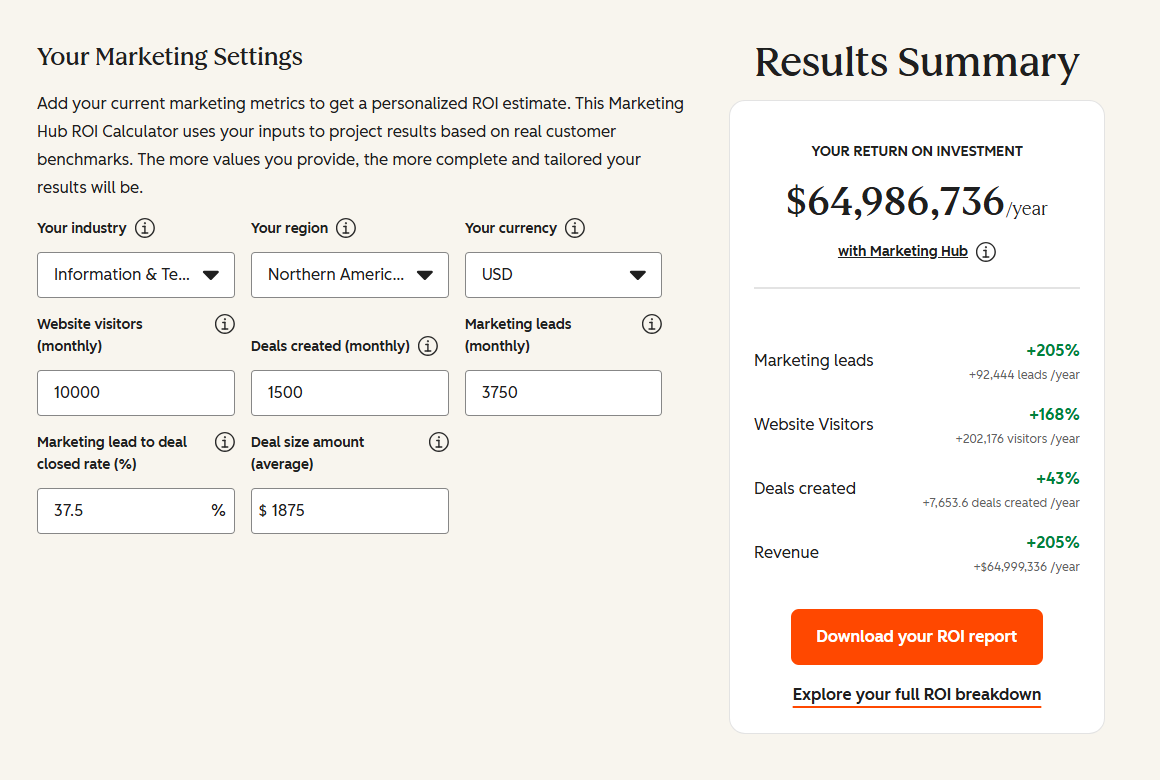
Connect the Rest of Your Community Stack
Alumni networks are a common Hivebrite use case; see our dedicated education industry work for the broader picture. Custom multi-community rollup or sponsorship-signal logic beyond the standard build often needs full-stack development support. Getting community and marketing teams onto the new workflow goes faster with HubSpot training. Not sure what any of this is worth to your team? Run the numbers on our Integration ROI Calculator.

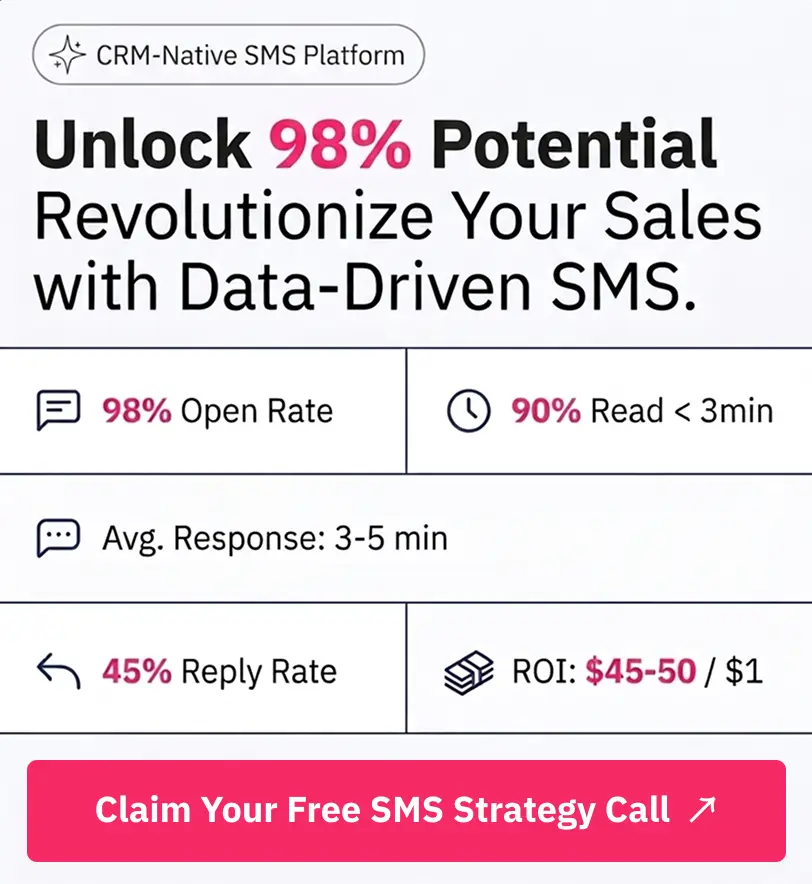
Table of Contents
- What is a HubSpot Hivebrite integration?
- How does the HubSpot Hivebrite integration work?
- Does HubSpot have a native Hivebrite integration?
- Can HubSpot handle all of Hivebrite’s different object types without hitting limits?
- How long does a HubSpot Hivebrite integration take to build?
- Can HubSpot and Hivebrite sync bi-directionally?
- Three Ways to Connect Hivebrite and HubSpot
- Community Workflows You Can Automate Once Hivebrite Data Lives in HubSpot
- What Breaks in a Hivebrite HubSpot Sync, and How We Prevent It
- Connect the Rest of Your Community Stack