













Explore this article with AI:
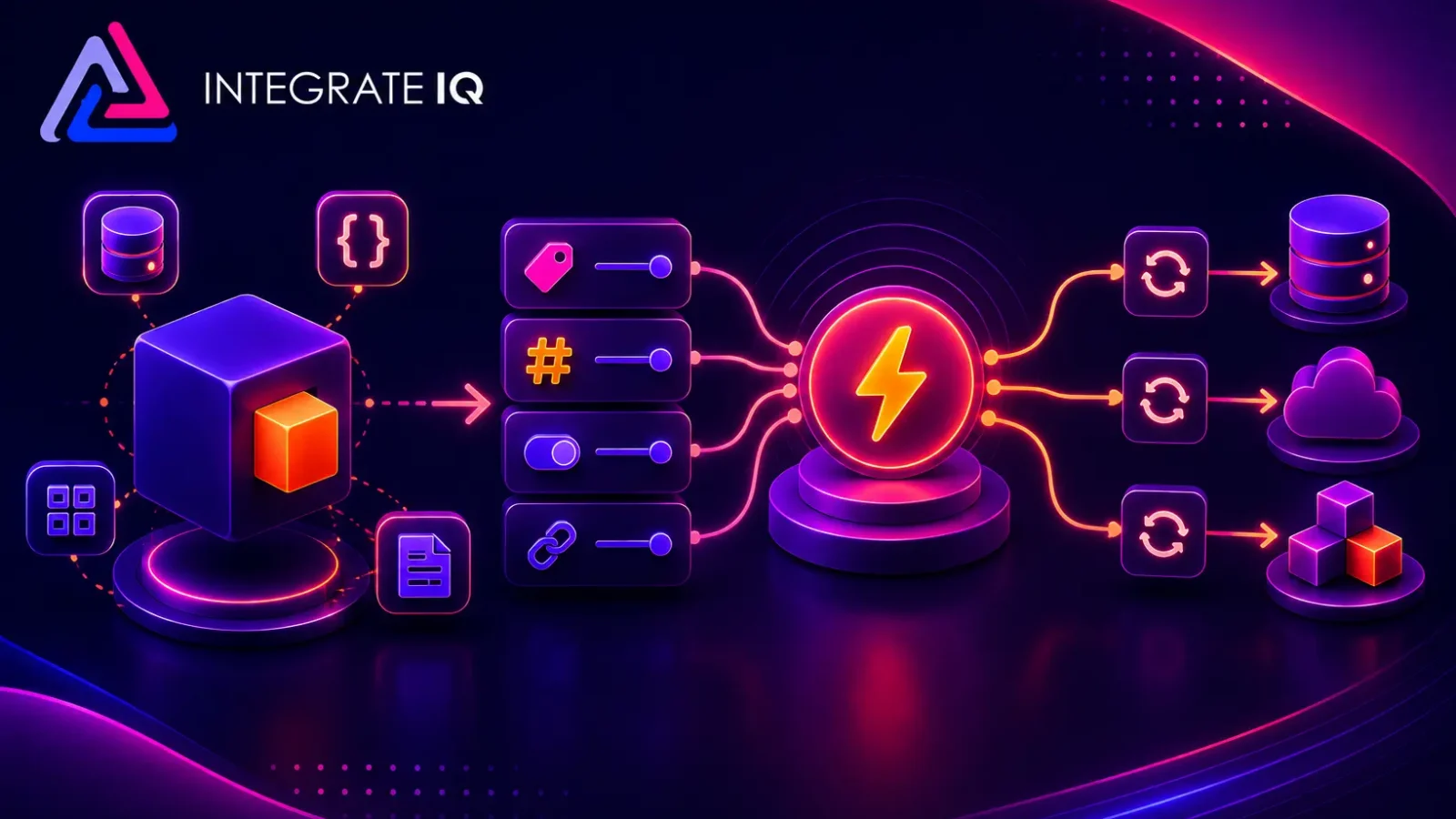
Integration conversations move fast, and four words come up constantly: objects, properties, triggers, and syncs. This FAQ explains what each one means, how they relate to each other and why the difference matters when you are planning an integration between HubSpot and another system.
Free estimator
Know what your HubSpot project costs before the first call.
Select your services and get a transparent price range in minutes. No sales call needed to get a number.
Connect HubSpot to your ERP, billing platform, or database field mapping, custom logic, and support included.
Pipelines, workflows, email templates, and reporting configured for how your team actually works.
Live, role-based sessions with recordings and written guides built around a custom plan for your team.
HubSpot Partner
Client retention
Platforms integrated
What Is an Object?
An object is a type of record your system keeps. Think of it as a noun.
In HubSpot, the core objects are contacts, companies, deals, and tickets. Most CRMs use a similar structure under different names. Your ERP has objects too, usually customers, opportunities, orders and invoices. Your support platform has cases or conversations.
Objects are the containers. Everything else attaches to them.
One useful test: if you can imagine a list of them, it is probably an object. A list of contacts. A list of open deals. A list of invoices.
What Is a Property?
A property is a single piece of information stored on an object. If the object is the noun, the property is the detail.
A contact object might hold properties like first name, email address, lifecycle stage and last activity date. A deal object might hold amount, close date, pipeline and stage.
Properties are where most of the real work happens in an integration. They are also where most of the mess lives. Two systems rarely name the same field the same way, and they rarely store it in the same format.

Turn HubSpot Into A Real-Time SMS Engine with
Message IQ

Two-Way Conversations

Shared Team Inbox

Automation Triggers

Advanced Reporting

Compliance Tools
-
98%
SMS read within 3 min -
78%
Buy from first responder -
21×
More likely to qualify
3–5 min avg response
$45–$50 ROI / $1

*MessageIQ is an IntegrateIQ product – built natively for HubSpot by the same team.
How Are Objects and Properties Related?
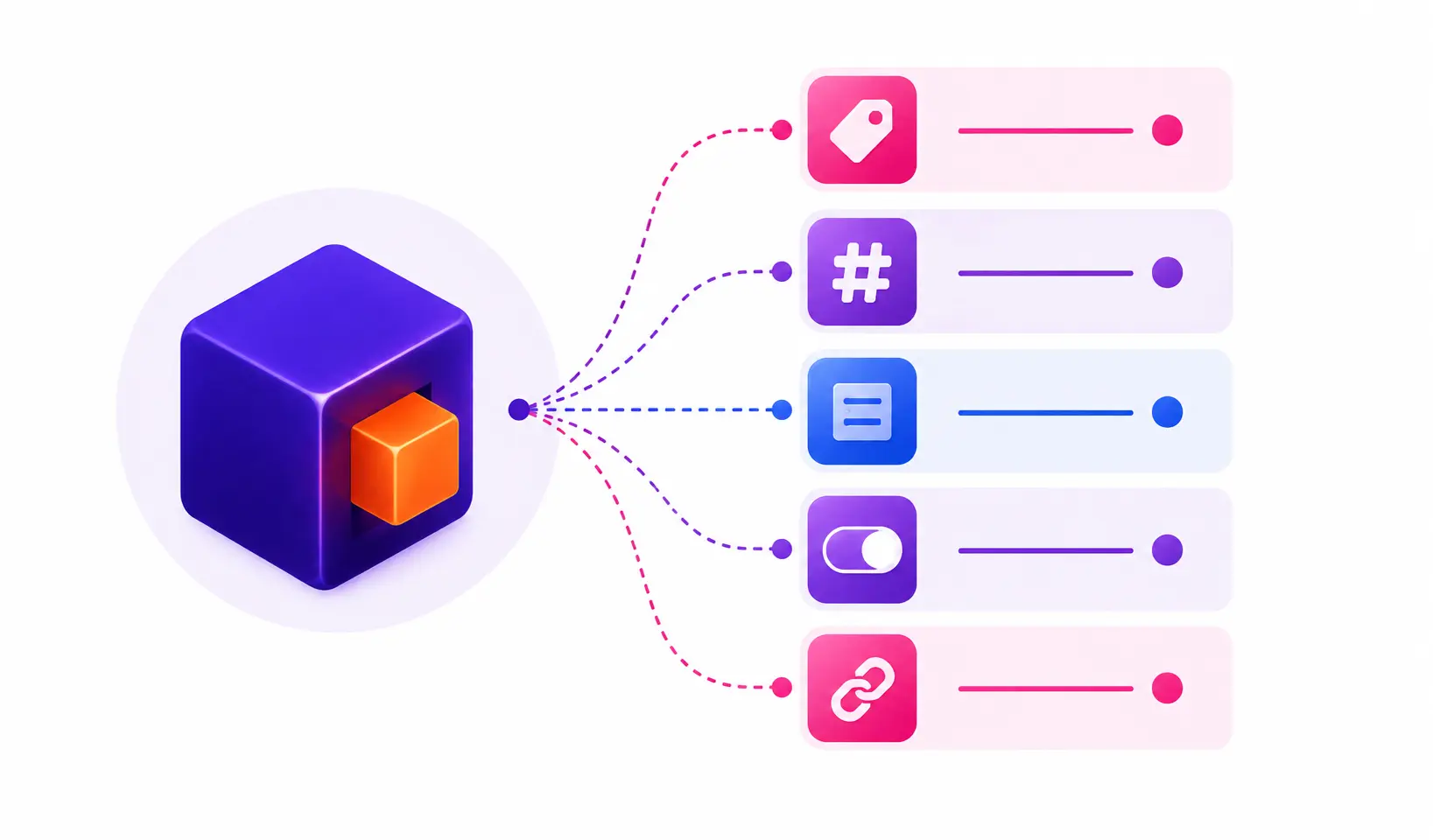
Properties belong to objects. They do not exist on their own.
That relationship sounds obvious, but it shapes every integration decision you make. You cannot sync a property without deciding which object it lives on in both systems. If your ERP stores a billing contact on the account record and HubSpot stores it on the contact record, you have a structural difference to resolve before any data moves.
This is why we start integration projects with object mapping, not field mapping. Get the containers right first. The details follow.
What Is a Trigger?
A trigger is the event that starts an action. It answers the question: when should something happen?
Common triggers include:
A record is created. A property value changes. A deal moves to a specific stage. A form is submitted. A scheduled time is reached.
Triggers are about timing and conditions. They do not move data by themselves. They decide when data should move, or when some other action should run.
A trigger can be narrow or broad. “When a deal closes” is narrow. “When any property on any deal changes” is broad and broad triggers are one of the most common causes of runaway integrations that flood systems with unnecessary updates.
What Is a Sync?
A sync is the movement of data between two systems. It answers the question: what actually happens?
A sync includes several decisions:
Direction. One-way or two-way. Which system is the source of truth for each field?
Matching. How does the integration know that a record in System A is the same record in System B? Usually this is an email address, an external ID, or a customer number.
Mapping. Which property in System A corresponds to which property in System B, and how are formats reconciled?
Conflict handling. What happens when both systems change the same field before the sync runs?
Syncs can run in near real time or on a schedule. Neither is automatically better. Real time is responsive but harder to troubleshoot. Scheduled batches are easier to audit and put less load on API limits.
What Is the Difference Between a Trigger and a Sync?
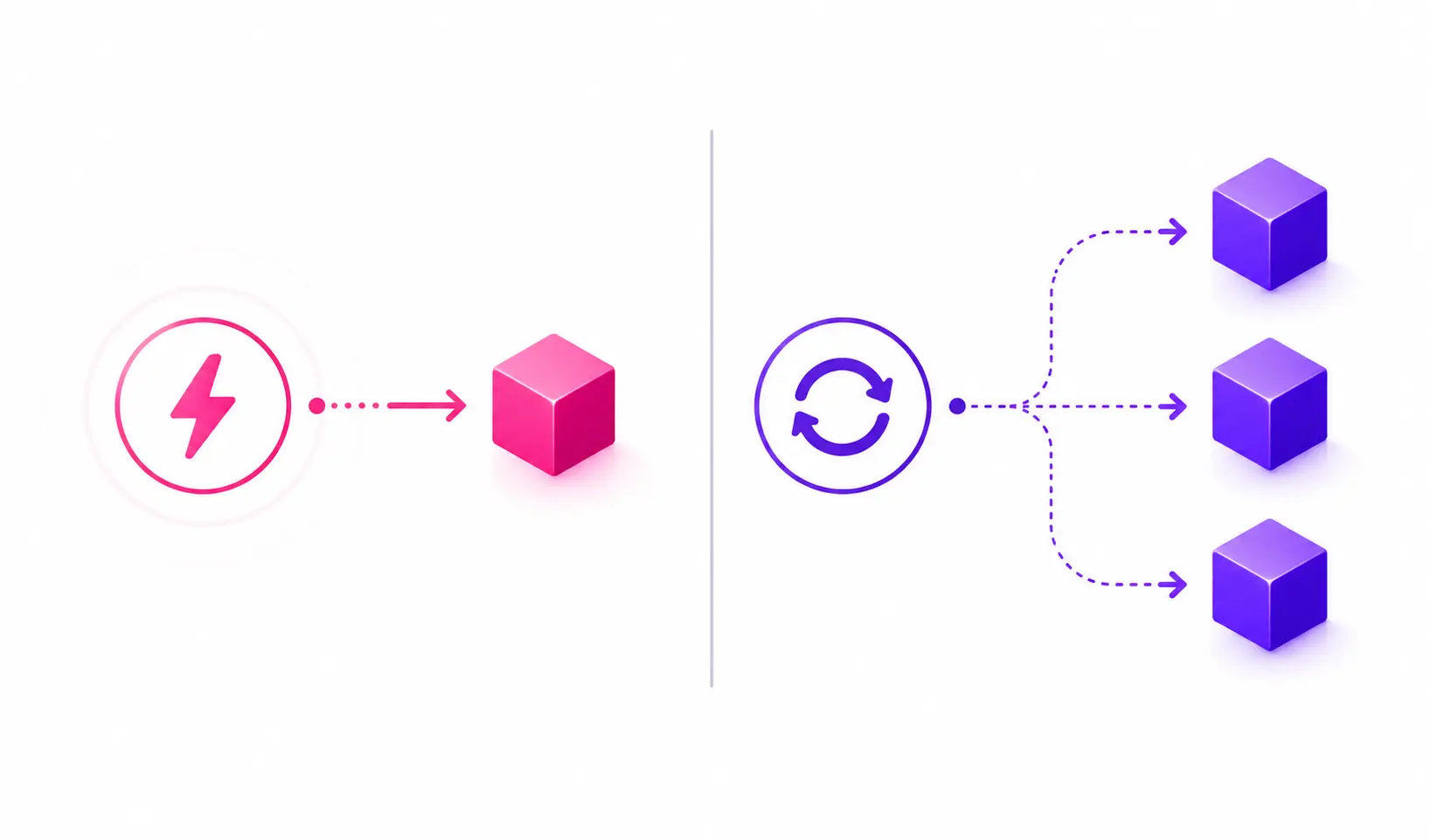
A trigger is the cause. A sync is the effect.
Here is the sequence in plain terms. A deal moves to Closed Won. That change is the trigger. The integration then creates an order in the ERP and writes the order number back to the deal. That movement is the sync.
Confusing the two leads to real problems. Teams often say “the sync is broken” when the data mapping is fine and the trigger simply never fired. Those are different failures with different fixes.
How Do All Four Fit Together?
Objects define what you are working with. Properties define the details you care about. Triggers define when something should happen. Syncs define what moves, where it goes, and which system wins.
A complete integration requirement includes all four. “Sync deals to NetSuite” is not a requirement. “When a deal in the Integration Pipeline moves to Closed Won, create a sales order in NetSuite using the deal amount, close date, and associated company, then write the order number back to the deal” is a requirement. Same idea, but the second one can be built and tested.
Do I Need to Sync Every Object and Every Property?
No, and you usually should not.
Every property you sync is a property someone has to maintain, validate and troubleshoot later. The most reliable integrations we see are the narrow ones. They move the fields the business actually acts on and leave the rest alone.
A good filter: if no one can name a report, workflow, or decision that depends on a field, it probably does not need to cross systems.
Where Do Integrations Usually Break?
In our experience, most failures trace back to one of four places, and they map directly to these concepts.
Object mismatches. The two systems model the business differently, and nobody resolved that before building.
Property formatting. Dates, currencies, picklists, and phone numbers rarely match out of the box.
Trigger scope. The trigger is too broad and fires constantly, or too narrow and misses real cases.
Matching logic. The integration cannot reliably tell whether two records are the same, so it creates duplicates.
None of these are tool problems. They are design problems, which is why planning matters more than platform choice.
What Should I Document Before Starting an Integration Project?
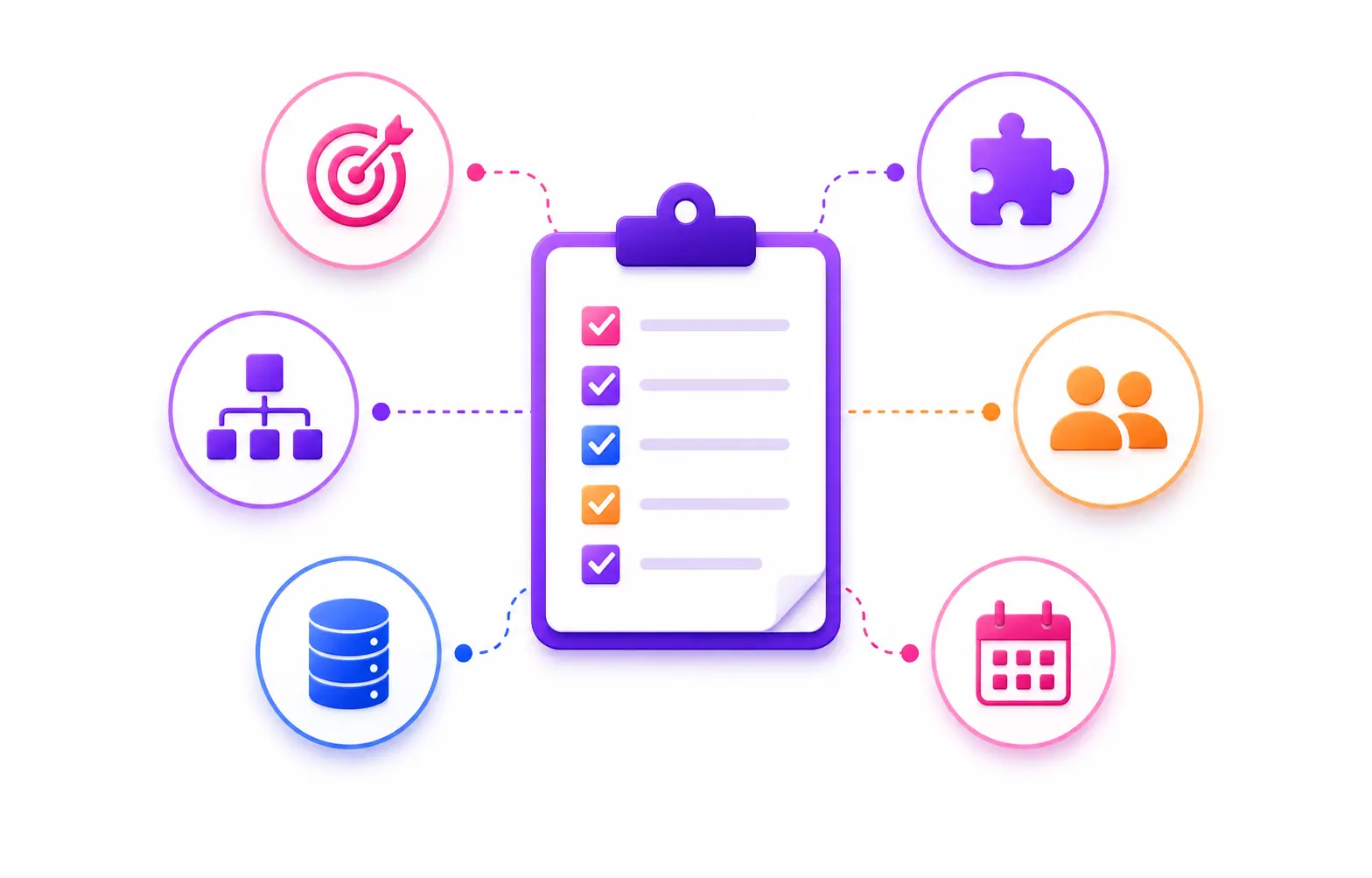
Write down four lists.
The objects in each system that need to connect. The properties on each object that the business actually uses. The events that should cause data to move. The direction and source of truth for every field.
If you can produce those four lists, you can get an accurate scope from any integration partner. If you cannot, the estimate you receive is a guess.
If you are planning an integration and the object and property mapping is still unclear, it helps to talk it through. A short discovery conversation surfaces structural mismatches early, before they become rework.
See your 12-month revenue impact with HubSpot CRM
Enter your current numbers — visitors, leads, deal size — and get a personalized projection based on real HubSpot customer benchmarks.

Frequently Asked Questions
What is an object in a CRM integration?
An object is a type of record your system keeps. In HubSpot, the core objects are contacts, companies, deals, and tickets. Your ERP has objects too, usually customers, orders, and invoices. Objects are the containers that everything else attaches to.
What is a property in a CRM integration?
A property is a single detail stored on an object. A contact has properties like email address, lifecycle stage, and last activity date. A deal has amount, close date and stage. Properties belong to objects and do not exist on their own.
What is a trigger in an integration?
A trigger is the event that starts an action. It answers the question: when should something happen? Common examples are a record being created, a property value changing, or a deal reaching a specific stage.
What is a sync in an integration?
A sync is the movement of data between two systems. It covers direction, which system is the source of truth, how records are matched, and which property maps to which.
What is the difference between a trigger and a sync?
A trigger is the cause. A sync is the effect. A deal moves to Closed Won. That is the trigger. An order is created in the ERP and the order number is written back. That is the sync. When something breaks, knowing which one failed points you to the fix.
How do objects, properties, triggers, and syncs fit together?
Objects define what you are working with. Properties define the details you care about. Triggers define when something happens. Syncs define what moves and where it goes. A complete integration requirement names all four.
Do I need to sync every property in my integration?
No. Every property you sync is one more thing to maintain and troubleshoot. If no one can name a report, workflow, or decision that depends on a field, it probably does not need to cross systems.



Table of Contents
- What Is an Object?
- What Is a Property?
- How Are Objects and Properties Related?
- What Is a Trigger?
- What Is a Sync?
- What Is the Difference Between a Trigger and a Sync?
- How Do All Four Fit Together?
- Do I Need to Sync Every Object and Every Property?
- Where Do Integrations Usually Break?
- What Should I Document Before Starting an Integration Project?
- Frequently Asked Questions
- What is an object in a CRM integration?
- What is a property in a CRM integration?
- What is a trigger in an integration?
- What is a sync in an integration?
- What is the difference between a trigger and a sync?
- How do objects, properties, triggers, and syncs fit together?
- Do I need to sync every property in my integration?

