













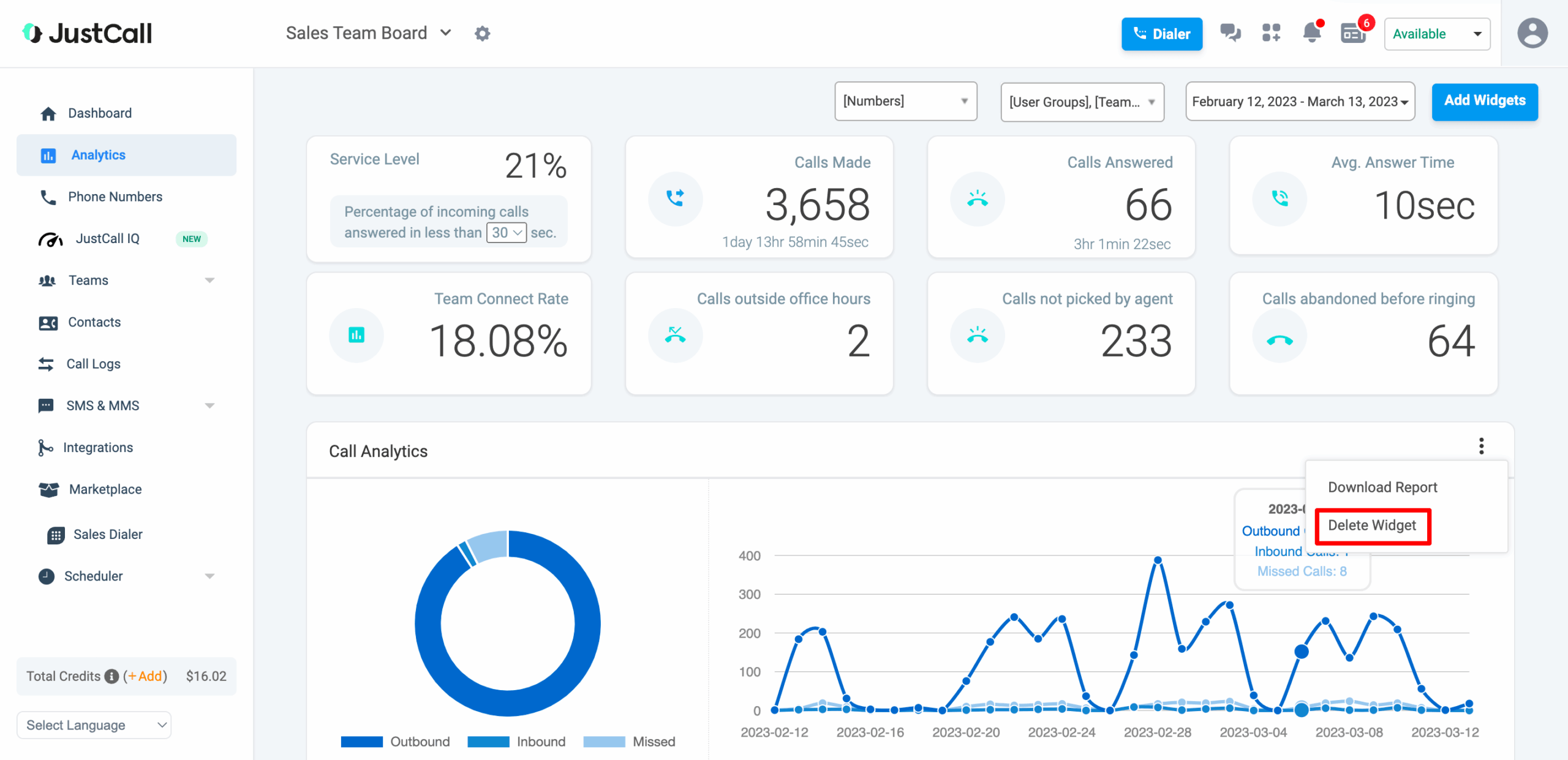


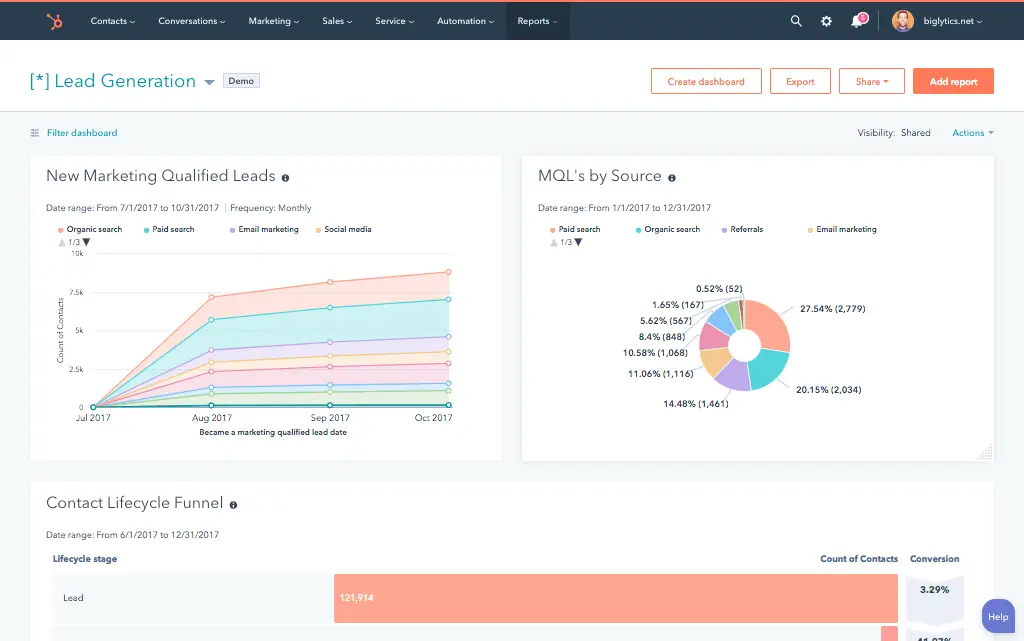
























What is a HubSpot JustCall integration?
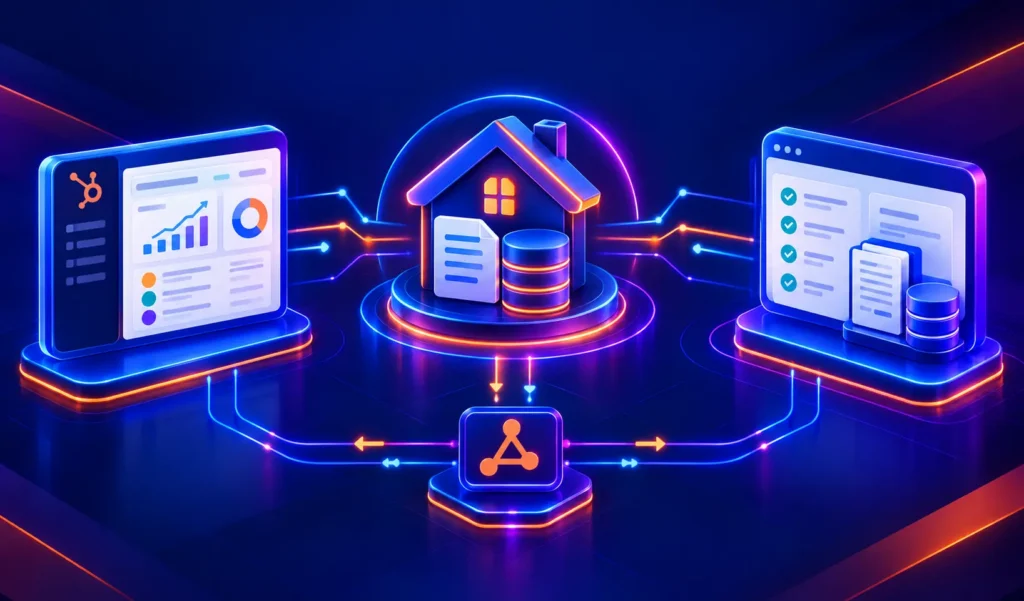
A HubSpot JustCall integration is a two-way data connection that syncs prospects, call sequences and call activity between HubSpot and JustCall in near real time. It keeps every call, SMS, and disposition visible inside HubSpot and pushes HubSpot list and sequence data back to JustCall’s dialer for unified activity reporting.
How does the HubSpot JustCall integration work?
It works through the HubSpot and JustCall REST APIs, with field mapping, deduplication and a defined system of record for every object. When a rep makes a call or sends a text in JustCall, the activity writes to HubSpot within minutes, and HubSpot list changes push back to active dialer campaigns.

Turn HubSpot Into A Real-Time SMS Engine with Message IQ
 Two-Way Conversations
 Shared Team Inbox
 Automation Triggers
 Advanced Reporting
 Compliance Tools
- 98% SMS read within 3 min
- 78% Buy from first responder
- 21× More likely to qualify

*MessageIQ is an IntegrateIQ product – built natively for HubSpot by the same team.
Does HubSpot have a native JustCall integration?
HubSpot does not maintain a first-party JustCall integration; JustCall maintains its own native HubSpot app for basic call and SMS logging. It has limited custom disposition mapping, can duplicate activity when HubSpot’s own calling tools stay active and throttles at high call volume. Teams running large dialer campaigns typically move to a custom build.
How long does a HubSpot JustCall integration take to build?
A custom HubSpot JustCall integration takes about 8 weeks from kickoff to production. Discovery runs two weeks, build and staging tests run three, historical call and SMS backfill runs one, and cutover with hypercare covers the final two weeks. Timelines extend for high call volume or heavy customization.
Can HubSpot and JustCall sync bi-directionally?
Yes. Bi-directional sync is standard in a custom HubSpot JustCall integration. You define system of record at the field level, so call activity and dispositions flow one way, HubSpot list and sequence data flow the other, and conflicts resolve by rule rather than by whoever wrote last.
What data can sync between HubSpot and JustCall?
Contacts, companies, deals, call logs and recordings, SMS and MMS messages, call dispositions and agent ownership, plus marketing activity like emails, forms, and lifecycle stage. Field mapping is configured per project so only relevant data flows, and each field has a clear owner across both systems.
How a HubSpot JustCall Integration Actually Works
JustCall owns the calling and texting layer: dialer campaigns, call recordings SMS threads and disposition codes. HubSpot owns the relationship layer: lifecycle stage, deal stage and marketing engagement. A custom integration keeps both sides current without either team re-entering the other’s data.
Calls and SMS flow from JustCall into HubSpot as logged activities on the contact, and can also write to the associated deal so pipeline reports reflect real conversations. In the other direction, HubSpot list membership and sequence steps push into JustCall’s Power, Predictive, or Dynamic Dialer, so a rep’s outbound list always matches HubSpot’s latest segmentation.
Nothing syncs by accident. Field-level rules decide which properties move which direction, so a rep updating a note mid-call in JustCall does not overwrite a marketing-owned field in HubSpot, and vice versa.
Three Ways to Connect JustCall and HubSpot
Not every team needs custom. Here is the honest comparison.
| Factor | Native Marketplace App | Zapier / iPaaS | Custom (Integrate IQ) |
|---|---|---|---|
| Best for | Teams that just need calls and SMS logged to contacts, fast | Teams connecting JustCall events to other apps beyond HubSpot | Teams with deal-level logging, custom dispositions, or high call volume |
| Sync direction | Mostly one-way: calls and SMS log to the HubSpot contact timeline | Configurable per zap, but each direction is a separate zap to build and maintain | True bi-directional sync with field-level system of record rules |
| Custom objects/fields | Standard properties only | Custom fields possible but mapped zap by zap, breaks on schema changes | Full custom object and property support, versioned with your data model |
| Sequence activity and call disposition sync | Standard dispositions sync; custom codes and multi-step sequence outcomes are limited | Can move disposition data, but every new disposition code needs a new zap step | Disposition-to-workflow mapping built to your exact call outcomes and sequence logic |
| Business logic | Fixed logging rules set by JustCall, little override | Basic if/then filters per zap | Your rules: minimum call duration to create a contact, deal auto-creation on tagged outcomes, and more |
| Volume handling | Fine for small teams; native settings can throttle at high call volume | Zap and task run limits can throttle high-volume dialer campaigns | Built for call centers and SMS campaigns at volume without data loss |
| Historical backfill | Syncs going forward only from the connection date | No backfill; only new trigger events going forward | Historical call and SMS data backfilled and reconciled on cutover |
| Maintenance | JustCall maintains the app itself | You maintain every zap as HubSpot or JustCall fields change | We monitor and maintain the integration as part of the build |
For a single rep logging calls to contacts, the native JustCall app or a Zapier workflow is enough. Once you need deal-level logging, custom disposition mapping, or dialer campaigns running at volume, a custom HubSpot JustCall integration protects your data and your reporting. See our custom HubSpot integration services for how we scope that work.
Revenue Workflows You Can Automate Once JustCall Data Lives in HubSpot
- Dialer campaign without connect. When a Power Dialer campaign finishes with no live connect, HubSpot auto-enrolls the contact in an email nurture sequence instead of leaving it stalled in a rep’s queue.
- Interested disposition to deal. When a rep tags a call “Interested” or “Demo Booked” in JustCall, HubSpot creates a deal at the right stage and assigns a task to the AE, so the handoff does not wait for the next standup.
- Disposition-driven forecasting. Every JustCall disposition code rolls into HubSpot deal and contact properties, so pipeline reports reflect real call outcomes instead of just call counts.
- Callback requested, no rep available. A “Callback Requested” disposition creates a HubSpot task tied to the contact and deal, so the follow-up is scheduled instead of buried in a rep’s personal notes.
- Rep activity rollup for coaching. Call duration, connect rate, and SMS response rate roll up to HubSpot reporting by rep and team, giving managers a coaching view without opening JustCall.
What Breaks in a JustCall HubSpot Sync, and How We Prevent It
- Duplicate records and identity resolution. A prospect who texts from a personal number and calls from a work line can create two HubSpot contacts. We match on normalized phone number and email before a new record gets created.
- System-of-record conflicts. JustCall owns call and SMS history; HubSpot owns lifecycle stage and marketing engagement. We define field-level ownership up front so neither system silently overwrites the other.
- Disposition and status value drift. JustCall’s disposition codes and HubSpot’s deal stage picklists rarely match label for label. We map values explicitly instead of syncing raw labels, so a renamed disposition code does not break your reports.
- Duplicate activity logging. A single call can log twice, once from JustCall’s native sync and once from HubSpot’s own calling tools if both stay active. We disable the redundant path and route everything through one system of record.
- API rate limits at volume. Across our client base we sync 20 billion plus fields annually across 300+ platforms, so we batch, checkpoint, and throttle by design instead of by accident.
Implementation Timeline: What to Expect
Most HubSpot JustCall integrations complete inside eight weeks of kickoff. The first two weeks cover discovery: object inventory in both systems, field-by-field mapping, system of record decisions, and mapping every disposition code your team actually uses. Weeks three to five are build and unit testing against a staging JustCall instance and a HubSpot sandbox. Week six runs the historical call and SMS backfill and reconciliation. Weeks seven and eight cover user acceptance testing, cutover, and hypercare. Post-launch monitoring is included, so if JustCall renames a disposition code or HubSpot pushes an API update, we see it before your reports do. Full detail is on our HubSpot integration process page and 98.5% of clients renew for a follow-on scope.
See your 12-month revenue impact with HubSpot CRM
Enter your current numbers — visitors, leads, deal size — and get a personalized projection based on real HubSpot customer benchmarks.
Calculate My ROI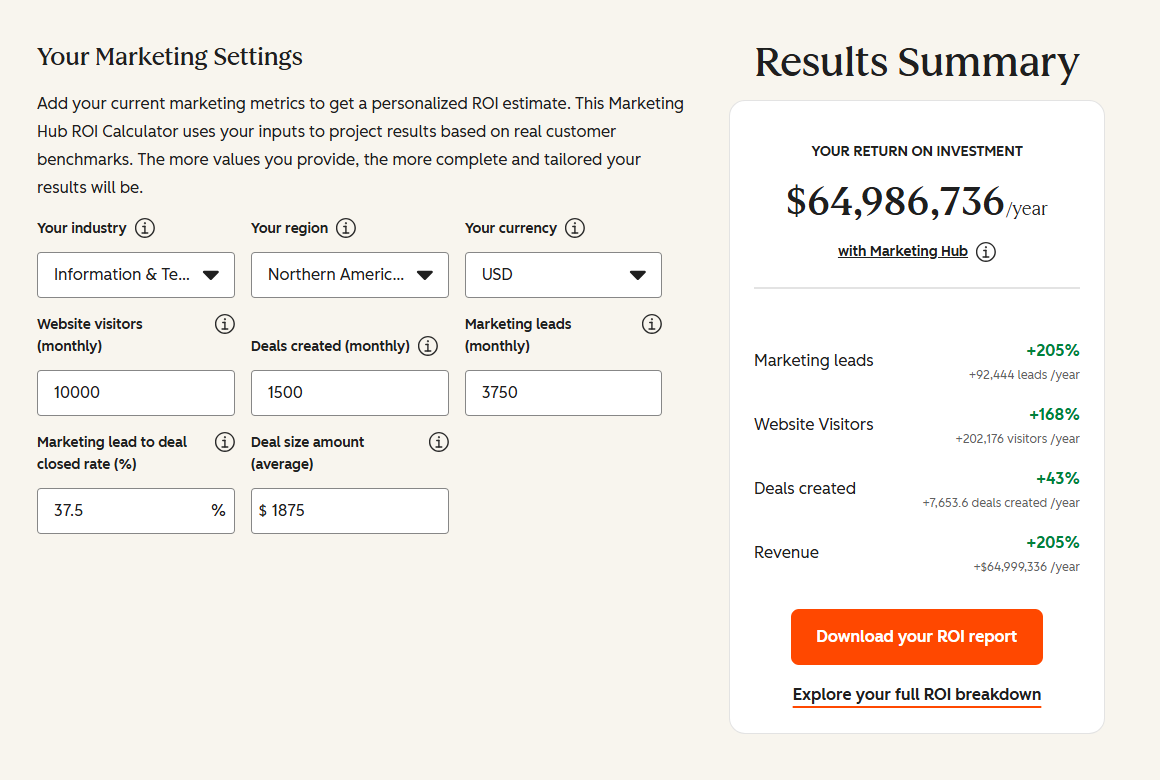
Connect the Rest of Your Revenue Stack
Most JustCall customers are already running HubSpot alongside a CRM and a few other revenue tools. If your team also runs Salesforce for the funnel above the dialer, our HubSpot Salesforce integration keeps both systems aligned. Teams comparing dialers often look at our HubSpot Dialpad integration or our HubSpot Gong integration for call intelligence, and if SMS or WhatsApp outreach runs through a separate provider, our HubSpot Twilio integration closes that gap too. Whatever the mix, our custom HubSpot integration services scope the build around your actual stack, following the same HubSpot integration process we use for every project.

Table of Contents
- What is a HubSpot JustCall integration?
- How does the HubSpot JustCall integration work?
- Does HubSpot have a native JustCall integration?
- How long does a HubSpot JustCall integration take to build?
- Can HubSpot and JustCall sync bi-directionally?
- What data can sync between HubSpot and JustCall?
- How a HubSpot JustCall Integration Actually Works
- Three Ways to Connect JustCall and HubSpot
- Revenue Workflows You Can Automate Once JustCall Data Lives in HubSpot
- What Breaks in a JustCall HubSpot Sync, and How We Prevent It
- Implementation Timeline: What to Expect
- Connect the Rest of Your Revenue Stack