













Explore this article with AI:
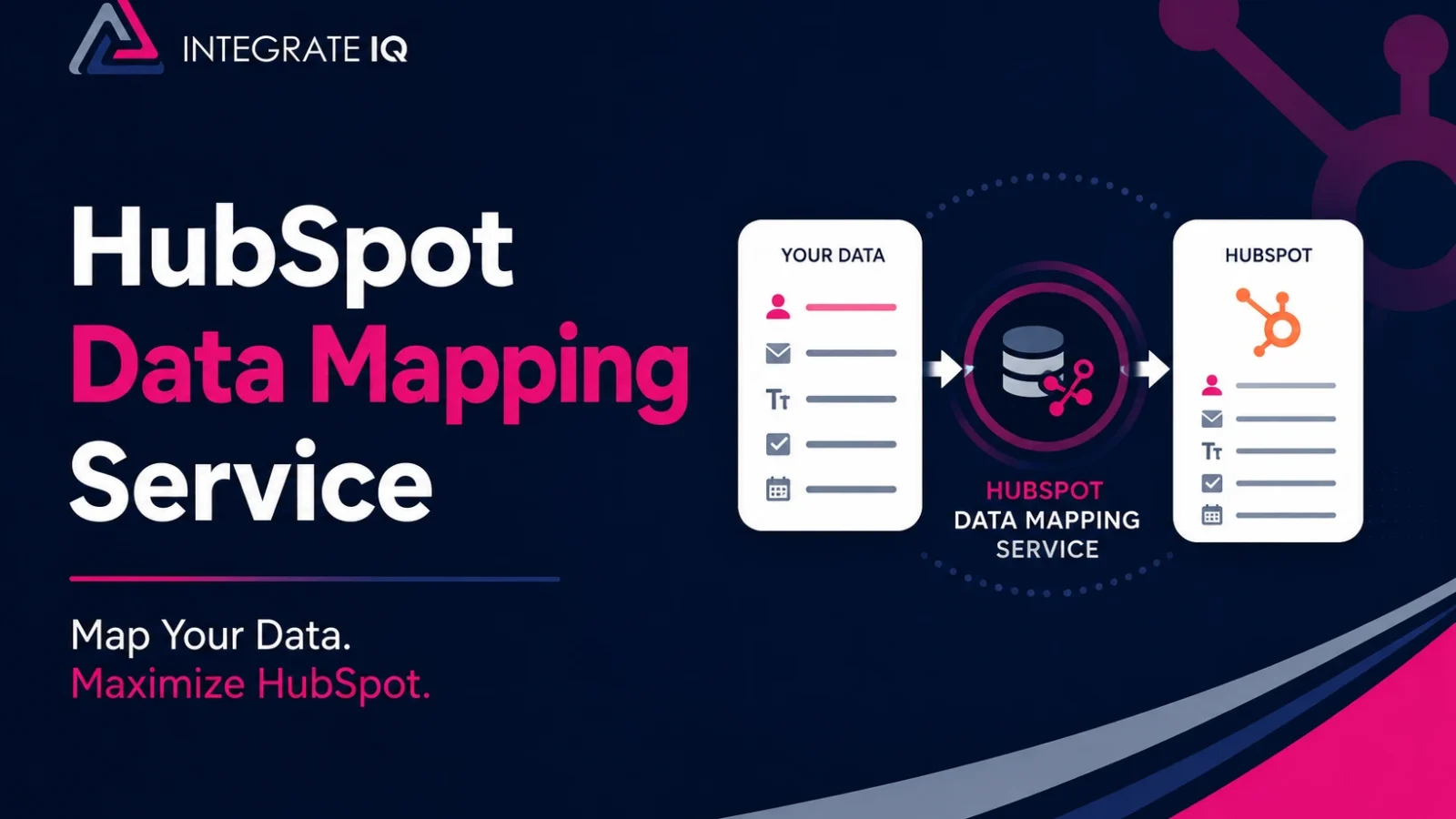
Every failed HubSpot migration and every broken integration we get called to fix traces back to the same root cause: fields that don’t line up. A deal amount lands in a text property. A picklist rejects half its values. “Lead Source” from the old CRM never finds a home and attribution reporting dies quietly. A HubSpot data mapping service exists to prevent exactly that.
Quick disambiguation, because search results muddy this: we’re talking about data and field mapping, the work of aligning properties between systems. Not geographic mapping tools that plot your contacts on a map.
HubSpot data mapping is the process of matching each field in a source system (a legacy CRM, an ERP, an e-commerce platform, or a spreadsheet) to the correct HubSpot property, with the right data type, sync direction, and transformation rules. Done well, it’s the blueprint that makes migrations accurate and integrations reliable. Done badly, it corrupts data silently for months before anyone notices.
We’ve mapped fields across 300+ platform integrations at Integrate IQ, and this guide covers what professional mapping work actually involves, where DIY tools stop, and how to decide which path fits your project.
Free estimator
Know what your HubSpot project costs before the first call.
Select your services and get a transparent price range in minutes. No sales call needed to get a number.
Connect HubSpot to your ERP, billing platform, or database field mapping, custom logic, and support included.
Pipelines, workflows, email templates, and reporting configured for how your team actually works.
Live, role-based sessions with recordings and written guides built around a custom plan for your team.
HubSpot Partner
Client retention
Platforms integrated
What Does a HubSpot Data Mapping Service Actually Do?
A data mapping service produces a validated, documented specification of how every field in your source systems corresponds to HubSpot properties, then implements and tests it. The deliverable matters as much as the work: a mapping document your team can reference for years, not tribal knowledge in one consultant’s head.
The core components:
- Source system audit. Cataloging every object, field, data type, and picklist value in the systems feeding HubSpot and flagging which fields anyone actually uses. Most CRMs carry dozens of dead custom fields, and mapping them wastes effort and clutters the portal.
- Object mapping. Deciding how source objects translate to HubSpot’s model: contacts, companies, deals, tickets, and custom objects. Salesforce leads, for example, have no direct HubSpot equivalent and need a deliberate lifecycle stage strategy.
- Field-level mapping. Matching each source field to a HubSpot property, creating custom properties where defaults don’t fit, and confirming type compatibility. A source number field can’t feed a HubSpot dropdown without transformation.
- Transformation rules. Defining how values convert in transit: date formats, state abbreviations, currency handling, splitting a single “Full Name” field into HubSpot’s separate First Name and Last Name properties.
- Sync direction and conflict resolution. For ongoing integrations, specifying per field whether data flows one way or two ways, and which system wins when values conflict.
- Association mapping. Preserving relationships so contacts stay linked to companies and deals stay linked to both. This is where amateur mappings fail most visibly.
- Testing and validation. Sample syncs or test imports, diff checks against source data, and error log review before anything touches production.
Migration Mapping vs. Integration Mapping: Two Different Jobs

Most agencies treat data mapping as a checkbox inside a migration project. That framing misses half the picture, because mapping shows up in two distinct contexts with different failure modes.
Migration mapping is a one-time translation. You’re moving historical data from a legacy CRM into HubSpot, and the map runs once (plus a delta pass for records that changed during the transition). The hard problems are volume, historical data quirks, and decisions about what not to bring. Our guide to CRM data preparation before a HubSpot migration covers the cleansing side of that work.
Integration mapping is a living contract. When HubSpot syncs continuously with an ERP like NetSuite or a commerce platform like Shopify, the field map executes thousands of times a day, forever. The hard problems shift: conflict resolution when both systems update the same record, API rate limits, picklist values that drift out of alignment when someone edits one system, and error handling when a sync fails at 2 a.m. A map that works for a one-time import can be completely wrong for a two-way sync. Our HubSpot integration services exist largely because of this second category, where more than 55 million fields move through our client integrations every day.
Ask any prospective mapping service which of these they’re scoping. If they don’t distinguish, they’ve only ever done imports.

Turn HubSpot Into A Real-Time SMS Engine with
Message IQ

Two-Way Conversations

Shared Team Inbox

Automation Triggers

Advanced Reporting

Compliance Tools
-
98%
SMS read within 3 min -
78%
Buy from first responder -
21×
More likely to qualify
3–5 min avg response
$45–$50 ROI / $1

*MessageIQ is an IntegrateIQ product – built natively for HubSpot by the same team.
The HubSpot Mechanics That Break Naive Mappings
Generic mapping advice fails because HubSpot has specific behaviors that punish assumptions. These five cause the most damage:
Email is the unique identifier for contacts. Imports and syncs match contacts on email address. Source systems that allow multiple records per email, or that key on an internal ID, will produce silent merges or unlinked duplicates unless the map accounts for it.
Property types constrain what can sync. HubSpot dropdowns only accept their defined values. Map a source picklist without aligning options first and every non-matching value errors out or lands blank. Number, date, and text types each have compatibility rules with third-party field types, and some fields can only map one way as text.
Sync rules decide who wins. HubSpot’s native data sync and the Salesforce connector let you set per-field rules: two-way, one-way, or “prefer X unless blank.” Choosing wrong means an enrichment tool overwriting rep-entered data, or stale ERP values clobbering fresh HubSpot updates. If you’re running the HubSpot Salesforce integration, the Owner field alone has enough special-case behavior to justify a mapping review.
New mappings don’t apply retroactively. Create or fix a field mapping and existing records keep their old values until something triggers a resync. Teams fix a mapping, see no change, and conclude the fix failed. Backfilling historical records is its own planned step.
Import order determines associations. Companies before contacts, contacts before deals, deals before activities. Map everything perfectly and import in the wrong sequence, and you still get orphaned records.
A professional mapping service knows these behaviors cold and designs around them. That knowledge gap, more than any tooling, is what you’re paying for.
Can You Do HubSpot Data Mapping Yourself?
Often, yes. Honest answer: plenty of projects don’t need a service. Here’s the actual decision landscape.
| DIY with HubSpot’s tools | iPaaS (Zapier, Make) | Data mapping service | |
|---|---|---|---|
| Best for | Small imports, standard objects, apps with native data sync | Simple one-way pushes between popular apps | Migrations at scale, ERP/custom systems, two-way syncs |
| Custom objects | Limited | Poor | Full support |
| Transformation logic | Basic (Data Hub custom mappings) | Moderate, per-zap | Unlimited, built in code |
| Conflict resolution | Preset sync rules only | Minimal | Custom rules per field |
| Cost | Subscription only (Data Hub for custom mappings) | $20–$600+/month | Project fee |
| Who maintains it | You | You | Documented handoff, optional support |
DIY works when you’re importing a clean CSV of a few thousand records into standard objects, or connecting an app that has a solid native data sync integration. HubSpot’s import tool previews mappings, its data sync now auto-suggests field matches by analyzing names and types, and the duplicate management tool catches obvious problems. A careful ops person with a mapping spreadsheet can absolutely handle this. Note that custom field mappings in data sync require a paid Data Hub subscription, so budget for that tier if your fields go beyond defaults.
iPaaS works when the flow is simple and one-directional: new form fill in App A creates a contact in HubSpot. It gets fragile fast when you need multi-object logic, error recovery, or high volume.
A service earns its fee when any of these are true: you’re migrating more than roughly 50,000 records, the source system is an ERP or heavily customized CRM, you need two-way sync with real conflict rules, custom objects and their associations are involved, or the data needs transformation in flight. At that complexity, the cost of getting the map wrong (weeks of cleanup, broken reporting, lost rep trust) exceeds the cost of getting it done right the first time.
What Working With Integrate IQ Looks Like
We’re a HubSpot Diamond Solutions Partner with the custom integration accreditation, and data mapping sits at the center of both our CRM data migration services and our custom integration builds. More than 20 billion records transit our integrations annually, which means the odd edge case in your data model is probably something we’ve mapped before.
A typical engagement runs 8 weeks from kickoff:
- Discovery and audit (weeks 1–2). We profile your source systems, document every object and field, quantify data quality issues, and interview the people who actually use the fields. Half of good mapping is learning which fields are load-bearing.
- Mapping specification (weeks 3–4). We build the full mapping document: object maps, field maps, custom property definitions, transformation rules, sync directions, and conflict resolution logic, all reviewed and signed off by your team.
- Build and sandbox testing (weeks 5–6). We implement the map, run sample data through it, diff-check results against source, and iterate on the edge cases that only surface with real records.
- Production rollout and validation (weeks 7–8). Staged execution in dependency order, record count reconciliation, association spot checks, and a documented handoff so your team owns the map going forward.
That documentation point deserves emphasis. Our 98.5% client retention comes partly from a simple habit: we leave behind mapping documents your next hire can read, instead of a black box only we can maintain.
What HubSpot Data Mapping Services Cost
Nobody publishes fixed prices because scope varies wildly, but here are honest ranges so you can budget. A straightforward migration mapping for a standard CRM with under 50,000 records typically lands in the low four figures to low five figures. Complex ERP integration mapping with custom objects, two-way sync, and transformation logic runs five figures, scaling with the number of objects and the messiness of the source data. Ongoing sync maintenance, if you want it, is usually a modest monthly retainer.
The variable that moves price most: data condition. Clean, documented source systems map fast. Undocumented custom fields, conflicting picklists, and a decade of accumulated workarounds take discovery time, and discovery is where hours go. If you want a cheaper quote, spend two weeks internally documenting and cleaning before you bring anyone in.
Frequently Asked Questions
What is data mapping in HubSpot?
Data mapping in HubSpot is the process of matching fields from an external system to HubSpot properties so data transfers or syncs accurately. It covers object alignment (contacts, companies, deals), field-level matching with compatible data types, transformation rules for format differences, and sync direction settings for ongoing integrations.
Does HubSpot have built-in data mapping tools?
Yes. HubSpot’s import tool lets you map spreadsheet columns to properties during import, and its data sync feature includes default field mappings for connected apps plus AI-suggested matches. Custom field mappings in data sync require a paid Data Hub subscription. These tools handle standard cases well but can’t express complex transformation logic or custom conflict rules.
How long does HubSpot data mapping take?
A simple import mapping takes a few days of internal work. Professional mapping for a full migration or ERP integration typically takes 2 to 4 weeks of the project timeline, covering audit, specification, and testing. Our full engagements, including build and rollout, deliver in about 8 weeks from kickoff.
What happens if fields are mapped incorrectly?
Incorrectly mapped fields cause data to land in wrong properties, get rejected for type mismatches, or overwrite good values through bad sync rules. The damage compounds quietly: segmentation, lead scoring, workflows, and reports all consume the bad data. Fixes also don’t apply retroactively, so historical records need a planned backfill after any mapping correction.
Do I need a data mapping service for a small migration?
Usually not. If you’re moving a few thousand records of standard contacts, companies, and deals from a clean source CRM, HubSpot’s native import tool plus a careful mapping spreadsheet will get you there. Services earn their cost at scale, with custom objects, with ERPs, or when two-way sync and transformation logic enter the picture.
What’s the difference between data mapping and data migration?
Data mapping is the specification: which source fields go to which HubSpot properties and how values transform. Data migration is the execution: actually moving the records according to that map. Mapping is one phase of migration, but it also applies to ongoing integrations where no migration happens at all.
See your 12-month revenue impact with HubSpot CRM
Enter your current numbers — visitors, leads, deal size — and get a personalized projection based on real HubSpot customer benchmarks.

Map It Once, Trust It for Years
If your HubSpot project involves fields you can’t quite see how to line up, that uncertainty is the project telling you something. Bad maps don’t announce themselves; they leak bad data until your team stops trusting the CRM. We scope mapping as a first-class phase of every migration and integration, and we deliver it inside an 8-week timeline with documentation your team keeps. Walk through how the phases fit in our HubSpot integration process, or send us your project details and we’ll tell you honestly whether you need us or a spreadsheet.



Table of Contents
- What Does a HubSpot Data Mapping Service Actually Do?
- Migration Mapping vs. Integration Mapping: Two Different Jobs
- The HubSpot Mechanics That Break Naive Mappings
- Can You Do HubSpot Data Mapping Yourself?
- What Working With Integrate IQ Looks Like
- What HubSpot Data Mapping Services Cost
- Frequently Asked Questions
- Map It Once, Trust It for Years

