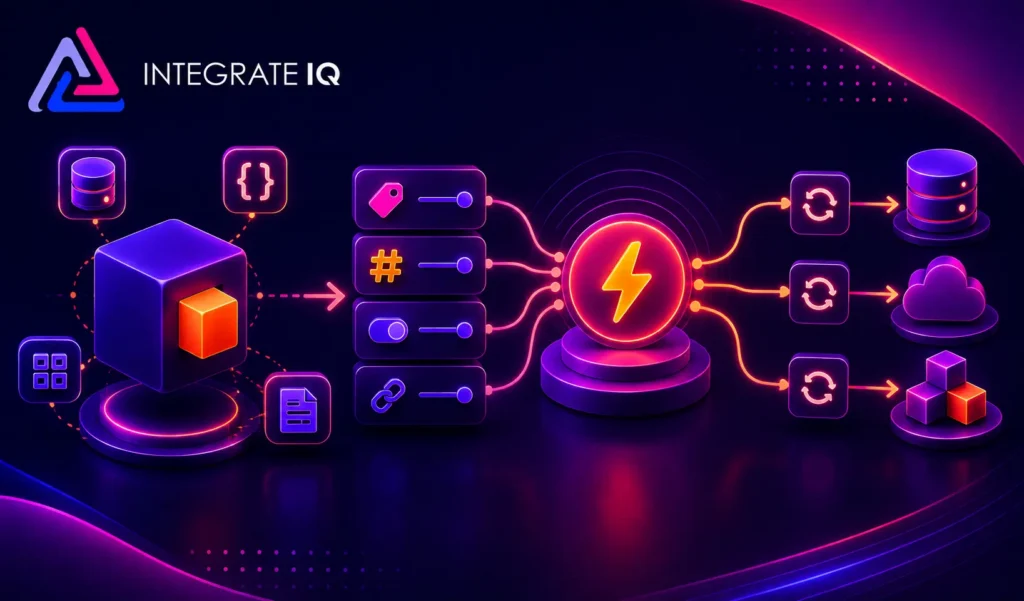
Objects, Properties, Triggers and Syncs: A Plain-English Explanation
Integration conversations move fast, and four words come up constantly: objects, properties, triggers, and syncs. This FAQ explains what each one means, how they relate to…

HubSpot Diamond Solutions Partner
Connect your HubSpot CRM with Smartsheet to automate project handoffs, streamline workflows, and provide complete visibility across your commercial and operational teams, from the initial sale to final delivery.

Discover how top companies use their CRM to power marketing, sales & growth. No spam. No sales pitch. Just expert insights from certified HubSpot professionals.

Get personalized projections based on real HubSpot customer data — matched to your industry and region.
Visitors · Leads · Deals · Close Rate · Avg. Deal Size
Benchmarks that actually match your market
Leads · Pipeline · Revenue
Instant PDF, ready to share

Two guides that turn this integration into the business case your VP wants to hear, with the framing and numbers ready to go.
Forecast credibility, deal velocity, expansion revenue, in CRO language.
Attribution, budget defensibility, segmentation, in CMO language.
Cost per order, cycle time compression, team capacity at higher volume, in COO language.
ERPs, custom objects, legacy databases, real-time bi-directional sync. Every estimate is built by the same engineers who ship the integration.
60-second ballpark · No back-and-forth
Bi-directional sync
One-way or two-way, built to your data flow
Granular field mapping
Every property mapped, validated, tested
Real-time + scheduled
Instant triggers and batched syncs together
Custom sync logic
Your business rules, written into the build
Error handling
Monitoring, alerts, retry logic baked in
Year 1 continuity
License, maintenance, ongoing support
Eliminate manual project setup and inconsistent data entry. By syncing HubSpot data directly into Smartsheet, you can automatically initiate new projects, pre-populate sheets with accurate customer information, and ensure your delivery teams have the full context they need to execute flawlessly from day one.
Automated Project Provisioning: Automatically create and populate a new Smartsheet project from a template the moment a deal is marked 'Closed Won' in HubSpot.
Centralized Customer Information: Push key deal properties, contact details, and notes from HubSpot directly into the relevant columns of your Smartsheet project plan.
Standardize Project Kickoffs: Ensure every new client project follows a consistent, best-practice workflow by automating the setup process.
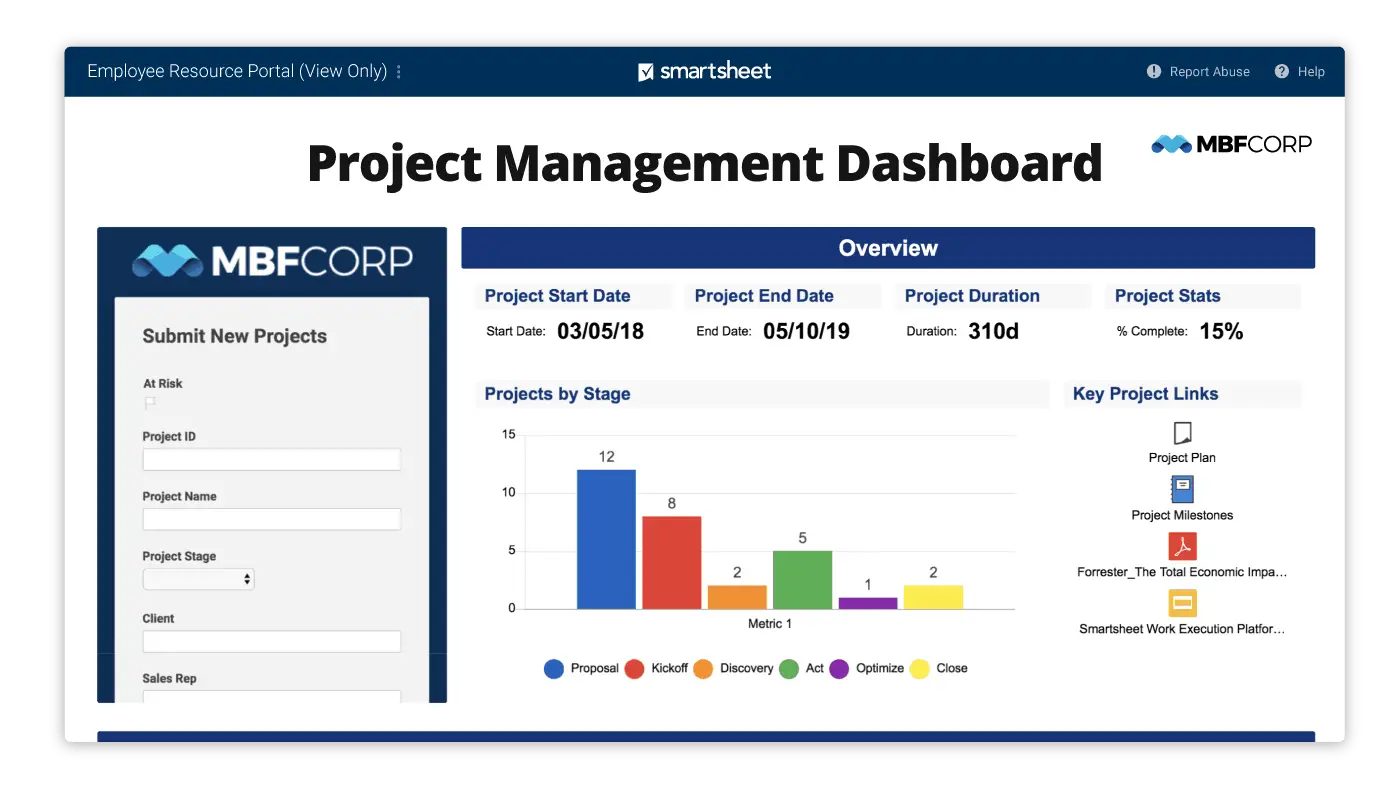
Eliminate manual project setup and inconsistent data entry. By syncing HubSpot data directly into Smartsheet, you can automatically initiate new projects, pre-populate sheets with accurate customer information, and ensure your delivery teams have the full context they need to execute flawlessly from day one.
Give your sales, service, and account management teams a direct line of sight into project progress without ever leaving HubSpot. By syncing project status and key milestones from Smartsheet back to the CRM, your commercial teams can have more informed client conversations, manage expectations proactively, and identify new opportunities.
View Project Status in HubSpot: Track project health, key dates, and completion status from Smartsheet columns directly on the associated HubSpot deal or company record.
Trigger Automated Client Updates: Use HubSpot workflows to send automated email updates to clients when their project's status column is updated in Smartsheet.
Enhance Account Management: Equip account managers with real-time project data to provide better support, anticipate challenges, and strengthen client relationships.
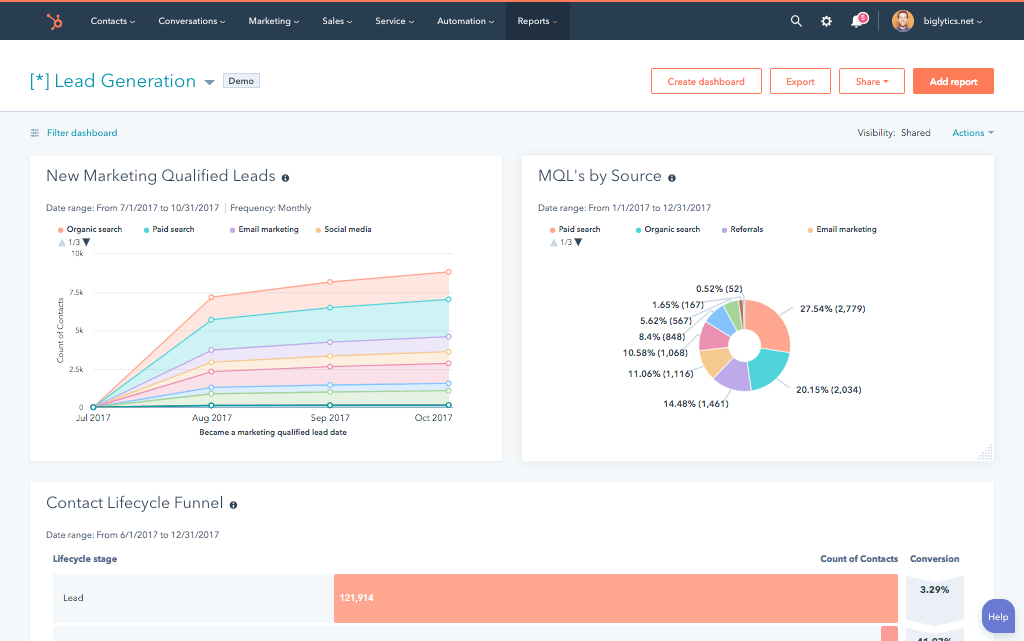
Give your sales, service, and account management teams a direct line of sight into project progress without ever leaving HubSpot. By syncing project status and key milestones from Smartsheet back to the CRM, your commercial teams can have more informed client conversations, manage expectations proactively, and identify new opportunities.
Our custom integrations are engineered for flexibility and scale, handling any business logic and data transformation you require.
Standard, out-of-the-box connectors force you into a rigid workflow that doesn't match your true operational needs. Our custom integration is engineered to map the data flow to your specific sales-to-delivery handoff, ensuring the technology supports your process—not the other way around.
We ensure seamless data translation between HubSpot and Smartsheet by mapping CRM objects to your project management structure.
Our four pillars for delivering successful outcomes on complex projects.
We thrive on custom API integrations, multi-system migrations, and 'messy data' that makes others pause. Full support for standard and custom objects across your stack is table stakes for us.
Real problems, shipped solutions. Our proprietary Smart Ramp apps were developed to fill gaps in HubSpot capabilities and solve real-world customer problems. The same practical mindset powers our HubSpot AI Accelerator: We focus on data readiness and shipped outcomes, not shiny features.
Complex projects demand clarity. Our Smart Process runs on an 8-12 week cadence with stage gates, transparent deliverables, and clear pricing. That's how we maintain a 98.5% customer retention rate.
We're a developer-led team of integration engineers, solution architects, and technical PMs. Clients describe us simply: 'the folks you call when something seems impossible.


See why leaders at scaling companies partner with Integrate IQ's experts.

While basic connectors can create a new row from a trigger, our custom solution offers robust, bi-directional syncing. We can update existing rows, map numerous custom fields, and build complex logic (e.g., if a deal stage changes, update a specific cell in an existing row), providing a level of reliability that is essential for core business processes.
Yes. This is a key feature for standardization. We can configure the integration to automatically create a new sheet from your designated project template whenever a deal is won, ensuring every new project kicks off with the correct tasks, columns, and conditional formatting.
Absolutely. The bi-directional sync allows Smartsheet events to trigger updates in HubSpot. When you change a status dropdown in your project sheet, we can automatically update a custom 'Project Status' property on the HubSpot deal, keeping your sales and account teams informed in real-time.
Yes. Our solution can map any standard or custom property from a HubSpot record and sync that data to a designated column in your Smartsheet. This ensures your project team has all the unique details they need, such as service level agreements, budget codes, or technical requirements, right where they work.
Integration conversations move fast, and four words come up constantly: objects, properties, triggers, and syncs. This FAQ explains what each one means, how they relate to…

The ROI of CRM integration measures the net financial return from connecting your CRM to the other systems your business runs on, weighed against what it…

Most “in-house vs. agency” comparisons treat every outside option as one bucket. That’s the wrong framing. The real fork is who owns strategy versus who owns…
