

























What is a HubSpot Twilio integration?
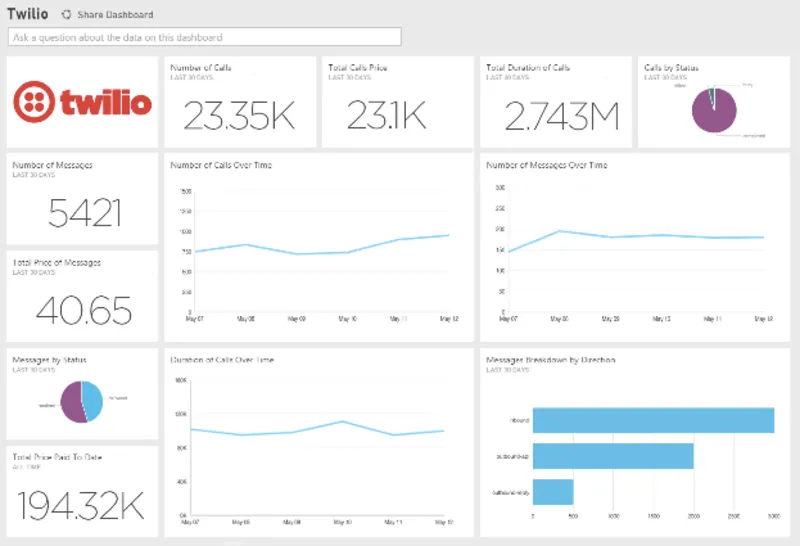
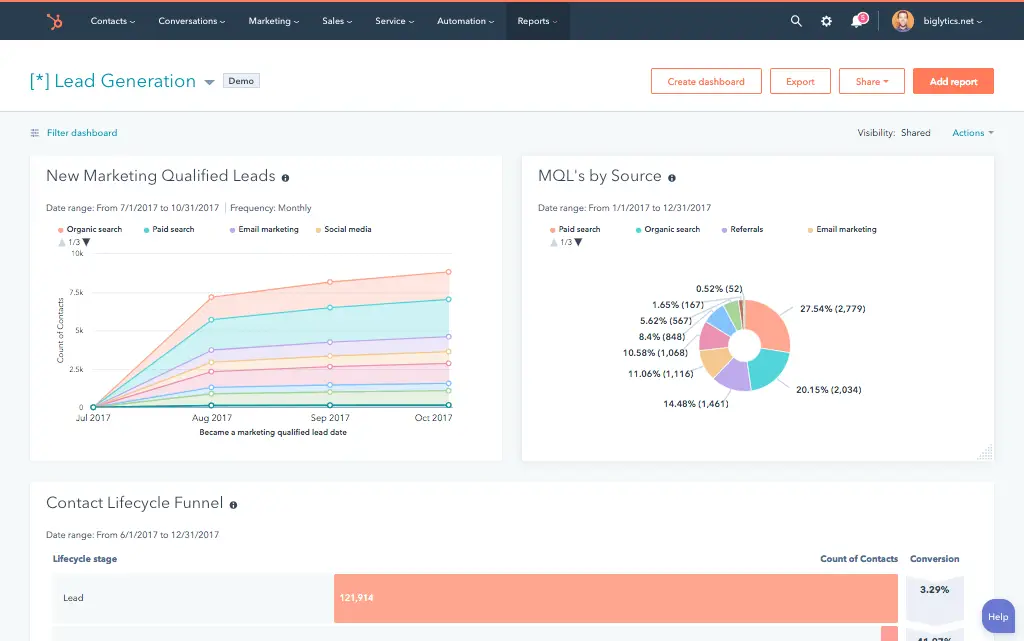
A HubSpot Twilio integration is a two-way connection that syncs SMS, WhatsApp and voice call activity between Twilio and HubSpot in near real time. It logs every message and call to the contact timeline and pushes HubSpot contact and deal data into Twilio for personalized, routed communication.
How does the HubSpot Twilio integration work?
It works through Twilio webhooks and the HubSpot API, with each incoming SMS, WhatsApp message, or call event triggering an instant update to the matching HubSpot contact record. Outbound messages triggered by HubSpot workflows fire through Twilio’s API, and delivery status syncs back within seconds.

Turn HubSpot Into A Real-Time SMS Engine with Message IQ
 Two-Way Conversations
 Shared Team Inbox
 Automation Triggers
 Advanced Reporting
 Compliance Tools
- 98% SMS read within 3 min
- 78% Buy from first responder
- 21× More likely to qualify

*MessageIQ is an IntegrateIQ product – built natively for HubSpot by the same team.
Does HubSpot have a native Twilio integration?
HubSpot does not maintain a first-party Twilio integration. The marketplace lists third-party apps that handle basic SMS logging, but they typically miss WhatsApp support, real-time IVR personalization, and call disposition sync. Teams that need multi-channel messaging with business logic typically move to a custom-built integration.
How long does a HubSpot Twilio integration take to build?
A custom HubSpot Twilio integration takes about 8 weeks from kickoff to production. Discovery runs two weeks, build and staging tests run three, historical call and message backfill runs one week and cutover with hypercare covers the final two weeks. Timelines extend for high-volume or multi-channel builds.
Can HubSpot and Twilio sync bi-directionally?
Yes. Bi-directional sync is standard in a custom HubSpot Twilio integration. Incoming SMS, WhatsApp replies, and call events flow from Twilio to HubSpot, while contact and deal data flow from HubSpot into Twilio workflows and IVR logic. Native marketplace apps support bi-directional sync only for basic SMS.
What data can sync between HubSpot and Twilio?
Contacts, call logs and recordings, SMS and WhatsApp message logs, delivery status, and custom properties like last message sent sync between the two systems. Field mapping is configured per project, so keyword-triggered replies can create HubSpot tickets or deals while lifecycle stage flows back into Twilio workflows.
How a HubSpot Twilio Integration Actually Works
A HubSpot Twilio integration connects two systems with very different jobs: Twilio owns the communication layer (SMS, WhatsApp, and voice), and HubSpot owns the relationship layer (contact history, deal stage, lifecycle). Twilio is the system of record for message and call metadata. HubSpot is the system of record for who that contact is and where they sit in the pipeline.
Outbound direction: HubSpot workflows trigger Twilio to send an SMS, WhatsApp message, or place a call, personalized with HubSpot contact and deal tokens. Inbound direction: Twilio webhooks fire the moment a reply, delivery status change, or call event happens, and that event writes to the matching HubSpot contact timeline within seconds, not on a polling delay.
What does not sync by accident: raw call recordings stay in Twilio unless you specify otherwise, marketing consent status is enforced at the field level so a WhatsApp opt-out cannot leave a contact still enrolled in an SMS sequence, and custom properties only move in the direction you define during discovery.
Three Ways to Connect Twilio and HubSpot
Not every team needs custom. Here is the honest comparison.
| Factor | Native Marketplace App | Zapier / iPaaS | Custom (Integrate IQ) |
|---|---|---|---|
| Best for | Basic SMS logging for small teams already inside HubSpot | Simple one-way triggers between HubSpot and Twilio | Multi-channel SMS, WhatsApp, and Voice sync at scale with business logic |
| Sync direction | Mostly one-way, logging only | One-way per Zap, multiple Zaps needed for two-way | True bi-directional, field-level system of record |
| Custom objects/fields | Limited to standard contact and activity fields | Maps to existing HubSpot fields only, no custom logic | Full custom property and object support |
| SMS, WhatsApp, and voice message sync | Basic SMS logging, WhatsApp often unsupported | Polls every 15 minutes, missing real-time replies | Real-time webhook sync across SMS, WhatsApp, and Voice with delivery status |
| Business logic | None, fixed workflow | Basic if/then per Zap | Full custom rules: keyword triggers, IVR logic, call disposition routing |
| Volume handling | Degrades at high message volume | Rate limits and task caps slow high-volume sends | Built for high-volume campaigns with carrier rate-limit throttling |
| Historical backfill | Not supported | Not supported | Full historical call and message log backfill |
| Maintenance | Vendor-maintained but rigid | You maintain each Zap as APIs change | Integrate IQ monitors and maintains post-launch |
Revenue Workflows You Can Automate Once Twilio Data Lives in HubSpot
- Missed-call recovery sequence. A missed inbound Twilio call automatically enrolls the caller in a HubSpot workflow that sends a follow-up SMS with a booking link within two minutes, so no lead goes cold waiting for a callback.
- WhatsApp opt-out compliance sync. When a contact replies STOP on any Twilio channel, HubSpot suppresses that contact across email, SMS, and WhatsApp sequences automatically, keeping consent status consistent instead of tracked channel by channel.
- Call disposition to deal stage. When a rep marks a Twilio call as completed and interested, HubSpot automatically advances the associated deal to the next stage and creates a follow-up task, removing manual CRM updates after every call.
- Two-way appointment reminders. HubSpot meeting bookings trigger a Twilio SMS reminder 24 hours out, and a reply of RESCHEDULE automatically reopens the HubSpot meeting link and notifies the rep, cutting no-shows without extra staff time.
- Rate-limit-aware campaign rollout. High-volume outbound SMS campaigns queue and stagger against carrier throughput limits automatically, with delivery status rolling up into HubSpot lists so marketing can see who received, opened, or bounced a message.
What Breaks in a Twilio HubSpot Sync, and How We Prevent It
- Duplicate records and identity resolution. We match every inbound Twilio number against existing HubSpot contact phone properties before creating a new record, preventing the same person from generating multiple contacts across different devices.
- System-of-record conflicts. We define field-level ownership up front. Twilio owns message and call metadata, HubSpot owns lifecycle and deal data, so updates never overwrite each other’s source of truth.
- Field mapping and status value drift. Delivery statuses and call dispositions get an explicit translation layer, so delivered in Twilio always maps to the same HubSpot property value instead of drifting as APIs update.
- Phone number identity resolution. Shared household or office numbers can generate false matches across multiple HubSpot contacts. We build matching logic that weighs additional signals, such as message content and contact history, before merging records.
- API rate limits at volume. Across our client base we sync 20 billion plus fields annually across 300 plus platform integrations, so we batch, checkpoint, and throttle by design instead of by accident.
Implementation Timeline: What to Expect
Most HubSpot Twilio integrations complete inside eight weeks of kickoff. The first two weeks cover discovery: object inventory in both systems, field-by-field mapping, system of record decisions, and <PLATFORM-SPECIFIC DISCOVERY ITEM>. Weeks three to five are build and unit testing against a staging Twilio instance and a HubSpot sandbox. Week six runs the historical backfill and reconciliation. Weeks seven and eight cover user acceptance testing, cutover, and hypercare. Post-launch monitoring is included, so if a Twilio configuration changes or HubSpot pushes an API update, we see it before your reports do. Full detail is on our HubSpot integration process page and 98.5% of clients renew for a follow-on scope.
See your 12-month revenue impact with HubSpot CRM
Enter your current numbers — visitors, leads, deal size — and get a personalized projection based on real HubSpot customer benchmarks.
Calculate My ROI
Connect the Rest of Your Revenue Stack
Twilio rarely runs alone. Teams often pair this integration with a HubSpot Salesforce integration to keep call activity in sync with an existing CRM of record, or a HubSpot Zendesk integration so SMS-triggered tickets route directly into support queues. Sales teams doing high call volume often add a HubSpot Gong integration for call intelligence layered on top of Twilio’s raw call data. If you are comparing CRMs before you build, our HubSpot vs Salesforce comparison lays out where each platform handles communications data differently. And if you want to see the return before committing budget, run the numbers on our integration ROI calculator.


Table of Contents
- What is a HubSpot Twilio integration?
- How does the HubSpot Twilio integration work?
- Does HubSpot have a native Twilio integration?
- How long does a HubSpot Twilio integration take to build?
- Can HubSpot and Twilio sync bi-directionally?
- What data can sync between HubSpot and Twilio?
- How a HubSpot Twilio Integration Actually Works
- Three Ways to Connect Twilio and HubSpot
- Revenue Workflows You Can Automate Once Twilio Data Lives in HubSpot
- What Breaks in a Twilio HubSpot Sync, and How We Prevent It
- Implementation Timeline: What to Expect
- Connect the Rest of Your Revenue Stack