


























What is a HubSpot Helpjuice integration?
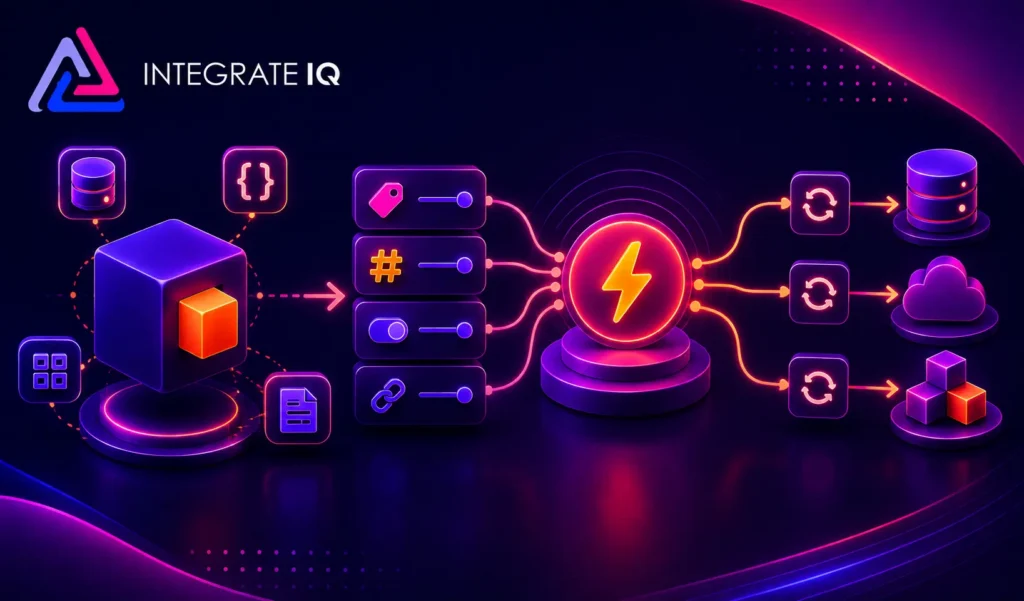
A HubSpot Helpjuice integration connects your knowledge base to your CRM, syncing article views, search queries and reading behavior so sales and marketing teams can treat documentation activity as a genuine buying signal instead of a disconnected support resource.
How does the HubSpot Helpjuice integration work?
The integration maps Helpjuice users, group permissions, and article or search activity to HubSpot contacts, timeline events and custom properties. Reading and search behavior sync into HubSpot as it happens, while HubSpot list membership or deal stage can control what content a contact can access in Helpjuice.

Turn HubSpot Into A Real-Time SMS Engine with Message IQ
 Two-Way Conversations
 Shared Team Inbox
 Automation Triggers
 Advanced Reporting
 Compliance Tools
- 98% SMS read within 3 min
- 78% Buy from first responder
- 21× More likely to qualify

*MessageIQ is an IntegrateIQ product – built natively for HubSpot by the same team.
Does Helpjuice have a native HubSpot integration?
Not in a way that captures behavioral data. Zapier and similar tools offer basic triggers, like a new article being published, but native options generally just embed Helpjuice content or handle single sign-on. They don’t expose reading history or search intent as usable CRM data, which is where a custom integration takes over.
How long does a HubSpot Helpjuice integration take to build?
A custom HubSpot Helpjuice integration typically takes 8 weeks: 2 weeks of discovery and field mapping, 3 weeks of build and staging, 1 week for historical reading and search data backfill, and 2 weeks for testing and go-live support.
Can HubSpot and Helpjuice sync bi-directionally?
Yes. A custom integration can push reading history, search queries and article feedback from Helpjuice into HubSpot and push HubSpot contact properties and list membership into Helpjuice to control access and personalize the interface. Direction and timing are configurable per object.
Can this integration track search queries, not just article views?
Yes. Search queries can sync to the HubSpot contact timeline or a custom object, separate from article views, which matters because what someone searches for and doesn’t find often reveals more about their intent and frustration than what they successfully read.
Intent-Signal Workflows You Can Automate Once Helpjuice Data Lives in HubSpot
This page already covers access control by deal stage, search gap analysis, personalized content delivery, sales enablement reading history, 90-day re-engagement and smart ticket routing. The five below are deliberately new.
- Content Gap-to-Content-Brief Pipeline. When Helpjuice search gap data reveals a recurring failed search theme across many accounts, not just one, HubSpot can compile that into a content brief for the knowledge base team, turning individual account frustration into a systemic content roadmap instead of one-off CS tasks.
- Champion Identification via Reading Depth. Beyond who read what, HubSpot can score contacts by reading depth and frequency within a target account to identify the internal champion driving evaluation, distinct from just logging that someone from the account visited the knowledge base.
- Onboarding Completion Tracking via Required Articles. For products with a structured onboarding knowledge base path, HubSpot tracks which required articles a new customer has or hasn’t read post-close, triggering a CSM nudge if key onboarding content goes unread past a defined point.
- Competitive Comparison Page Alert. When a prospect reads Helpjuice articles specifically comparing your product to competitors, HubSpot flags this as a high-intent, late-stage signal distinct from general research browsing, prompting a more direct sales follow-up.
- Renewal Risk Signal from Reading Silence, Weighted by Account Value. Beyond a flat inactivity trigger, a custom integration can weight reading silence differently based on account tier or contract value, so a high-value account’s shorter silence window triggers action sooner than a lower-tier account’s.
What Breaks in a Helpjuice HubSpot Sync, and How We Prevent It
This section is currently absent from the page entirely.
- Duplicate records and identity resolution. Helpjuice readers using a work email different from what’s stored in HubSpot, a personal email for knowledge base access, for example, can create duplicate or orphaned records if matching relies on email alone. We layer in additional identifiers where available, not email matching by itself.
- System-of-record conflicts. Support or content teams may update a reader’s permissions directly in Helpjuice while sales updates the same contact’s lifecycle stage in HubSpot. We define clear field ownership so simultaneous updates don’t silently overwrite each other.
- Signal noise from internal or low-value traffic. Internal employees, QA testers, or low-intent bot traffic reading knowledge base articles can pollute HubSpot timelines with false intent signals if not filtered out. We scope sync rules to exclude known internal domains and known non-buyer personas before anything reaches the CRM.
- Native plugins iframe content or offer SSO only. Off-the-shelf Helpjuice connectors typically embed content or handle single sign-on, without exposing reading history, search queries, or engagement depth as usable CRM data. Businesses relying on these get authentication, not intent data. A custom integration is required to turn knowledge base behavior into an actual data source.
- API rate limits at high article-view volume. Popular knowledge bases generating thousands of daily article views and search queries can hit API limits if every view triggers a real-time sync call. Across 300+ platform integrations moving 20 billion plus fields annually, we batch lower-priority engagement data and reserve real-time syncs for high-value signals only.
See your 12-month revenue impact with HubSpot CRM
Enter your current numbers — visitors, leads, deal size — and get a personalized projection based on real HubSpot customer benchmarks.
Calculate My ROI
Connect the Rest of Your Revenue Stack
For a broader look at when to reach for a native connector versus a custom build, our own 25 Best HubSpot Integrations guide lays out the decision framework in detail. Custom reading-depth scoring or persona filtering beyond the standard build often needs full-stack development support. Getting sales and CS teams onto the new workflow goes faster with HubSpot training and HubSpot onboarding right after go-live. Not sure what any of this is worth to your team? Run the numbers on our Integration ROI Calculator


Table of Contents
- What is a HubSpot Helpjuice integration?
- How does the HubSpot Helpjuice integration work?
- Does Helpjuice have a native HubSpot integration?
- How long does a HubSpot Helpjuice integration take to build?
- Can HubSpot and Helpjuice sync bi-directionally?
- Can this integration track search queries, not just article views?
- Intent-Signal Workflows You Can Automate Once Helpjuice Data Lives in HubSpot
- What Breaks in a Helpjuice HubSpot Sync, and How We Prevent It
- Connect the Rest of Your Revenue Stack