

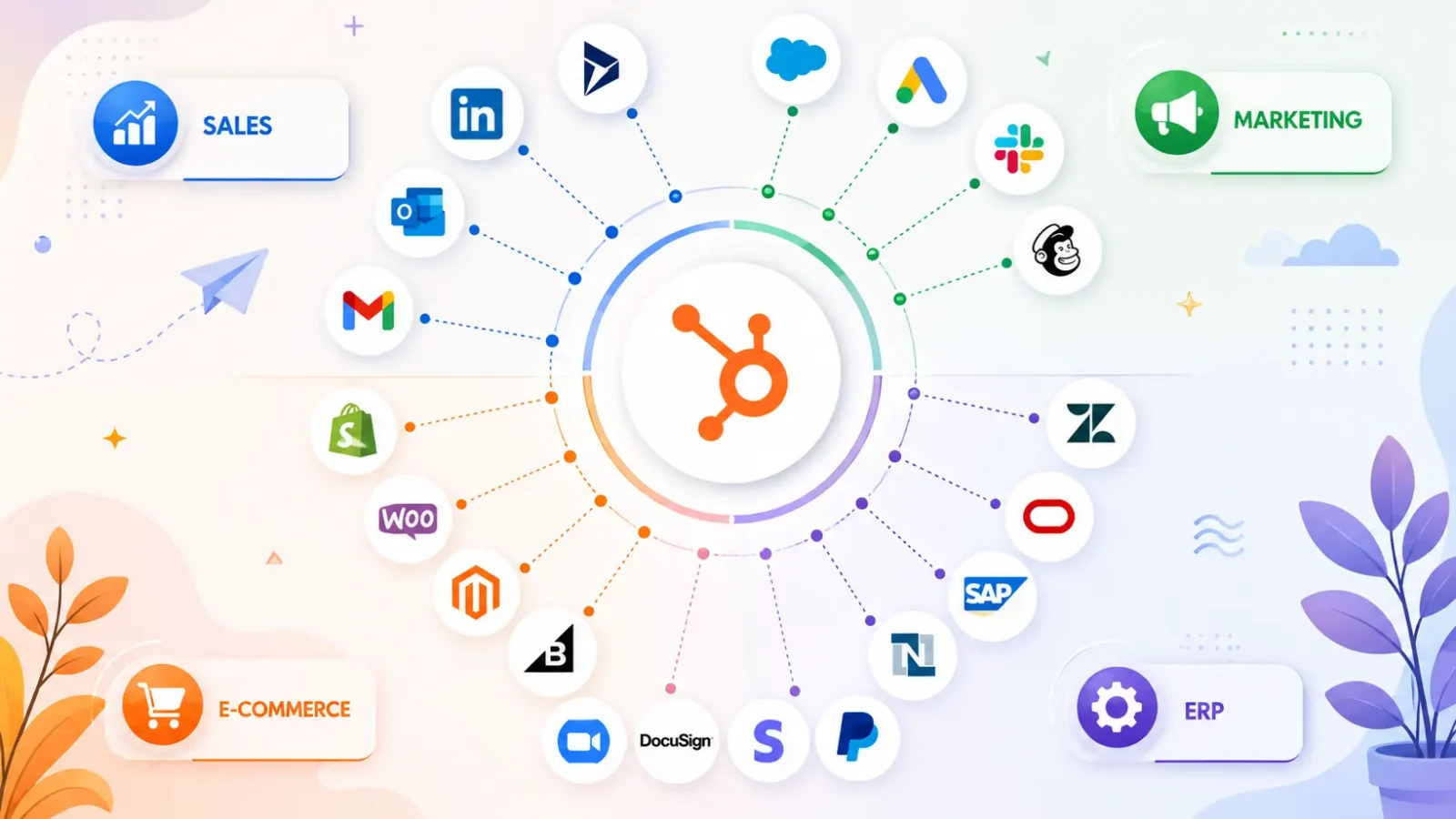
HubSpot now has more than 278,000 customers, more than 1,500 apps in its App Marketplace, and more than 2,000 companies in its App Partner Program. But here’s what nobody tells you: most teams using HubSpot only leverage a handful of integrations, and about half of them silently break, fall out of sync, or stop scaling within the first year.
The market is intimidating. Listicles keep recycling the same 12 names. And if the out-of-the-box integration doesn’t work for your business, there’s little guide to tell you what to do next.
“I’ll fix it. We are a HubSpot Diamond Solutions Partner with custom integration accreditation at Integrate IQ.
We’ve integrated 300+ platforms with HubSpot, moved 20 billion records annually, and sync 7 million fields daily across our client base. Here’s our straightforward answer to the question “what are the best HubSpot integrations?” in organized categories, with honest notes on where each one stops being enough.
In this guide, we’ll go through the 25 most popular HubSpot integrations for sales, marketing, support, ecommerce, finance, and communications.
It also covers the four ways to integrate (native, data sync, middleware and custom API), how to decide between them, real implementation timelines, integration costs at every tier, and what really breaks when integrations fail.
You will walk away with a clear understanding of which integrations you should install today, which to plan for next quarter, and which ones need a Diamond Partner because the marketplace can’t deliver them.
Before we get started, two things to bear in mind. First, HubSpot’s integration architecture shifted dramatically in 2026. The platform deprecated API key authentication, moved to date-based API versioning, and delivered Developer Platform 2026.03 with new serverless functions.
If you see a guide that mentions API keys, that guide is outdated. Second, the right integration is seldom the most popular. The right integration is the one that fits your actual data volume, your sync direction, and your appetite for maintenance over time. Companies pick based on a listicle ranking and end up with integrations they outgrow in 12 months.
Free estimator
Know what your HubSpot project costs before the first call.
Select your services and get a transparent price range in minutes. No sales call needed to get a number.
Connect HubSpot to your ERP, billing platform, or database field mapping, custom logic, and support included.
Pipelines, workflows, email templates, and reporting configured for how your team actually works.
Live, role-based sessions with recordings and written guides built around a custom plan for your team.
HubSpot Partner
Client retention
Platforms integrated
What is a HubSpot integration?
A HubSpot integration is a connection that allows HubSpot to share data with another business tool, either in real time or on a schedule.
Most integrations do three things: sync records between systems, trigger automated actions across platforms, and surface external data directly inside HubSpot’s CRM.
Some integrations are point-and-click and can be installed in the HubSpot App Marketplace in under five minutes. Others: custom API creation, OAuth authentication, field mapping, error handling.
You need to choose the one that is right for the complexity of your data, and how important it is that the integration runs cleanly at scale.
How many integrations does HubSpot have?
HubSpot has 1,500+ pre-built apps in the App Marketplace, and 2,000+ companies in its App Partner Program building new connectors. Plus, any system with an API can be connected via custom integration, which is pretty much limitless.
The main categories are roughly divided as follows:
- Sales & prospecting: 300+ apps (CRM sync, lead enrichment, dialers, sales engagement)
- Marketing & Advertising: 250+ apps (email, ads, social, forms, attribution)
- Customer service: Over 150 apps (ticketing, live chat, knowledge base, VoIP)
- E-commerce: over 100 apps (stores, payments, inventory)
- Finance & ERP: 100+ apps (accounting, billing, ERP, subscriptions)
- Productivity & Communication: 400+ apps (Slack, Teams, calendars, file storage, SMS)
- Data, BI and developer tools 200+ apps (data warehouses, BI tools, custom code)
Download the full list of all Integrate IQ HubSpot integrations in our own catalog of 300+ HubSpot integrations.

Turn HubSpot Into A Real-Time SMS Engine with
Message IQ

Two-Way Conversations

Shared Team Inbox

Automation Triggers

Advanced Reporting

Compliance Tools
-
98%
SMS read within 3 min -
78%
Buy from first responder -
21×
More likely to qualify
3–5 min avg response
$45–$50 ROI / $1

*MessageIQ is an IntegrateIQ product – built natively for HubSpot by the same team.
The 4 types of HubSpot integrations
HubSpot has four ways that you can connect external systems. Most companies end up using a mix, not just one. Knowing what each layer is for makes scoping any new integration much quicker.
1. Native integrations (App Marketplace)
Native integrations are the apps that are already built into HubSpot’s App Marketplace. They are built either by HubSpot itself or by members of the App Partner Program. Setup generally takes 5-30 minutes using a guided OAuth flow.
Best for: Standard, well-supported tools where you need simple data flow. Examples include Google Workspace, Slack, Zoom, Stripe, etc.
Limitations: You usually cannot control the fields that are synced, sync direction, or data transformation. If the native connector doesn’t do what you want, you can’t extend it.
2. HubSpot Operations Hub Data Sync
HubSpot’s Operations Hub features a bi-directional data sync tool that connects with 100+ apps. It supports custom field mapping, rules for historical sync and conflict resolution.
Best for: Standard tools where you want more control than a native connector provides, but don’t want to write code. Common combos: Hubspot with Microsoft Dynamics, MailChimp or Pipedrive.
Limitations: Requires Operations Hub Professional or Enterprise Not all apps are included. Doesn’t handle complex business logic or custom objects in non-standard ways.
3. Middleware and iPaaS (Zapier, Make, Workato)
Middleware platforms act as an intermediary between HubSpot and another tool and transfer data based on triggers. The most popular is Zapier with over 9,000 connected apps. Make and Workato are aimed at more sophisticated automation needs.
Best for: Linking tools without a developer, particularly if you’re dealing with low-volume workflows or want to automate across systems quickly.
Limitations: The per-task pricing can be expensive at scale. Most platforms are 5 to 30 minutes behind real time. Error handling is not deep. Complex business logic (calculations, conditional field mapping, multi system orchestration) hits the ceiling of the platform quickly. We’ve written about the trade-offs of Zapier vs. custom integration in more detail.
4. Custom API integrations
Custom integrations invoke HubSpot’s REST API, authenticated using Private Apps or OAuth 2.0, and execute on infrastructure external to HubSpot. They can sync any object (including custom objects), handle complex transformations and reliably process millions of records.
Best for: Mid-market and enterprise companies with custom objects, proprietary systems, real-time sync needs or moving 10K+ records a day.
Limitations: More expensive upfront. Requires ongoing maintenance due to API changes. Better left to a partner that has experience, rather than in-house staff learning HubSpot’s API for the first time.
Here are a few 2026 changes to watch out for: HubSpot has deprecated API key authentication, so Private Apps and OAuth 2.0 are the only options supported moving forward. The platform implemented date-based API versioning (/2026-03/ instead of v1/v2/v3), with breaking changes only twice a year (March and September) and an 18-month support window for each version. Current build: Developer Platform 2026.03
How the four types compare
| Integration type | Typical cost | Time to deploy | Flexibility | Maintenance burden | Best for |
|---|---|---|---|---|---|
| Native (App Marketplace) | Free to $50/mo | Under 1 day | Low | None | Standard tools, simple sync |
| Operations Hub Data Sync | $720+/mo (Ops Hub) | 1 to 3 days | Medium | Low | Bi-directional sync, custom field mapping |
| Middleware/iPaaS | $20 to $2,000+/mo | 1 to 5 days | Medium | Medium | No-code automation, low volume |
| Custom API integration | $15K to $150K one-time | 6 to 12 weeks (8 typical) | High | Bundled | Custom objects, ERPs, real-time, scale |
For a more in-depth discussion of this trade-off, see our analysis of custom integrations vs. iPaaS and native tools, which discusses why most growing companies end up needing a custom build for at least one mission-critical connection.
How to choose the right HubSpot integration for your business
Choose the lightest weight thing that actually fixes the problem. That’s the rule’ Heavier options are more expensive, take longer, and add maintenance you don’t need if a native connector already does the job.
Here’s the 5-question decision tree we walk every client through:
- Is it in the App Marketplace? If yes and the native connector fits your use case, install it and move on.
- Looking for bi-directional sync, custom field mapping, or historical backfill the native connector doesn’t support? If the tool is in the data sync catalog, use Operations Hub Data Sync.
- Is the tool low-volume, obscure, and not in either marketplace? Use Make or Zapier.
- Custom objects? Complex business logic? 10K+ records syncing daily? The only lasting answer is custom API integration.
- Is the connected system an on-premise deployment, behind a firewall or a legacy ERP? Custom integration is required. No middleware can reach systems without public APIs.
If two of the five questions are pushing you toward custom, stop trying to shoehorn middleware into the role. We have seen too many companies spend $30K on a Zapier setup that breaks every quarter when a $40K custom build would have solved the problem for good.
Some worked examples to make this concrete:
- Mid-market SaaS integrating HubSpot, Stripe, and Slack Both have good native integrations with marketplaces. First native. Total setup time: less than an hour. Cost: $0 over subscriptions.
- B2B manufacturer connects HubSpot with Epicor with custom pricing tiers. There is no Native. Middleware will not be able to cope with the volumes of data or the B2B pricing logic. The only realistic option is a custom build. Timeline: 8 – 12 weeks
- Marketing team: Bidirectional sync of HubSpot to Mailchimp Mailchimp has a native integration but custom field mapping needs push this into Ops Hub Data Sync territory if you have Ops Hub Pro, or into a low-cost middleware setup if you don’t.
- Greenhouse Recruiting Agency to Bullhorn and HubSpot. Bullhorn has weak native coverage. Greenhouse has decent native. Most agencies end up using one custom integration (Bullhorn) and one native integration (Greenhouse) with Operations Hub Data Sync handling the simpler flows.
The theme in all of these: Pick the lightest tool that isn’t going to break in 12 months. Don’t build too much. Don’t under-invest in the integrations that really count to revenue.
The 25 best HubSpot integrations in 2026
These are grouped by category. For each integration we explain what it does, who it’s for, the type of integration and pricing tier. Where IntegrateIQ has developed deeper custom or enhanced versions, we’ve included a direct link to those pages.
Sales and prospecting
1. Salesforce
The HubSpot-Salesforce integration is the most-built integration in the marketplace, and probably the most-customized one too. The native connector provides bi-directional sync for contacts, companies and opportunities. It works perfectly for clean Salesforce instances. It breaks when either side has lots of custom objects, complex deal stages, or non-standard lifecycle properties.
- Type: Native + custom (most enterprise teams need both)
- Best for: Companies that are using HubSpot for marketing and Salesforce for sales, or moving away from Salesforce
- Pricing: Free native; custom builds for enterprise stacks are varied
2. LinkedIn Sales Navigator
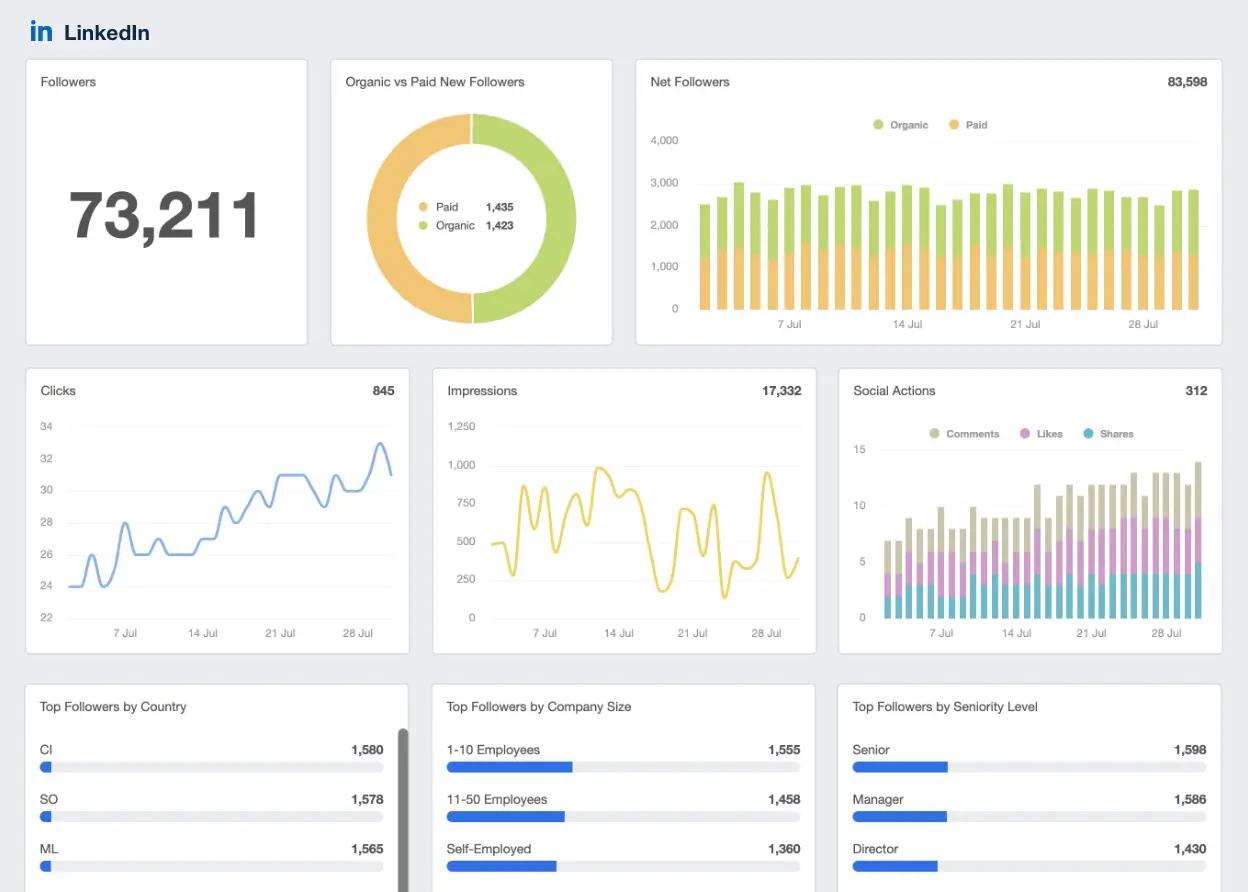
Augments HubSpot contact records with LinkedIn profile information, InMail activity and social selling signals. Sales reps can search, save and engage prospects—all without ever leaving the CRM.
- Type: Indigenous
- Best for: Account-based outbound B2B sales teams
- Pricing: Needs Sales Navigator subscription ($99+/user/mo)
3. ZoomInfo
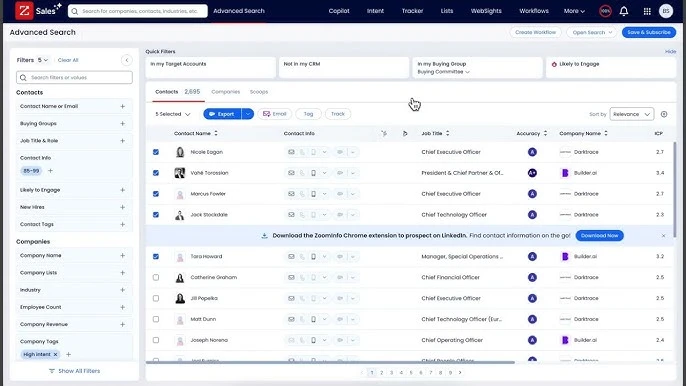
ZoomInfo’s HubSpot integration adds verified phone numbers, firmographics, and buying intent signals to existing contacts. It also pushes new leads directly into HubSpot lists.
- Type: Local
- Best for: Mid market and enterprise sales teams doing outbound at scale
- Pricing: Enterprise tier (typically $15K+/year)
4. Apollo
A cheaper alternative to ZoomInfo with the same feature set. Apollo’s HubSpot integration includes data enrichment, sequence sync and engagement tracking.
- Native Type:
- Best for: Sales teams who want enrichment and engagement in one tool
- Pricing: $49+ /user/month

5. Outreach
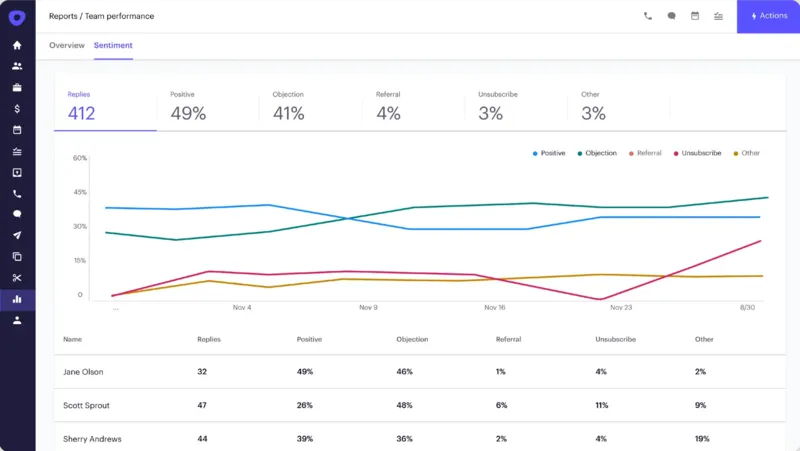
The HubSpot Outreach integration synchronizes sequences, prospects, calls, and email activity in both directions. Sales managers get one source of truth without kicking reps out of Outreach.
- Type: Indigenous
- Best for: Sales-heavy orgs with dedicated SDR teams;
- Price: $100+/user/month
Marketing automation and advertising
6. Mailchimp
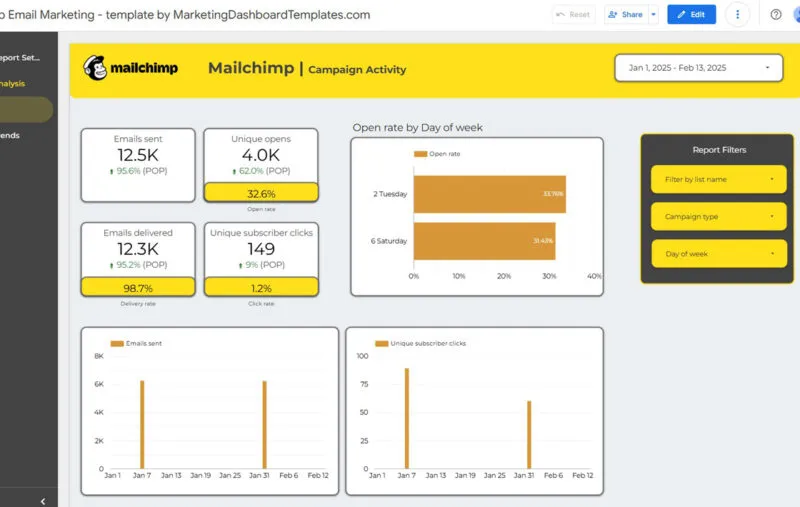
Matches Mailchimp audiences to HubSpot contacts along with engagement data and unsubscribe status. Ideal for teams who use Mailchimp for newsletters but want Hubspot to remain the system of record.
- Type: Data sync with Native + Operations Hub
- Best for: Companies with parallel email programs or migrating from Mailchimp
- Pricing: Free (with separate subscriptions)
7. Google Ads
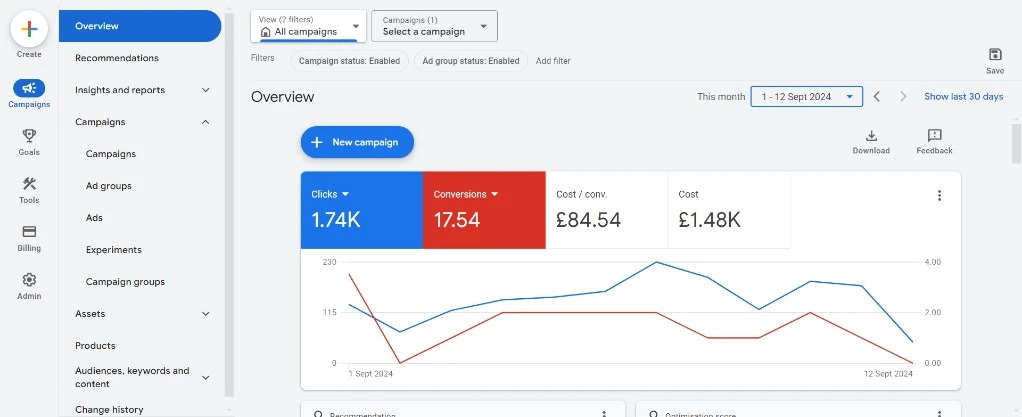
The HubSpot Google Ads integration tracks ad clicks to HubSpot contacts and deals, sends conversion events to Google for smart bidding, and lets you build audiences from HubSpot lists.
- Type: Local
- Best for: Any business that already spends on Google ad
- Price: Free
8. LinkedIn Ads
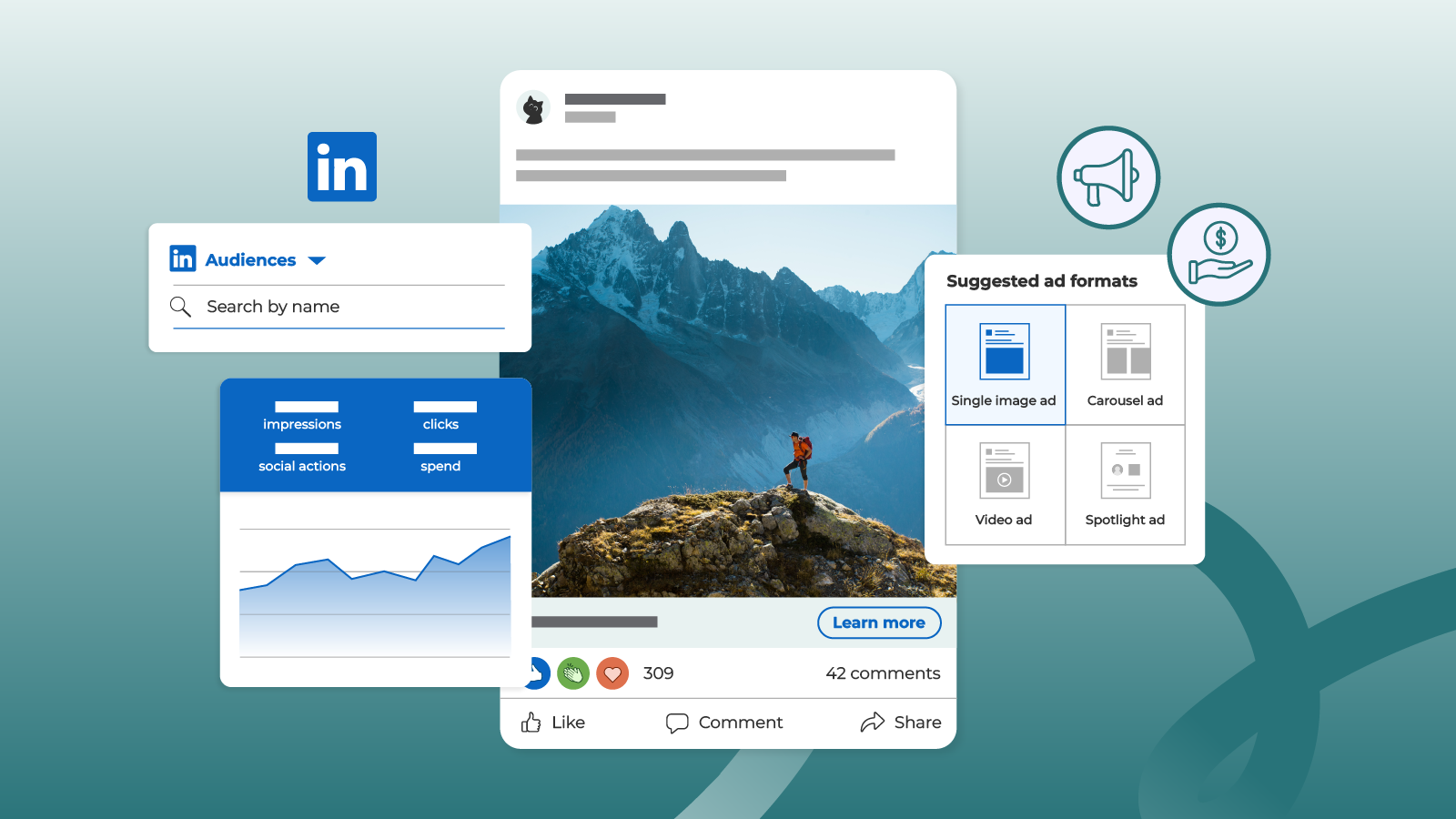
The HubSpot and LinkedIn Ads integration syncs lead-gen form data directly to HubSpot, ties pipeline back to ad spend and enables matched audiences for B2B targeting.
- Type: Aboriginal
- Best for: Advertisers in B2B
- Cost: Free
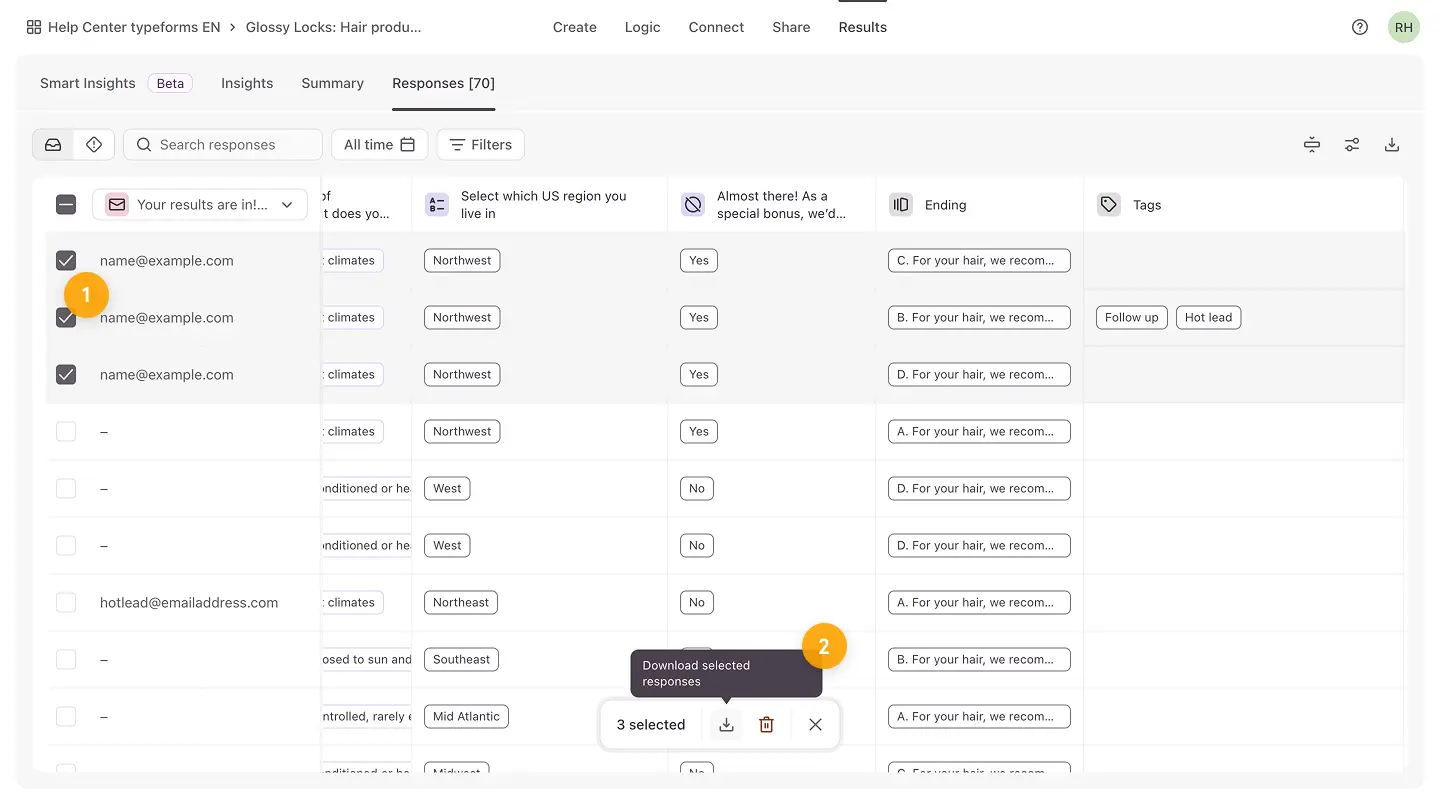
9. Typeform
The HubSpot Typeform integration offers a way to push form submissions into HubSpot contacts with full field mapping, including hidden fields and conditional logic answers.
- Type: Indigenous
- Best for: Marketing teams who conduct surveys, lead gen quizzes or ABM personalization
- Price: Starting at $25/mo
Customer service and support
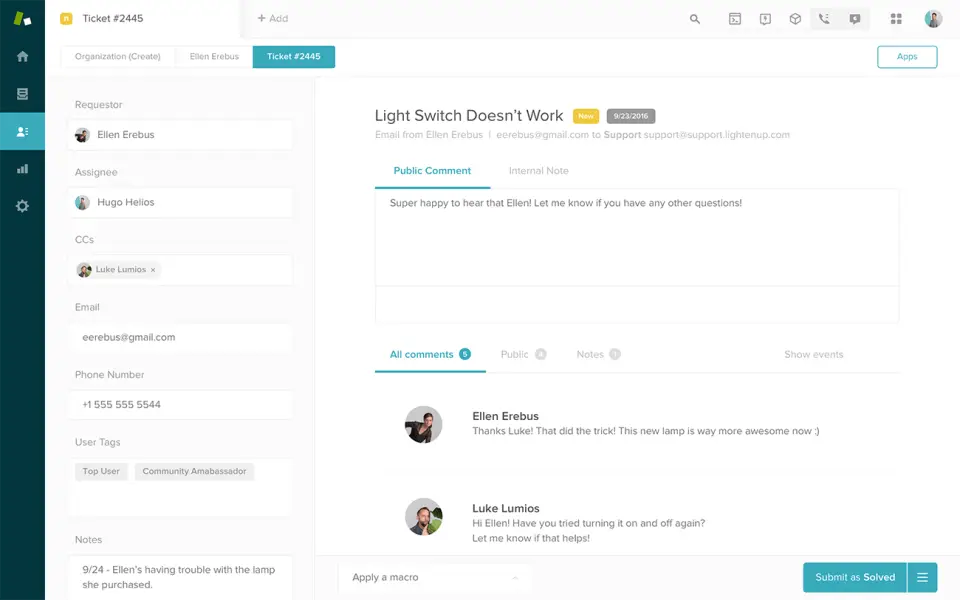
10. Zendesk
HubSpot Zendesk integration. This integration connects support tickets with HubSpot contacts and deals, so sales can see any open issues before renewals or expansions. Many enterprise teams customize this beyond the native connector.
- Type: Custom and native common
- Best for: Companies using Zendesk for support and HubSpot for everything else.
- Pricing: Native is free
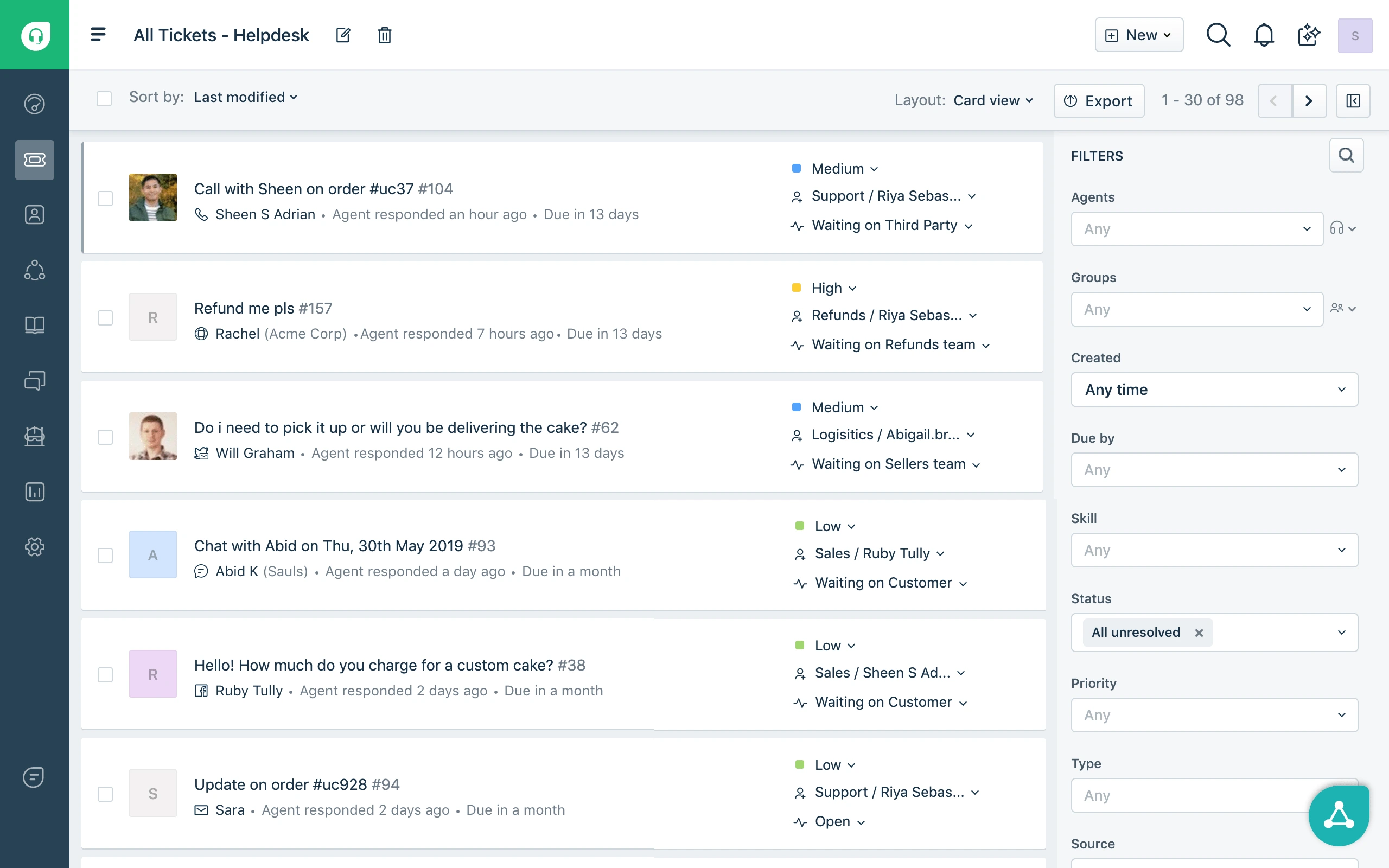
11. Freshdesk
The HubSpot Freshdesk integration pulls ticket activity into HubSpot contact timelines. Well suited for mid-market teams that chose Freshdesk over Zendesk because of cost.
- Type: Indigenous
- Best for: Support teams in the mid-market
- Price: Free Native
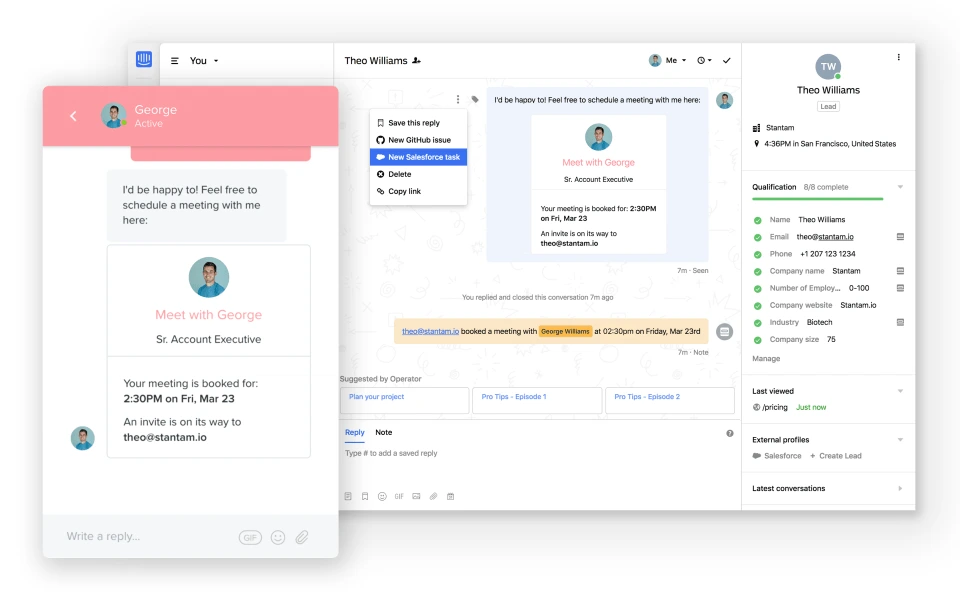
12. Intercom
The HubSpot Intercom integration sends live chat conversations, support contacts, and product onboarding messages to HubSpot CRM. Especially useful for SaaS companies doing product led growth.
- Type: First Nations
- Best for: SaaS, PLG and customer success teams
- Pricing: Free for native users; $74/mo and up for Intercom
13. Aircall
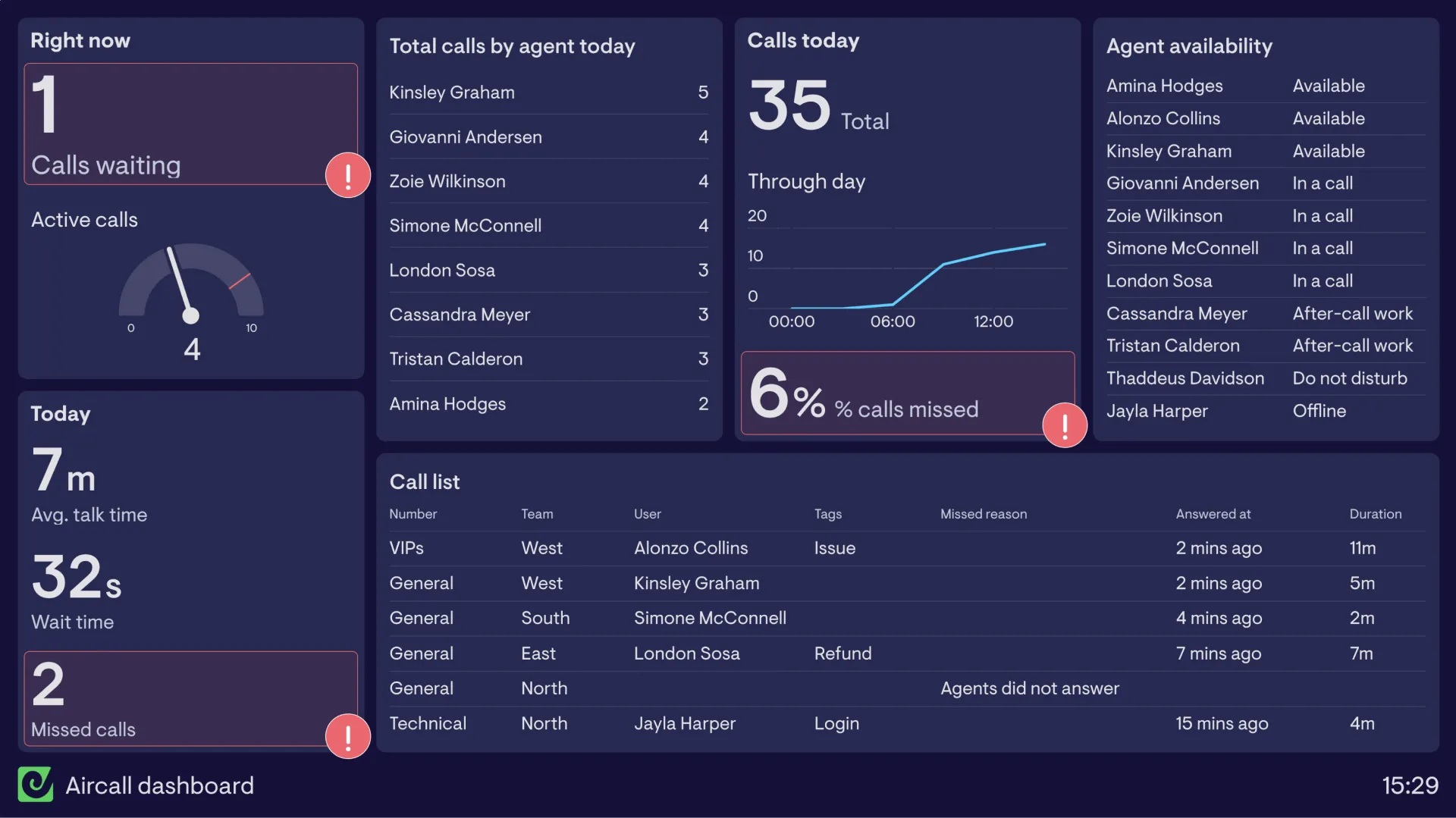
Inbound and outbound calls into HubSpot contact timelines with click to call, automatic call logging and call recording. Aircall is one of the most popular phone integrations on the market.
- Face: Native
- Best for: Inside sales and sales support
- Pricing: $30+/user/month
E-commerce
14. Shopify
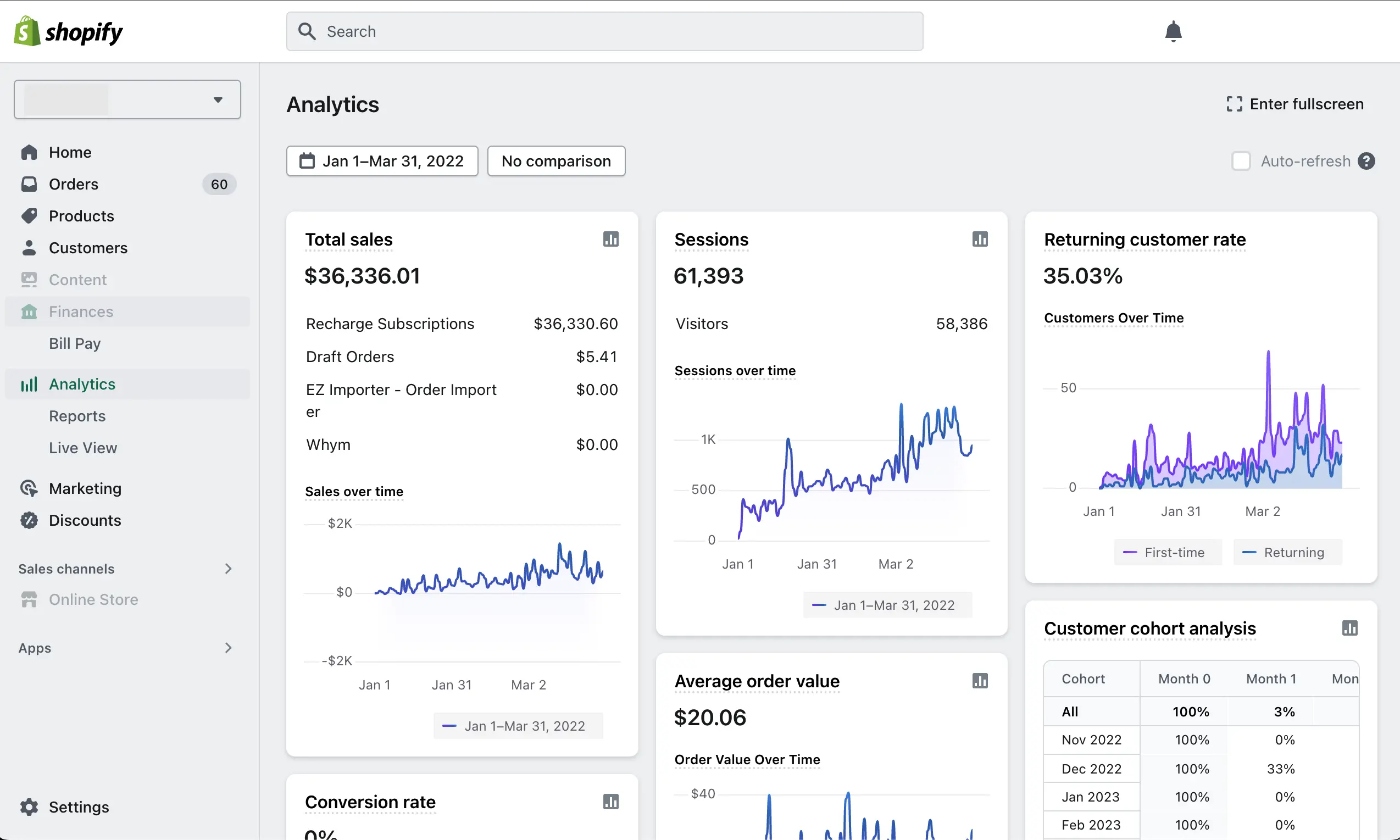
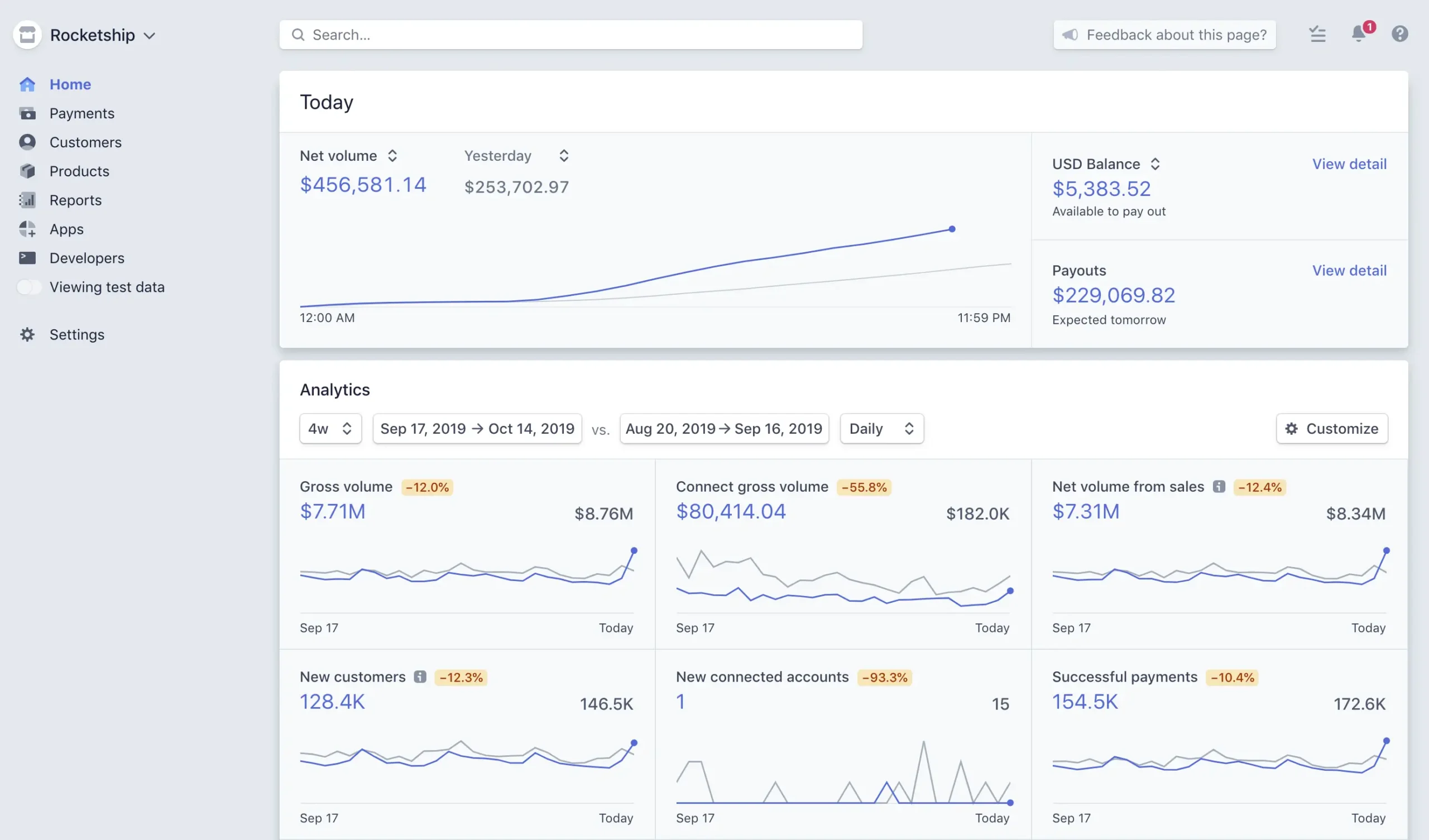
The HubSpot Shopify integration synchronizes customers, orders, abandoned carts, and product data into HubSpot. The native connector works well with standard Shopify stores. Custom builds are usually needed for stores with custom checkout flows, B2B pricing, or multi-store setups.
- Type: Native + custom for B2B
- Best for: DTC and small B2B ecommerce
- Pricing: Free native
15. Magento (Adobe Commerce)
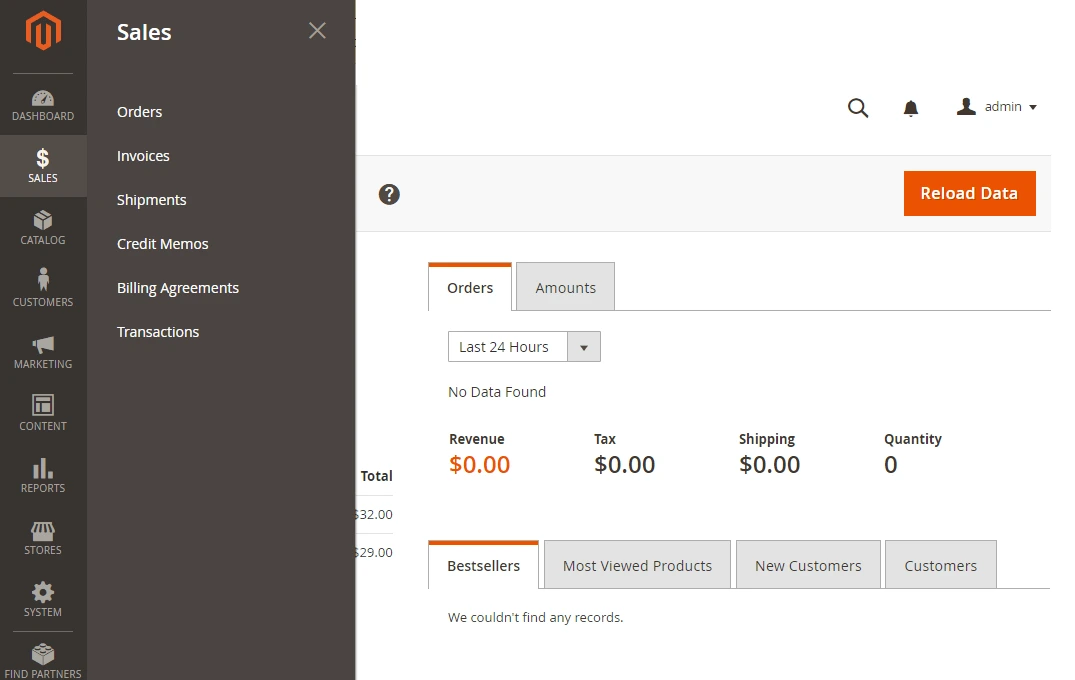
Real-time sync of customers, orders, inventory, B2B tiered pricing and quote requests is managed by the HubSpot Magento integration. We built this for a dozen mid market and enterprise magento stores and the native connector is almost never enough for B2B.
- Type: Custom (nearly always)
- Best for: B2B and enterprise e-commerce
- Pricing: Custom builds vary, native limited
16. BigCommerce
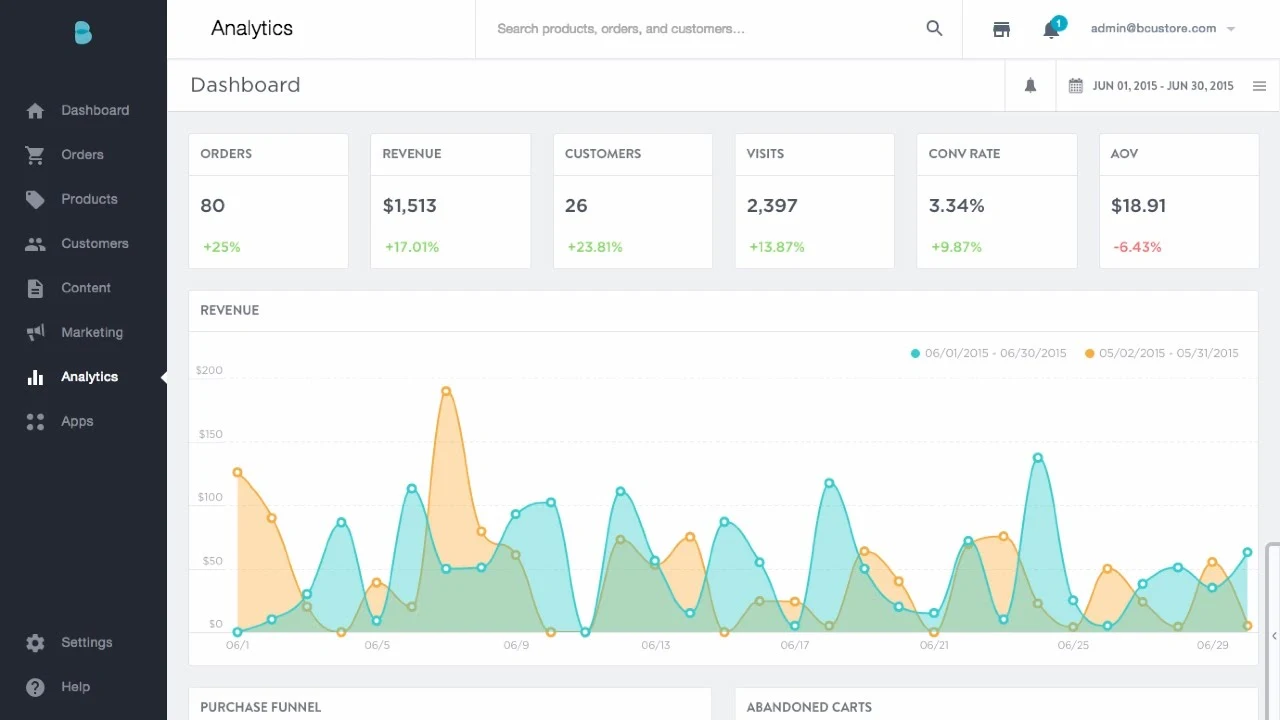
The HubSpot BigCommerce integration syncs customer, order and product data with full field mapping. Native is for standard sites, B2B BigCommerce is custom most of the time.
- Type: Native + custom for B2B.
- Best for: Mid-sized e-commerce platforms
- Pricing: Native free
17. Stripe
The HubSpot Stripe integration syncs customer billing information, subscriptions and payments into HubSpot. Essential for SaaS revenue reporting and renewals workflow.
- Type: Original
- Best for: subscription and SaaS businesses
- Pricing: Free native, Stripe transaction fees apply.
Finance, ERP, and operations
18. QuickBooks
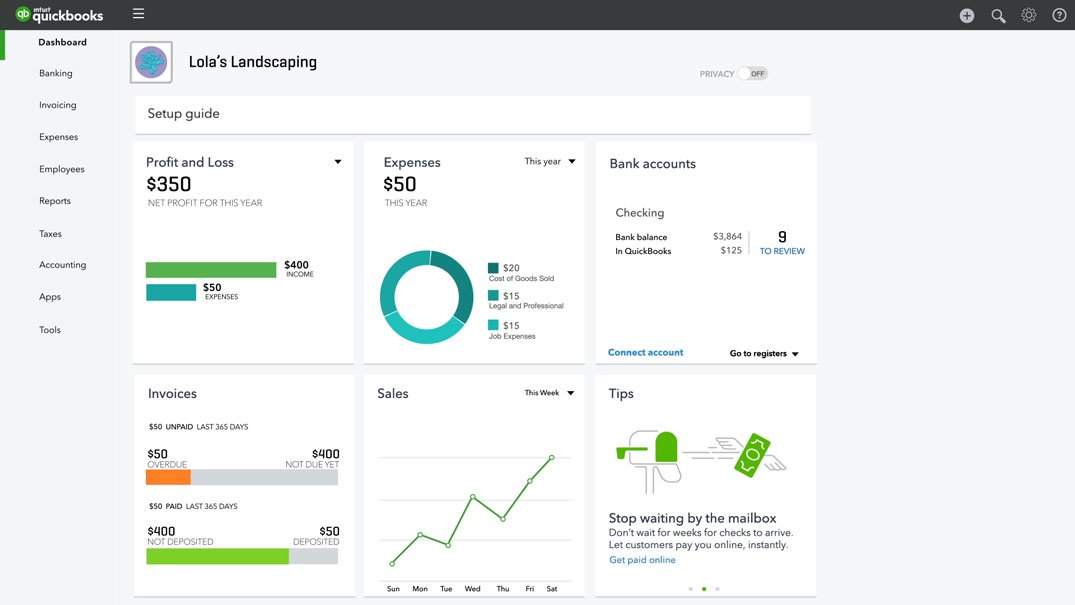
The HubSpot QuickBooks integration connects HubSpot deals with QuickBooks invoices, customers and payments. Good for SMB and mid-market teams that require close loop reporting from quote to paid.
- Type: Native + custom for complex billing.
- Perfect for: SMBs and mid-market
- Pricing: Free native
19. NetSuite
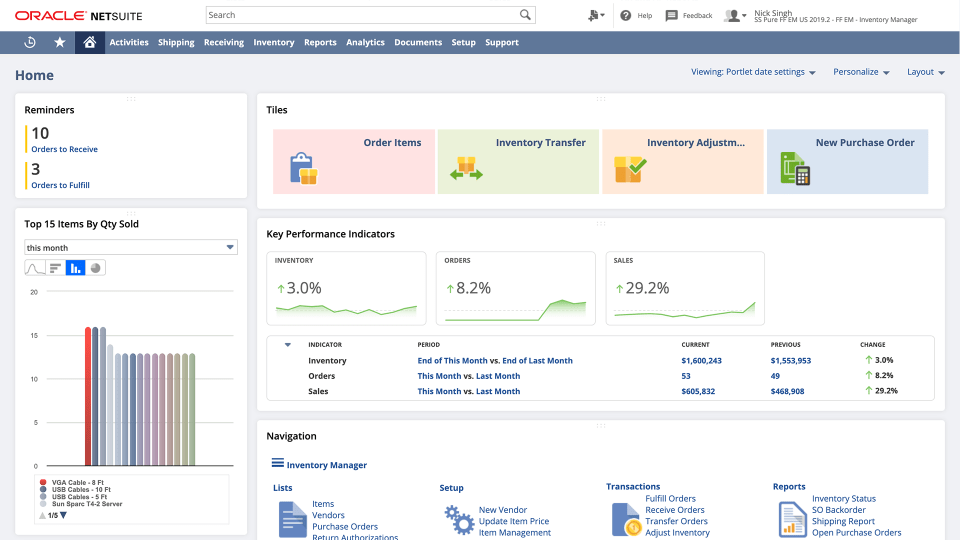
In almost all cases, the HubSpot NetSuite integration is a custom build. NetSuite’s data model, custom records, and saved searches do not align easily with HubSpot’s native objects. Done right, it gives finance, sales and marketing a single view of the customer. We spoke about revenue impact of this connection in our NetSuite to Hubspot integration playbook.
- Type: custom (typical build time 8 weeks)
- Best for: Mid-market and enterprise with NetSuite as ERP
- Pricing: Custom build $50K – $150K
20. SAP
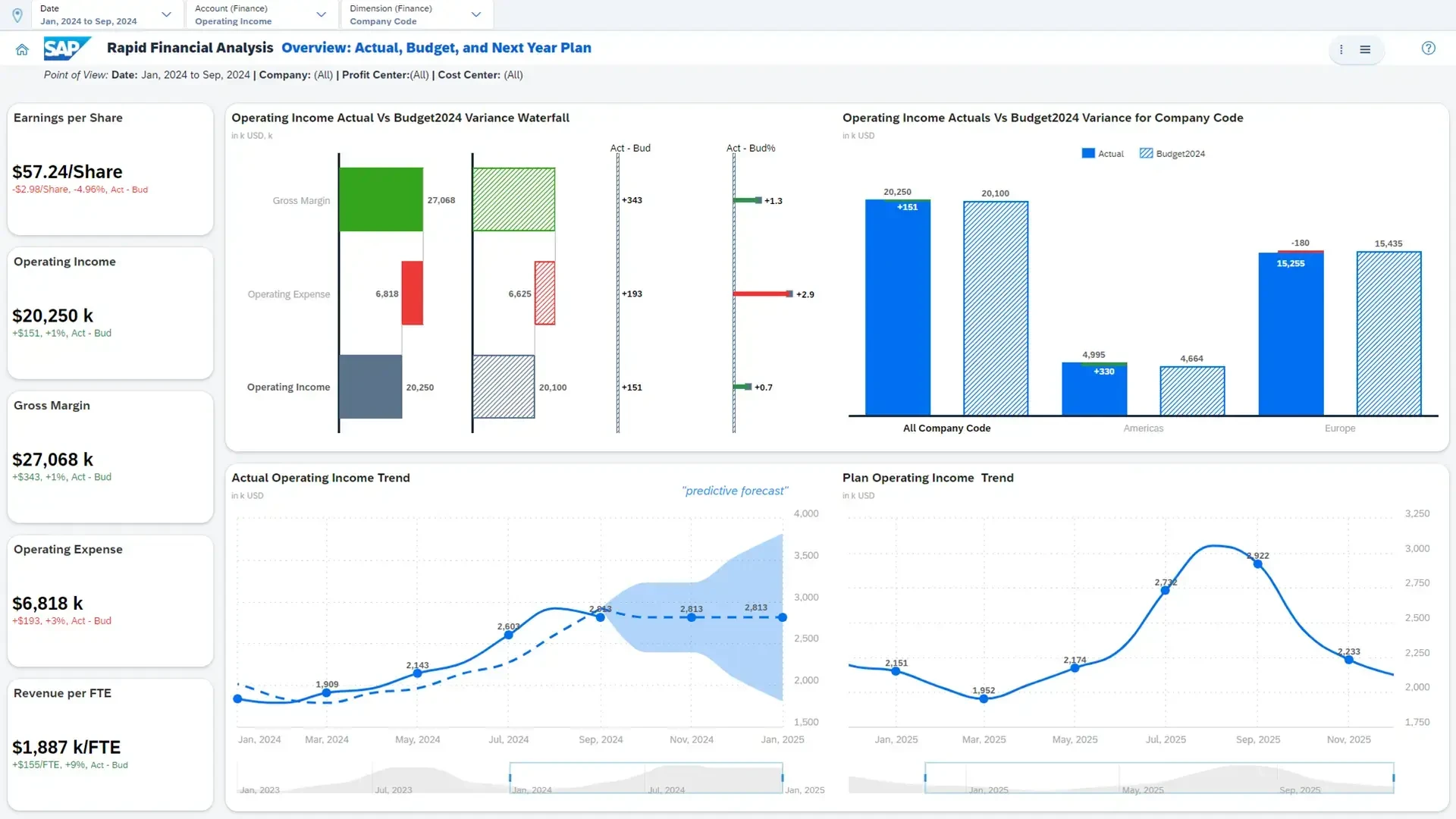
The HubSpot SAP integration links HubSpot with SAP ERP or S/4HANA. Custom always. Sales and Finance use this for customer master data synchronization, order status and billing for their enterprise customers.
- Type: Custom (only)
- Best for: Enterprise Pricing: Custom build $75K+
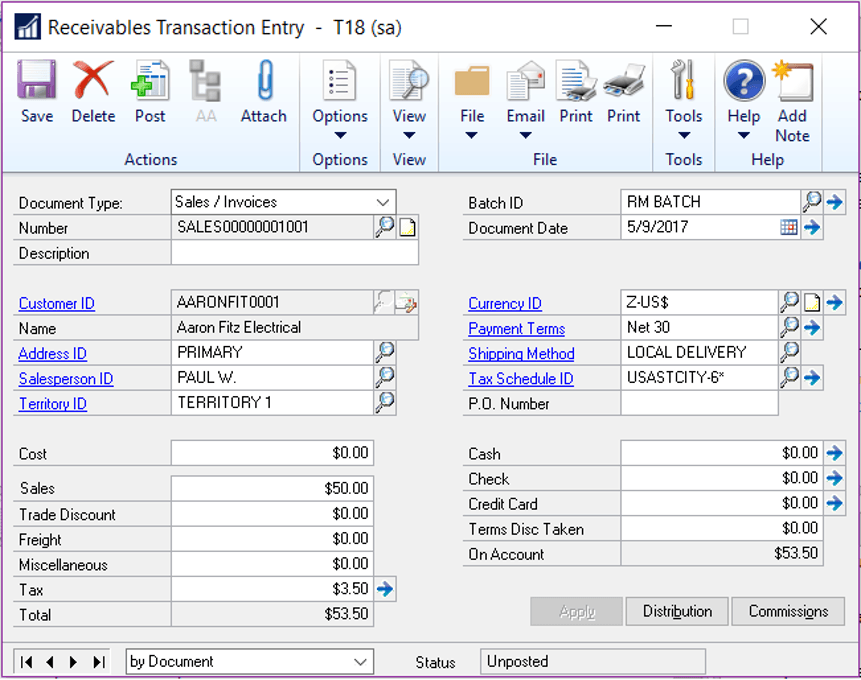
21. Microsoft Dynamics 365
One of the most requested dual-stack builds for ERP and CRM is the HubSpot Dynamics 365 integration. Operations Hub Data Sync supports basic account and contact flows. Custom required for sales orders, quotes and complex pipeline mapping.
- Type: Custom or Operations Hub
- Best for: Mid-market and enterprise running Dynamics
- Price varies for custom builds
Communication and productivity
22. Slack
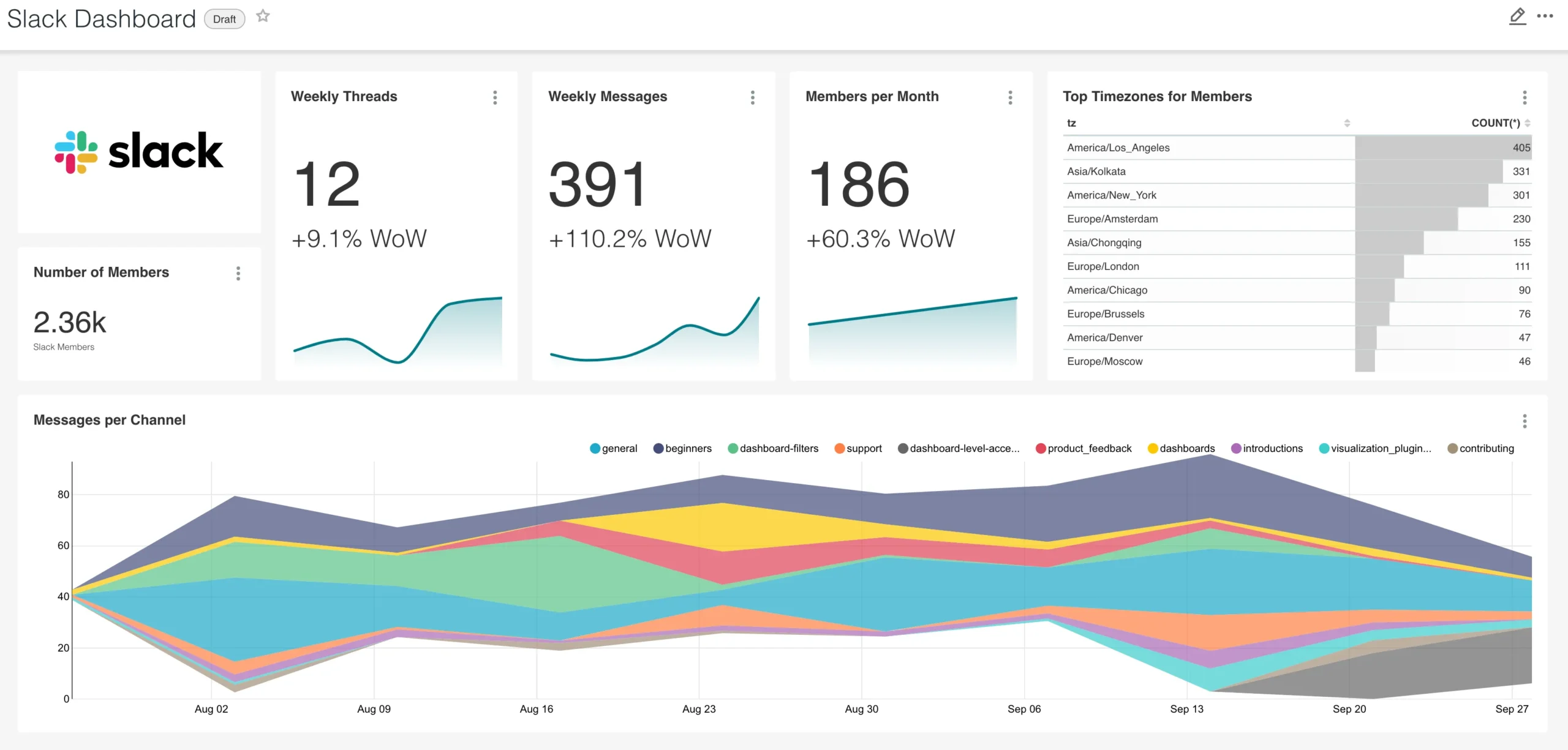
The HubSpot Slack integration pushes CRM notifications, deal stage changes, and meeting reminders into Slack channels. It’s one of the most-installed apps on the market.
- Type:Native
- Best for: Any Slack-using team
- Price: Free.
23. Microsoft Teams
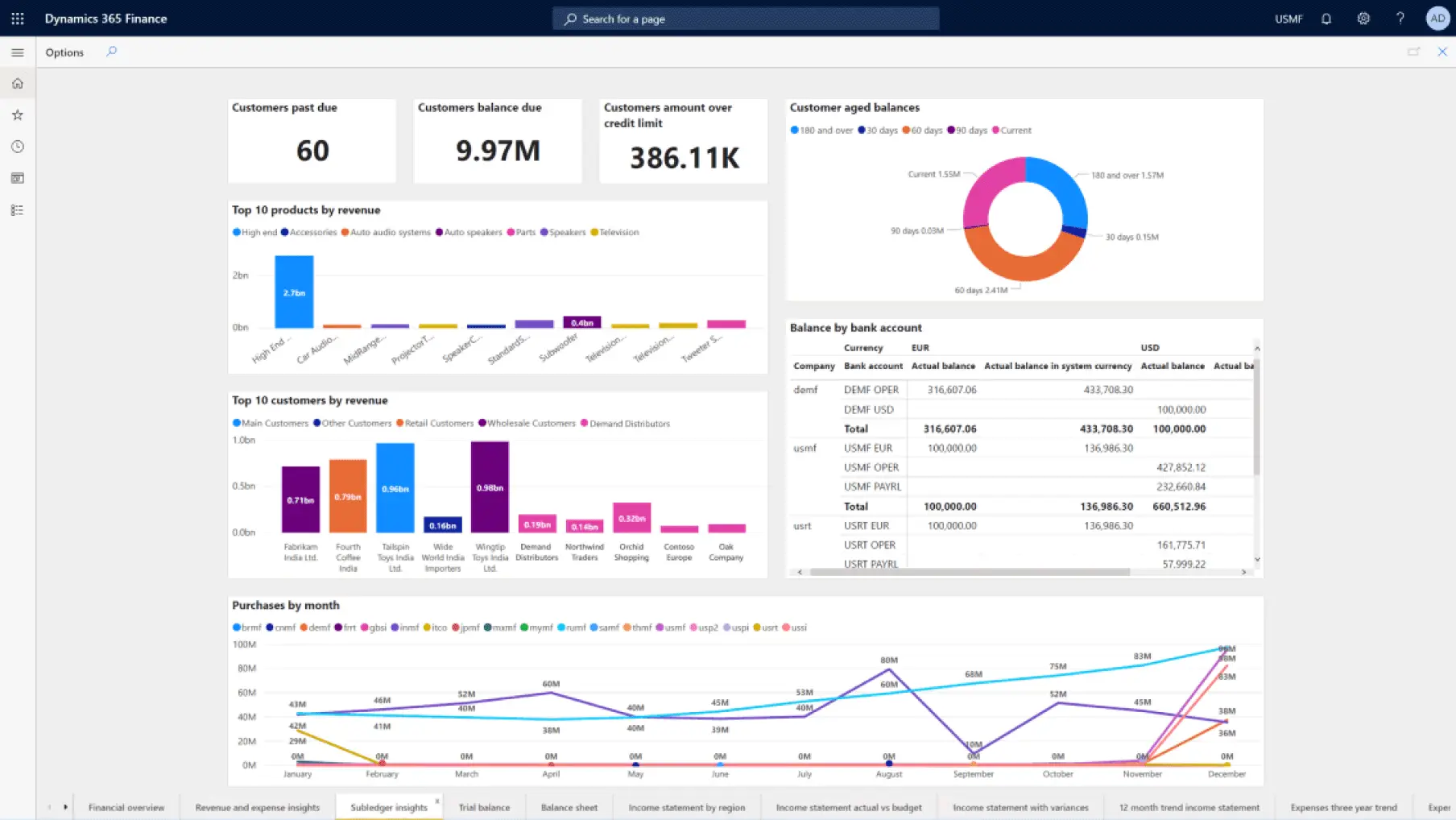
The HubSpot Microsoft Teams integration does for Microsoft-focused organizations what Slack does. Includes meeting scheduling and contact lookup within Teams.
- Type: Indigenous
- Best for: Microsoft 365 stores
- Cost: Free
24. Zoom
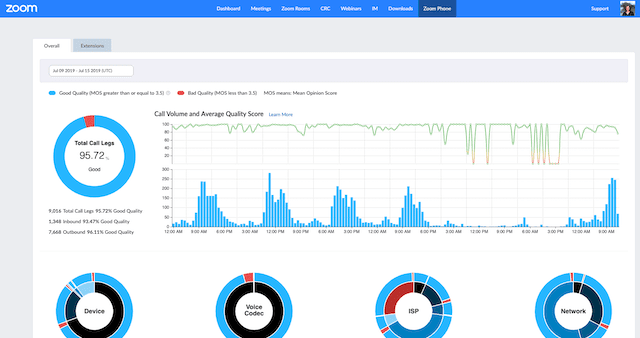
The HubSpot Zoom integration logs meeting recordings, registration information, and webinar attendance on HubSpot contact records. Best for marketers running webinar funnels.
- Type: Native
- Best for: Marketing and sales teams hosting demos and webinars.
- Pricing: Free native; Zoom subscription not included
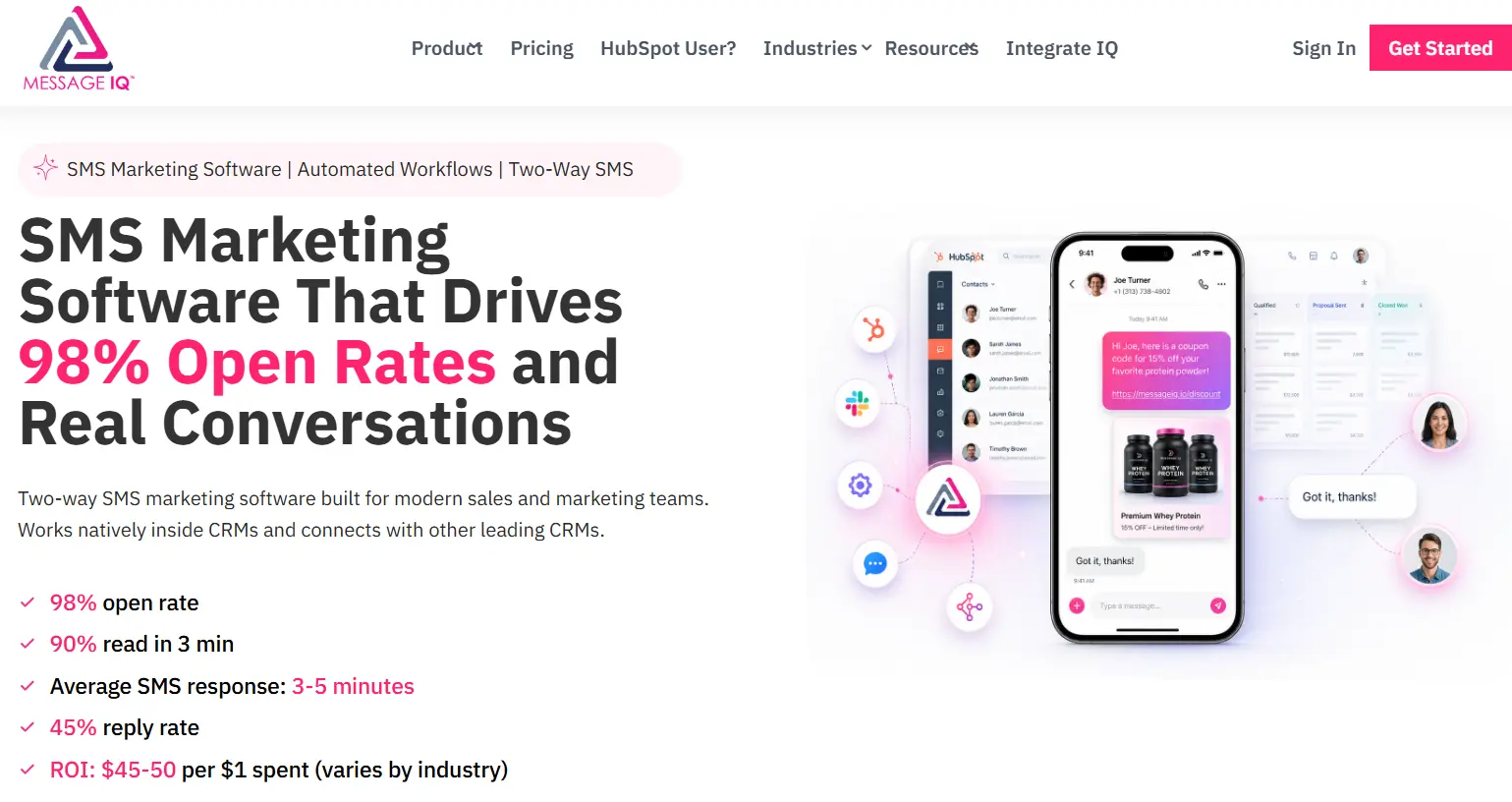
25. Message IQ (two-way SMS for HubSpot)
Message IQ is our sister product, created specifically because the SMS gap in HubSpot was the most requested integration our clients kept asking us about. It’s a two-way SMS platform that lives inside the HubSpot Contact Record sidebar, triggers from workflows, and handles MMS, autoscaling, and carrier compliance directly.
- Type:Native HubSpot integration (built for HubSpot)
- Best for: Any HubSpot user who needs SMS (appointment reminders, abandoned cart, sales outreach, support follow-up)
- Price: Starts at $29/month, no long-term contracts.
When the native marketplace integration won’t fit
Sorry, but here’s the hard truth most listicles won’t tell you: native marketplace integration fails in about half of real-world mid-market and enterprise use cases. We see the same failure modes repeated again and again.
Most common scenarios where you will outgrow a native connector:
- Custom objects. Custom objects (e.g. Membership Tier, Project, Subscription, Equipment Unit, etc.) are supported in HubSpot Enterprise. Most native connectors do not know about them and cannot synchronize them.
- Bi-directional sync with conflict resolution When both systems can update the same field explicit rules are needed to determine which side wins. Native connectors often pick a direction and stay with it.
- Sync in real-time in under 60 seconds. Most native and middleware integrations sync on 5, 10, 15, 20 and 30 minute schedules. Custom requires real-time inventory, pricing or order status.
- High-volume sync (10K+ records/day) Middleware platforms quickly run into per-task pricing walls. Native connectors tend to have rate limit issues at scale.
- On-premises or legacy systems. ERPs on private networks, legacy Magento installations, custom-built order management systems – all of those require a custom integration with secure access patterns.
- Multi-portal HubSpot configurations. Multi-account HubSpot companies (multi-brand, M&A consolidation) do not have access to single-portal native connectors. Each portal has a different integration logic.
- Complex field transformations. Concatenation, split, conditional mapping, lookup table driven values, calculation fields. Native connectors map field to field. The real world is usually messier.
If your business has any two of these, plan for custom from the get-go. Building it right the first time is cheaper than retrofitting middleware later. These are exactly the kinds of situations our custom HubSpot integration service is built to solve.
Common HubSpot integration failures and how to avoid them
Even good integrations don’t work. Knowing failure modes ahead of time saves weeks of debugging and prevents the kind of silent data drift that costs revenue in the background.
Here are some of the most common patterns we see over the 300+ integrations we maintain:
- OAuth token expired. The OAuth access tokens for HubSpot expire once every ~30 minutes. Integrations that don’t have proper refresh logic silently stop syncing. Refresh also invalidates the old token so any in-flight requests on the old token fail. Get the refresh right from the start. Retry logic, alerting on failed refreshes, etc.
- Webhooks gaps. Not every action in HubSpot generates a webhook. Some property changes, some lifecycle stage transitions and most bulk imports won’t send out any webhook at all. Real-time integrations that are webhook only will miss data. Combine webhooks with periodic polling to get full coverage, and also have a daily reconciliation job to catch anything that might have been missed.
- Rate limits. HubSpot Private Apps are limited to 100 requests every 10 seconds (or 250,000 requests per day on most plans). High volume integrations need batch endpoints, request queues and back-off logic. We have seen integrations do well in testing, then throttle hard the moment they hit production load.
- Sync conflicts. By default the last write wins if both systems write to the same field. That can kill legitimate updates.” Pick one source of truth per field, or explicitly resolve conflicts using timestamps and priority rules.
- Field mapping discrepancies. Silent sync failures occur due to type mismatch (date field getting a string), max-length overflow (a 100-character field getting 500), and dropdown value mismatch. Validate all mappings prior to going live including edge cases such as null values, special characters, and timezone aware dates.
- Integrations on the authentication of the deprecated API key. HubSpot has deprecated API key authentication. Any integration still using it is running on infrastructure that is not supported and could break with any change going forward. Migrate to Private Apps or OAuth 2.0 now if you haven’t already.
- Custom code action timeout values. Custom code actions in workflows have execution time limits in HubSpot. Long running operations should be performed on external infrastructure (AWS Lambda, Vercel, Cloud Functions) and not in an attempt to force them into workflow actions.
- No alarms, no monitoring. Most failed integrations don’t fail noisily. They float. A sync stops, nobody notices and three weeks later the sales reports are wrong. Every integration we ship comes with monitoring, error alerting and a runbook for the on-call team.
If you’re actively debugging, see our deep dive into HubSpot workflow errors for these failure modes. This field mapping deep-dive is particular to the data transformation side.
What does a custom HubSpot integration cost?
Real numbers , not ranges meaning nothing :
- Use for free Native integrations with marketplaces. Connected tool subscription fee applies. Typical: $0-$50/mo per app.
- Operations Hub Data Sync: Requires Operations Hub Professional ($720/month) or Enterprise ($2,000/month). Includes data sync feature and custom-coded workflow actions.
- Middleware (Zapier, Make, Workato): Zapier Pro starts at $20/month, Workato starts at $10K/year. Scales with volume of task. Usually $200-$2,000+/mo at any real business scale.
- Custom API Integration: $15,000 – $150,000 (one-time build, depending upon scope) Ongoing maintenance is typically 10 to 20% of build cost per year.
What defines the scope (and price) of a custom integration:
- Number of HubSpot objects in play (Contacts, Companies, Deals, custom objects)
- Complexity of mapping and number of fields
- Sync frequency (realtime vs hourly vs daily)
- Sync direction (one-way vs bi-directional)
- Error handling and conflict resolution requirements
- Custom UI Extensions (Cards within HubSpot records)
- Records volume (10K vs 10M)
- whether the external system is on-prem, cloud or hybrid
Most of our integrations are $25K-$80K Not usually worth the engineering oversite for anything under $15K. If it’s over $150K, you typically get more than one integration bundled in. Our integration ROI calculator can give you a working estimate to put a realistic figure against your specific stack.
The 8-week Integrate IQ integration process
We have a standard delivery of eight weeks from kickoff to go-live. Here’s the lowdown.
Weeks 1 & 2: Discovery & Architecture
We map all systems we’re involved with, all data objects that need to sync, and all business rules that govern the flow. We interview stakeholders from Sales, Marketing, Operations and Finance. The output is a written architecture doc that you sign off on before we write a line of code.
Weeks 3-5: Mapping Build and Field
Our engineers develop the integration logic, set up Private App authentication, handle field mapping with type validation and error handling. Sync historical data in parallel with live data, so you don’t have a cutover gap.
Week 6 & 7 – Testing, edge cases, UAT
We execute the integration on your actual data in staging environment. We test all known edge cases (deletes, clashing updates, network failures, rate limit responses). You do user acceptance testing with the actual people who will use the system.
Week 8: Training, Handoff, Go-live
Production cutover, monitoring setup, runbook handoff to your team We have two weeks of standby after the launch to deal with any issues. And then we include ongoing maintenance in our retainer model so we can keep the integration working as APIs change.
That’s how we maintain a 98.5% client retention rate across 300+ integrations. See our HubSpot integration process page for the full rundown.
Industry-specific HubSpot integration stacks
The “right” tech stack is entirely dependent on what you sell, and how you sell it. Here’s what we see most often by vertical.
Production. HubSpot + ERP (Epicor, SAP, NetSuite) + inventory management + CPQ. Real-time synchronization of all systems for customer master data, pricing tiers, order status and inventory. Sales reps need to see pricing/stock in HubSpot deals. Finance needs the invoice and AR data to flow back. Most of these connections are custom as the ERP data models don’t map cleanly to HubSpot’s native objects. Our case study walks you through one of these builds for a construction supplier using HubSpot and Epicor.
E-commerce (B2B) HubSpot + Magento or BigCommerce + Stripe + helpdesk + ERP. The challenge is to bi-directionally sync B2B pricing tiers, customer-specific catalogs and order approval workflows. Native connectors don’t handle B2B-specific data (negotiated prices, account-level discounts, multi-warehouse inventory) very cleanly. Custom integration is common here.
Field service, lawn care, pest control. HubSpot + RealGreen or FieldRoutes + QuickBooks + scheduling. Marketing automation lands in HubSpot, customer records and routes are live in the FSM, billing closes the loop in QuickBooks. We’ve published our full lawn care HubSpot integration approach for teams considering this stack.
Healthcare (non-clinical) . HubSpot + scheduling + EHR-adjacent systems + HIPAA compliant SMS. PHI and CRM data must be kept separate. Almost always, compliance requirements that off-the-shelf middleware can’t satisfy require custom integration.
Financial services. HubSpot + Redtail or Wealthbox + DocuSign + custody platforms. Integrations that are compliance-aware only with audit logging built in. Most native connectors don’t provide the audit trail visibility regulators expect, which pushes most builds into custom territory.
Hiring and Staffing. HubSpot + Avionté or Bullhorn + Greenhouse + LinkedIn Candidates flow through as contacts Jobs flow through as deals and placements close the loop. One of the more common ATS integrations we see is Bullhorn to HubSpot, which we built custom for a staffing agency in our Avionté case study.
FAQ
How many integrations does HubSpot have?
HubSpot offers over 1,500 apps ready to use in the App Marketplace, and more than 2,000 companies in the App Partner Program are building new connectors. Plus , any system that has an API can be integrated through a custom integration , so the practical limit is effectively infinite .
Are HubSpot integrations free?
Most of the native marketplace integrations are free to install. ” Subscription to the connected tool is independent. Operations Hub Data Sync is included with Operations Hub Professional ($720/month) and above. Middleware platforms like Zapier and Workato charge on a usage basis. Custom integrations are one-time engineering investments ($15K – $150K typical).
What is the difference between a native and a custom HubSpot integration?
A native integration is a pre-built connector that can be installed in minutes through a guided setup and is available in the HubSpot App Marketplace. Your custom integration is built using HubSpot’s REST API, Private Apps and external infrastructure, tailored for your business. Native integrations are quick and free. Custom integrations are needed for custom objects, complex business logic, or systems not covered by the marketplace.
Does HubSpot integrate with Salesforce?
Yeah. The native HubSpot-Salesforce integration is bi-directional, including contact, company, opportunity, and activity sync. It is one of the most installed apps in the market place. Most enterprise implementations need customizations to manage custom objects, non-standard lifecycle stages, and complex deal-stage mapping.
What is the best HubSpot integration for e-commerce?
Depends on what platform you’re on. Shopify integrates natively with HubSpot, syncing customers, orders, and abandoned carts seamlessly. Magento and BigCommerce native connectors are weaker for B2B use cases (custom pricing tiers, quote workflows, multi-store setups), so most mid-market and enterprise B2B e-commerce builds are custom. There are also viable paths for WooCommerce, Adobe Commerce and Sana Commerce.
How long does it take to build a custom HubSpot integration?
The typical mid-market custom integration takes between 6 and 12 weeks. Our standard delivery is 8 weeks from kick-off to go-live including discovery, build, testing and training. Simple integrations can be delivered in 4 weeks. It’s not unusual for very complex enterprise builds involving many systems and custom objects to take 12 to 16 weeks.
Can HubSpot integrate with my legacy ERP?
Yes, via a custom API integration. HubSpot can integrate with any on-premise or legacy ERPs (Epicor, SAP ECC, Sage, Dynamics GP, NetSuite) that expose an API or can be accessed through a secure middleware layer. We’ve created integrations with over 30 different ERP systems including some that are not listed on the App Marketplace.
Do I need Operations Hub for HubSpot integrations?
Not for marketplace applications. Native integrations are available on every HubSpot tier. Advanced features include bi-directional data sync with 100+ apps, custom-coded workflow actions, and programmable automation. Requires Operations Hub Professional or Enterprise. Ops Hub is not strictly required for most custom built integrations either but it makes maintenance and downstream automation so much easier.
See your 12-month revenue impact with HubSpot CRM
Enter your current numbers — visitors, leads, deal size — and get a personalized projection based on real HubSpot customer benchmarks.

Talk to a Diamond Partner before you build
Most companies fail at HubSpot integrations not because they chose the wrong tool. They fail because they over-invest in middleware that doesn’t scale or they under-invest in a native connector that doesn’t cover their real complexity. The cost of making the wrong decision is paid every quarter in broken syncs, manual workarounds and stalled revenue recognition.
If you’re building anything beyond a standard native marketplace install, talk to an engineer before you commit. We’ll scope your integration in 30 minutes, give you an honest answer on whether you actually need custom, and (if you do) deliver it in 8 weeks. No fuzzy timelines, no agency-style scope creep. 300+ integrations in our pocket. 98.5% client retention. 20 billion records transferred per year.
Get started with a free integration scope from Integrate IQ at integrateiq.com/contact-us/ or learn more about our HubSpot integration service.

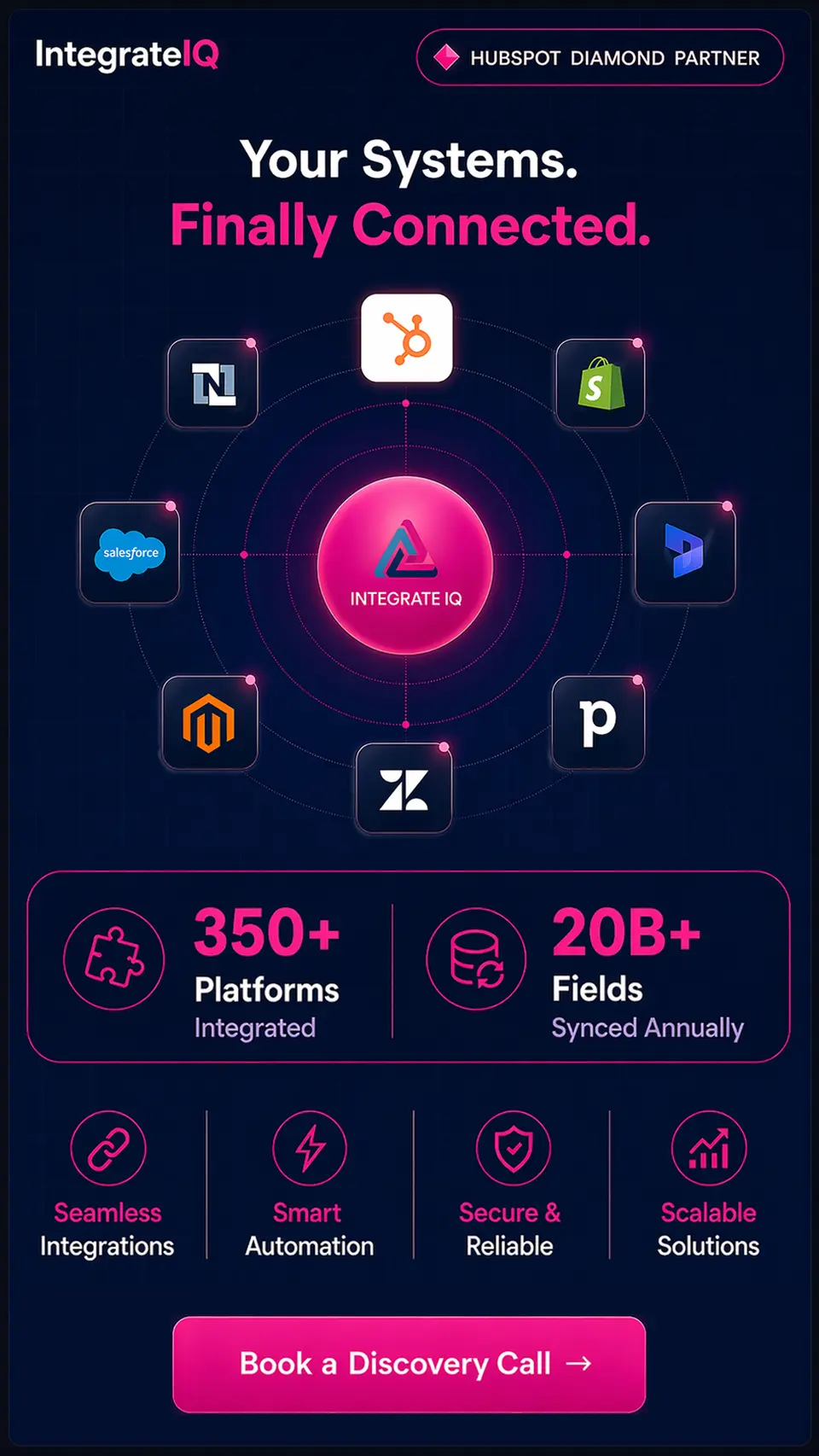

Table of Contents
- What is a HubSpot integration?
- How many integrations does HubSpot have?
- The 4 types of HubSpot integrations
- How to choose the right HubSpot integration for your business
- The 25 best HubSpot integrations in 2026
- Sales and prospecting
- 4. Apollo
- 5. Outreach
- Marketing automation and advertising
- 6. Mailchimp
- 7. Google Ads
- 8. LinkedIn Ads
- Customer service and support
- 10. Zendesk
- 11. Freshdesk
- 12. Intercom
- 13. Aircall
- E-commerce
- 14. Shopify
- 15. Magento (Adobe Commerce)
- 16. BigCommerce
- 17. Stripe
- Finance, ERP, and operations
- 18. QuickBooks
- 19. NetSuite
- 20. SAP
- 21. Microsoft Dynamics 365
- Communication and productivity
- 22. Slack
- 23. Microsoft Teams
- 24. Zoom
- 25. Message IQ (two-way SMS for HubSpot)
- When the native marketplace integration won't fit
- Common HubSpot integration failures and how to avoid them
- What does a custom HubSpot integration cost?
- The 8-week Integrate IQ integration process
- Industry-specific HubSpot integration stacks
- FAQ
- Talk to a Diamond Partner before you build
