













Explore this article with AI:
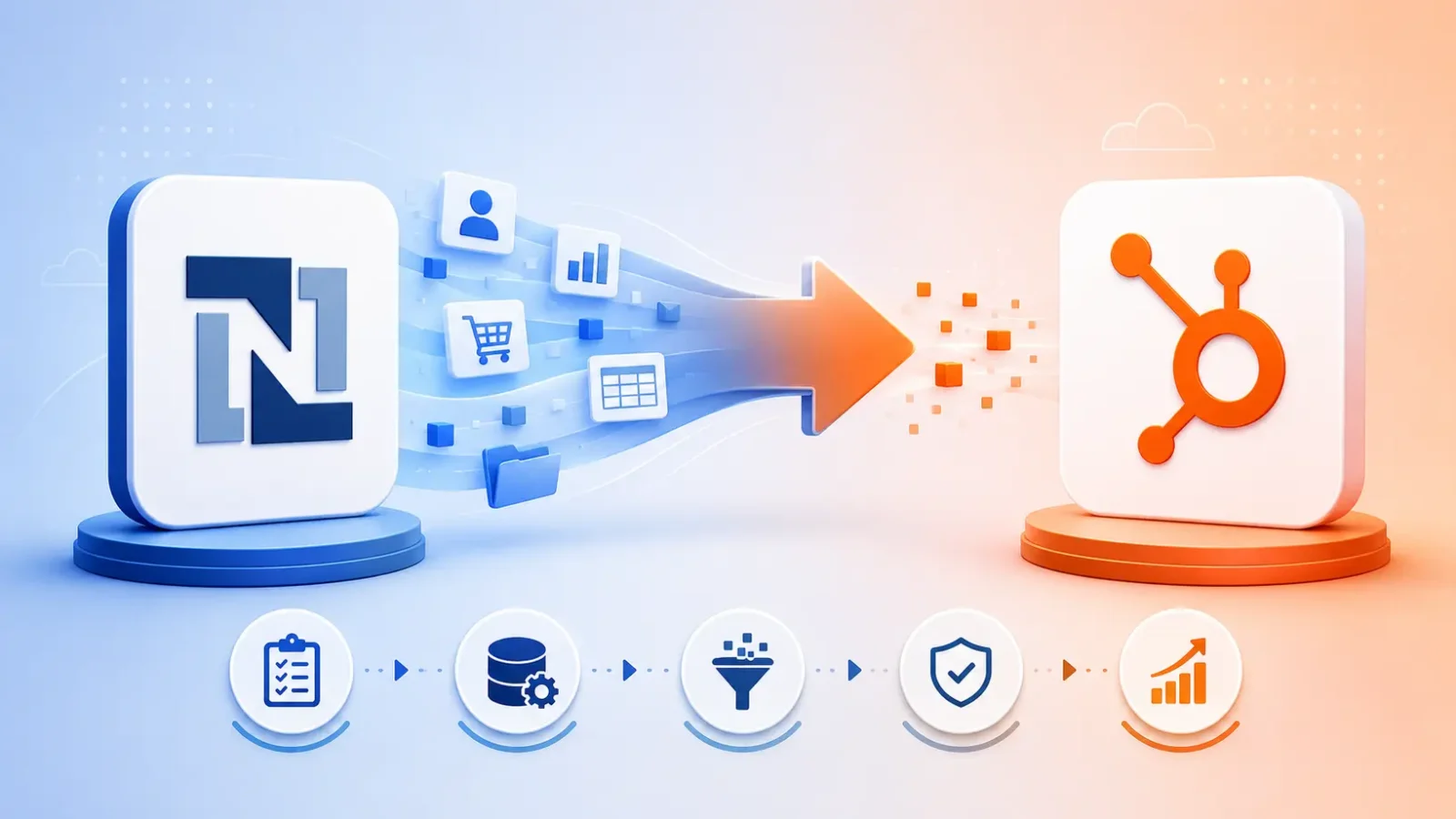
If you are a RevOps leader or founder reading this, you’ve probably already decided NetSuite is the wrong home for your CRM data. Now you need a plan that doesn’t blow up pipeline history, sales activity, or owner mappings during the switch. Here’s how we run the project at Integrate IQ, with the actual decisions, sequencing, and tradeoffs that decide whether the move lands clean.
What is a NetSuite to HubSpot migration? It’s the process of moving customer-facing data (contacts, accounts, opportunities, activities, custom records, and sales workflows) from NetSuite CRM into HubSpot. NetSuite often stays as the ERP for financials and order management. HubSpot becomes the front-office source of truth.
We’re a HubSpot Diamond Solutions Partner with custom integration accreditation, and we’ve moved teams off NetSuite into HubSpot for B2B SaaS, manufacturers, services firms, and SaaS-enabled hardware companies. Typical delivery: 8 weeks from kickoff.
Free estimator
Know what your HubSpot project costs before the first call.
Select your services and get a transparent price range in minutes. No sales call needed to get a number.
Connect HubSpot to your ERP, billing platform, or database field mapping, custom logic, and support included.
Pipelines, workflows, email templates, and reporting configured for how your team actually works.
Live, role-based sessions with recordings and written guides built around a custom plan for your team.
HubSpot Partner
Client retention
Platforms integrated
What a “NetSuite to HubSpot Migration” Actually Means
The phrase “NetSuite to HubSpot migration” usually describes one of two project shapes, and getting this wrong before kickoff is the most common reason migrations slip.
Shape 1: CRM-side migration, ERP stays. Most common. You move accounts, contacts, opportunities (which become Deals), activities, owners, and custom records into HubSpot. NetSuite continues running finance, invoicing, fulfillment, and item management. The two systems sync after go-live.
Shape 2: Full NetSuite CRM retirement. Rarer. You move everything customer-facing out of NetSuite and turn the NetSuite CRM module off entirely. The ERP side of NetSuite still runs, but no sales user logs into NetSuite anymore.
The work looks different for each. Shape 1 needs a clean integration design from day one. Shape 2 needs a heavier change-management and training plan because users who lived in NetSuite for years now operate inside HubSpot daily. We scope which version applies in the first week.
Why Companies Need a NetSuite to HubSpot Migration
Three reasons show up in nearly every kickoff.
NetSuite CRM feels heavy for sales. Sales reps want a fast pipeline view, easy email logging, and clean activity history. NetSuite was built for finance teams first. The CRM module sits on top of an ERP and inherits its complexity, which slows down day-to-day sales work.
Marketing has no real home in NetSuite. Forms, landing pages, email nurtures, lifecycle stages, attribution… none of this is what NetSuite does well. Teams end up running marketing in a separate platform, then trying to sync it back, and the lead-to-deal handoff becomes guesswork.
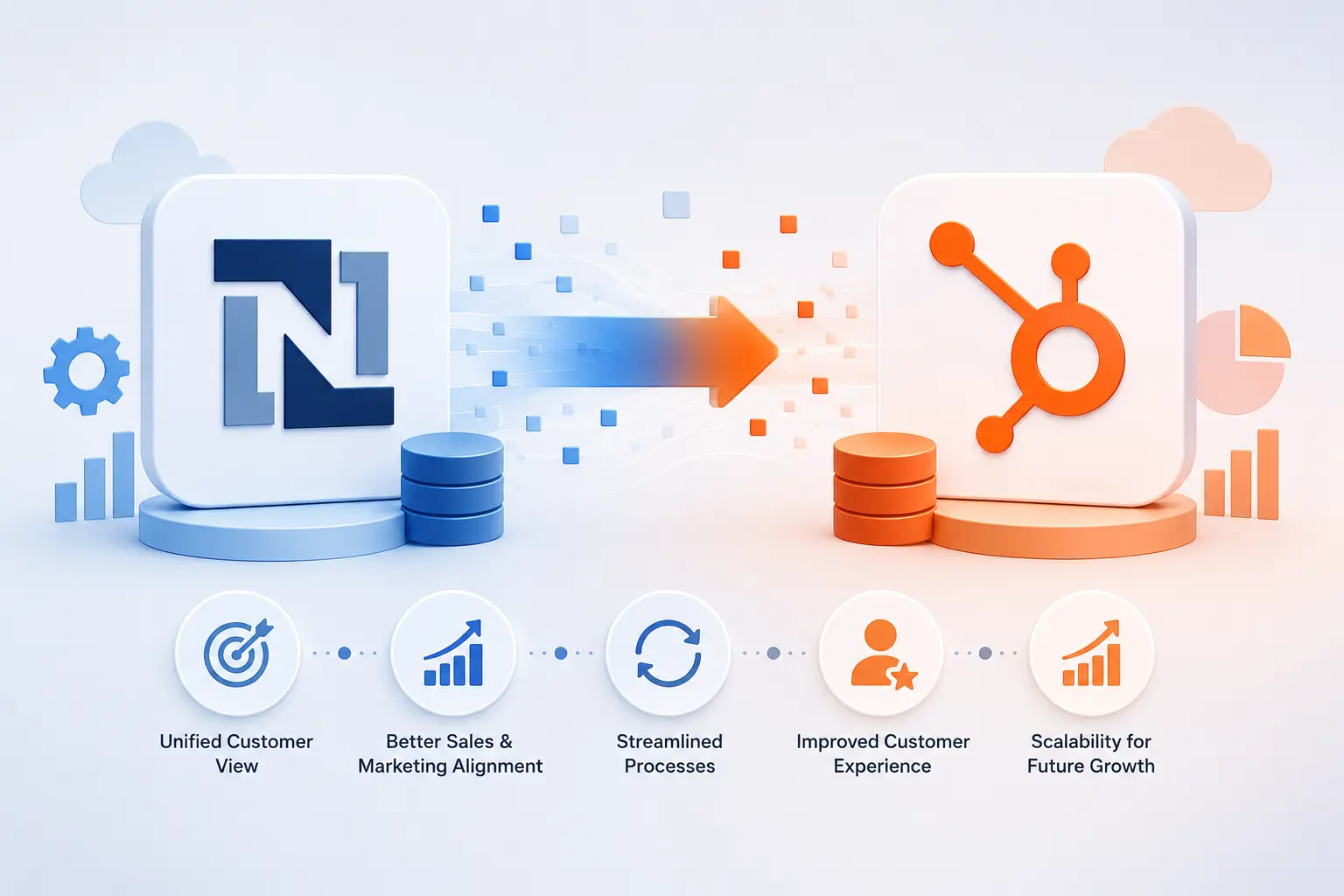
Reporting is rigid and slow. Saved searches are powerful but require admin or developer time. HubSpot’s custom report builder gives RevOps a self-service path to pipeline, attribution, and funnel reports. A 2021 IDC report cited a 35% revenue increase, 23% operational cost reduction, and 10% manual-error decrease for companies that connect CRM and ERP properly, which is the outcome we design for when NetSuite stays as the financial system.
There’s a fourth reason that comes up at smaller B2B companies: HubSpot is just easier to adopt. We’ve seen sales teams go from 40% activity logging in NetSuite to 85%+ in HubSpot within 60 days, simply because the UI gets out of the way.

Turn HubSpot Into A Real-Time SMS Engine with
Message IQ

Two-Way Conversations

Shared Team Inbox

Automation Triggers

Advanced Reporting

Compliance Tools
-
98%
SMS read within 3 min -
78%
Buy from first responder -
21×
More likely to qualify
3–5 min avg response
$45–$50 ROI / $1

*MessageIQ is an IntegrateIQ product – built natively for HubSpot by the same team.
What Data Moves in a NetSuite to HubSpot Migration
Here’s the inventory we map in week one of every project.
- Accounts to Companies. Industry, domain, owner, lifecycle stage, custom fields, parent-child relationships
- Contacts to Contacts. Email, phone, role, owner, lifecycle stage, contact-to-company associations, contact-to-deal associations
- Opportunities to Deals. Deal stage, amount, close date, owner, products, probability, source, custom deal properties
- Activities to Engagements. Calls, meetings, notes, emails, tasks, all with original timestamps and owner attribution
- Custom records to Custom Objects. Subscriptions, projects, assets, sites, contracts, depending on what you’ve built in NetSuite
- Item records to Products library. SKU, description, price, recurring or one-time billing flag
- Users to HubSpot seats. With permission scopes mapped to HubSpot teams and roles
What does not migrate cleanly: NetSuite saved searches, scripted workflows, SuiteFlow approvals, and any logic that lives in NetSuite-specific scripting. We rebuild the equivalent inside HubSpot workflows, sequences, and reports.
Native Connector vs Custom Migration: How to Choose
This is the decision that determines your total project cost and timeline. Both options are valid. Picking the wrong one costs months.
HubSpot’s native NetSuite connector is built for ongoing data sync, not one-time migration. It handles invoices, contacts, and basic company records well, with a 5-minute setup for standard use cases. It does not move historical activities, custom records, or complex object relationships. Use it after migration to keep NetSuite ERP and HubSpot CRM in sync, not as the migration vehicle itself.
iPaaS tools like Workato or Tray.io sit in the middle. Good fit when you need scheduled migration runs, want UI-driven mapping, and have someone in-house to maintain the recipes. Cost scales with record volume and number of recipes.
Custom migration via API is what we use for migrations above 50,000 records, projects with custom objects, or anything where activity history, owner attribution, and lifecycle dates must survive intact. We’ve processed 20 billion+ records annually across 300+ platforms, so this path is what we default to when the data structure has any real complexity.
Decision framework we use with clients:
| Project Scope | Recommended Path |
| Under 10K records, no custom objects, no historical activities required | Native connector + CSV import |
| 10K to 50K records, some custom fields, light historical data | iPaaS (Workato or Tray) |
| 50K+ records, custom objects, full activity history, complex associations | Custom API migration with a partner |
| Multiple NetSuite subsidiaries or instances feeding one HubSpot portal | Custom API migration (mandatory) |
The 8-Week NetSuite to HubSpot Migration Process
Our standard delivery breaks into four phases.
- Discovery and data audit (weeks 1-2). We map every object, field, workflow, and integration touching NetSuite CRM. Build the source-to-target field mapping spreadsheet. Identify dedupe rules, dead fields, and which custom records become HubSpot custom objects.
- HubSpot architecture and configuration (weeks 3-4). We build the data model in HubSpot, create custom properties, set up pipelines, configure lifecycle stages, write workflows for routing and lifecycle automation, and design the reporting layer.
- Migration build and test runs (weeks 5-6). We run sample migrations on 5% of data. Validate associations, owner mappings, lifecycle dates, and historical activities. Fix mapping issues. Repeat on 25% of data, then a full dry run. UAT happens here.
- Cutover and post-migration sync (weeks 7-8). We run the final delta migration over a weekend, switch users to HubSpot, and turn on the NetSuite-to-HubSpot integration for ongoing ERP sync. Two weeks of hypercare follow.
This is the path 98.5% of our clients renew on. The teams that have the worst time are the ones that try to compress this into 3 weeks because someone promised a fast switch. Migration speed is rarely the variable. Data quality after go-live is.
What Breaks During NetSuite to HubSpot Migration
Five issues account for nearly every escalation we see.
Duplicate contacts. NetSuite often stores duplicates across subsidiaries or imported leads. If you push duplicates into HubSpot without a dedupe layer, the pipeline forecasts go sideways within a week.
Lifecycle date loss. Without explicit mapping, HubSpot sets the “Became a Customer Date” to the migration date instead of the original close date. Cohort reporting then shows everyone became a customer the same week, which is useless.
Activity timestamps collapsing. APIs sometimes default new activity timestamps to the migration date instead of the original date. We force original timestamps explicitly in every migration we run.
Owner mapping failures. NetSuite uses internal IDs for users. HubSpot uses email-based user IDs. If you don’t map the two correctly, every migrated record ends up assigned to one default user and your reps lose their book overnight.
Custom object associations. Subscriptions linked to companies, or contracts linked to deals, can lose their associations during migration if you import objects in the wrong order. Companies first, contacts second, deals third, custom objects last. Get the order wrong, and you spend a week reassociating manually.
NetSuite as ERP After the CRM Migrates to HubSpot
For most of our clients, NetSuite stays. It’s still the right place for general ledger, AR, AP, inventory, and order fulfillment. After the CRM migrates to HubSpot, we set up the post-migration integration so the two systems stay in lockstep.
Typical flow we build:
- HubSpot closed-won deals create NetSuite sales orders automatically
- NetSuite invoice creation pushes invoice data back into HubSpot as line items on the Deal record
- Customer credit limits and open AR balances flow from NetSuite into HubSpot so reps can see them on the Company record
- Product catalog syncs from NetSuite into HubSpot’s product library on a daily schedule
We’ve built variations of this for manufacturers syncing 30,000+ products nightly, SaaS companies syncing subscription renewals daily, and services firms syncing project profitability into HubSpot dashboards. Read more about our NetSuite HubSpot integration approach for specific use cases, or our QuickBooks HubSpot integration if you’re moving off NetSuite ERP entirely.
See your 12-month revenue impact with HubSpot CRM
Enter your current numbers — visitors, leads, deal size — and get a personalized projection based on real HubSpot customer benchmarks.

FAQ
How long does a NetSuite to HubSpot migration take?
Most projects take 8 weeks from kickoff to go-live for mid-market B2B companies. Smaller portals with under 10,000 records and no custom objects can finish in 4 to 6 weeks. Enterprise migrations with multiple subsidiaries, 100K+ records, or heavy custom object work extend to 10-14 weeks.
Does HubSpot’s native NetSuite integration handle the full migration?
No. The native connector is built for ongoing sync after migration, not for moving historical records, activities, or custom objects. We use it for post-migration ERP integration, but the migration itself runs through the API or an iPaaS tool depending on data complexity.
Can we keep historical sales activity and pipeline history?
Yes, if it’s scoped from day one. Activity history, original close dates, lifecycle dates, and owner attribution all migrate when the field mapping handles them explicitly. The common mistake is leaving timestamps on default behavior, which collapses everything to the migration date.
What happens to our NetSuite saved searches and workflows?
They don’t migrate. NetSuite scripting and SuiteFlow logic stay in NetSuite. We rebuild the equivalent inside HubSpot using workflows, sequences, custom reports, and dashboards. Plan for this in week 3 of the project, not week 7.
Should we run NetSuite and HubSpot in parallel during the switch?
For 1-2 weeks during cutover, yes. Sales reps can verify their pipeline and activity history landed correctly before NetSuite read-only access ends. Parallel running longer than that creates dual-entry problems and slows adoption.
How do we keep NetSuite as the ERP after migration?
Set up the HubSpot-NetSuite integration in the final week of migration. Deals push to NetSuite as sales orders on close. Invoices, payments, and credit data push back into HubSpot for the sales team’s view. This is the most common shape we deliver.
Is a SugarCRM to HubSpot migration the same process?
The phases are similar, but SugarCRM has a different data model (more fragmented object structure, separate Leads and Contacts) which changes the field mapping. We cover that in our SugarCRM to HubSpot Migration guide.
Ready for Your NetSuite to HubSpot Migration Without Losing the Pipeline?
If your sales team is stuck inside NetSuite and your reporting depends on saved searches and exports, the migration is overdue. We deliver NetSuite to HubSpot migrations in 8 weeks with full activity history, owner attribution, lifecycle dates, and post-migration ERP sync intact. Diamond Partner accreditation, 20 billion+ records processed annually, 98.5% client retention.
Talk to our migration team about your NetSuite project or review how our HubSpot integration process works. You can also explore our broader HubSpot migration services if you’re evaluating multiple CRM moves.



Table of Contents
- What a "NetSuite to HubSpot Migration" Actually Means
- Why Companies Need a NetSuite to HubSpot Migration
- What Data Moves in a NetSuite to HubSpot Migration
- Native Connector vs Custom Migration: How to Choose
- The 8-Week NetSuite to HubSpot Migration Process
- What Breaks During NetSuite to HubSpot Migration
- NetSuite as ERP After the CRM Migrates to HubSpot
- FAQ

