HubSpot BrioStack Integration: Connecting Your CRM and Field Service Management
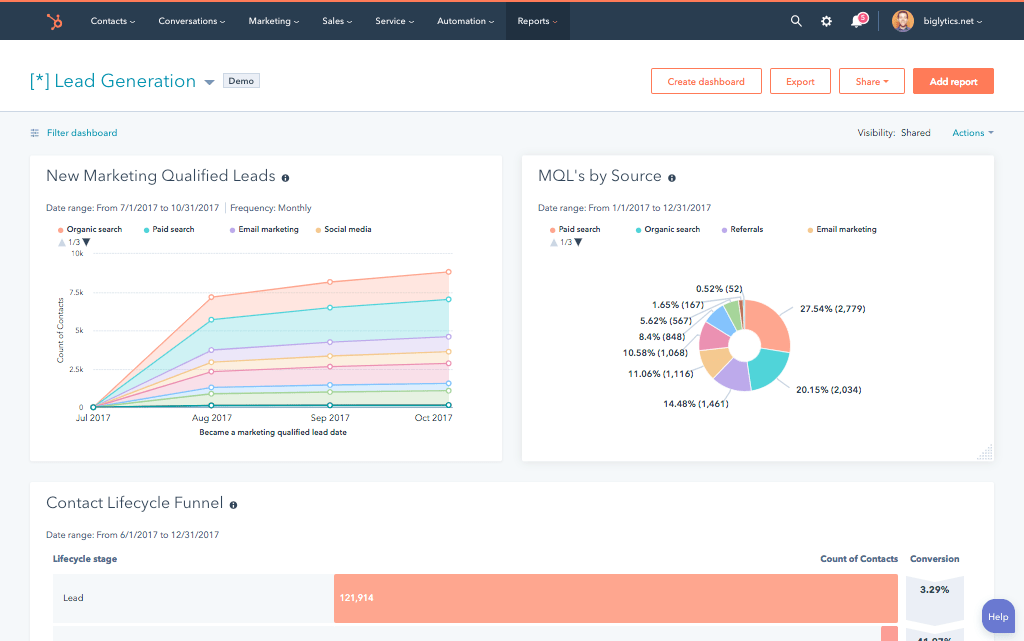
Pest control and lawn care companies running BrioStack for field service management and HubSpot for sales and marketing are operating with a gap in the middle. A lead comes in through a HubSpot form, converts to a paying job, and someone manually re-enters that customer into BrioStack to schedule the service.
When the job is complete, the service history stays inside BrioStack invisible to the marketing team trying to trigger a renewal campaign or upsell in HubSpot.
That data gap costs revenue. Renewal campaigns can’t fire on real service dates. Win-back sequences can’t trigger when a contract lapses. Upsell offers can’t reference what was actually treated. The fix requires connecting both platforms so data moves automatically in both directions.
There’s no native HubSpot BrioStack integration in HubSpot’s App Marketplace. But BrioStack does offer a Public API built on OAuth 2.0 and REST that exposes the data your HubSpot stack needs.
We’re Integrate IQ, a HubSpot Diamond Solutions Partner with custom integration accreditation. We’ve connected 300+ platforms to HubSpot, including field service management tools for the lawn care and pest control industry. Here’s how the HubSpot BrioStack build works.
Why HubSpot and BrioStack Belong Together
Both platforms do their job well inside their own boundary. The problem is the boundary itself.
| Platform | What It Handles | What It Misses |
| HubSpot | Lead capture, pipeline management, email marketing, contact records, deal tracking, automation workflows | Field operations: job scheduling, routing, technician management, service records, chemical tracking, recurring service plans |
| BrioStack | Customer scheduling, route optimization, work orders, technician dispatch, invoicing, service history, recurring billing | Inbound marketing, lead nurturing, CRM pipeline, behavioral automation, attribution reporting |
The two data flows that matter most for growing pest control and lawn care companies:
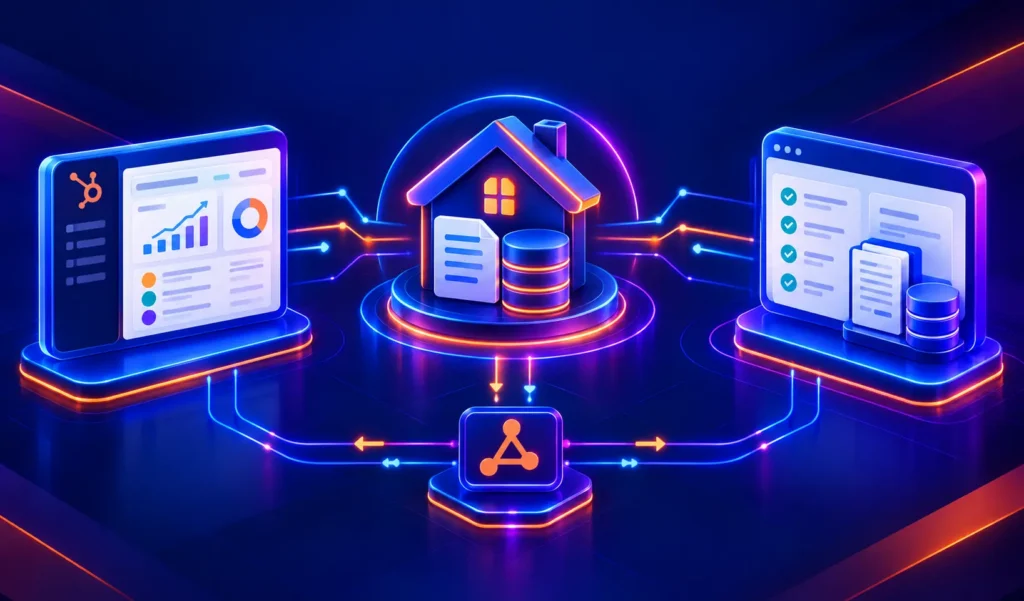
- HubSpot to BrioStack: When a HubSpot deal closes or a lead is qualified, create a BrioStack customer record and service order automatically no manual re-entry.
- BrioStack to HubSpot: When a job completes, a service contract renews or lapses, or an invoice is paid in BrioStack, push that event back to the HubSpot contact record to trigger marketing automation.
Get those two flows working and your sales, marketing, and operations teams stop operating from different data sets.

Turn HubSpot Into A Real-Time SMS Engine with Message IQ
 Two-Way Conversations
 Shared Team Inbox
 Automation Triggers
 Advanced Reporting
 Compliance Tools
- 98% SMS read within 3 min
- 78% Buy from first responder
- 21× More likely to qualify

*MessageIQ is an IntegrateIQ product – built natively for HubSpot by the same team.
Does a Native HubSpot BrioStack Integration Exist?
No. BrioStack doesn’t appear in HubSpot’s App Marketplace and there’s no pre-built connector in Zapier or Make that handles meaningful field service data depth between the two platforms.
What does exist is BrioStack’s Public API. Released as part of BrioStack’s (an EverCommerce/EverPro company) push toward open integration, the Public API uses OAuth 2.0 authentication and standard REST architecture.
It exposes endpoints for client records, job data, scheduling, invoice status, and service history the exact objects that need to flow into HubSpot for the integration to be useful.
You can review BrioStack’s API documentation at briostack.com/public-api. API access comes in tiered levels including a freemium entry point, with Basic and Premium tiers for higher call volumes.
A custom integration built on the BrioStack API and HubSpot’s API gives you complete control over what syncs, in which direction, and what triggers the sync without the limitations of a pre-built connector.
What a Custom HubSpot BrioStack Integration Connects
A well-scoped HubSpot BrioStack integration handles two data directions, each serving different teams.
Direction 1: HubSpot to BrioStack
| HubSpot Object / Event | BrioStack Object Created / Updated |
| Deal moves to ‘Closed Won’ | BrioStack customer record created from HubSpot contact/company data |
| Deal moves to ‘Closed Won’ | BrioStack service order created with service type from HubSpot deal properties |
| HubSpot contact property update (address, phone) | BrioStack customer record updated in real time |
| HubSpot quote accepted | BrioStack estimate or job draft created |
Direction 2: BrioStack to HubSpot
| BrioStack Event | HubSpot Action Triggered |
| Job completed / service performed | HubSpot contact property updated with last service date, service type, technician name |
| Invoice paid | HubSpot deal marked as paid; contact timeline updated |
| Service contract renewed | HubSpot contact enrolled in retention sequence or renewal confirmation workflow |
| Service contract lapsed / cancelled | HubSpot contact enrolled in win-back campaign workflow |
| Annual treatment completed | HubSpot workflow triggers upsell email sequence (e.g., add mosquito treatment, lawn fertilization) |
The result: every HubSpot contact record tied to a BrioStack customer shows a live picture of that customer’s service relationship what was done, when, by whom, and what they’ve paid without anyone manually updating CRM records.
Use Cases for Pest Control and Lawn Care Companies

Lead-to-Service Order Without Manual Entry
A pest control company runs inbound lead generation through HubSpot web forms, Google Ads, live chat. When a lead qualifies and a deal closes, the integration creates a BrioStack customer record and a pending service order automatically, mapped from the HubSpot deal properties: service address, service type, preferred appointment window.
The operations team sees the job in BrioStack’s scheduling dashboard within seconds of the deal closing. No one emails a spreadsheet to operations. No customer gets missed because a CRM rep forgot to call it in.
Post-Service Upsell Campaigns
A lawn care company completes the first fertilization round of the season for 500 residential customers. BrioStack marks those jobs as complete. The integration pushes ‘first treatment complete’ events to HubSpot, where an automated workflow enrolls those 500 contacts in a targeted email sequence offering a discounted mosquito control add-on.
The campaign sends within 24 hours of service completion while the customer is still thinking about their yard. For companies implementing this type of triggered upsell, the revenue lift on cross-sell programs is measurable within the first season. See more on building these workflows in our HubSpot for lawn care and pest control guide.
Win-Back Campaigns Triggered by Contract Lapse
When a BrioStack service contract lapses or a customer cancels, the integration fires a HubSpot workflow. The contact gets enrolled in a win-back sequence a timed series of emails and SMS touchpoints offering a re-engagement promotion.
The timing is based on actual cancellation data from BrioStack, not a manual list export. Companies running win-back programs this way recover 8-15% of lapsed customers without any additional manual effort from the sales team.
Multi-Branch Lead Routing
A multi-location pest control company uses HubSpot to capture leads across all markets but routes jobs to different BrioStack branches based on service area.
The integration reads the lead’s zip code from HubSpot, maps it to the correct BrioStack branch, and creates the service order under the right operational unit. No central dispatcher needed. No mis-routed jobs.
See your 12-month revenue impact with HubSpot CRM
Enter your current numbers — visitors, leads, deal size — and get a personalized projection based on real HubSpot customer benchmarks.
Calculate My ROI
What to Expect from the Integrate IQ HubSpot BrioStack Build
BrioStack’s Public API gives us the access we need. Here’s how the build runs:
- Weeks 1-2: Discovery and API Scope. Map every data object that moves between HubSpot and BrioStack. Define the trigger events (deal close, job complete, contract lapse), the BrioStack API endpoints we’ll use, and the HubSpot objects and properties we’ll create or update. Confirm your BrioStack API access tier and authentication setup.
- Weeks 3-4: Build and Sandbox. Build against the BrioStack REST API and HubSpot’s API in a sandboxed environment. Test every trigger-to-action flow with real data shapes. Validate field mapping logic — pest control deal properties don’t always have clean 1:1 equivalents in BrioStack service order fields, so this phase often surfaces edge cases.
- Weeks 5-6: UAT. Your operations team and marketing team validate that jobs are creating correctly, service events are firing the right HubSpot workflows, and contact records show accurate service history. We fix anything that breaks your specific workflow before go-live.
- Weeks 7-8: Go-Live and Monitoring. Production deployment with active monitoring. The first two weeks post-launch include proactive error tracking sync failures get caught and resolved before they become operational problems.
We’ve processed over 20 billion records annually across 300+ platform integrations including HubSpot FieldAware integration and HubSpot ServiceTitan integration for field service companies at similar operational scale. See how our integration process works.



Table of Contents
- HubSpot BrioStack Integration: Connecting Your CRM and Field Service Management
- Why HubSpot and BrioStack Belong Together
- Does a Native HubSpot BrioStack Integration Exist?
- What a Custom HubSpot BrioStack Integration Connects
- Use Cases for Pest Control and Lawn Care Companies
- What to Expect from the Integrate IQ HubSpot BrioStack Build