

























What is a HubSpot eBMS integration?
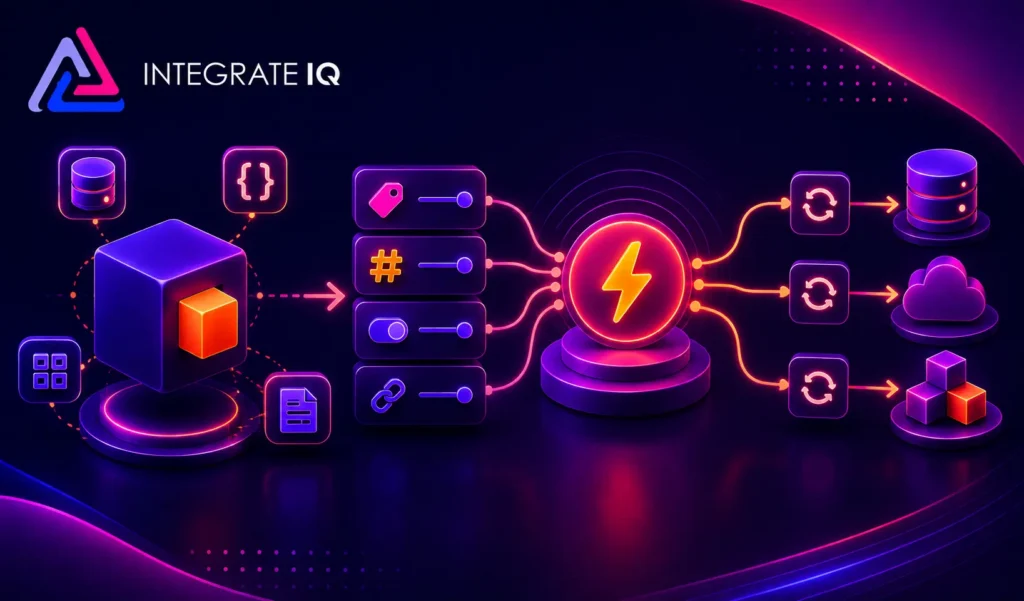
A HubSpot eBMS integration is a two-way data connection that syncs accounts, orders, invoices, and inventory between HubSpot and eBMS ERP (also known as Koble) in near real time. It keeps financial and inventory data visible inside HubSpot and pushes CRM activity back to eBMS for full quote-to-cash visibility.
How does the HubSpot eBMS integration work?
It works through the HubSpot API and the eBMS REST API Gateway, with field mapping, deduplication and a defined system of record for every object. When a deal closes in HubSpot or an invoice updates in eBMS, the sync writes the change to the other system within minutes.

Turn HubSpot Into A Real-Time SMS Engine with Message IQ
 Two-Way Conversations
 Shared Team Inbox
 Automation Triggers
 Advanced Reporting
 Compliance Tools
- 98% SMS read within 3 min
- 78% Buy from first responder
- 21× More likely to qualify

*MessageIQ is an IntegrateIQ product – built natively for HubSpot by the same team.
Does HubSpot have a native eBMS integration?
HubSpot does not maintain a first-party eBMS integration. The eBMS marketplace lists Commercient SYNC for standard data syncing and a Microsoft Power Automate connector through the eBMS API Gateway. Both handle basic, single-entity sync on a batch schedule. Teams that need real-time, multi-entity, or bi-directional flows typically move to a custom-built integration.
How long does a HubSpot eBMS integration take to build?
A custom HubSpot eBMS integration takes about 8 weeks from kickoff to production. Discovery runs two weeks, build and staging tests run three, historical backfill runs one, and cutover with hypercare covers the final two weeks. Timelines extend for heavily customized eBMS modules or high transaction volume.
Can HubSpot and eBMS sync bi-directionally?
Yes. Bi-directional sync is standard in a custom HubSpot eBMS integration. You define system of record at the field level, so inventory, invoices, and order status flow from eBMS to HubSpot, while new customers and orders flow the other way. Commercient SYNC supports bi-directional sync only for a limited object set.
What data can sync between HubSpot and eBMS?
Contacts, companies, deals, and custom properties sync from HubSpot, while customers, sales orders, invoices, inventory stock levels, and price books sync from eBMS, along with marketing activity, lifecycle stage, and lead score. Field mapping is configured per project, and custom eBMS objects are supported through the eBMS REST API.
How a HubSpot eBMS Integration Actually Works
A HubSpot eBMS integration works by giving each system a clearly defined job: eBMS owns financial and inventory truth, and HubSpot owns relationship and marketing truth. The integration keeps both in sync through the eBMS REST API Gateway and the HubSpot API, so neither team works from a stale copy of the other’s data.
In one direction, a HubSpot deal marked Closed Won creates a new eBMS customer account and sales order automatically, carrying over contact, billing, and line item detail. In the other direction, eBMS pushes inventory levels, invoice status and payment state back to HubSpot so sales and service see the real financial picture without leaving the CRM.
What does not sync by accident: every field has a named owner, so a nightly eBMS price update cannot overwrite a HubSpot-only field, and a HubSpot form submission cannot accidentally alter eBMS pricing logic. System-of-record rules are set at the field level during discovery, not discovered the hard way after go-live.
Three Ways to Connect eBMS and HubSpot
Not every team needs custom. Here is the honest comparison.
| Factor | Native Marketplace App | Zapier / iPaaS | Custom (Integrate IQ) |
|---|---|---|---|
| Best for | Single-entity eBMS setups with standard objects | Simple, low-volume field syncs | Multi-entity, high-volume quote-to-cash operations |
| Sync direction | One-way or basic two-way, fixed field set | One-way per Zap, several Zaps needed for two-way | True bi-directional, controlled at the field level |
| Custom objects/fields | Not supported | Limited, manual per-field setup | Fully supported, including custom eBMS properties like Price Book |
| Multi-entity and multi-currency support | Assumes a single entity, no multi-currency | Not handled without custom code per Zap | Built for multi-entity and multi-currency from day one |
| Business logic | Fixed, vendor-defined rules | Basic if/then logic only | Your rules, e.g. auto-select price book on Closed Won |
| Volume handling | Batch, delayed for large catalogs | Rate-limited, breaks at scale | Built to handle full product catalog and order volume |
| Historical backfill | Not included | Manual, one record at a time | Full historical backfill included |
| Maintenance | Vendor-managed, limited support | You maintain every Zap | Included in year one, with ongoing monitoring |
Commercient SYNC or a Zapier flow works fine if you run a single eBMS entity, sync only contacts and orders, and can tolerate batch delays. Once you add multiple entities, multi-currency pricing, or need inventory visible in HubSpot in real time, those tools run out of road and a custom HubSpot eBMS integration becomes the safer bet. See our custom HubSpot integration services for how we scope that build.
Quote-to-Cash Workflows You Can Automate Once eBMS Data Lives in HubSpot
- Quote-to-order automation. A HubSpot deal marked Closed Won triggers a new eBMS Sales Order, pulling contact, billing, and line item data from the deal so operations never re-keys an order.
- Real-time credit hold alerts. When eBMS places a customer on credit hold, a HubSpot workflow pauses active sequences and notifies the account owner before the next outreach goes out.
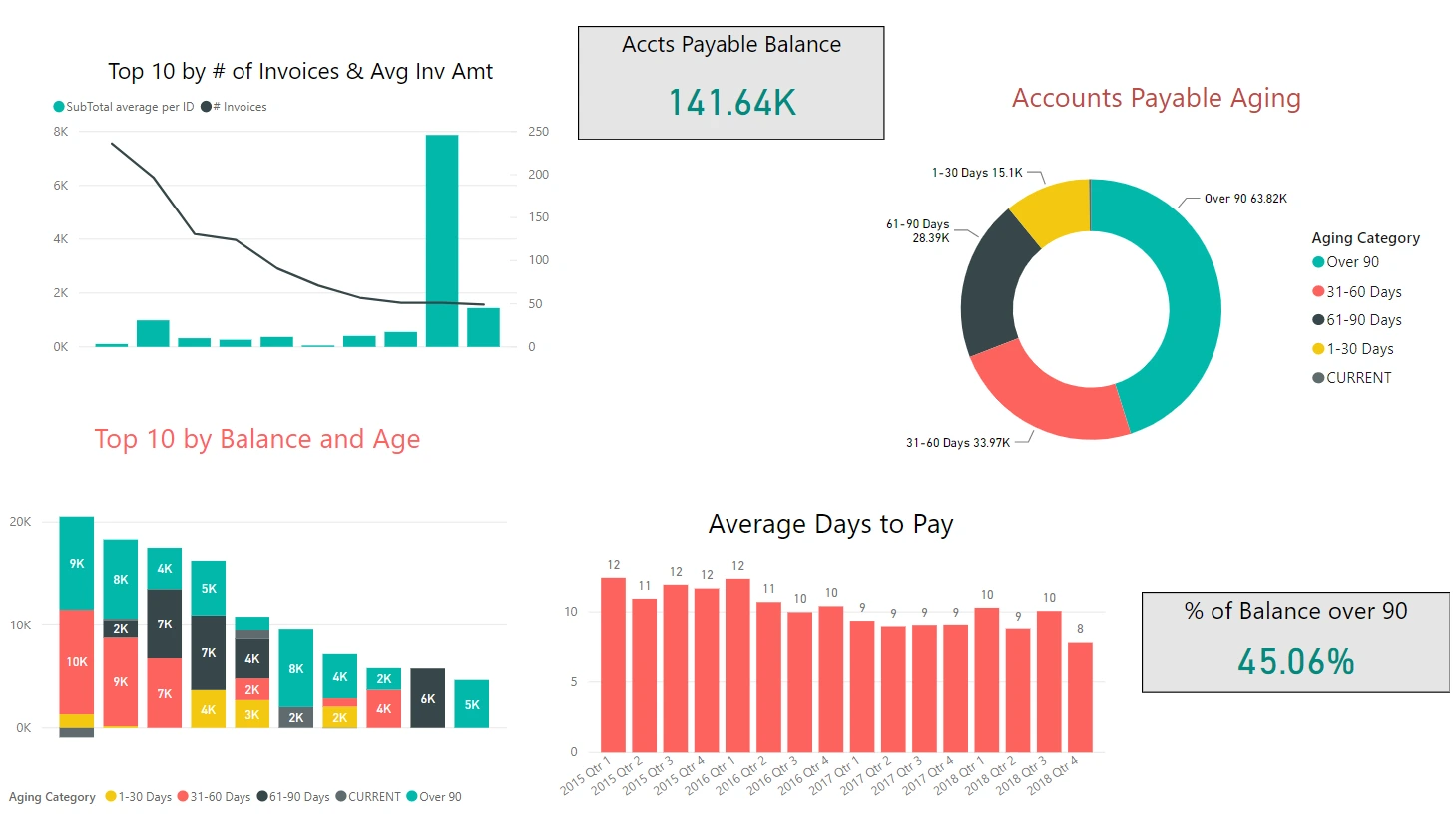
- AR aging follow-up. Invoices in eBMS past 60 days sync a past due property to HubSpot, triggering a CSM task before the account escalates.
- Inventory-aware selling. eBMS stock levels sync to HubSpot deal or product records, so reps stop quoting items that are out of stock or on backorder.
- Shipment-triggered lifecycle marketing. An eBMS Order Shipped or Invoice Paid status fires a HubSpot workflow for a thank-you email, review request, or renewal reminder.
What Breaks in a eBMS HubSpot Sync, and How We Prevent It
- Duplicate customer records. eBMS and HubSpot both generate their own IDs. We match on email, phone, and company domain before creating a new record, so a returning customer never becomes two.
- System-of-record conflicts. Without a rule, both systems try to own the same field. We define per-field ownership up front, HubSpot for marketing data and eBMS for pricing and inventory, so updates never fight each other.
- Field mapping and status drift. eBMS custom properties like Price Book or Inventory category drift out of sync with HubSpot picklists over time. We build validation into the sync so a bad value fails loud instead of silently.
- Multi-entity and multi-currency reconciliation. eBMS records transactions against specific legal entities and currencies. A naive sync collapses them into one HubSpot view and breaks finance reporting, so we map entity and currency at the field level.
- API rate limits at volume. Across our client base we sync 20 billion plus fields annually across 300+ platforms, so we batch, checkpoint, and throttle by design instead of by accident.
Implementation Timeline: What to Expect
Most HubSpot eBMS integrations complete inside eight weeks of kickoff. The first two weeks cover discovery: object inventory in both systems, field-by-field mapping, system of record decisions, and confirming your eBMS API Gateway subscription and any custom modules in play. Weeks three to five are build and unit testing against a staging eBMS instance and a HubSpot sandbox. Week six runs the historical backfill and reconciliation. Weeks seven and eight cover user acceptance testing, cutover, and hypercare. Post-launch monitoring is included, so if an eBMS price book changes or HubSpot pushes an API update, we see it before your reports do. Full detail is on our HubSpot integration process page and 98.5% of clients renew for a follow-on scope.
See your 12-month revenue impact with HubSpot CRM
Enter your current numbers — visitors, leads, deal size — and get a personalized projection based on real HubSpot customer benchmarks.
Calculate My ROI
Connect the Rest of Your Revenue Stack
Most eBMS users run HubSpot alongside other systems worth connecting too. If your sales team also works Salesforce data during a migration, our HubSpot Salesforce integration can bridge the gap. Distributors running eBMS often pair it with lighter-weight accounting tools, and our HubSpot QuickBooks integration covers that case. If eBMS feeds an ecommerce storefront, a HubSpot Shopify integration keeps orders and inventory in sync there too. And if you are still weighing eBMS against a larger ERP, our HubSpot vs NetSuite comparison lays out where each platform fits.


Table of Contents
- What is a HubSpot eBMS integration?
- How does the HubSpot eBMS integration work?
- Does HubSpot have a native eBMS integration?
- How long does a HubSpot eBMS integration take to build?
- Can HubSpot and eBMS sync bi-directionally?
- What data can sync between HubSpot and eBMS?
- How a HubSpot eBMS Integration Actually Works
- Three Ways to Connect eBMS and HubSpot
- Quote-to-Cash Workflows You Can Automate Once eBMS Data Lives in HubSpot
- What Breaks in a eBMS HubSpot Sync, and How We Prevent It
- Implementation Timeline: What to Expect
- Connect the Rest of Your Revenue Stack