













Explore this article with AI:
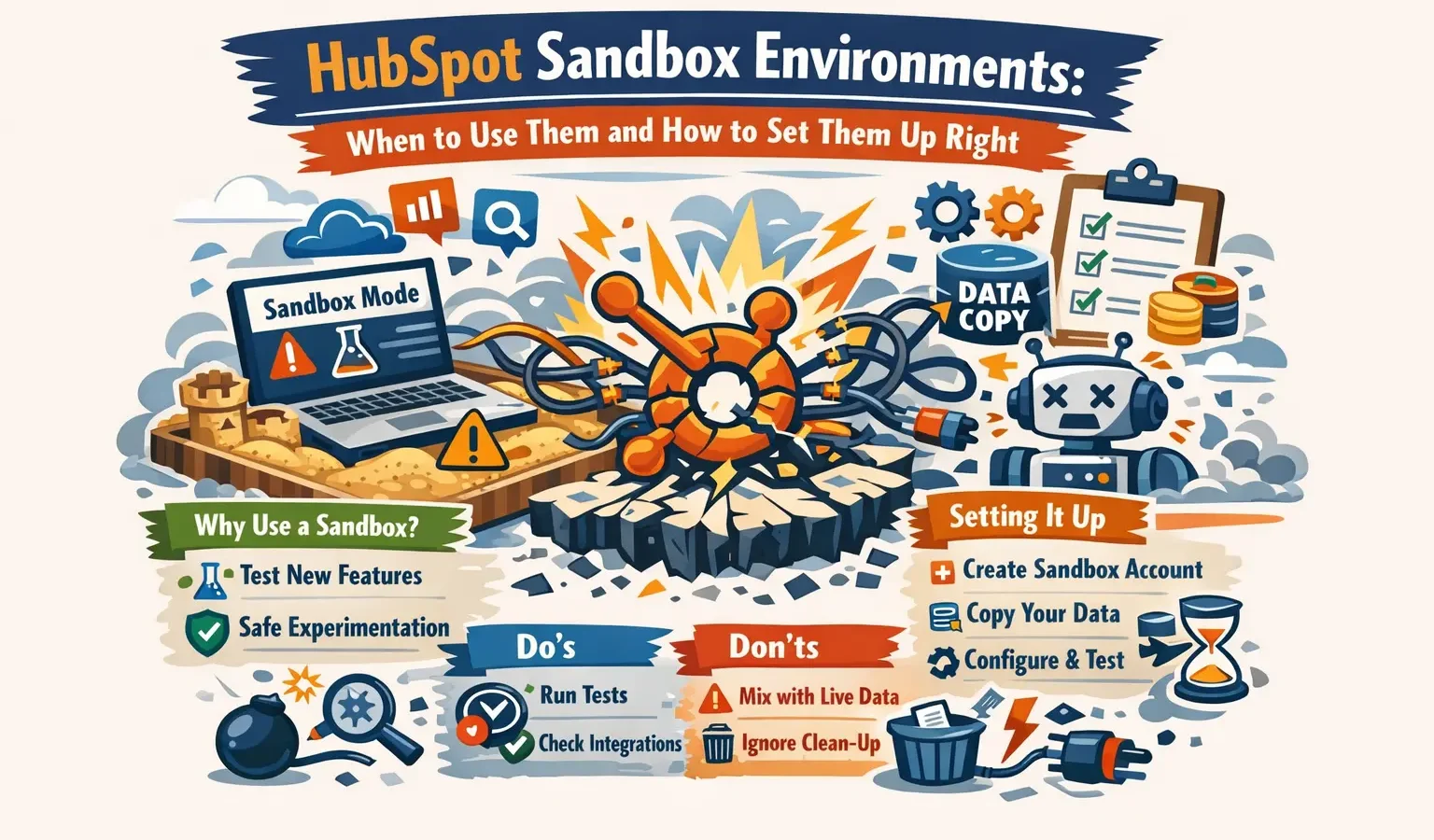
A HubSpot sandbox environment is a complete replica of your production CRM where you can test configurations, integrations, and workflows without affecting live customer data. Think of it as a practice space for your HubSpot instance. Sandbox environments let your team experiment safely, validate changes before rollout, and train new users on actual CRM features. Whether you’re migrating data, building custom integrations, or rolling out major updates, having a sandbox environment reduces risk and accelerates your ability to innovate confidently. In fact, teams using sandbox environments report 47% fewer production errors and complete testing cycles 3x faster.
Let’s explore when you actually need a sandbox, how to set one up correctly, and how it compares to your production environment.
Free estimator
Know what your HubSpot project costs before the first call.
Select your services and get a transparent price range in minutes. No sales call needed to get a number.
Connect HubSpot to your ERP, billing platform, or database field mapping, custom logic, and support included.
Pipelines, workflows, email templates, and reporting configured for how your team actually works.
Live, role-based sessions with recordings and written guides built around a custom plan for your team.
HubSpot Partner
Client retention
Platforms integrated
What Is a HubSpot Sandbox Environment?
A sandbox is an isolated replica of your entire HubSpot account. It includes your contacts, companies, deals, tickets, custom objects, properties, workflows, and configurations. You can make changes in your sandbox without impacting real customer records or your team’s day-to-day operations. The sandbox functions as your private testing ground where you experiment with new features, validate processes, and build integrations with complete confidence.
Sandboxes serve several critical functions:
- Testing integrations and custom code before production deployment
- Validating workflow logic and automation sequences
- Training team members on new HubSpot features
- Experimenting with property schema changes
- Safely testing API implementations
- Simulating data migrations
Debugging complex workflows without impacting users
According to HubSpot’s customer data, teams using sandbox environments report 47% fewer production errors and complete testing cycles 3x faster than those without them. This translates to faster time-to-value, more reliable implementations, and significantly reduced support costs.
When Should You Use a HubSpot Sandbox?
Not every scenario requires a sandbox, but certain situations demand one for risk management. Here are the most common use cases where sandbox testing prevents costly mistakes.
Major Data Migrations
If you’re bringing data from legacy systems, CRMs, or spreadsheets into HubSpot, run a full test migration in your sandbox first. This lets you catch mapping errors, validate data quality, and identify duplicate records before they hit your production environment. You’ll see exactly how your data transforms and can adjust your migration scripts accordingly.
Complex Integration Development
Building custom integrations with your accounting software, marketing automation tools, or internal platforms? Use a sandbox to test API calls, error handling, and data sync workflows. IntegrateIQ has successfully connected 300+ platforms with HubSpot, and sandbox testing is non-negotiable for that type of work. Every integration deserves thorough testing before production deployment.
Workflow and Automation Testing
Before automating your entire lead nurturing sequence or contract approval process, test every branch and condition in a sandbox. A broken workflow hitting production can delay deals, frustrate your team, and damage customer experience. Sandbox testing ensures all workflows behave correctly under real-world conditions.
System Updates and Feature Rollouts
HubSpot regularly releases new features and updates to its platform. Test how these changes affect your existing configurations, custom fields, and workflows in sandbox before they’re forced live. This proactive approach prevents surprises and lets you plan feature adoption strategically.
Staff Training and Onboarding
New team members can crash workflows, create test records, and experiment in sandbox without affecting actual customer data or metrics. This accelerates onboarding and reduces support tickets. Trainees get hands-on experience in a risk-free environment, building confidence faster.

Turn HubSpot Into A Real-Time SMS Engine with
Message IQ

Two-Way Conversations

Shared Team Inbox

Automation Triggers

Advanced Reporting

Compliance Tools
-
98%
SMS read within 3 min -
78%
Buy from first responder -
21×
More likely to qualify
3–5 min avg response
$45–$50 ROI / $1

*MessageIQ is an IntegrateIQ product – built natively for HubSpot by the same team.
How to Set Up Your HubSpot Sandbox Environment
Setting up a HubSpot sandbox is straightforward. Follow these step-by-step instructions:
Step 1: Access Your HubSpot Account Settings
Log into your HubSpot account as an account owner. Navigate to Settings (gear icon) in the bottom left corner. You need account owner permissions to create sandboxes.
Step 2: Locate the Sandbox Section
From Settings, go to Account Setup (top of left menu) and select Sandboxes. You’ll see any existing sandboxes and options to create a new one.
Step 3: Create a New Sandbox
Click Create Sandbox. HubSpot will ask you to name it (use something descriptive like ‘Q2-Integration-Test’ or ‘Migration-Staging’). The system will then create a full copy of your production environment, including all data.
Step 4: Wait for the Sandbox Copy to Complete
Depending on your data volume, this can take a few hours to over a day. Larger accounts with millions of records take longer. You’ll receive an email when your sandbox is ready. During this time, your production environment continues operating normally.
Step 5: Access Your Sandbox
Once ready, click into your sandbox. You’ll work in this isolated environment exactly as you would in production. All your workflows, properties, and integrations are replicated here.
Step 6: Configure Integrations for Testing
If you’re testing integrations, reconfigure API credentials and webhooks to point to sandbox instances of your external systems (not production). This prevents test data from flowing into live systems. This is a critical step for data integrity.
Sandbox vs. Production: Key Differences
Understanding how sandboxes differ from production helps you use them effectively. The comparison table below outlines the key differences:
Best Practices for Sandbox Testing
- To maximize the value of your sandbox, follow these proven practices that accelerate testing and reduce errors:
- Document all changes you make in sandbox so you can replicate them exactly in production
- Use descriptive naming conventions for test records (add ‘TEST’ prefix to distinguish them)
- Refresh your sandbox periodically to match production data changes and evolving business rules
- Create test data scenarios that mirror your real business conditions and edge cases
- Involve your full team in testing to catch edge cases, workflow errors, and user experience issues
- Test both positive and negative scenarios (successful transactions and error conditions)
For complex : Integrations or migrations, we recommend working with an experienced HubSpot partner. Integrate IQ’s team has executed 300+ platform integrations and manages 20 billion records across customer systems. We use sandbox environments as a cornerstone of our testing methodology to ensure zero production errors. Our process involves comprehensive documentation, multiple rounds of testing, and user acceptance testing before any production deployment. This approach has contributed to our 98.5% client retention rate and enables us to deliver integrations that scale reliably.
Common Sandbox Testing Mistakes to Avoid
- Not disconnecting sandbox integrations from production systems (critical for data protection)
- Copying test data to production after testing completes (introduces bad data)
- Ignoring API rate limit differences between sandbox and production
- Assuming sandbox performance matches production speed (it usually doesn’t)
- Testing only happy-path scenarios (always test error conditions and edge cases)
- Skipping user acceptance testing with actual team members
- Not documenting test results and outcomes for future reference
Frequently Asked Questions About HubSpot Sandboxes
How much does a HubSpot sandbox cost?
Sandboxes are included free with HubSpot Professional and Enterprise plans. Starter plan users need to upgrade to access sandbox functionality. This makes sandbox testing accessible to most growing businesses.
Can I have multiple sandboxes?
Yes. HubSpot allows you to create multiple sandboxes simultaneously. This is useful for testing different features in parallel or maintaining separate testing environments for different teams.
How often should I refresh my sandbox?
This depends on your testing cycle. For ongoing development, refresh monthly or before major testing sprints. For critical changes, refresh immediately before testing.
Can sandbox and production integrations work simultaneously?
Yes, but your external systems need separate sandbox and production instances. Configure your API credentials to route to test systems in sandbox and production systems in your live environment.
What data gets copied to a sandbox?
Everything gets copied: contacts, companies, deals, tickets, custom objects, properties, workflows, lists, reports, dashboards, and integrations. The entire CRM configuration is replicated.
How do I get changes from sandbox into production?
Document your changes step-by-step in sandbox, then manually replicate them in production. HubSpot doesn’t offer one-click sync from sandbox to production, so careful documentation is essential.
Is sandbox data included in my contact limits?
No. Sandbox records don’t count against your production contact limits. You can create unlimited test records in sandbox.
Setting Up Sandbox Integrations the Right Way
If you’re building custom integrations in sandbox, follow this methodical approach for success:
- Create sandbox instances of your external systems. If you’re integrating Salesforce, create a test Salesforce environment.
- Generate unique API credentials for your sandbox. Never reuse production API keys.
- Configure webhooks to route to your test endpoints, not production URLs.
- Test data sync, error handling, and edge cases thoroughly.
- Document all integration steps and configurations for replication in production.
- Have a team member independently review and test your integration.
See your 12-month revenue impact with HubSpot CRM
Enter your current numbers — visitors, leads, deal size — and get a personalized projection based on real HubSpot customer benchmarks.

Conclusion: Why Sandbox Matters for Your HubSpot Success
A HubSpot sandbox isn’t a luxury feature; it’s a necessity for any team taking CRM seriously. Whether you’re migrating data, building integrations, testing workflows, or onboarding new staff, sandbox environments let you innovate without risk. The ability to test in isolation means you catch problems early, train your team confidently, and deploy changes that actually work.
The small investment in sandbox setup pays massive dividends in production stability, team confidence, and faster time-to-value. IntegrateIQ helps our clients use sandbox testing as part of our comprehensive HubSpot integration and development services. If you want expert help optimizing your HubSpot instance with custom integrations, our full-stack development team is ready to help. Let’s talk about your sandbox testing and integration strategy.



Table of Contents
- What Is a HubSpot Sandbox Environment?
- When Should You Use a HubSpot Sandbox?
- How to Set Up Your HubSpot Sandbox Environment
- Sandbox vs. Production: Key Differences
- Best Practices for Sandbox Testing
- Common Sandbox Testing Mistakes to Avoid
- Frequently Asked Questions About HubSpot Sandboxes
- Setting Up Sandbox Integrations the Right Way
- Conclusion: Why Sandbox Matters for Your HubSpot Success

