























What is a HubSpot Lever integration?
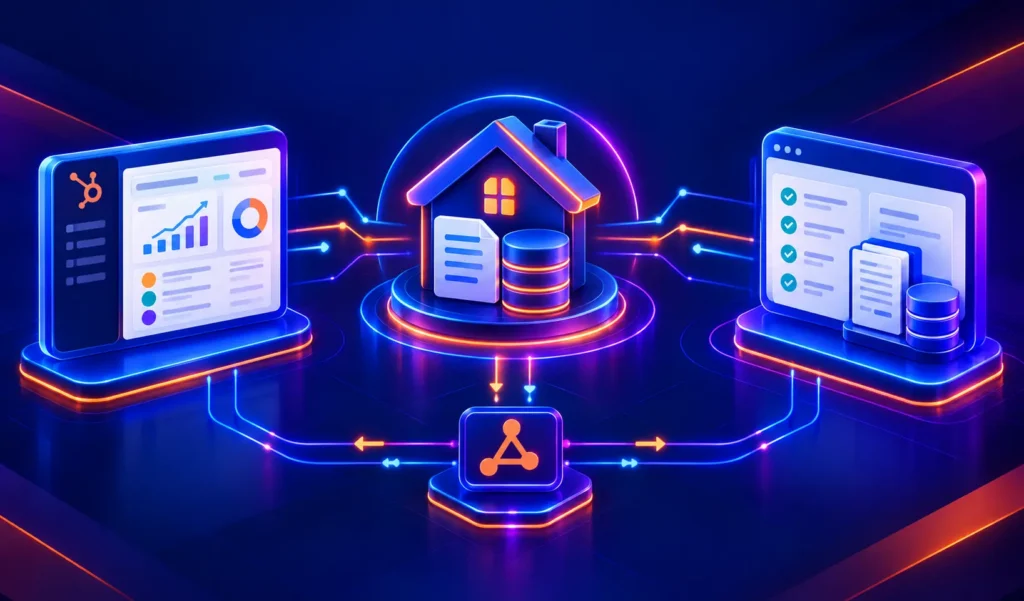
A HubSpot Lever integration is a two-way data connection that syncs candidate profiles, pipeline stages, and hire events between HubSpot and Lever in near real time. It keeps recruiting activity visible inside HubSpot and pushes marketing and deal data back to Lever, so in-house teams get hire attribution and staffing agencies get placements on client deal records.
How does the HubSpot Lever integration work?
It works through the HubSpot and Lever REST APIs, using Lever’s webhook support for stage transitions, archive events, and hire events. Field mapping, deduplication and a defined system of record govern every object. When a candidate or deal updates in either system, the sync writes the change to the other within minutes.

Turn HubSpot Into A Real-Time SMS Engine with Message IQ
 Two-Way Conversations
 Shared Team Inbox
 Automation Triggers
 Advanced Reporting
 Compliance Tools
- 98% SMS read within 3 min
- 78% Buy from first responder
- 21× More likely to qualify

*MessageIQ is an IntegrateIQ product – built natively for HubSpot by the same team.
Does HubSpot have a native Lever integration?
HubSpot does not build a first-party Lever connector. A third-party app appears in HubSpot’s marketplace for basic candidate sync, but it handles one-way data flow with no requisition creation and no GDPR consent gating. Teams that need bi-directional sync, deal-to-requisition automation, or compliant deletion cascades typically move to a custom-built integration.
How long does a HubSpot Lever integration take to build?
A custom HubSpot Lever integration takes about 8 weeks from kickoff to production. Discovery and GDPR consent mapping run two weeks, build and sandbox testing run two, UAT runs two, and go-live with monitoring covers the final two. Timelines extend for organizations running both in-house recruiting and staffing agency workflows in parallel.
Can HubSpot and Lever sync bi-directionally?
Yes. Bi-directional sync is standard in a custom HubSpot Lever integration. Candidate stage and hire status flow from Lever to HubSpot, while closed-won deals flow from HubSpot to Lever as new job requisitions. Conflicts are resolved by rule at the field level rather than by whichever system wrote last.
What data can sync between HubSpot and Lever?
Candidate name, email, applied role, source, pipeline stage, hire date, and archive status sync from Lever to HubSpot contacts. For staffing agencies, submission events, interview status, and offer status log as deal timeline events. Custom Lever fields and HubSpot custom objects like Job are supported through the Lever REST API.
HubSpot Lever Integration: ATS and CRM for In-House Teams and Staffing Agencies
Two different types of companies search for the HubSpot Lever integration and they need different things. The first is a corporate recruiting team: they use Lever as their ATS and HubSpot for employer branding and marketing, and they want candidate data to flow between the two so they can nurture passive candidates, attribute hires to the right marketing channels, and automate new hire onboarding sequences.
The second is a staffing agency: they use Lever to manage candidate pipelines for client job orders, and HubSpot to manage client relationships and sales deals, and they want candidate placements to appear on HubSpot deal records and client-win deals to create new job requisitions in Lever.
No native HubSpot connector for Lever exists in HubSpot’s App Marketplace. Lever has a REST API with webhook support for hire events, archive events, and stage transitions the foundation for a custom integration. The architecture looks different depending on which of these two scenarios applies to your organisation.
We’re Integrate IQ, a HubSpot Diamond Solutions Partner with custom integration accreditation. Our HubSpot recruiting integrations guide covers the broader ATS landscape. Here is the Lever-specific architecture in full.
What Lever Is and How It Relates to HubSpot
Lever is an applicant tracking system known for its relationship-management approach to recruiting it treats candidates like prospects in a sales pipeline, with pipeline stages, candidate profiles, sourcing notes, and collaboration tools for hiring teams. It’s used widely in growth-stage and mid-market companies.
HubSpot is the customer-facing CRM and marketing automation layer. The integration connects Lever’s candidate pipeline to HubSpot’s contact and marketing systems.
For in-house teams, the link is between talent acquisition and employer branding: Lever manages the application pipeline, HubSpot manages candidate marketing. For staffing agencies, the link is between the talent pipeline and the client pipeline: Lever manages candidates, HubSpot manages client deals.
| Use Case | Primary Data Flow | What the Integration Enables |
| In-house recruiting: employer branding | Lever to HubSpot | Candidate profiles sync to HubSpot for nurture sequences; hired candidate source tags close the attribution loop |
| In-house recruiting: new hire onboarding | Lever to HubSpot | Lever Hired event triggers HubSpot onboarding workflow send welcome sequence, provision tools, create tasks |
| Staffing agency: placement tracking | Lever to HubSpot | Candidate submissions in Lever log on HubSpot deal records; placements update deal stage to Closed Won |
| Staffing agency: job requisition creation | HubSpot to Lever | HubSpot Closed Won deal triggers new Job Requisition in Lever with client details and role requirements |
For In-House Recruiting Teams
Passive Candidate Nurturing
Lever sources passive candidates before they apply candidates identified through outreach, referrals, or sourcing tools who are added to Lever without an active application. These candidates are often the highest quality prospects but get lost without a follow-up strategy.
The integration syncs Lever candidates tagged as Passive or sourced from specific channels to HubSpot as Contacts, where they enrol in a long-term employer branding sequence: thought leadership articles, company culture content, and role-relevant updates sent over months. When a relevant role opens, the sequence escalates to a direct recruiter outreach. The candidate who never applied becomes an active applicant because they’ve been engaged all along.
Hire Attribution: Closing the Loop Between Marketing and Recruiting
A candidate applies through a LinkedIn ad. They get hired. HubSpot knows the LinkedIn ad drove the application that’s the contact source. But does anyone know that this hire came from that campaign? Not unless Lever’s source data connects to HubSpot’s attribution reporting.
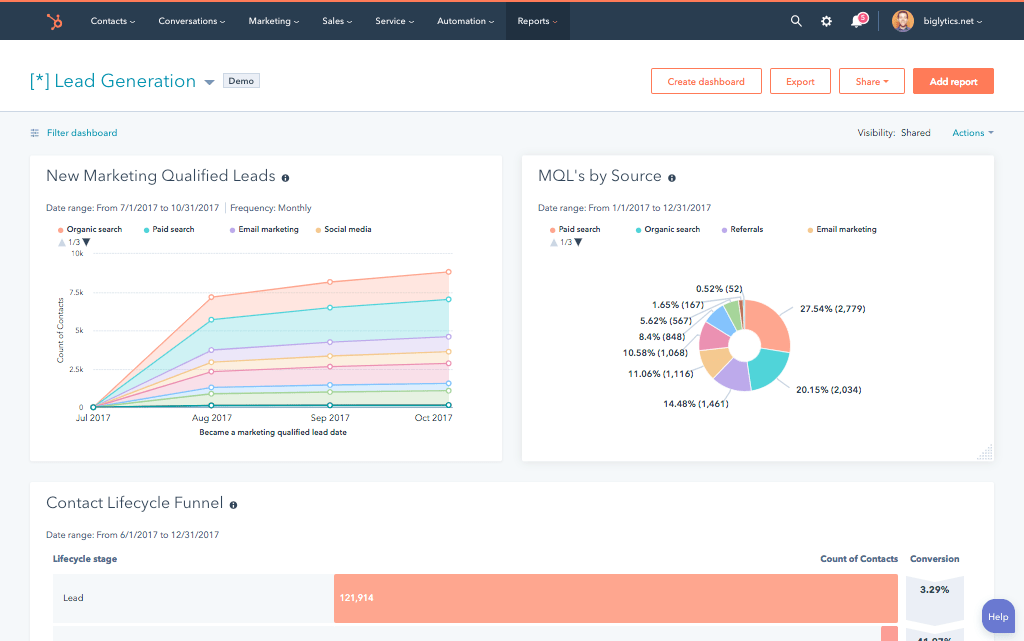
The integration maps Lever’s source field (LinkedIn, Referral, Company website, Career fair) to the HubSpot contact’s Original Source, so every hire is attributed to the campaign or channel that drove them. The marketing team can now answer: which content produces our best hires, not just our most applications.
Lever to HubSpot Data Flow
| Lever Event | HubSpot Action |
| New candidate created (Passive or Applied stage) | HubSpot Contact created with name, email, role applied for, source, and Lever stage |
| Candidate reaches Offer stage | HubSpot Contact property updated: Lever Stage = Offer; high-priority flag for recruiter outreach |
| Candidate Hired | HubSpot workflow trigger: new hire onboarding sequence enrolled; contact source attribution finalised; hire date property populated |
| Candidate Archived (not selected) | HubSpot Contact updated: Archived flag set; silver-medalist re-engagement sequence optionally enrolled after 90 days |
For Staffing Agencies
Staffing agencies have a fundamentally different architecture. The client relationship is the deal in HubSpot. The candidate pipeline for each client job order lives in Lever. The integration connects them so that account managers can see candidate activity on their client deals without logging into Lever, and recruiters in Lever see job requirements and client details that originate from HubSpot deals.
HubSpot Deal to Lever Job Requisition
When a staffing agency closes a client deal in HubSpot a signed contract for a placement the integration creates a matching Job Requisition in Lever automatically, pre-populated with the job title, department, compensation range, and client details from the HubSpot deal. The recruiter opens Lever and finds the req ready to work, connected to the client record. No manual job creation, no data re-entry from the deal into the ATS.
Candidate Submissions Logged on HubSpot Deals
When a recruiter submits a candidate to a client in Lever, that submission logs to the associated HubSpot deal as a timeline event candidate name, role, submission date, interview stage. Account managers see the full placement activity on the client deal without opening Lever.
When a candidate is hired, the HubSpot deal moves to Closed Won automatically and the placement revenue records. Client reporting becomes straightforward: how many candidates were screened, how many interviewed, how many placed, at what revenue all from HubSpot reports built on Lever data.
Lever to HubSpot Data Flow Staffing Agency
| Lever Event | HubSpot Action |
| Candidate submitted to client job | HubSpot deal timeline: Candidate Submitted [name], [role], [date] |
| Client interview scheduled in Lever | HubSpot deal property: Interview Scheduled = Yes; account manager notified |
| Client offer extended | HubSpot deal stage updated: Offer Extended; probability updated for pipeline reporting |
| Placement confirmed (Hired in Lever) | HubSpot deal moves to Closed Won; placement revenue recorded; account manager task created for post-placement check-in |
GDPR and Candidate Data Compliance
Candidate data is personal data under GDPR, and most companies running Lever and HubSpot in parallel have not designed a compliant deletion flow. When a candidate exercises their right to erasure, both systems need to act:
- Deletion request processed in HubSpot: HubSpot contact deleted or anonymised per your retention policy
- Integration cascades deletion signal to Lever: Lever candidate record anonymised or deleted
- Consent-based sync: integration only syncs candidates who have consented to having their data processed in a marketing system typically those who applied via a tracked form, not all Lever candidates
- Sync scope controls: the integration should allow filtering by Lever stage or consent field only candidates who reached Offer stage (or explicitly opted in) sync to HubSpot
Building consent and deletion logic into the integration from the start is significantly less expensive than retrofitting it after a compliance review. We scope this into every Lever HubSpot integration build as a standard requirement.
See your 12-month revenue impact with HubSpot CRM
Enter your current numbers — visitors, leads, deal size — and get a personalized projection based on real HubSpot customer benchmarks.
Calculate My ROI
What to Expect from the Build
- Weeks 1-2: Scoping and architecture. Determine which scenario applies in-house recruiting or staffing agency (or both). Define which Lever stages and candidate fields sync to HubSpot. Map GDPR consent and deletion logic. Confirm Lever API access and webhook configuration.
- Weeks 3-4: Build and sandbox testing. Build against Lever’s REST API and HubSpot’s API. For staffing agencies, test deal-to-Lever job req creation and candidate submission timeline logging. For in-house teams, test passive candidate sync and hire attribution.
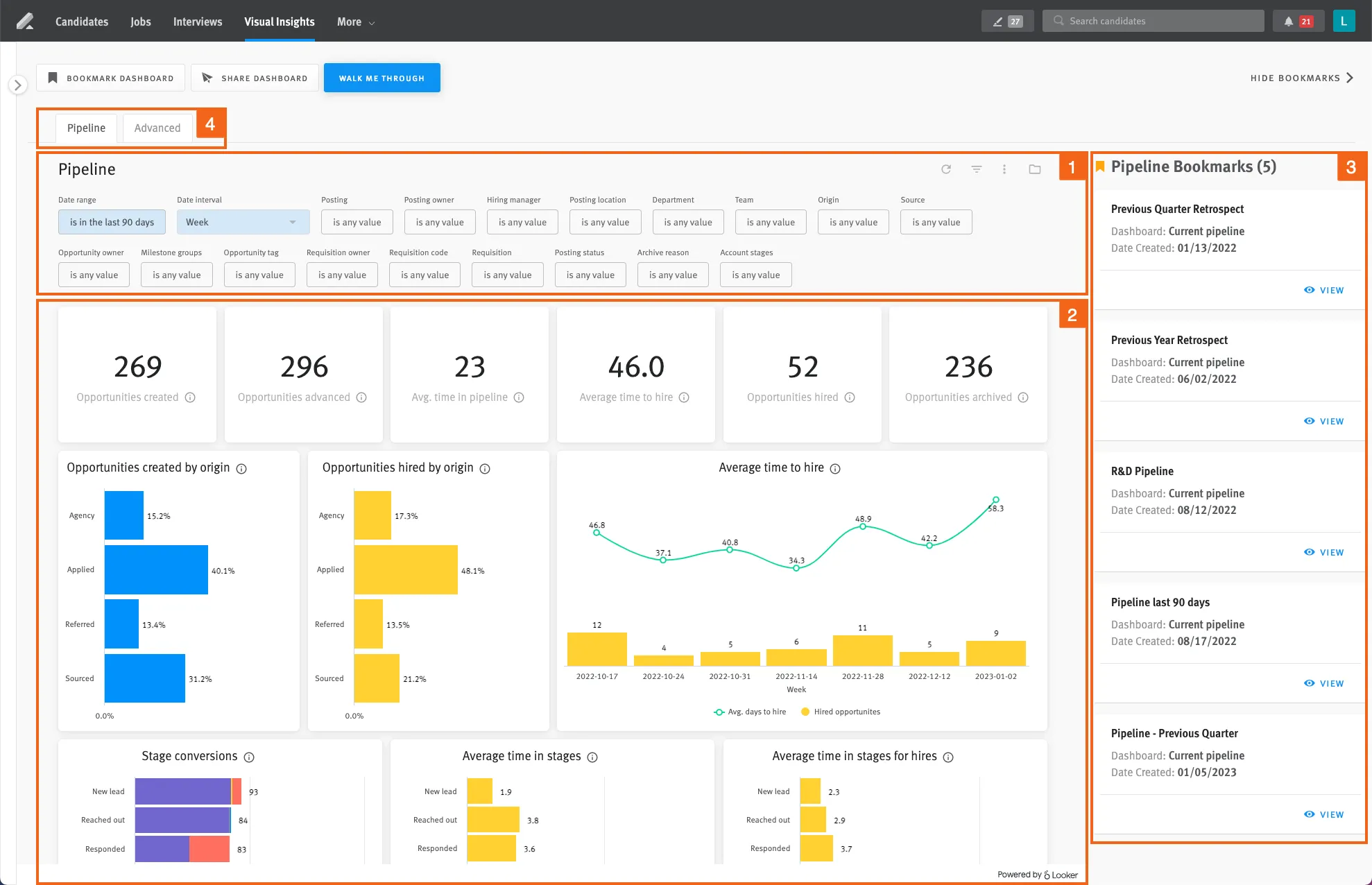
- Weeks 5-6: UAT. Recruiting team validates candidates are appearing correctly in HubSpot with accurate source attribution. For agencies, account managers validate placement activity on deal records. GDPR deletion cascade tested.
- Weeks 7-8: Go-live and monitoring. Active monitoring with alerts on sync failures. GDPR deletion flow verified in production.
We’re a HubSpot Diamond Solutions Partner with custom integration accreditation. 55 million fields synced daily. 98.5% client retention rate. Builds go live in 8 weeks. For post-hire HRIS automation, we also build HubSpot Paylocity integration and HubSpot Gusto integration connecting the hired-in-Lever signal to the HRIS provisioning workflow as a single end-to-end pipeline.



Table of Contents
- What is a HubSpot Lever integration?
- How does the HubSpot Lever integration work?
- Does HubSpot have a native Lever integration?
- How long does a HubSpot Lever integration take to build?
- Can HubSpot and Lever sync bi-directionally?
- What data can sync between HubSpot and Lever?
- HubSpot Lever Integration: ATS and CRM for In-House Teams and Staffing Agencies
- What Lever Is and How It Relates to HubSpot
- For In-House Recruiting Teams
- For Staffing Agencies
- GDPR and Candidate Data Compliance
- What to Expect from the Build