


























What is a HubSpot RazorSync integration?
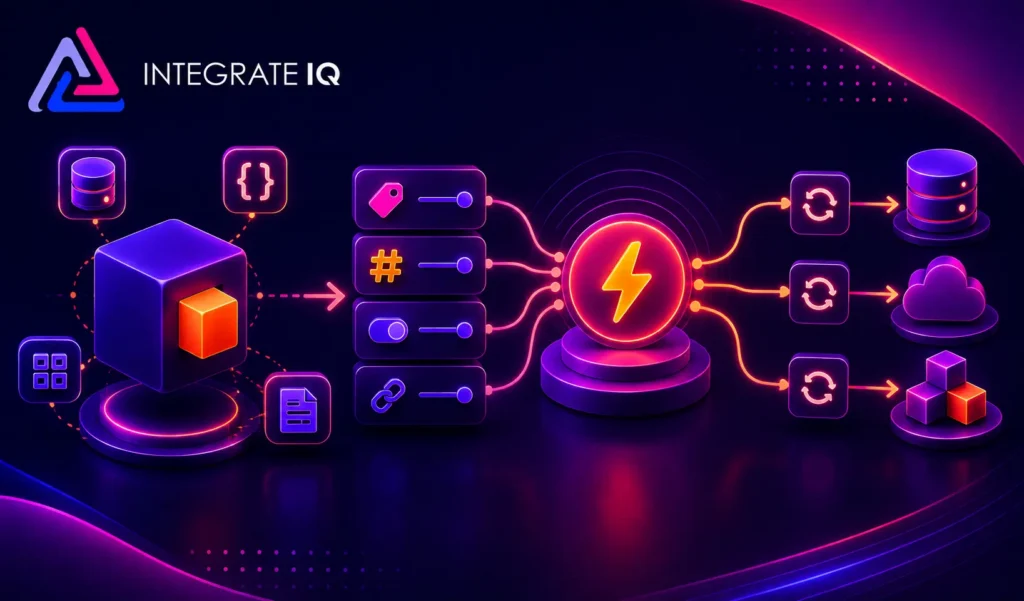
A HubSpot RazorSync integration is a two-way data connection that syncs customers, jobs, work orders, and service history between HubSpot and RazorSync in near real time. It keeps field service activity visible inside HubSpot and pushes marketing and sales context back to RazorSync for service-based marketing automation.
How does the HubSpot RazorSync integration work?
It works through the HubSpot and RazorSync REST APIs, with field mapping, deduplication, and a defined system of record for every object. When a job status or customer record updates in either system, the sync writes the change to the other within minutes. Bi-directional rules control which fields flow which direction.

Turn HubSpot Into A Real-Time SMS Engine with Message IQ
 Two-Way Conversations
 Shared Team Inbox
 Automation Triggers
 Advanced Reporting
 Compliance Tools
- 98% SMS read within 3 min
- 78% Buy from first responder
- 21× More likely to qualify

*MessageIQ is an IntegrateIQ product – built natively for HubSpot by the same team.
Does HubSpot have a native RazorSync integration?
HubSpot does not maintain a first-party RazorSync integration. RazorSync’s own marketplace focuses on QuickBooks, PayPal, and Google Calendar, with no native HubSpot connector listed. Teams that need work order detail, route data, and technician-level context typically move to a custom-built integration between the two platforms.
How long does a HubSpot RazorSync integration take to build?
A custom HubSpot RazorSync integration takes about 8 weeks from kickoff to production. Discovery runs two weeks, build and staging tests run three, historical backfill runs one, and cutover with hypercare covers the final two weeks. Timelines extend for environments with heavy customization or high job volume.
Can HubSpot and RazorSync sync bi-directionally?
Yes. Bi-directional sync is standard in a custom HubSpot RazorSync integration. You define system of record at the field level, so job status and service history flow one way, marketing engagement and lifecycle stage flow the other, and conflicts are resolved by rule rather than by whoever wrote last.
What data can sync between HubSpot and RazorSync?
Customers, work orders, service requests, inventory and invoices, plus marketing activity (emails, forms, page views), lifecycle stage and lead score. Field mapping is configured per project so only relevant data flows and each field has a clear owner. Custom RazorSync objects and fields sync through the RazorSync REST API.
How a HubSpot RazorSync Integration Actually Works
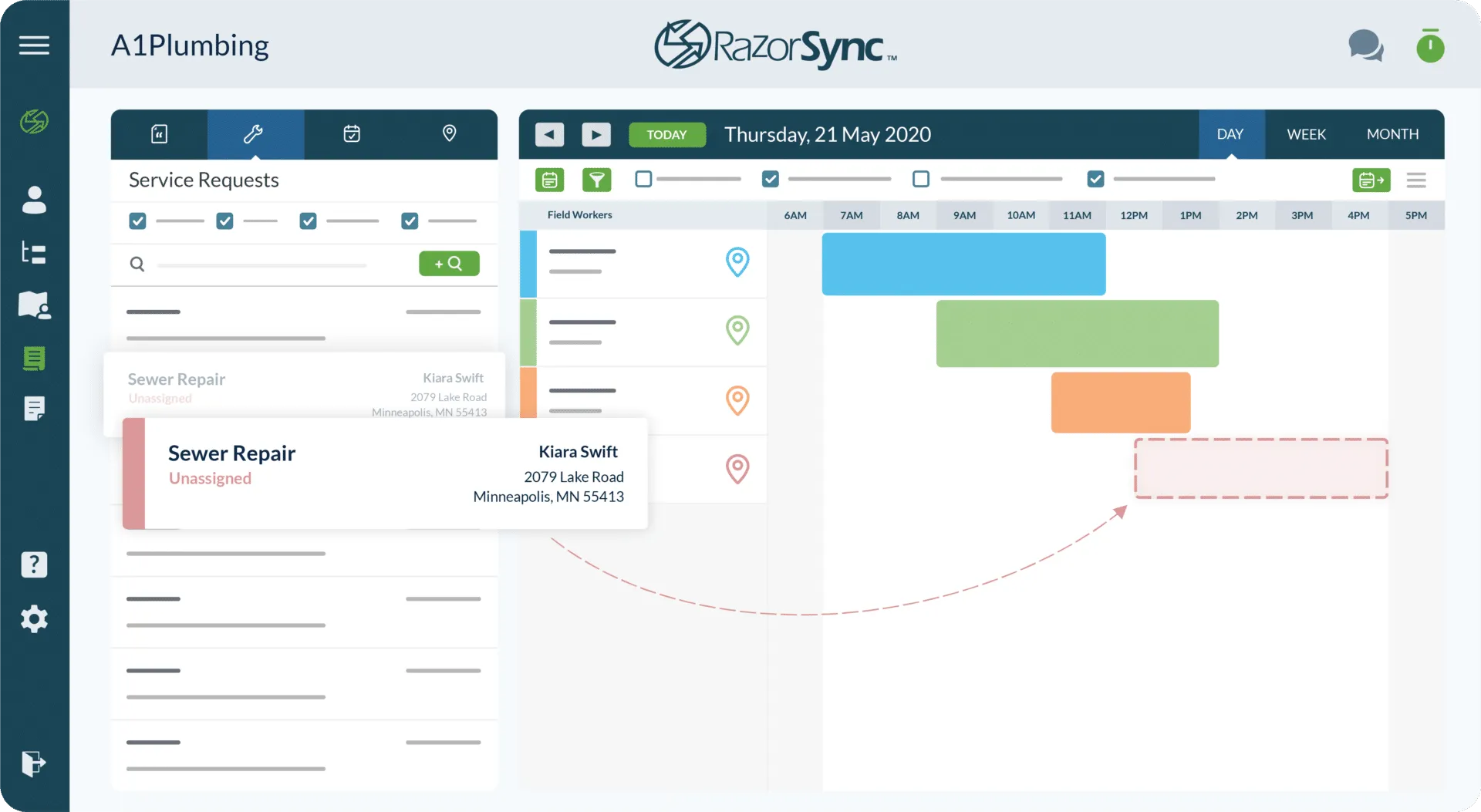
A HubSpot RazorSync integration works by giving each platform a defined domain: RazorSync owns dispatch, job status, and technician activity, while HubSpot owns the relationship, the pipeline and the marketing engagement history.
When a deal closes in HubSpot, the integration creates the matching job or work order in RazorSync automatically, carrying over customer notes and service history so the technician arrives prepared. When a job is marked complete in RazorSync, the update flows back to HubSpot within minutes, triggering a review request or an upsell sequence without anyone re-typing a status.
Field-level rules keep the noise out. Only the RazorSync events marketing and sales actually need, closed-won jobs, completed service calls, cancellations, cross the wire into HubSpot. Routine scheduling and route data stay in RazorSync, where dispatchers use them.
Three Ways to Connect RazorSync and HubSpot
Not every team needs custom. Here is the honest comparison.
| Factor | Native / Marketplace App | Zapier / iPaaS | Custom (Integrate IQ) |
|---|---|---|---|
| Best for | Basic invoice sync for solo operators (RazorSync to QuickBooks) | Simple one-object triggers on a budget | Multi-object sync at scale with custom logic |
| Sync direction | One-way, RazorSync to QuickBooks only | Two-way, but built zap by zap and fragile | Bi-directional with field-level control |
| Custom objects/fields | Not supported | Limited, breaks on schema changes | Fully supported, including custom properties |
| Job and route sync | No RazorSync-HubSpot connector exists | Possible, but drops route and technician detail | Full job, work order, and technician context synced |
| Business logic | None | Basic filters only | Deal stage, job status, and service triggers enforced |
| Volume handling | N/A, no native app exists | Rate-limited, breaks down at volume | Built for thousands of jobs per week |
| Historical backfill | Not available | Manual, one record at a time | Automated historical backfill included |
| Maintenance | N/A | You maintain every zap | Monitored and maintained by Integrate IQ |
Revenue Workflows You Can Automate Once RazorSync Data Lives in HubSpot
- Estimate-to-Deal Handoff. When a RazorSync estimate is sent, the integration creates a matching HubSpot deal with the service details attached. Sales gets visibility into every quote in flight without checking RazorSync, and follow-up sequences start automatically.
- Job Completion Review Requests. A job marked Complete in RazorSync fires a HubSpot workflow that sends a review request and flags upsell-ready accounts based on technician notes. Marketing captures the moment satisfaction is highest instead of days later.
- Cancellation Save-Play. A cancelled job or service request triggers a save-play sequence in HubSpot and alerts the account’s CSM. Customers at risk get a human touch before they’re gone for good.
- Recurring Service Communication. Recurring service schedules in RazorSync drive a matching HubSpot communication cadence: reminders, prep instructions, and post-visit follow-up, so customers hear from you on a predictable rhythm.
- Route and Territory Alignment. Route optimization data from RazorSync feeds HubSpot’s sales territory assignments, so reps prospecting a neighborhood match the technicians already working it, tightening the loop between field presence and pipeline.
What Breaks in a RazorSync HubSpot Sync, and How We Prevent It
- Duplicate records and identity resolution. We match on email, phone, and service address before creating a new HubSpot contact, so the same customer calling in twice doesn’t become two records.
- System-of-record conflicts. Every field gets one owner. RazorSync stays the source of truth for job status and dispatch; HubSpot stays the source of truth for lifecycle stage and engagement, so neither system overwrites the other’s data.
- Field mapping and status value drift. RazorSync’s job statuses don’t map one-to-one to HubSpot deal stages by default. We build a translation layer and test it against real status changes before go-live, not after.
- Recurring service and route data volume. RazorSync can generate thousands of jobs a week per customer. We filter what actually needs to reach HubSpot, so marketing sees the signals that matter instead of drowning in operational noise.
- API rate limits at volume. Across our client base we move 20 billion plus records annually and 7 million fields daily, so we batch, checkpoint, and throttle by design instead of by accident.
Implementation Timeline: What to Expect
Most HubSpot RazorSync integrations complete inside eight weeks of kickoff. The first two weeks cover discovery: object inventory in both systems, field-by-field mapping, system of record decisions, and mapping RazorSync job statuses to HubSpot deal stages. Weeks three to five are build and unit testing against a staging RazorSync instance and a HubSpot sandbox. Week six runs the historical backfill and reconciliation. Weeks seven and eight cover user acceptance testing, cutover, and hypercare. Post-launch monitoring is included, so if a RazorSync configuration changes or HubSpot pushes an API update, we see it before your reports do. Full detail is on our HubSpot integration process page and 98.5% of clients renew for a follow-on scope.
See your 12-month revenue impact with HubSpot CRM
Enter your current numbers — visitors, leads, deal size — and get a personalized projection based on real HubSpot customer benchmarks.
Calculate My ROI
Connect the Rest of Your Revenue Stack
RazorSync rarely runs alone. Field service teams pairing it with accounting typically also review our HubSpot QuickBooks integration for invoice and payment sync, or our HubSpot RealGreen integration if lawn care or pest control work runs alongside general field service. For SMS-based dispatch alerts and appointment reminders, our HubSpot Twilio integration closes that gap. Every build follows the same HubSpot integration process and you can scope your own project with the Integration ROI Calculator before booking a call.


Table of Contents
- What is a HubSpot RazorSync integration?
- How does the HubSpot RazorSync integration work?
- Does HubSpot have a native RazorSync integration?
- How long does a HubSpot RazorSync integration take to build?
- Can HubSpot and RazorSync sync bi-directionally?
- What data can sync between HubSpot and RazorSync?
- How a HubSpot RazorSync Integration Actually Works
- Three Ways to Connect RazorSync and HubSpot
- Revenue Workflows You Can Automate Once RazorSync Data Lives in HubSpot
- What Breaks in a RazorSync HubSpot Sync, and How We Prevent It
- Implementation Timeline: What to Expect
- Connect the Rest of Your Revenue Stack