























HubSpot Snowflake Integration: Three Methods, Real Tradeoffs, and When to Go Custom
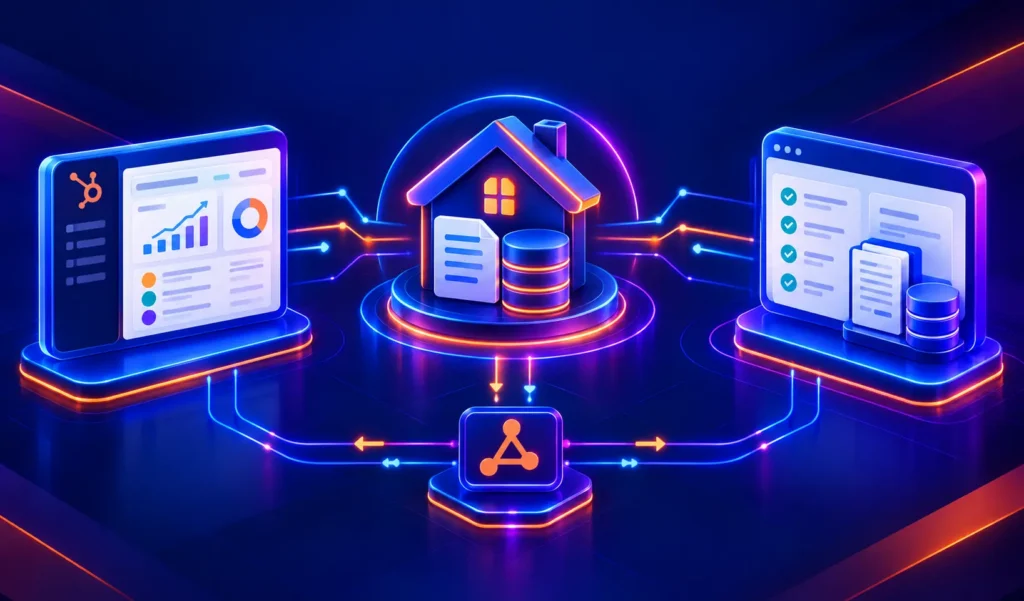
The HubSpot Snowflake integration connects two platforms that each hold half your data picture. HubSpot carries CRM activity contacts, deals, email events, web behaviour. Snowflake carries everything else: product usage, transaction history, financial data, and the outputs of whatever data science models your team is running.
When those two datasets can’t talk to each other, your marketing team triggers campaigns on stale signals and your data team builds reports on incomplete pipelines.
Two native integration options exist, and they work in opposite directions. A third path a custom API pipeline handles the cases neither native option covers cleanly. This guide walks through all three: what each does, where each breaks, and how to decide which one your stack actually needs.
We’re Integrate IQ, a HubSpot Diamond Solutions Partner with custom integration accreditation. We’ve processed over 20 billion records annually across 300+ platform integrations. The Snowflake-HubSpot architecture question comes up often and the answer depends entirely on which direction your data needs to move.
What the HubSpot Snowflake Integration Does
The integration covers two distinct data flows, and getting clear on the direction matters before you pick a method.
| Direction | What Moves | Primary Use Case |
| HubSpot to Snowflake | CRM data contacts, companies, deals, email events, page views, form submissions | Analytics: SQL reporting, BI dashboards, cross-dataset analysis |
| Snowflake to HubSpot | Warehouse data product usage signals, predictive scores, purchase history, any custom data model output | Activation: enriching HubSpot contact/company records, triggering marketing automation workflows |
Most companies need both directions eventually. The native options handle each direction separately neither does full bidirectional sync out of the box. That’s where the architecture decision gets real.

Turn HubSpot Into A Real-Time SMS Engine with Message IQ
 Two-Way Conversations
 Shared Team Inbox
 Automation Triggers
 Advanced Reporting
 Compliance Tools
- 98% SMS read within 3 min
- 78% Buy from first responder
- 21× More likely to qualify

*MessageIQ is an IntegrateIQ product – built natively for HubSpot by the same team.
Method 1: HubSpot Snowflake Data Share (HubSpot to Snowflake)
The Data Share integration CRM Platform Data from HubSpotushes your HubSpot CRM data directly into a Snowflake share, where your data team can query it in SQL alongside any other dataset in your warehouse. Every HubSpot object Contacts, Companies, Deals, Activities, Email Events, Web Analytics becomes available as a Snowflake table.
Setup Steps
- In your Snowflake account, navigate to the listing for ” in the Snowflake Marketplace. Click Request and accept Snowflake’s terms this step must be completed before anything in HubSpot.
- In HubSpot, go to the Marketplace and search for ‘Snowflake Data Share’. Click Install. Select your Snowflake account region (run SELECT CURRENT_REGION(); in Snowflake to find it).
- Enter your Snowflake account name in the format org_name.account_name. Click Connect.
- Choose which HubSpot objects to share and set your sync triggers.
Data Share Limitations to Know Before You Start
- Read-only in one direction. The Data Share sends HubSpot data to Snowflake. You can’t push updates back from Snowflake to HubSpot using this method.
- HIPAA restriction. If you’re storing HIPAA-protected data, the Data Share is only supported in two Snowflake regions: AWS US_EAST_1 and AWS EU_CENTRAL_1. Companies on other regions need a Business Critical Snowflake account.
- Snowflake costs are yours. All Snowflake compute costs from querying the HubSpot data share are charged to your Snowflake account, not HubSpot.
- Not real-time. Data Share updates on HubSpot’s sync schedule, not event-driven. For near-real-time analytics, this may not be fast enough.
Method 2: HubSpot Data Sync for Snowflake (Snowflake to HubSpot)
The Data Ingestion integration runs in the opposite direction it reads from a Snowflake table and creates or updates HubSpot records based on that data. This is the activation use case: product usage data, predictive scores, or account health signals living in Snowflake become properties on HubSpot Contact, Company, or Deal records, where they can drive segmentation and workflow triggers.
Important: As of early 2026, the Snowflake Data Ingestion feature is still in beta. Before you can install it, your HubSpot account must be opted in. To opt in, navigate to: https://app.hubspot.com/portal-recommend/l?slug=data-sync/app/2963325 and click Install. If your account isn’t opted in, the app won’t appear in the normal Marketplace search.
Setup Steps
- Complete the beta opt-in via the URL above. Then go to HubSpot Marketplace, search for ‘Snowflake Data Sync’, and install.
- In the dialog, enter your Snowflake Account Identifier and Username. Follow the steps to assign the public key.
- Click Connect to Snowflake. Once connected, go to Settings > Integrations > Connected Apps > Snowflake > Set up a sync.
- Select your Snowflake Database, Schema, and Table. Choose the sync direction (Snowflake to HubSpot). Choose the HubSpot object type the data should map to.
- Set your record matching logic. Choose a Snowflake field and HubSpot property to match on (e.g., email address). Or select ‘Do no matching’ to treat all Snowflake records as new HubSpot records.
- Select your Snowflake warehouse. The warehouse size should match your record volume syncing close to the 30M record limit on a small warehouse will cause performance issues and timeouts. Size up for large syncs.
- Set sync frequency. Click Save and activate.
Data Ingestion Limits
- 30 million records per sync run maximum. Tables above this threshold require splitting the sync or pre-filtering in Snowflake.
- 10GB table size limit. The source table or view being synced cannot exceed 10GB.
- One sync per Snowflake table. You can create multiple syncs from different tables, but you can’t run two syncs pointing at the same table.
- IP allowlisting may be required. If your Snowflake instance has network policies, you’ll need HubSpot’s IP range allowlisted. Contact HubSpot Support for the current IP range.
Method 3: Custom API Pipeline (Bidirectional, Enterprise-Grade)
When you need both directions running simultaneously, real-time event-driven sync, transformation logic between Snowflake’s data model and HubSpot’s object schema, or volume beyond the native limits neither native method is the right tool.
A custom pipeline built on HubSpot’s API and Snowflake’s API gives you complete control: what syncs, in which direction, on what trigger, with what transformation applied before the data lands. It also handles error logging, retry logic, and field-level conflict resolution none of which the native options manage.
| Factor | Data Share | Data Ingestion | Custom API Pipeline |
| Direction | HubSpot to Snowflake only | Snowflake to HubSpot only | Fully bidirectional |
| Setup time | 1-2 hours | 2-4 hours (includes beta opt-in) | 6-8 weeks |
| Sync frequency | Scheduled (not real-time) | Scheduled (configurable) | Event-driven or near-real-time |
| Volume limit | No stated limit | 30M records / 10GB per sync | Scales to enterprise volume |
| Field flexibility | Fixed HubSpot objects | Any table to any HubSpot object | Any field, any object, any direction |
| Transformation support | None | None | Full custom logic between source and destination |
| Error handling | Basic sync logs | Basic sync logs | Custom retry logic, alerting, conflict resolution |
| HIPAA support | 2 regions only | Not specified | Configurable based on infrastructure |
| Maintenance | Managed by HubSpot | Managed by HubSpot | Managed by IntegrateIQ with monitoring |
Three Questions That Point to a Custom Build
- Do you need Snowflake data activating in HubSpot AND HubSpot data flowing to Snowflake at the same time, on the same records?
- Does your Snowflake data require transformation before it maps to HubSpot properties e.g., calculating a lead score from multiple warehouse columns and writing it as a single HubSpot property?
- Do you need event-driven sync (changes in Snowflake appear in HubSpot within minutes, not hours)?
Use Cases This Integration Unlocks
SQL Reporting on HubSpot Pipeline Data
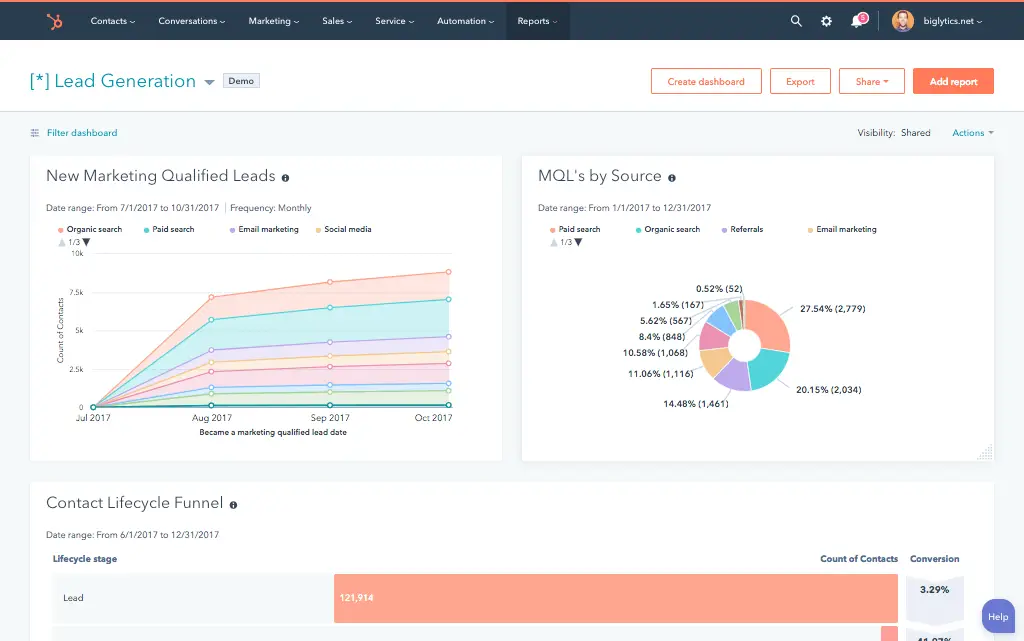
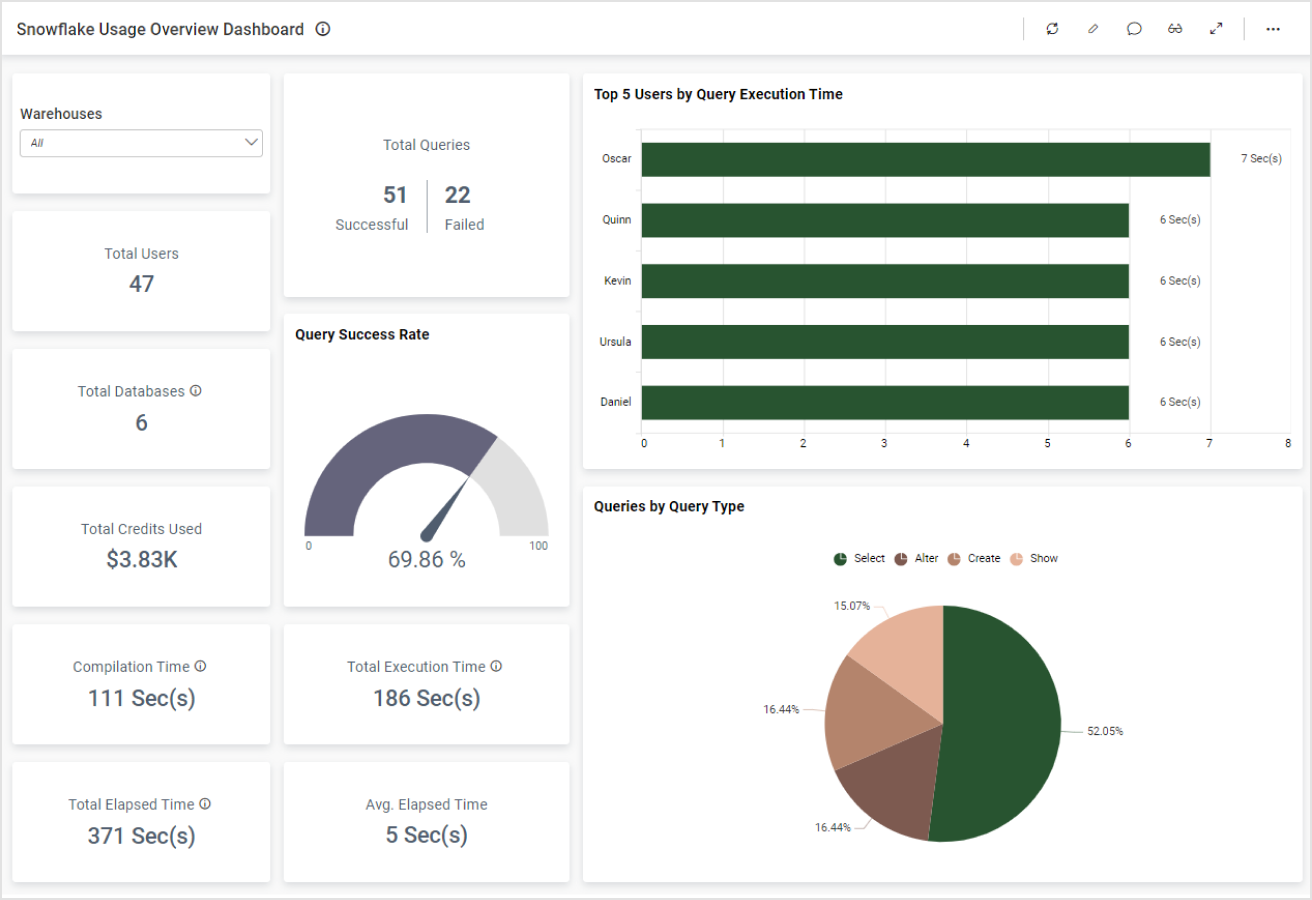
Marketing and revenue teams at data-mature companies want their HubSpot pipeline metrics deals by stage, conversion rates, email attribution, contact lifecycle queryable in Snowflake alongside product data and financial records. With the Data Share integration, your data team runs SQL directly on HubSpot objects without API rate limits or export headaches. Combined with HubSpot Tableau integration or HubSpot Power BI integration, you build revenue dashboards that pull from both CRM and warehouse data in a single view.
Product Usage Signals Triggering Lifecycle Campaigns
A SaaS company tracks feature adoption in their product database, which lands in Snowflake. A data science model flags users who haven’t triggered a key activation event within 14 days of signup a strong churn predictor. The custom pipeline pushes that ‘at-risk’ flag from Snowflake to a HubSpot contact property. A HubSpot workflow fires a targeted intervention sequence. Without the Snowflake-to-HubSpot sync, the marketing team has no way to act on that signal in real time.
Predictive Lead Scores Enriching HubSpot Deal Properties
A B2B company runs a predictive lead scoring model in Snowflake, combining CRM engagement data with firmographic signals and product telemetry. The model outputs a score per account. The custom pipeline pushes that score to a HubSpot Company property. Sales reps see it on the company record and can filter their pipeline by predicted close likelihood. The score updates every time the Snowflake model runs no manual imports, no stale data.
See your 12-month revenue impact with HubSpot CRM
Enter your current numbers — visitors, leads, deal size — and get a personalized projection based on real HubSpot customer benchmarks.
Calculate My ROI
What to Expect from a Custom HubSpot Snowflake Build
Custom pipelines between HubSpot and Snowflake aren’t complex in concept both platforms have well-documented REST APIs but the details matter: transformation logic, field mapping, error handling, and monitoring at scale.
- Weeks 1-2: Architecture and Data Mapping. Define which Snowflake tables and HubSpot objects are in scope. Map every field, define transformation logic where needed, and agree on trigger events and sync frequency.
- Weeks 3-4: Build and Sandbox Testing. Build the pipeline against both APIs in a sandboxed environment. Test with real data shapes, edge cases, and volume benchmarks.
- Weeks 5-6: UAT. Your data team validates field mapping accuracy. Your RevOps team validates that HubSpot records are being enriched correctly and workflows are triggering as expected.
- Weeks 7-8: Go-Live and Monitoring. Production deployment with active monitoring. Error logging, retry logic, and alerting are part of the build not afterthoughts.
98.5% of our clients stay with us past the first year because the integrations we build hold up. See how our integration process works.



Table of Contents
- HubSpot Snowflake Integration: Three Methods, Real Tradeoffs, and When to Go Custom
- What the HubSpot Snowflake Integration Does
- Method 1: HubSpot Snowflake Data Share (HubSpot to Snowflake)
- Method 2: HubSpot Data Sync for Snowflake (Snowflake to HubSpot)
- Method 3: Custom API Pipeline (Bidirectional, Enterprise-Grade)
- Use Cases This Integration Unlocks
- What to Expect from a Custom HubSpot Snowflake Build