









































How a HubSpot Epicor Integration Actually Works
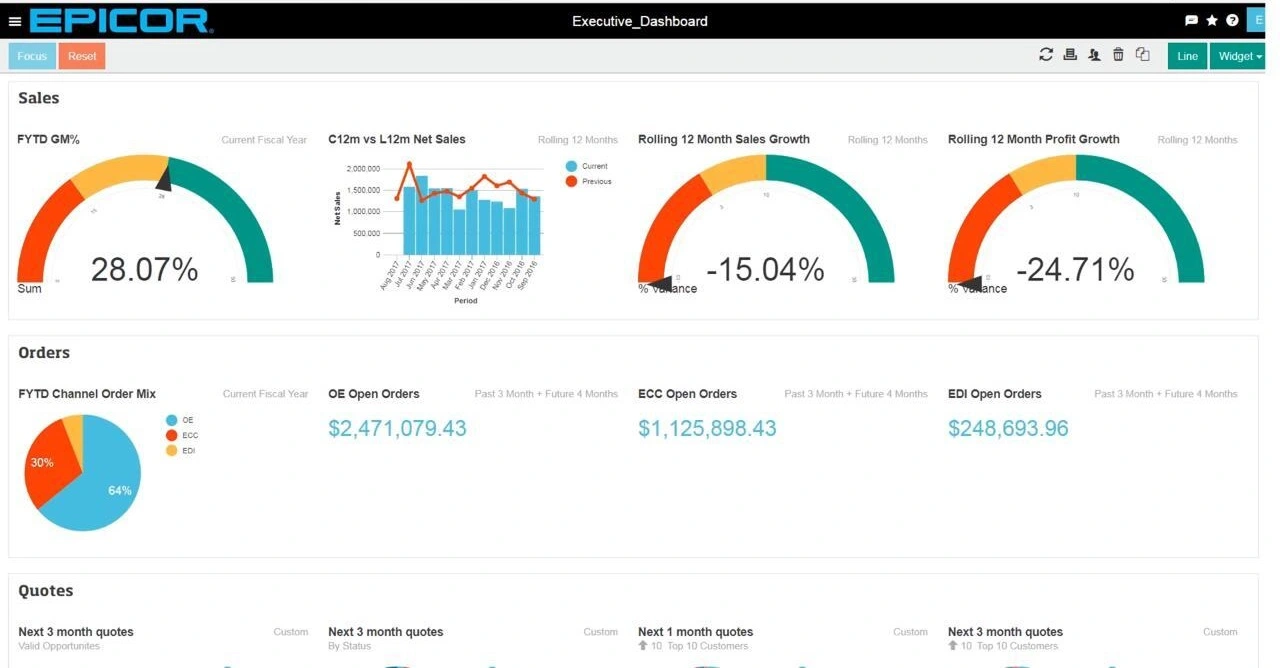
A HubSpot Epicor integration keeps two systems of record in agreement without asking a human to copy data between them. Epicor owns operations: Customers, Contacts, Quotes, Sales Orders, Invoices, Parts, Price Books, Inventory and any UD tables or custom BAQs your team built for site-specific logic.
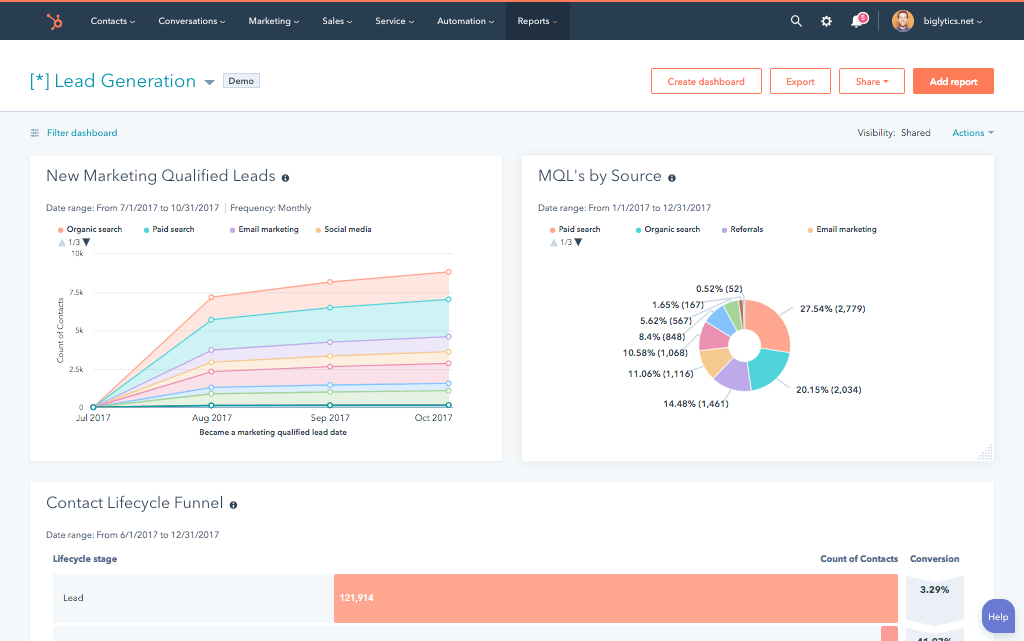
HubSpot owns the relationship: campaigns, form fills, email engagement, sequence activity, page views, lifecycle stage, deal stage and lead score.
The sync moves in both directions. New leads captured in HubSpot flow into Epicor as prospects or customers with their full marketing engagement history attached, so a rep opens an Epicor record and sees what a prospect downloaded, clicked, and viewed. Sales order status, invoice status, ATP inventory, credit limits, and shipment tracking flow back to HubSpot, which lets marketing tie campaigns to closed revenue and lets sales quote without switching tabs.
The important part is what does not sync by accident. A working HubSpot Epicor integration lets you decide the direction on a field-by-field basis, pick a system of record for every object, and route only the records that matter (active customers, MQLs above a threshold, a specific Epicor site or company) instead of dragging your entire ERP through the pipe.

Three Ways to Connect Epicor and HubSpot
Not every team needs custom. Here is the honest comparison.
| Factor | Commercient SYNC (Marketplace) | iPaaS (Clarity, Workato) | Custom (Integrate IQ) |
|---|---|---|---|
| Best for | Small teams syncing basic customer and order data on standard Epicor | Prototypes and low-complexity event sync | Mid-market and enterprise manufacturers with multi-site, multi-company, or custom BAQ needs |
| Sync direction | Bi-directional, standard objects only | Configurable but rebuilt per event | Bi-directional across every Epicor object you specify, including custom BAQs |
| Custom objects and fields | Limited, add-on per object ($29/mo each) | Manual, brittle, breaks on Epicor updates | Full support, including UD tables and custom BAQs built in Kinetic |
| Multi-entity and multi-currency support | Single-entity assumption, no multi-currency logic | Requires custom mappings per entity | Full multi-site, multi-company, multi-currency with FX rate handling |
| Business logic | None, field-to-field only | Basic conditional flows | Full logic: credit hold, ATP checks, tax rules, region and product routing |
| Volume handling | Batch-based, slows on large historical loads | Task limits and rate caps at high volume | Built for enterprise volume: we move 20 billion+ records annually across our client base |
| Historical backfill | Not included in base license | Manual replay per flow | Full historical backfill validated in staging against your Epicor instance |
| Epicor version coverage | Separate app per version (10, Kinetic, P21, 9) | One-off configuration per version | Version-agnostic, works with Epicor 9, 10, Kinetic, and P21 |
| Maintenance | Vendor patches only, extra objects billed monthly | You own every broken flow | Monitored post-launch, included in scope |
If you run a single Epicor 10 or Kinetic instance, sync fewer than five standard objects, and never touch a custom BAQ, Commercient SYNC will get you through, though the per-object add-on billing adds up. iPaaS platforms fit teams testing an idea before committing engineering time. Anywhere you run multiple sites or companies, use custom BAQs or UD tables, need real-time ATP and credit hold logic, or plan to upgrade Kinetic versions, a custom HubSpot Epicor integration wins on total cost of ownership and reporting accuracy. Our custom HubSpot integration services cover the build, backfill, and post-launch monitoring.

Turn HubSpot Into A Real-Time SMS Engine with Message IQ
 Two-Way Conversations
 Shared Team Inbox
 Automation Triggers
 Advanced Reporting
 Compliance Tools
- 98% SMS read within 3 min
- 78% Buy from first responder
- 21× More likely to qualify

*MessageIQ is an IntegrateIQ product – built natively for HubSpot by the same team.
Revenue Workflows You Can Automate Once Epicor Data Lives in HubSpot
- Closed-won to validated sales order. A HubSpot deal moves to closed-won and passes a data validation check. The integration creates a corresponding sales order in Epicor with customer, part numbers, quantities, tax code, and price book applied, then writes the Epicor order number back to the HubSpot deal record.
- ATP-aware quoting. Sales reps quote from within HubSpot with live Epicor available-to-promise data pulled per part. When ATP drops below the quoted quantity, the deal record shows a stock warning and the rep sees the next expected receipt date before committing to the customer.
- Credit hold triggers pause outreach. When Epicor places a customer on credit hold, a HubSpot workflow pauses all active nurture and sales sequences to that account, alerts the account owner and finance, and resumes once Epicor clears the hold.
- Shipment status to customer communication. Epicor shipment events trigger HubSpot workflows that send tracking numbers and expected delivery windows through email or SMS. If a shipment is delayed, an apology and updated ETA go out before the customer asks.
- Renewal and reorder prompts. Epicor purchase frequency data flows to HubSpot, which enrolls customers in reorder sequences before their historical reorder window and alerts CSMs when a strategic account slips past its typical cadence.
What Breaks in an Epicor HubSpot Sync, and How We Prevent It
- Duplicate customer and contact records. Epicor identifies customers by CustID, HubSpot identifies by email domain and company. Without a mapped identity resolution rule up front, the same customer appears as two records in one system and three in the other. We define identity keys before the first sync runs.
- System-of-record conflicts on shared fields. Marketing edits a phone number in HubSpot the same day AR edits the billing address in Epicor. Without a field-level system of record, one write silently wipes the other. We map system of record on every synced field before build starts.
- Epicor version fragmentation. Epicor 9, Epicor 10, Kinetic, and Prophet 21 each have distinct APIs, object models, and BPM behaviors. Marketplace apps typically require separate licenses per version and rarely handle mixed-environment migrations. We build against your specific version and support Kinetic upgrades in place.
- Multi-site and multi-currency reconciliation. Manufacturers commonly run 3 to 10 Epicor sites across legal entities and currencies. Naive syncs collapse site data or apply FX rates incorrectly, breaking revenue reporting in HubSpot. We map site, entity, and currency at the object level so consolidated reporting matches Epicor’s general ledger.
- API rate limits at volume. Historical sales order and invoice backfills from a mature Epicor instance can push tens of millions of records. Marketplace apps throttle and stall on loads that size. Across our client base we move 20 billion plus records annually, so we batch, checkpoint, and throttle by design instead of by accident.
Implementation Timeline: What to Expect
Most HubSpot Epicor integrations complete inside eight weeks of kickoff. The first two weeks cover discovery: object inventory in Epicor including UD tables and custom BAQs, field-by-field mapping, system-of-record decisions per field, and site and company scoping. Weeks three to five are build and unit testing against a staging Epicor instance and a HubSpot sandbox. Week six runs the historical backfill and reconciliation against Epicor’s general ledger. Weeks seven and eight cover user acceptance testing, cutover and hypercare. Post-launch monitoring is included, so if Epicor pushes a Kinetic update or HubSpot changes an API, we see it before your reports do. Full detail is on our HubSpot integration process page and 98.5% of clients renew for a follow-on scope.
See your 12-month revenue impact with HubSpot CRM
Enter your current numbers — visitors, leads, deal size — and get a personalized projection based on real HubSpot customer benchmarks.
Calculate My ROI
Connect the Rest of Your Revenue Stack
Epicor rarely lives alone in the stack. Teams weighing ERP alternatives often review our HubSpot NetSuite integration or the HubSpot vs NetSuite comparison before committing. Companies where sales runs on Salesforce evaluate a HubSpot Salesforce integration alongside this build, and smaller Epicor users needing lightweight AR often add a HubSpot QuickBooks integration . For broader context on where custom integrations pay for themselves, our guide to top HubSpot custom integrations walks through the decision framework and the integration ROI calculator turns the case into a number



Table of Contents




