

























What is a HubSpot Freshservice integration?
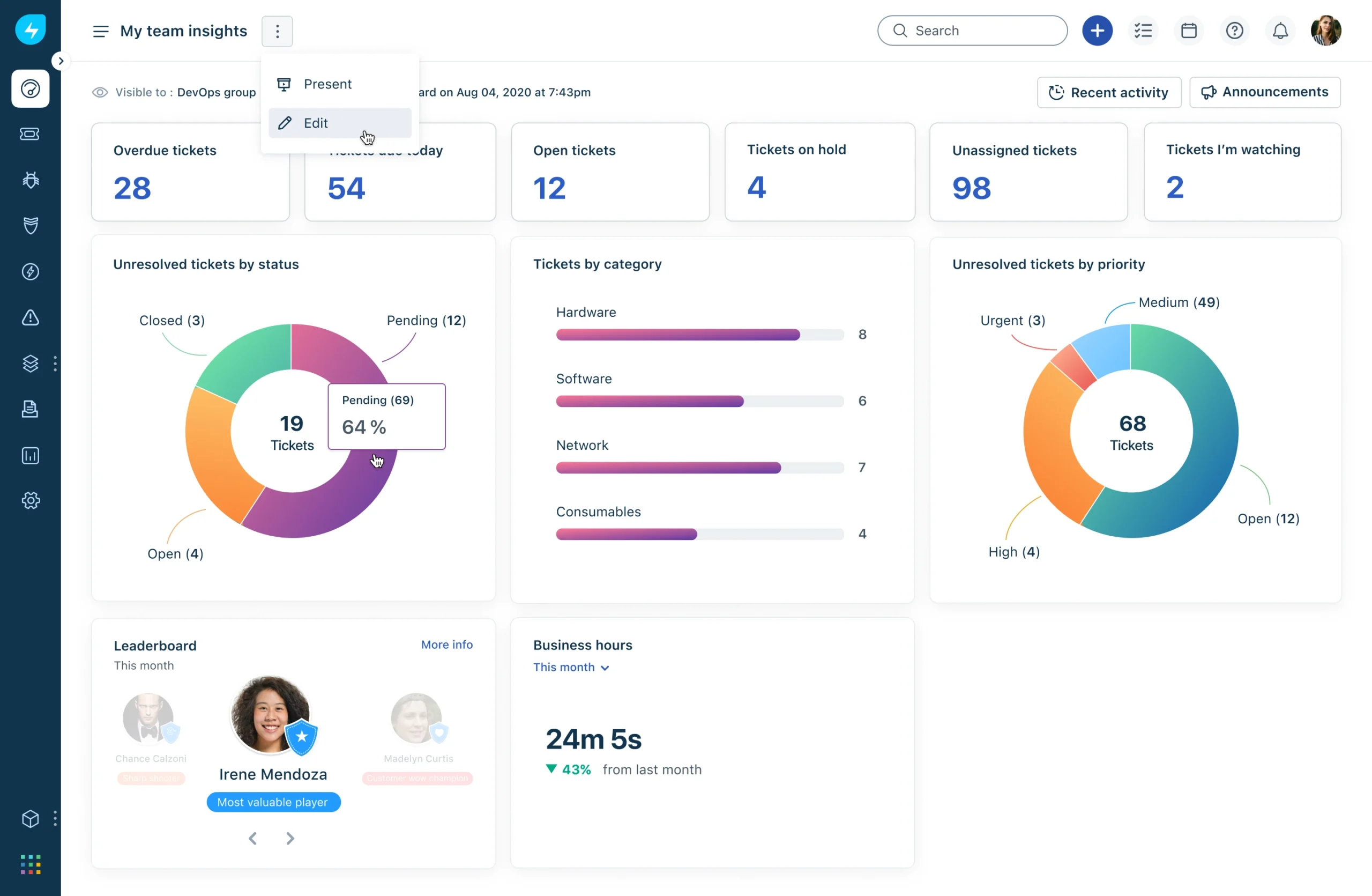
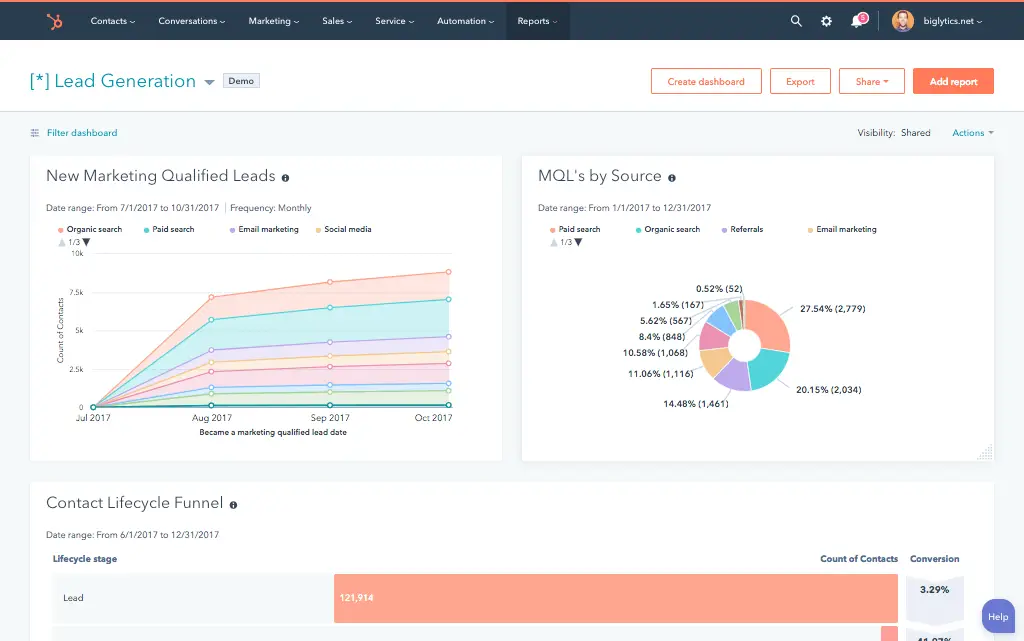
A HubSpot Freshservice integration is a two-way data connection that syncs contacts, tickets, and conversation history between HubSpot and Freshservice in near real time. It keeps requester and ticket status visible inside HubSpot and pushes account and deal context back to Freshservice for a unified customer view across sales and support.
How does the HubSpot Freshservice integration work?
It works through the HubSpot and Freshservice REST APIs, with field mapping, deduplication, and a defined system of record for every object. When a ticket, requester, or asset record updates in either system, the sync writes the change to the other within minutes. Bi-directional rules control which fields flow which direction.

Turn HubSpot Into A Real-Time SMS Engine with Message IQ
 Two-Way Conversations
 Shared Team Inbox
 Automation Triggers
 Advanced Reporting
 Compliance Tools
- 98% SMS read within 3 min
- 78% Buy from first responder
- 21× More likely to qualify

*MessageIQ is an IntegrateIQ product – built natively for HubSpot by the same team.
Does HubSpot have a native Freshservice integration?
HubSpot does not maintain a first-party Freshservice integration. The marketplace lists third-party apps that handle basic contact and ticket sync, but they skip SLA field mapping, custom ticket fields, and multi-brand support desk setups. Teams running MSP mode or complex routing typically move to a custom-built integration.
How long does a HubSpot Freshservice integration take to build?
A custom HubSpot Freshservice integration takes about 8 weeks from kickoff to production. Discovery runs two weeks, build and staging tests run three, historical ticket and asset backfill runs one, and cutover with hypercare covers the final two weeks. Timelines extend for MSP mode or heavy custom field use.
Can HubSpot and Freshservice sync bi-directionally?
Yes. Bi-directional sync is standard in a custom HubSpot Freshservice integration. You define system of record at the field level, so ticket status and asset data flow one way, marketing and deal context flow the other, and conflicts resolve by rule rather than by whoever wrote last. The native app supports bi-directional sync only for basic contact fields.
What data can sync between HubSpot and Freshservice?
Contacts, companies, tickets, custom objects, deals and activities on the HubSpot side sync with requesters, departments, tickets, hardware and software assets, change requests, and ticket notes on the Freshservice side. Field mapping is configured per project so only relevant data flows and each field has a clear owner.
How a HubSpot Freshservice Integration Actually Works
A HubSpot Freshservice integration connects two systems that were never built to talk to each other natively, and it does that by giving each one a clear job. Freshservice owns ticket status, SLA state, priority, and asset data. HubSpot owns lifecycle stage, deal context, and marketing engagement. The integration keeps both sides current without either one overwriting the other’s truth.
In practice, that means a new ticket in Freshservice can create or update a HubSpot record within minutes, and a closed-won deal or completed onboarding form in HubSpot can trigger a provisioning ticket back in Freshservice automatically. Both directions run on the same underlying API connection, so there is no lag between “it happened over here” and “the other system knows about it.”
What does not sync is just as deliberate as what does. You decide, at the field level, whether internal-only tickets stay out of HubSpot entirely, whether asset warranty data flows one way only, and whether a critical open ticket should pause outbound sales automation. Nothing moves between systems by default, only by rule.
Three Ways to Connect Freshservice and HubSpot
Not every team needs custom. Here is the honest comparison.
| Factor | Native Marketplace App | Zapier / iPaaS | Custom (Integrate IQ) |
|---|---|---|---|
| Best for | Basic contact sync for small teams | Simple ticket-to-task triggers, low volume | SLA-aware, multi-brand ITSM operations at scale |
| Sync direction | Mostly one-way, HubSpot to Freshservice | One-way per Zap, needs multiple Zaps for two-way | True bi-directional, field-level control both ways |
| Custom objects/fields | Not supported | Limited, breaks on schema changes | Full support for custom ticket fields and HubSpot custom objects |
| Ticket routing and SLA sync | No SLA field mapping | Manual filter logic, fragile at volume | SLA, priority, and status mapped and monitored end to end |
| Business logic | None, fixed field mapping | Basic if/then filters per Zap | Your rules: MSP mode, internal vs external filtering, approval gates |
| Volume handling | Syncs recent tickets only, roughly 120 days | Rate-limited, tasks queue and delay under load | Built for high-volume ticket flows and large asset databases |
| Historical backfill | Not supported | Not supported | Full historical backfill included in every build |
| Maintenance | HubSpot maintains it, limited support | You maintain every Zap yourself | Monitoring, alerts, and retry logic included post-launch |
If all you need is basic contact sync so sales can see who is a customer, the native app or a Zapier flow will get you there without a project. The moment you need SLA data, custom ticket fields, MSP mode, or high-volume asset syncing without lag, those tools run out of road fast, and that is where our custom HubSpot integration services come in.
Revenue Workflows You Can Automate Once Freshservice Data Lives in HubSpot
- Ticket spike alert. A strategic account opens an unusual volume of Freshservice tickets in a short window, and a HubSpot workflow fires an alert to the assigned CSM and AE so they can get ahead of the renewal conversation before support fatigue shows up in the numbers.
- Low CSAT save play. A Freshservice CSAT score comes back low, HubSpot flags the account health score, and a save-play sequence enrolls the contact automatically so a human follows up before the account goes quiet.
- SLA breach escalation. A ticket breaches its SLA in Freshservice, and HubSpot triggers an executive escalation workflow that carries full ticket context, priority, and requester history so leadership is not starting from zero.
- Support-detected upsell. An agent tags a Freshservice ticket as a hardware refresh or upgrade opportunity, and HubSpot creates a task for the account owner with the ticket linked, so the lead never sits in a support queue waiting to be noticed.
- Feature request routing. Tickets tagged as product feedback in Freshservice flow into a HubSpot pipeline built for product ops, so recurring requests reach the roadmap instead of getting buried in a support queue.
What Breaks in a Freshservice HubSpot Sync and How We Prevent It
- Duplicate records and identity resolution. We match HubSpot contacts to Freshservice requesters on email address by default and support custom matching logic for teams with shared inboxes or distribution-list requesters, so one person does not become three records.
- System-of-record conflicts. We define which system owns each field before a single line of code ships. Ticket status and asset data stay Freshservice-owned, lifecycle stage and engagement stay HubSpot-owned, so updates never fight each other.
- Field mapping and status value drift. Freshservice and HubSpot model ticket status and priority differently. We build a translation layer that maps values explicitly instead of assuming labels match, so a status change never silently drops.
- SLA and status mismatch. Each system defines SLA targets and escalation tiers on its own terms. Without a mapped translation layer, breach alerts fire against the wrong record or not at all, so we build and test the mapping against your actual SLA policies before go-live.
- API rate limits at volume. Across our client base we move 20 billion plus fields synced annually across 300 plus platforms, so we batch, checkpoint, and throttle high-volume ticket flows by design instead of by accident.
Implementation Timeline: What to Expect
Most HubSpot Freshservice integrations complete inside eight weeks of kickoff. The first two weeks cover discovery: object inventory in both systems, field-by-field mapping, system of record decisions, and mapping your SLA policies and custom ticket fields. Weeks three to five are build and unit testing against a staging Freshservice instance and a HubSpot sandbox. Week six runs the historical backfill and reconciliation. Weeks seven and eight cover user acceptance testing, cutover, and hypercare. Post-launch monitoring is included, so if a Freshservice configuration changes or HubSpot pushes an API update, we see it before your reports do. Full detail is on our HubSpot integration process page and 98.5% of clients renew for a follow-on scope.
See your 12-month revenue impact with HubSpot CRM
Enter your current numbers — visitors, leads, deal size — and get a personalized projection based on real HubSpot customer benchmarks.
Calculate My ROI
Connect the Rest of Your Revenue Stack
Freshservice rarely lives alone in the stack. If your service desk sits alongside an enterprise CRM, our HubSpot Salesforce integration keeps account data aligned across both. Teams routing complex incidents to engineering often pair this build with a HubSpot Jira integration so escalations do not get retyped by hand. If chat is part of your front line, a HubSpot Intercom integration closes the loop between conversations and tickets. Not sure Freshservice is even the right service desk for a HubSpot-centric team? See how it stacks up against the alternative in our HubSpot vs Zendesk comparison. And before you scope anything, run the numbers on what manual handoffs are already costing you with our Integration ROI Calculator .


Table of Contents
- What is a HubSpot Freshservice integration?
- How does the HubSpot Freshservice integration work?
- Does HubSpot have a native Freshservice integration?
- How long does a HubSpot Freshservice integration take to build?
- Can HubSpot and Freshservice sync bi-directionally?
- What data can sync between HubSpot and Freshservice?
- How a HubSpot Freshservice Integration Actually Works
- Three Ways to Connect Freshservice and HubSpot
- Revenue Workflows You Can Automate Once Freshservice Data Lives in HubSpot
- What Breaks in a Freshservice HubSpot Sync and How We Prevent It
- Implementation Timeline: What to Expect
- Connect the Rest of Your Revenue Stack