















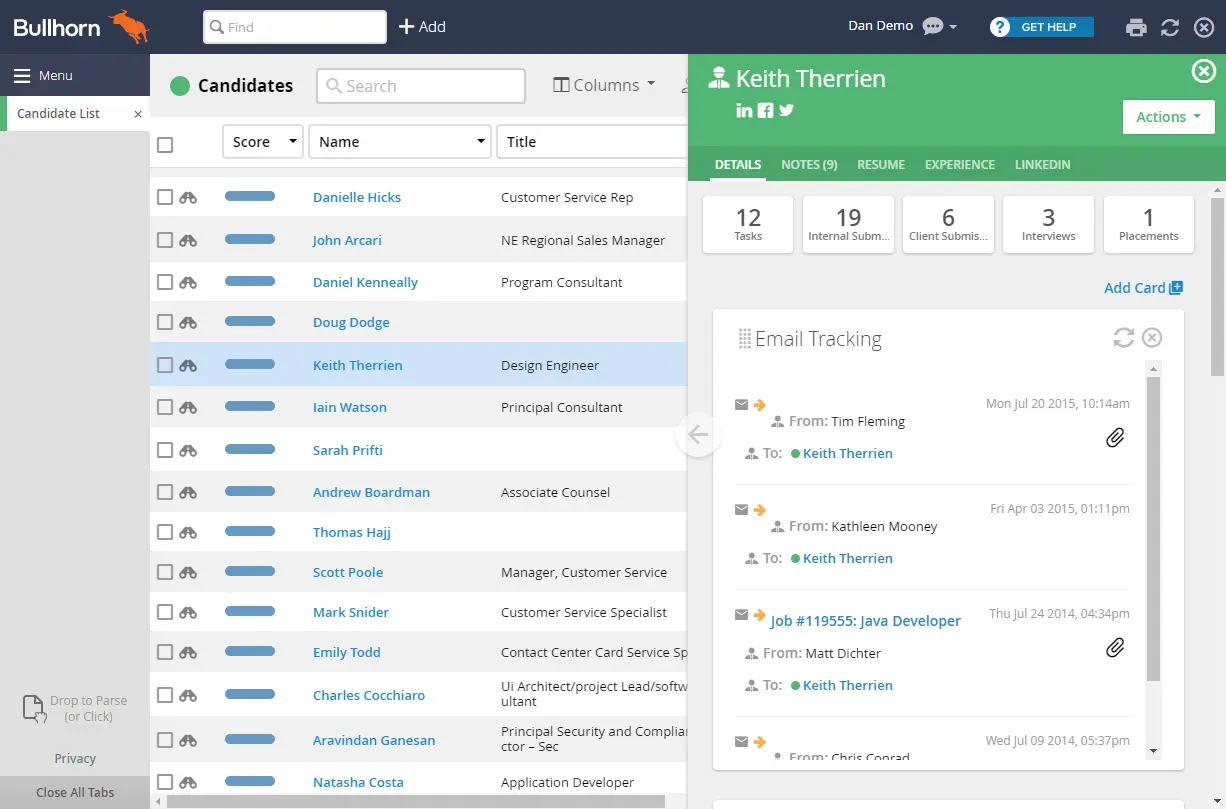
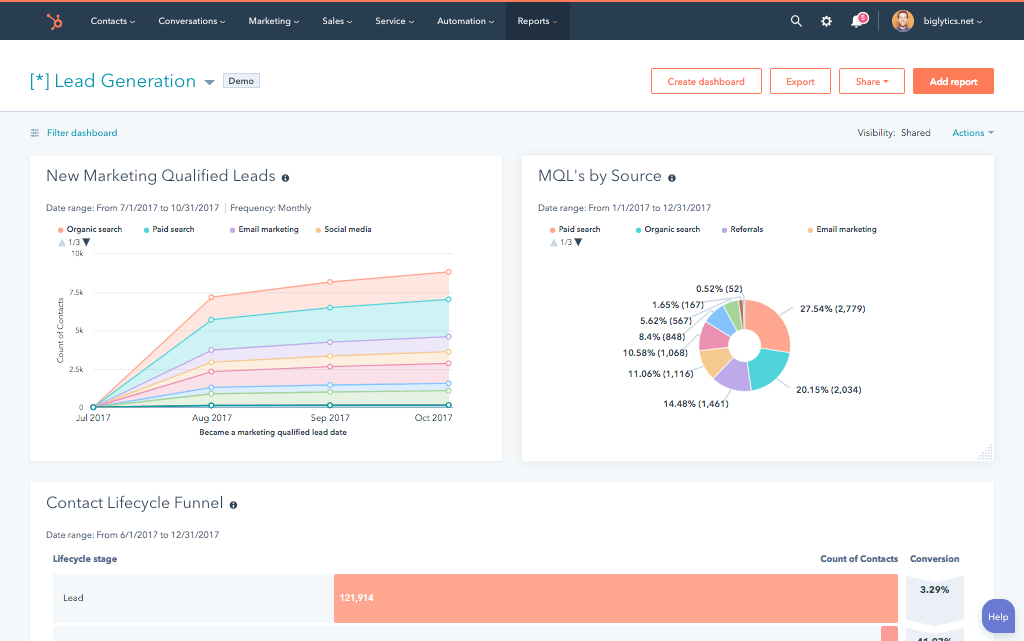


What is a HubSpot Bullhorn integration?
A HubSpot Bullhorn integration connects your business development CRM to your recruiting ATS, syncing clients, candidates, job orders, and placements so sales and recruiting teams share one view of the funnel from first deal to filled position.
How does the HubSpot Bullhorn integration work?
The integration maps HubSpot contacts, companies, and deals to Bullhorn’s Leads/Contacts, Accounts, and Opportunities, then keeps both systems current. A closed-won deal in HubSpot can create a new client record in Bullhorn, while job order and placement status flow back to update HubSpot deal and company records.

Turn HubSpot Into A Real-Time SMS Engine with Message IQ
 Two-Way Conversations
 Shared Team Inbox
 Automation Triggers
 Advanced Reporting
 Compliance Tools
- 98% SMS read within 3 min
- 78% Buy from first responder
- 21× More likely to qualify

*MessageIQ is an IntegrateIQ product – built natively for HubSpot by the same team.
Does HubSpot have a native Bullhorn integration?
Yes. HubSpot lists an official Bullhorn Data Sync app in its marketplace, handling standard two-way syncing of core objects. It has real limits: it doesn’t sync HubSpot form submissions directly, only contact records, it doesn’t cover every activity type, and specifying sync direction requires an Operations Hub Starter subscription.
How long does a HubSpot Bullhorn integration take to build?
A custom HubSpot Bullhorn integration typically takes 8 to 10 weeks: 2 weeks of discovery and field mapping, especially for heavily customized Bullhorn instances, 3 to 4 weeks of build and staging, and 2 weeks for testing and go-live support.
Can HubSpot and Bullhorn sync bi-directionally?
Yes. A custom integration can sync new clients, candidates, and job order status from Bullhorn into HubSpot, and push closed deals, sales context, and marketing-qualified candidates from HubSpot back into Bullhorn. Direction and timing are configurable per object, without requiring specific HubSpot add-on subscriptions.
What are the limitations of HubSpot’s native Bullhorn Data Sync app?
The native app doesn’t sync HubSpot form submissions directly, has inconsistent coverage across activity types, and requires an Operations Hub Starter subscription to control sync direction. It also doesn’t handle custom logic like distinguishing a client contact from a candidate based on your specific process.
How a HubSpot Bullhorn Integration Actually Works
A HubSpot Bullhorn integration works by keeping each system in its lane: Bullhorn owns candidate, job order, and placement truth, while HubSpot owns business development and marketing truth. The integration moves data between them based on rules specific to your agency’s process.
In the HubSpot-to-Bullhorn direction, a closed-won deal creates a client record, and marketing-qualified candidates can be pushed into Bullhorn as Candidate records, with rule-based logic determining which record type each contact becomes.
In the Bullhorn-to-HubSpot direction, job order status changes and placement data, including revenue and margin, sync back into HubSpot, feeding closed-loop reporting and proactive sales engagement workflows.
Three Ways to Connect Bullhorn and HubSpot
Not every team needs custom. Here is the honest comparison.
| Factor | Native HubSpot Data Sync App | Third-Party iPaaS / Template Tools | Custom (Integrate IQ) |
|---|---|---|---|
| Best for | Agencies with standard Bullhorn setups and simple sync needs | Agencies wanting fast setup with prebuilt templates | Agencies with custom Bullhorn fields, complex business rules, or multi-division routing |
| Form submission sync | Not supported directly, only contact records | Varies by platform | Configurable, including form-triggered logic |
| Activity coverage | Partial, not every activity type syncs | Varies by platform | Full activity coverage as scoped |
| Sync direction control | Requires an Operations Hub Starter subscription | Included in platform cost | Included, no extra HubSpot subscription required |
| Custom objects/fields | Standard fields only | Limited, template-based | Full mapping of your specific customized Bullhorn fields |
| Business logic (client vs. candidate rules) | Not supported | Basic, template-defined | Rule-based logic matched to your actual process |
| Historical backfill | Not typically included | Often included for standard objects | Full historical load, including customized fields |
| Maintenance | HubSpot-managed | Platform-managed subscription | Monitored, maintained, and supported |
If your Bullhorn instance is close to standard and you mainly need core objects synced, the native Data Sync app or a fast third-party setup can get you live quickly. Once your instance has custom fields, specific client-versus-candidate business logic, or you need sync direction control without paying for an extra HubSpot subscription, a custom integration is what actually fits your process instead of forcing you into someone else’s template.
Featured snippet candidate: publish the comparison table as a real HTML table, not an image.
Staffing Agency Workflows You Can Automate Once Bullhorn Data Lives in HubSpot
- Candidate Warm-Handoff Scoring. When a HubSpot-sourced candidate lead reaches a specific engagement threshold, email opens, content downloads, event attendance, HubSpot flags them as “warm” in Bullhorn before a recruiter ever picks up the phone, prioritizing outreach order.
- Cross-Sell Alert for Existing Clients. When Bullhorn shows an existing client has an open Job Order in a new service line or division your agency also sells, HubSpot notifies the account manager to cross-sell, instead of that opportunity staying siloed inside recruiting.
- Contract End-Date Renewal Pipeline. For contract or temp placements approaching their end date in Bullhorn, HubSpot automatically creates a renewal or redeployment opportunity in the sales pipeline, rather than losing the relationship at contract expiration.
- Fee Schedule and Margin Alert Routing. When a new Job Order in Bullhorn falls below or above a defined margin threshold, HubSpot notifies the right level of management for approval or awareness before the placement moves forward.
- Multi-Office or Division Territory Routing. For staffing agencies running multiple offices, brands, or specialty divisions, HubSpot routes new business development leads to the correct Bullhorn division and recruiting team automatically, instead of a single generic intake queue.
What Breaks in a Bullhorn HubSpot Sync, and How We Prevent It
- Duplicate records and identity resolution. Candidates who apply through multiple channels, a job board, a referral, a direct web form, can create duplicate Bullhorn or HubSpot records if matching relies on name alone. We de-duplicate on stable identifiers like email and phone, not name matching.
- System-of-record conflicts. Recruiters may update a candidate’s status in Bullhorn while sales updates the same contact’s info in HubSpot. We define clear field ownership so simultaneous updates don’t silently overwrite each other.
- Field mapping and status drift. Bullhorn’s Job Order and Placement statuses don’t map cleanly onto HubSpot deal stages by default, especially for agencies with custom, heavily modified Bullhorn fields. We build a translation layer specific to your instance, not a generic assumed mapping.
- Native app’s real gaps. HubSpot’s own native Bullhorn Data Sync app doesn’t sync HubSpot form submissions directly, only contact records, doesn’t cover every activity type, and requires an Operations Hub Starter subscription just to control sync direction. Teams needing form-triggered automation or full activity history hit a wall the native app wasn’t built to clear.
- API rate limits at agency volume. High-volume staffing agencies processing hundreds of candidates and job orders can hit API limits during bulk syncs. Across 300+ platform integrations moving 20 billion plus fields annually, we batch and throttle high-volume syncs by design, not by accident.
Implementation Timeline: What to Expect
Most HubSpot Bullhorn integrations ship in 8 to 10 weeks. The first 2 weeks cover discovery and field mapping, which takes longer for heavily customized Bullhorn instances than a standard setup would. The next 3 to 4 weeks cover build and staging. The final 2 weeks cover testing, historical data backfill, and go-live support. Our HubSpot integration process is the same repeatable framework behind our 98.5% client retention rate.
See your 12-month revenue impact with HubSpot CRM
Enter your current numbers — visitors, leads, deal size — and get a personalized projection based on real HubSpot customer benchmarks.
Calculate My ROI
Connect the Rest of Your Agency’s Stack
This page doesn’t currently show a case study, so it’s worth pointing to one directly: see how we helped a 60-year staffing leader unify operations with a HubSpot Avionté integration. For the broader picture, our recruiting and staffing industry work covers more than just Bullhorn. Custom business logic or deep Bullhorn field customization usually needs full-stack development work alongside the core integration. Getting recruiters and business development onto the new workflow goes faster with HubSpot training right after go-live. Not sure what any of this is worth to your team? Run the numbers on our Integration ROI Calculator.



Table of Contents
- What is a HubSpot Bullhorn integration?
- How does the HubSpot Bullhorn integration work?
- Does HubSpot have a native Bullhorn integration?
- How long does a HubSpot Bullhorn integration take to build?
- Can HubSpot and Bullhorn sync bi-directionally?
- What are the limitations of HubSpot’s native Bullhorn Data Sync app?
- How a HubSpot Bullhorn Integration Actually Works
- Three Ways to Connect Bullhorn and HubSpot
- Staffing Agency Workflows You Can Automate Once Bullhorn Data Lives in HubSpot
- What Breaks in a Bullhorn HubSpot Sync, and How We Prevent It
- Implementation Timeline: What to Expect
- Connect the Rest of Your Agency’s Stack




