













Explore this article with AI:
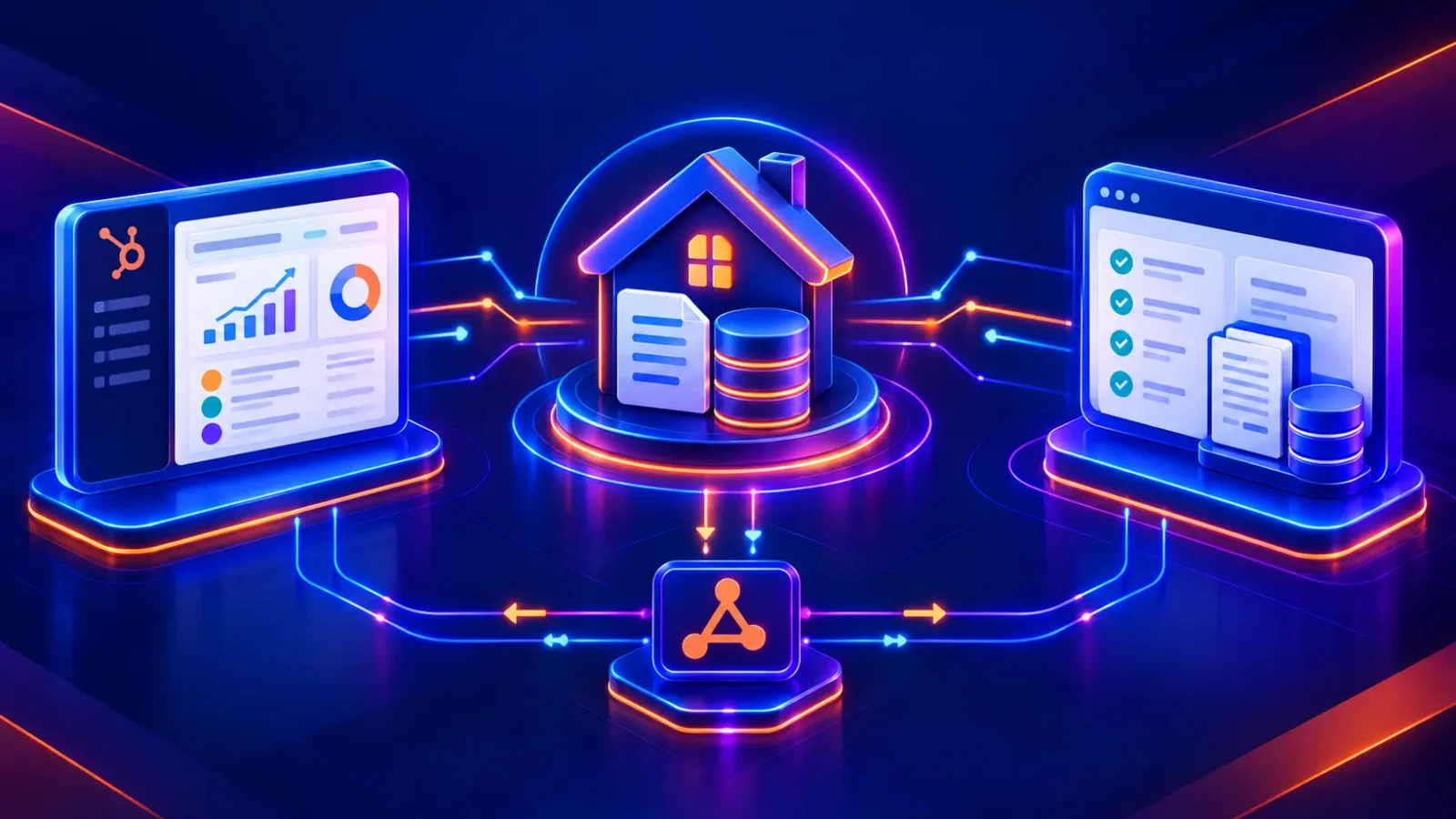
HubSpot for mortgage lenders works best when it runs alongside Encompass, not instead of it. Encompass stays the system of record for the loan file, milestones, rate locks and funding. HubSpot owns the lead, the marketing history, the referral partner relationship and every borrower touchpoint before and after closing. The integration between the two decides whether your loan officers see one borrower story or two disconnected ones.
★ HubSpot Diamond Solutions Partner
Give loan officers one borrower story, from first click to funding
Sync Encompass milestones, rate locks and funded outcomes into HubSpot, while SSN, income and credit data stay in Encompass.
- ✓Scoped with an engineer on the first call
- ✓Live in 8 weeks from kickoff
- ✓Compliance-first field list, built on Encompass webhooks
We’ve integrated HubSpot with 300+ platforms as a HubSpot Diamond Solutions Partner with custom integration accreditation, including Encompass builds for banks and independent mortgage companies. This guide covers the data model, the Encompass events worth syncing, the workflows that pay for the project, the compliance guardrails, and the failure points we see most often.
Quick answer:
- Keep in Encompass: loan terms, underwriting status, milestones, rate locks, conditions, funding
- Keep in HubSpot: lead source, UTM history, lifecycle stage, nurture, referral partners, post-close marketing
- Sync between them: borrower identity, loan milestone, key dates, loan officer, funded outcome
- Build it event-driven: use Encompass webhooks, not scheduled polling
- Plan for: co-borrower matching, API concurrency limits, and Sensitive Data rules before you map a single field
Free estimator
Know what your HubSpot project costs before the first call.
Select your services and get a transparent price range in minutes. No sales call needed to get a number.
Connect HubSpot to your ERP, billing platform, or database field mapping, custom logic, and support included.
Pipelines, workflows, email templates, and reporting configured for how your team actually works.
Live, role-based sessions with recordings and written guides built around a custom plan for your team.
HubSpot Partner
Client retention
Platforms integrated
What Is a HubSpot Encompass Integration?
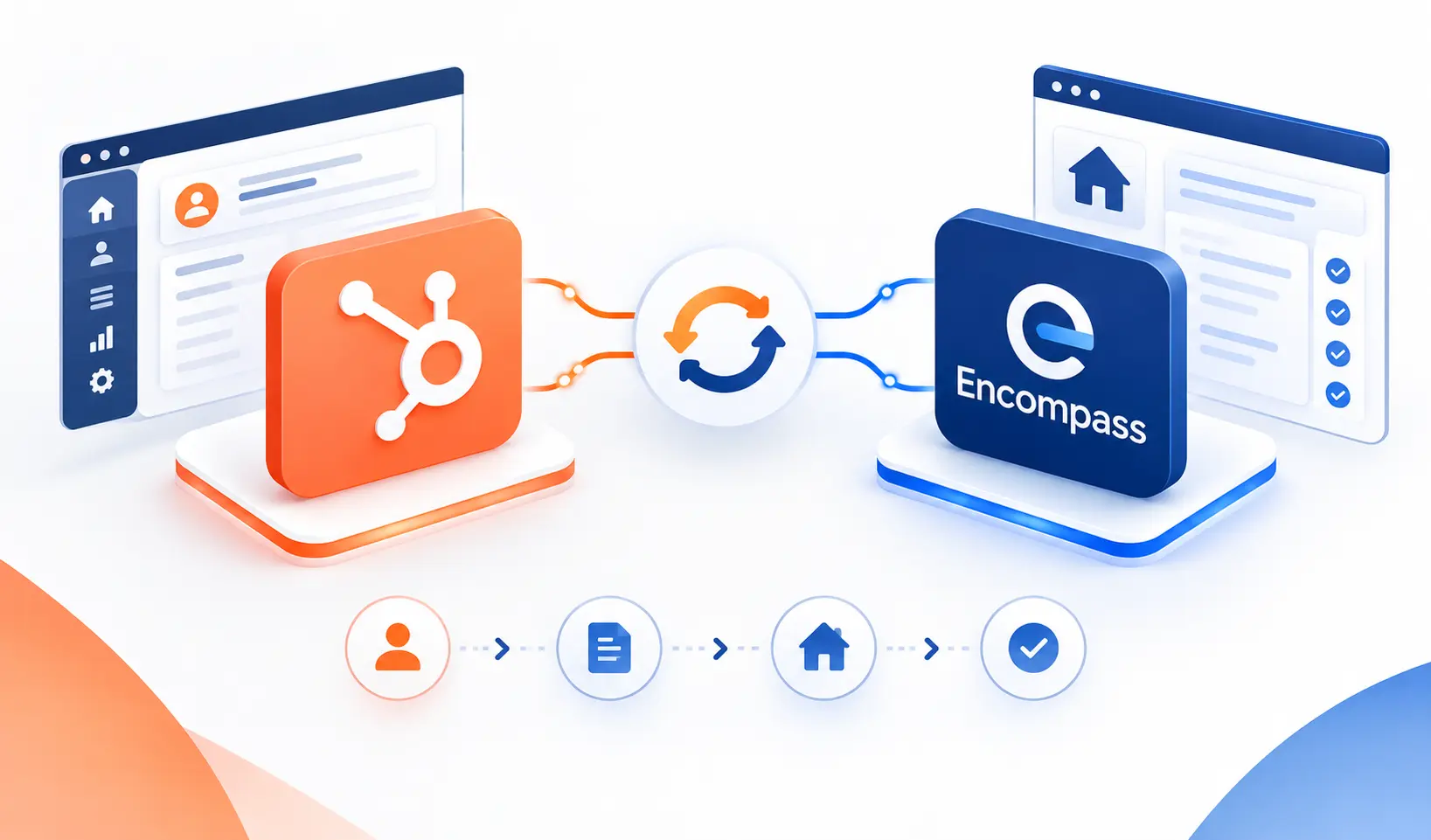
A HubSpot Encompass integration connects ICE Mortgage Technology’s Encompass loan origination system (LOS) with HubSpot CRM so borrower, loan and milestone data moves between the two platforms automatically. Most production integrations use Encompass Developer Connect, ICE’s REST API platform, together with Encompass webhooks that notify HubSpot when a loan is created, a milestone changes or a tracked field updates. HubSpot then uses that data to update records, move pipeline stages and trigger borrower and partner communication.
For a deeper look at the objects and sync logic we support, see our HubSpot Encompass integration page.
Why Mortgage Lenders Pair HubSpot With Encompass
Mortgage lenders pair HubSpot with Encompass because Encompass manufactures loans well but markets poorly, and HubSpot does the reverse. Mortgage-specific CRMs solve part of that gap, but they lock you into one vendor’s marketing tools and reporting. HubSpot gives marketing, sales and service one platform, and the integration feeds it the loan data it lacks.
| Approach | Strengths | Trade-offs | Best fit |
| HubSpot + Encompass integration | Full marketing automation, attribution to funded loans, one CRM for every team | Needs a deliberate data model and integration build | Lenders with in-house marketing and 5+ loan officers |
| Mortgage-specific CRM | Mortgage templates and LOS connectors out of the box | Narrower marketing tools, less flexible reporting, vendor lock-in | Small teams that want prebuilt templates over flexibility |
| Encompass alone | One system, no integration to maintain | No real nurture, no campaign attribution, no partner marketing | Operations-only teams with no marketing function |
If you’re currently running a mortgage CRM or Salesforce and considering the move, our CRM migration services cover moving borrower history without losing attribution.

Turn HubSpot Into A Real-Time SMS Engine with
Message IQ

Two-Way Conversations

Shared Team Inbox

Automation Triggers

Advanced Reporting

Compliance Tools
-
98%
SMS read within 3 min -
78%
Buy from first responder -
21×
More likely to qualify
3–5 min avg response
$45–$50 ROI / $1

*MessageIQ is an IntegrateIQ product – built natively for HubSpot by the same team.
System of Record: What Lives in Encompass vs HubSpot
Every stable HubSpot Encompass integration starts with one rule: each field has exactly one owner. When both systems can overwrite the same field, you get tug-of-war writes, and nobody trusts the data within a month.
| Data | System of record | Syncs to | Direction |
| Lead source, UTM history, original campaign | HubSpot | Encompass (custom field) | HubSpot to Encompass |
| Borrower name, email, phone | HubSpot until application, then Encompass | Both | Bi-directional with ownership handoff |
| Loan number, loan type, loan amount | Encompass | HubSpot | Encompass to HubSpot |
| Milestones (application, processing, underwriting, clear to close, funded) | Encompass | HubSpot pipeline stage | Encompass to HubSpot |
| Rate lock date and expiration | Encompass | HubSpot | Encompass to HubSpot |
| Loan officer assignment | Encompass | HubSpot owner | Encompass to HubSpot |
| Referral partner (agent, builder) | HubSpot | Encompass | HubSpot to Encompass |
| Funded date and amount | Encompass | HubSpot revenue fields | Encompass to HubSpot |
| SSN, income, credit data | Encompass only | Never synced | None |
The last row matters as much as the others. Most HubSpot use cases never need credit or income data, so the safest integration simply doesn’t move it.
HubSpot for Mortgage Lenders: The Data Model
⌂
See it running for a mortgage lender
How a loan date entered in Encompass now syncs borrowers to HubSpot and moves each deal by milestone automatically.
The right HubSpot data model mirrors how a loan actually works: one borrower can have several loans, one loan can have several borrowers, and every loan touches at least one referral partner. Here’s how we map that:
- Contacts: borrowers, co-borrowers and individual real estate agents
- Companies: brokerages, builders, financial planners and other referral sources
- Deals or a Loan custom object: one record per Encompass loan, associated with every borrower on the file
- Pipelines: separate pipelines for purchase, refinance and, if relevant, HELOC or commercial lending, with stages that mirror your Encompass milestones
- Owners: loan officers synced from the Encompass loan team
Deals vs Custom Objects
Deals work for most lenders on HubSpot Professional. A Loan custom object makes sense when you need loan-level properties that don’t fit a sales deal, such as multiple borrower pairs, investor data or servicing transfer dates. HubSpot restricts custom objects to Enterprise tiers, so settle this decision before you buy licenses.
Matching Borrowers Correctly
Email-only matching fails in mortgage. Borrowers switch emails mid-process, and spouses or co-borrowers often share an address. We match on a combination of the Encompass loan GUID, borrower pair position, email and normalized phone number and we store the Encompass identifiers on the HubSpot record so every future update finds the right contact.
Encompass Events That Should Trigger HubSpot Automation
The most valuable HubSpot Encompass integrations run on events, not schedules. Encompass webhooks fire when something changes in the loan, and HubSpot reacts within seconds instead of waiting for the next nightly batch. These are the events we subscribe to on nearly every project:
| Encompass event | What it signals | HubSpot action |
| Loan create | A lead became an application | Create or update the deal, associate borrowers, set lifecycle stage |
| Milestone update or finish | The loan moved forward | Move the pipeline stage, notify the borrower and referral partner |
| Field change (rate lock, closing date, loan amount) | Terms or timing changed | Update properties, alert the loan officer, adjust forecasts |
| Loan submitted through Consumer Connect | Borrower applied online | Stop pre-application nurture, start the application sequence |
| Compliance loan alert (for example, Loan Estimate expiring) | A disclosure deadline is near | Create a task for the loan officer or processor |
| Loan delete | A file was removed | Flag the HubSpot record instead of deleting history |
Encompass lets you filter “change” and “fieldchange” subscriptions to specific fields, including milestone completion. Filter aggressively. Subscribing to every field change on every loan floods your integration with events that HubSpot will never use.
HubSpot for Mortgage Lenders: 6 Workflows to Build Once Data Flows
Clean Encompass data turns HubSpot into a mortgage marketing engine. These six workflows usually justify the integration on their own:
- Automate milestone updates to borrowers. Send a branded email or text when the loan reaches processing, underwriting, clear to close and funded, so borrowers stop calling for status.
- Keep referral partners informed. Notify the buyer’s agent at the same milestones. Agents send repeat business to lenders who keep them updated without being asked.
- Alert loan officers before rate locks expire. Trigger a task and an internal notification a set number of days before lock expiration.
- Close the attribution loop on funded loans. Write funded date and amount back to HubSpot so marketing reports on funded revenue by campaign, channel and partner, not just leads.
- Re-engage stale pre-approvals. When a pre-approval sits with no loan activity for 30, 60 or 90 days, restart a nurture sequence with current rate content.
- Run post-close retention. Enroll funded borrowers in anniversary, home equity and refinance-opportunity campaigns so your next loan with them doesn’t go to a competitor.
In one of our Encompass projects, entering a loan date in Encompass now syncs borrower and loan data to HubSpot contacts and deals automatically, and HubSpot sorts each loan by milestone into the right pipeline stage. You can read the full HubSpot Encompass case study for the before-and-after.
Compliance Guardrails for Borrower Data in HubSpot
Mortgage data carries regulatory weight, so your integration needs guardrails before it needs features. Loop your compliance team in early; these are the controls we design around:
- Sync the minimum. Keep Social Security numbers, income, assets and credit data in Encompass. Marketing automation rarely needs them, and every synced field widens your GLBA exposure.
- Use HubSpot Sensitive Data for anything protected. HubSpot’s Sensitive Data feature adds application-layer encryption, field-level access controls and audit logging. It requires an Enterprise subscription, only a Super Admin can turn it on, and you can’t turn it off afterward.
- Build on HubSpot’s v3 APIs. Sensitive Data works only with version 3 and later of HubSpot’s CRM object and property APIs, so older integration code can’t read or write those fields.
- Respect texting consent. Milestone texts need documented SMS consent under the TCPA. Store consent status and source as HubSpot properties and check them in every SMS workflow.
- Review partner marketing with counsel. Co-marketing with real estate agents raises RESPA Section 8 questions, so have compliance approve any partner campaign structure before you automate it.
Our banking and finance industry page covers how we handle security reviews for regulated lenders.
HubSpot Encompass Integration Methods Compared
You have three realistic ways to connect HubSpot and Encompass, and the right one depends on how custom your Encompass configuration is. Every lender customizes milestones, fields and business rules, which is why off-the-shelf connectors struggle here.
| Method | How it works | Pros | Cons | Best for |
| Packaged or managed connector | A vendor maintains a prebuilt sync on a monthly subscription | Fast start, no build cost | Fixed data model, limited control over custom fields and milestones, ongoing fees | Small lenders with near-default Encompass setups |
| Middleware or iPaaS | A general integration platform calls both APIs with configured recipes | Flexible, visual workflow builder | Encompass concurrency limits and webhook handling need custom logic anyway; per-task costs grow with loan volume | Teams with an in-house integration developer |
| Custom API integration | Engineers build directly on Encompass Developer Connect and HubSpot’s APIs | Matches your exact milestones, fields and matching rules; full error handling | Higher upfront investment | Lenders with custom Encompass configurations, multiple channels or compliance review |
Choose a custom integration when any of these apply:
- Your Encompass milestones or loan templates differ from defaults
- You need a Loan custom object or multiple pipelines by channel
- Co-borrowers, multiple borrower pairs or repeat borrowers are common
- Compliance requires field-level control over what leaves Encompass
- You still run legacy Encompass SDK scripts that need replacing
Our custom HubSpot integration services handle all of these. We process 20 billion+ records annually and sync 7 million fields daily across client integrations, so loan file volume doesn’t worry us.
What Breaks in HubSpot Encompass Integrations
Most HubSpot Encompass integrations that fail do so on data behavior, not connectivity. These six issues cause the majority of the rebuilds we’re asked to do:
- Concurrency limits stop everything. ICE sets a hard cap on simultaneous API calls for each Encompass environment. When an integration hits it, Encompass blocks every process, including your other partner and lender calls, and returns 429 errors. Integrations need throttling, queueing and a preference for webhooks over polling.
- Legacy SDK code keeps running. ICE now steers lenders from the Encompass SDK toward REST APIs and webhooks. SDK-based scripts that watch milestones and assign tasks become brittle and belong on the migration list.
- Co-borrowers create duplicates. Shared emails and multiple borrower pairs create duplicate contacts or merge two people into one record when matching logic stays simple.
- Both systems write the same field. Without field ownership rules, a loan officer’s HubSpot edit and an Encompass update overwrite each other in a loop.
- Custom milestones break stage mapping. When operations renames or adds a milestone in Encompass, a hard-coded mapping silently stops moving HubSpot deals. We map milestones by ID and alert on unmapped values.
- Webhook payloads arrive in pieces. Encompass splits field change events larger than 220 KB into multiple webhooks, so the receiving service has to reassemble them before updating HubSpot.
Getting field mapping right up front prevents most of these. Our guide to mastering field mapping and data transformation goes deeper on the approach.
Implementation: An 8-Week HubSpot Encompass Integration Plan
We typically deliver a custom HubSpot Encompass integration in 8 weeks from project kickoff. Here’s how the time breaks down:
- Map the loan lifecycle (Week 1). We document your channels, loan types, milestones, loan team roles and the moments borrowers and partners should hear from you.
- Design the data model (Week 2). We decide between deals and a Loan custom object, define pipelines, and assign a system of record to every field.
- Map fields and set compliance rules (Week 3). We map Encompass field IDs to HubSpot properties, mark Sensitive Data fields, and document everything that must never leave Encompass.
- Build the sync (Weeks 4 to 6). Our engineers build webhook subscriptions, identity matching, throttling for concurrency limits, retry queues and error alerts.
- Test against real loan scenarios (Week 7). We run purchase and refinance files, co-borrower loans, milestone rollbacks and withdrawn loans through a test environment.
- Launch and support (Week 8). We go live, backfill active loans and monitor sync health. Post-go-live support comes included, which is one reason we hold a 98.5% client retention rate.
See each phase in more detail in our HubSpot integration process. If you also run a private lending platform, our HubSpot Mortgage Automator integration follows the same approach.
Frequently Asked Questions
Is HubSpot a good CRM for mortgage lenders?
Yes, HubSpot works well for mortgage lenders that want marketing automation, referral partner management and funded-loan attribution in one platform. It isn’t mortgage-specific, so it needs a custom data model and an integration with your loan origination system. Paired with Encompass, it gives loan officers and marketers a complete view from first touch to funding.
Does HubSpot integrate with Encompass?
Yes. HubSpot connects to Encompass through Encompass Developer Connect, ICE Mortgage Technology’s REST API platform, and Encompass webhooks. Options range from managed subscription connectors to custom-built integrations that match a lender’s specific milestones, fields and matching rules.
What data should sync between Encompass and HubSpot?
Sync borrower identity, loan number, loan type, loan amount, milestones, key dates such as rate lock and closing, loan officer assignment, referral partner and funded outcome. Keep Social Security numbers, income, assets and credit data in Encompass, because marketing and sales workflows rarely need them.
Do I need HubSpot Enterprise for an Encompass integration?
Not always. HubSpot Professional handles most lenders using deals and custom properties. You need Enterprise if you want a Loan custom object or HubSpot’s Sensitive Data feature for protected borrower information.
How do Encompass milestones map to HubSpot?
Each Encompass milestone maps to a stage in a HubSpot deal pipeline, such as application, processing, underwriting, clear to close and funded. An Encompass milestone webhook moves the deal automatically, which can trigger borrower and referral partner updates. Map milestones by ID so renamed milestones don’t break the sync.
Is it safe to store mortgage borrower data in HubSpot?
It can be when you limit what you sync and configure the right controls. HubSpot offers encrypted Sensitive Data properties, field-level permissions and audit logging on Enterprise plans. Most lenders avoid syncing SSNs and credit data entirely and have their compliance team approve the field list.
How long does a HubSpot Encompass integration take?
A custom HubSpot Encompass integration typically takes about 8 weeks from kickoff with Integrate IQ. That covers lifecycle mapping, data model design, field mapping, build, scenario testing and launch, with post-go-live support included.
See your 12-month revenue impact with HubSpot CRM
Enter your current numbers — visitors, leads, deal size — and get a personalized projection based on real HubSpot customer benchmarks.

Give Loan Officers One Borrower Story, From First Click to Funding
Right now your marketing team can’t see which campaigns fund loans, your loan officers retype borrower data between systems, and your referral partners call for status updates HubSpot could send for them. An engineer-led Encompass integration fixes all three. We scope it with an engineer on the first call and deliver it in 8 weeks from kickoff, backed by our HubSpot Diamond Solutions Partner accreditation for custom integrations.



Table of Contents
- What Is a HubSpot Encompass Integration?
- Why Mortgage Lenders Pair HubSpot With Encompass
- System of Record: What Lives in Encompass vs HubSpot
- HubSpot for Mortgage Lenders: The Data Model
- Encompass Events That Should Trigger HubSpot Automation
- HubSpot for Mortgage Lenders: 6 Workflows to Build Once Data Flows
- Compliance Guardrails for Borrower Data in HubSpot
- HubSpot Encompass Integration Methods Compared
- What Breaks in HubSpot Encompass Integrations
- Implementation: An 8-Week HubSpot Encompass Integration Plan
- Frequently Asked Questions
- Is HubSpot a good CRM for mortgage lenders?
- Does HubSpot integrate with Encompass?
- What data should sync between Encompass and HubSpot?
- Do I need HubSpot Enterprise for an Encompass integration?
- How do Encompass milestones map to HubSpot?
- Is it safe to store mortgage borrower data in HubSpot?
- How long does a HubSpot Encompass integration take?
- Give Loan Officers One Borrower Story, From First Click to Funding

