

















What is a HubSpot Marketo integration?
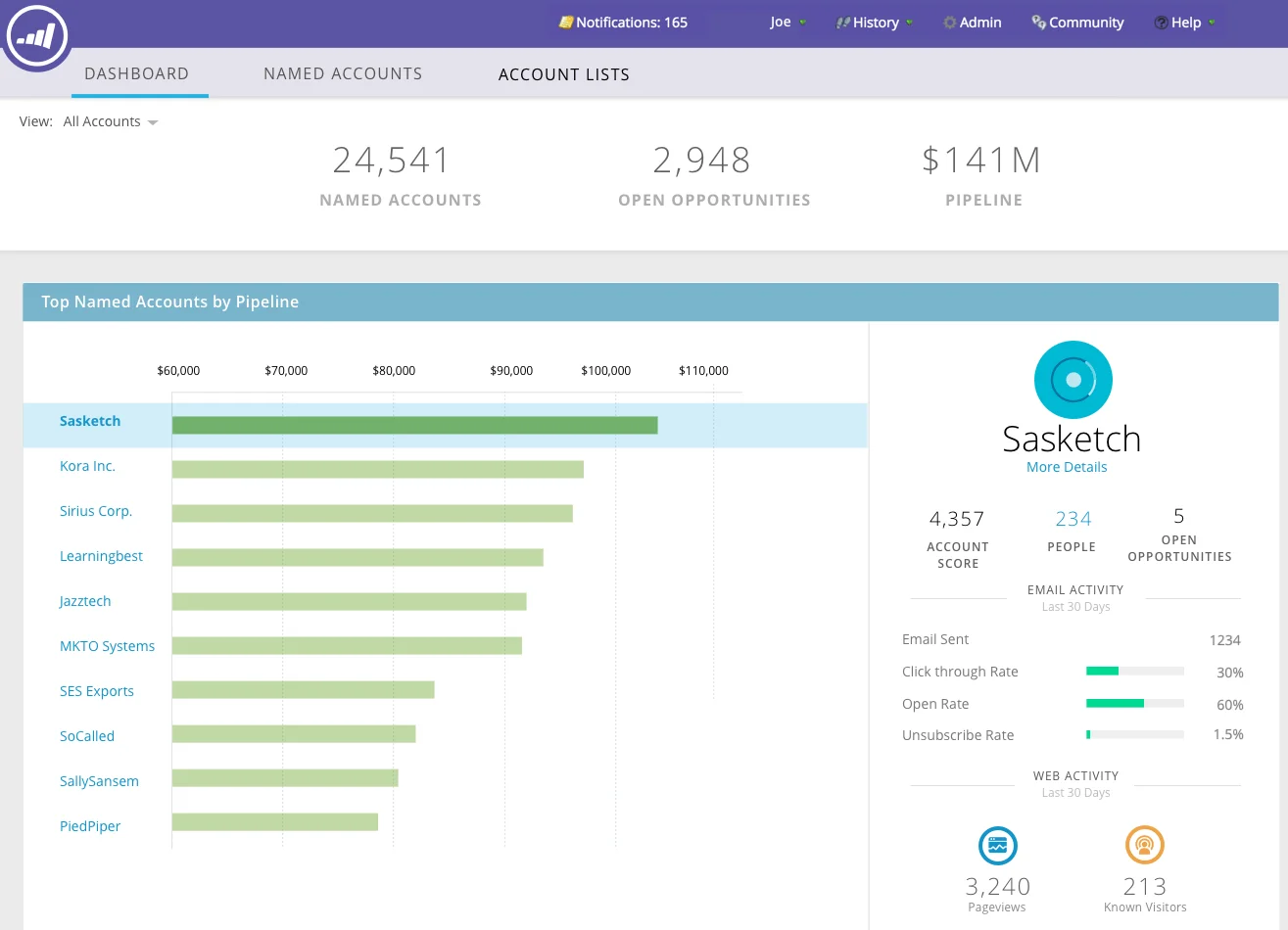
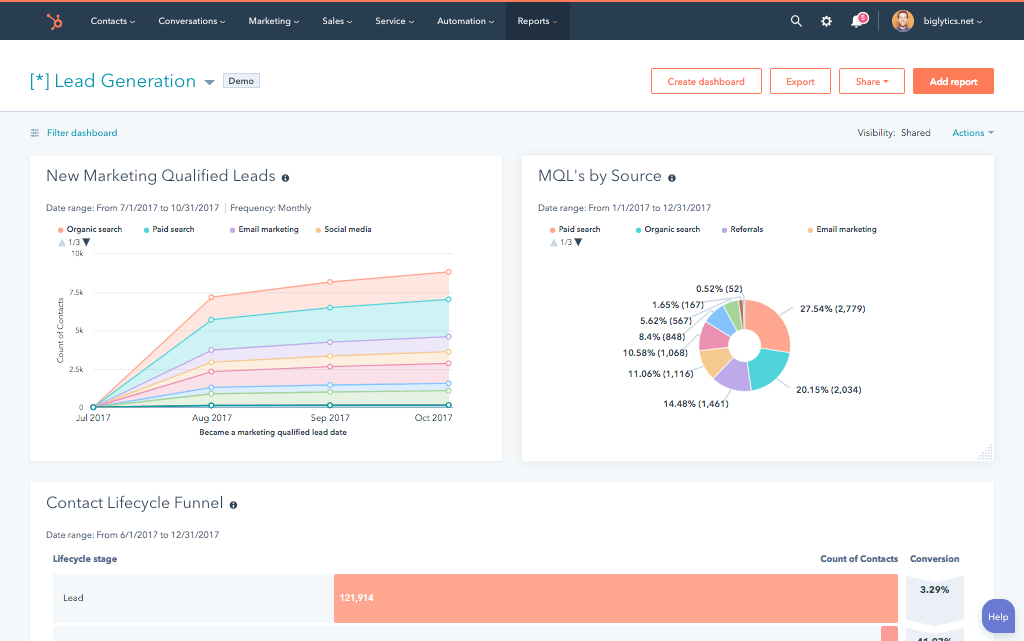
A HubSpot Marketo integration is a two-way data connection that syncs contacts, program membership, lead scores, and email engagement between HubSpot and Marketo in near real time. It keeps Marketo’s campaign activity visible inside HubSpot and pushes HubSpot’s sales and lifecycle data back to Marketo for accurate lead handoff and attribution.
How does the HubSpot Marketo integration work?
It works through the HubSpot and Marketo REST APIs, with field mapping, deduplication, and a defined system of record for every object. When a lead score, program status, or contact field updates in either system, the sync writes the change to the other within minutes, and bi-directional rules control which fields flow which direction.

Turn HubSpot Into A Real-Time SMS Engine with Message IQ
 Two-Way Conversations
 Shared Team Inbox
 Automation Triggers
 Advanced Reporting
 Compliance Tools
- 98% SMS read within 3 min
- 78% Buy from first responder
- 21× More likely to qualify

*MessageIQ is an IntegrateIQ product – built natively for HubSpot by the same team.
Does HubSpot have a native Marketo integration?
HubSpot does not maintain a first-party Marketo integration. The marketplace lists third-party apps that handle basic contact and campaign sync. These apps typically skip program membership, lead score sync, and campaign attribution modeling. Teams that need those capabilities at scale usually move to a custom-built integration instead.
How long does a HubSpot Marketo integration take to build?
A custom HubSpot Marketo integration takes about 8 weeks from kickoff to production. Discovery runs two weeks, build and staging tests run three, historical backfill runs one, and cutover with hypercare covers the final two weeks. Timelines extend for environments with heavy program customization or high contact volume.
Can HubSpot and Marketo sync bi-directionally?
Yes. Bi-directional sync is standard in a custom HubSpot Marketo integration. You define system of record at the field level, so campaign and program data flow one way, sales activity and lifecycle stage flow the other, and conflicts resolve by rule rather than by whoever updated last. Native apps rarely support this.
What data can sync between HubSpot and Marketo?
Contacts, custom fields and objects, program and campaign membership, lead scores, email engagement, form fills, and lifecycle stage. Field mapping is configured per project so only relevant data flows and each field has a clear owner. Custom Marketo fields and objects are supported through the Marketo REST API.
How a HubSpot Marketo Integration Actually Works
A HubSpot Marketo integration works by giving each system one clear job. Marketo owns campaign execution, program logic and email engagement scoring. HubSpot owns the sales relationship, deal stage, and the record reps actually work from every day. The sync moves data between them so neither team has to check two screens or trust a spreadsheet export.
When a contact enters a Marketo program, hits a score threshold, or opens a nurture email, that activity flows into the HubSpot contact timeline within minutes. When a rep updates lifecycle stage, closes a deal, or logs a call in HubSpot, that context flows back to Marketo so campaign suppression and reporting stay accurate. Custom objects and fields on either side map through each platform’s REST API, not a fixed connector schema.
Three Ways to Connect Marketo and HubSpot
| Factor | Native/Marketplace App | Zapier/iPaaS | Custom (Integrate IQ) |
| Best for | Basic contact sync, low volume | Simple triggers, point-to-point tasks | Complex logic, high volume, custom objects |
| Sync direction | One-way or limited two-way | Configurable, per-zap | Full bi-directional, field-level rules |
| Custom objects/fields | Rarely supported | Limited, manual mapping per field | Fully supported via REST API |
| Lead scoring and campaign attribution sync | Not supported | Possible with heavy workaround setup | Native to the build, scored and mapped by rule |
| Business logic | Fixed by the app vendor | Basic conditional steps | Any conditional or multi-step logic you define |
| Volume handling | Degrades past small databases | Rate-limited, breaks at scale | Built for high-volume record processing |
| Historical backfill | Not included | Manual, error-prone | Included as part of the build |
| Maintenance | Vendor-dependent, limited support | You maintain every zap | Ongoing support and monitoring included |
The marketplace app is fine if you only need basic contact sync and a small database. Zapier or a similar iPaaS tool works for simple, single-step triggers. Custom wins once lead scoring, program membership, or campaign attribution need to survive the sync intact, which is what most B2B teams running both platforms actually need. See our custom HubSpot integration services for how we scope that work.
Marketing Workflows You Can Automate Once Marketo Data Lives in HubSpot
- Score threshold crossed: a contact crosses your MQL score threshold in Marketo, HubSpot receives the full engagement history, and sales gets an instant handoff instead of a cold lead.
- Nurture completion: finishing a Marketo nurture track triggers a HubSpot sales handoff and a rep task, so no completed nurture sits idle in a queue.
- Email engagement patterns: repeated opens or clicks update segment membership in both systems, keeping marketing and sales looking at the same list.
- Event registration and attendance: webinar or event data from Marketo triggers HubSpot sales alerts and a follow-up sequence while the lead is still warm.
- Suppression list sync: unsubscribes and opt-outs sync both directions so an unsubscribed contact never re-enters a campaign in either system.
What Breaks in a Marketo HubSpot Sync (and How We Prevent It)
- Duplicate records: the same person exists as separate records in each system. We resolve identity with matching rules before the first sync, not after.
- System-of-record conflicts: both platforms try to own the same field. We assign one owner per field before build, so updates never overwrite each other.
- Field mapping and picklist drift: a status value renamed in one system silently breaks reporting in the other. We version-control the mapping and alert on drift.
- Lead score and program membership drift: Marketo and HubSpot each model scoring and program membership as proprietary objects. Without careful mapping, scores stall and campaign attribution reporting breaks. We map both explicitly and test threshold behavior before go-live.
- API rate limits at volume: high-volume syncs can hit both platforms’ API caps. We batch and queue calls so nothing silently drops. Across 300+ platforms and 20B+ fields synced annually, this is the failure mode we engineer against first, and it is a core reason clients keep a 98.5% retention rate with us.
Implementation Timeline: What to Expect
Most HubSpot Marketo integrations follow an 8-week delivery cycle. Discovery and field mapping take the first two weeks. Build and staging tests run for three weeks. Historical backfill, so reporting does not reset on day one, takes one week. The final two weeks cover UAT, cutover, and hypercare support. See our HubSpot integration process for how each stage is scoped, and why it holds a 98.5% client retention rate.
See your 12-month revenue impact with HubSpot CRM
Enter your current numbers — visitors, leads, deal size — and get a personalized projection based on real HubSpot customer benchmarks.
Calculate My ROI
Connect the Rest of Your Revenue Stack
Most teams running Marketo also run Salesforce as their CRM of record, so a Marketo HubSpot integration often sits alongside a HubSpot Salesforce integration to keep both systems aligned. Teams with a large historical dataset sometimes route synced fields through a HubSpot Snowflake integration for reporting at scale. On the ecommerce side, a HubSpot Klaviyo integration covers post-purchase flows that Marketo is not built for. If you are still deciding whether to keep Marketo or move fully to HubSpot’s native marketing tools, our HubSpot vs Marketo comparison breaks down the tradeoffs. Use the integration ROI calculator to estimate payback before you scope a build.



Table of Contents
- What is a HubSpot Marketo integration?
- How does the HubSpot Marketo integration work?
- Does HubSpot have a native Marketo integration?
- How long does a HubSpot Marketo integration take to build?
- Can HubSpot and Marketo sync bi-directionally?
- What data can sync between HubSpot and Marketo?
- How a HubSpot Marketo Integration Actually Works
- Three Ways to Connect Marketo and HubSpot
- Marketing Workflows You Can Automate Once Marketo Data Lives in HubSpot
- What Breaks in a Marketo HubSpot Sync (and How We Prevent It)
- Implementation Timeline: What to Expect
- Connect the Rest of Your Revenue Stack




