











Explore this article with AI:
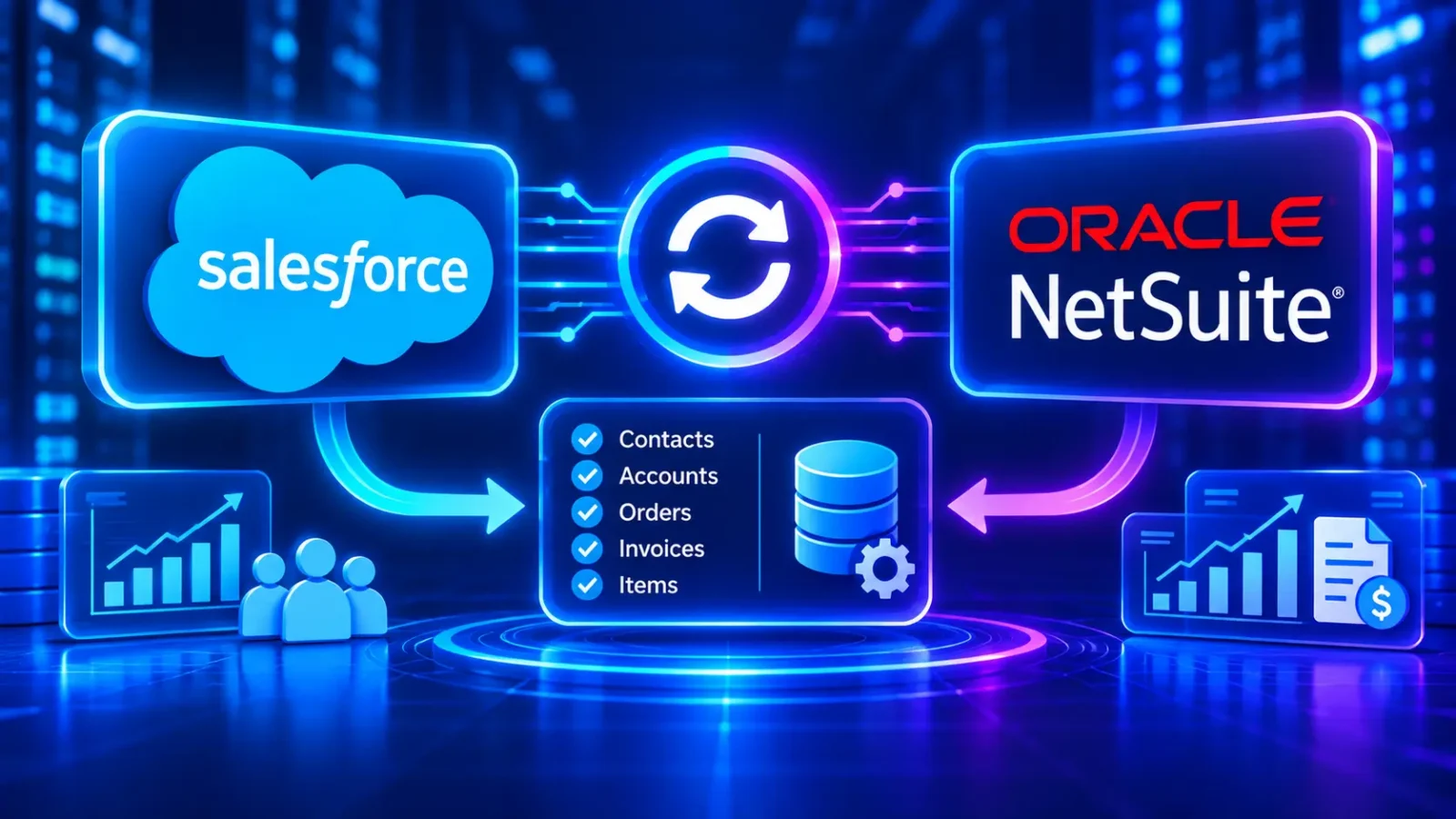
Your rep closes a deal in Salesforce. Finance re-keys it into NetSuite two days later. Then the customer calls about an invoice the rep can’t see. A Salesforce NetSuite integration ends that loop.
Most integrations fail on the data model, not the connector. If you don’t decide which system owns each record first, the sync just copies bad data faster.
We’re a HubSpot Diamond Solutions Partner that has integrated 300+ platforms, Salesforce and NetSuite among them. This guide covers what to sync, the build options, API limits, and the mistakes we fix most often.
A Salesforce NetSuite integration connects Salesforce, the CRM where sales manages accounts and opportunities, with NetSuite, Oracle’s cloud ERP that runs orders, invoicing, and inventory. Data moves between them on a schedule or in real time, so both teams work from the same records.
Free estimator
Know what your HubSpot project costs before the first call.
Select your services and get a transparent price range in minutes. No sales call needed to get a number.
Connect HubSpot to your ERP, billing platform, or database field mapping, custom logic, and support included.
Pipelines, workflows, email templates, and reporting configured for how your team actually works.
Live, role-based sessions with recordings and written guides built around a custom plan for your team.
HubSpot Partner
Client retention
Platforms integrated
What a Salesforce NetSuite integration syncs
The core sync covers customers, orders, invoices, and products. Most companies start there and add inventory and payments later.
| Data object | Usual direction | Why it matters |
|---|---|---|
| Accounts and contacts | Salesforce to NetSuite | Finance bills the same customer sales sold to |
| Closed-won opportunities | Salesforce to NetSuite (as sales orders) | No re-keying of deals |
| Products and price books | NetSuite to Salesforce | Reps quote the current price and SKU |
| Sales orders and fulfillment status | NetSuite to Salesforce | Reps see what shipped |
| Invoices and payments | NetSuite to Salesforce | Reps see open balances before they call |
| Inventory levels | NetSuite to Salesforce | Reps don’t sell stock you don’t have |
Directions above are the common pattern. Your setup may differ, and that’s fine, as long as each field has one owner.
Decide which system owns each record
Pick one system of record per object before you build anything. This one decision prevents most sync conflicts.
A common split:
- Salesforce owns leads, opportunities, and sales activity
- NetSuite owns items, pricing, orders after booking, invoices, and payments
- Shared, with rules: accounts and contacts, where you define which fields each side can edit
Without this split, both systems overwrite each other and nobody trusts the data. Our guide to field mapping and transformation covers the mapping work in detail.

Turn HubSpot Into A Real-Time SMS Engine with
Message IQ

Two-Way Conversations

Shared Team Inbox

Automation Triggers

Advanced Reporting

Compliance Tools
-
98%
SMS read within 3 min -
78%
Buy from first responder -
21×
More likely to qualify
3–5 min avg response
$45–$50 ROI / $1

*MessageIQ is an IntegrateIQ product – built natively for HubSpot by the same team.
Connector, iPaaS, or custom API?
There are three ways to build a Salesforce NetSuite integration. The right one depends on how custom your data model is.
- Prebuilt connector. Fast to start and fine for standard objects. It gets harder when you have custom fields, custom records, or unusual order flows.
- iPaaS platform. A middleware tool with visual flows. It’s flexible, but you still design the logic, and licensing adds an ongoing cost.
- Custom API integration. Built to your exact data model with the Salesforce APIs and NetSuite REST or SOAP web services. It takes more upfront work and fits complex setups best.
We build custom integrations when the data model doesn’t fit a template, which is most mid-market and enterprise setups. See our integration services for how we scope that work.
Plan for Salesforce API limits
Salesforce caps API calls, so a busy sync needs a plan. Enterprise Edition allows 100,000 API requests per 24 hours, plus 1,000 per user license. Bulk API calls count toward the same limit.
That sounds like a lot until a nightly job re-syncs every record. Three habits keep you under the cap:
- Sync changes only, using modified dates or change events
- Batch large loads with the Bulk API instead of single-record calls
- Monitor usage and alert before you hit the limit
Common mistakes that break the sync
Most broken integrations we inherit share the same few problems:
- No shared ID. Records match on name or email, so duplicates multiply. Store the NetSuite internal ID on the Salesforce record, and the reverse.
- Dirty data on day one. Duplicate accounts get synced into both systems. Clean first.
- Two systems editing the same field. Last write wins, and someone’s change disappears.
- No error handling. Failed records drop silently, and nobody notices for weeks.
- Subsidiaries ignored. NetSuite OneWorld customers need subsidiary and currency rules mapped from the start.
Why this matters for AI and reporting
AI tools in Salesforce can only use the data Salesforce holds. If invoices, payments, and orders stay in NetSuite, forecasts and account insights miss half the picture.
Salesforce’s State of Data and Analytics report (2025) found the average enterprise connects only 29% of its 897 apps. MuleSoft (2024) found 95% of IT leaders say integration issues block AI adoption. Connecting CRM and ERP is one of the fastest ways to close that gap.
What this means for your business
Treat the integration as a data project first and a connector project second.
- Start small: accounts, closed-won orders, and invoices
- Set ownership rules for every shared field before you build
- Add inventory and payments once the core sync is stable
- Monitor it: a sync without alerts will fail quietly
We process 20 billion+ records a year, and most single integrations go live in about 8 weeks.
Frequently asked questions
Does NetSuite integrate with Salesforce natively?
There’s no built-in sync inside either product. You connect them with a prebuilt connector, an iPaaS platform, or a custom API integration.
What data should I sync between Salesforce and NetSuite?
Start with accounts, contacts, closed-won opportunities as sales orders, and invoices. Add products, pricing, inventory, and payments once the core sync works.
Should the sync be real time?
Some objects need near real-time sync, such as orders and inventory. Others work fine on a schedule, such as invoice history. Match the timing to how the data gets used.
How long does a Salesforce NetSuite integration take?
A standard scope often takes about 8 weeks from kickoff. Custom objects, subsidiaries, and data cleanup can extend that.
Do Bulk API calls count toward Salesforce API limits?
Yes. Bulk API requests count toward the same 24-hour limit, so plan batch sizes and sync only changed records.
Can I connect HubSpot to NetSuite instead?
Yes. If your team runs HubSpot rather than Salesforce, a HubSpot NetSuite integration syncs the same core objects.
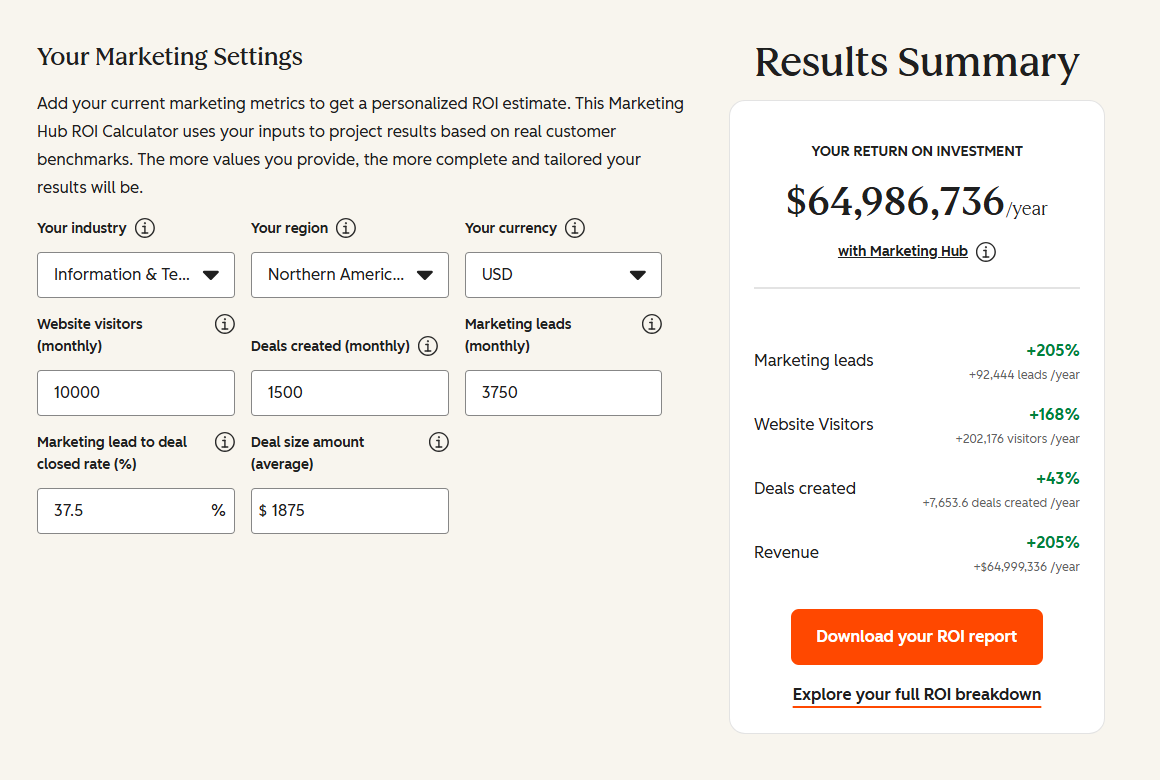
See your 12-month revenue impact with HubSpot CRM
Enter your current numbers — visitors, leads, deal size — and get a personalized projection based on real HubSpot customer benchmarks.
Get the data model right before you build
A Salesforce NetSuite integration pays off when sales and finance trust the same numbers. That starts with ownership rules, shared IDs, and clean records, then the connector.
We scope the data model, build the sync, and monitor it after launch. 98.5% of our clients stay with us. If you also run HubSpot, compare options on our HubSpot Salesforce integration page. Tell us about your Salesforce and NetSuite setup and we’ll map the integration with you.

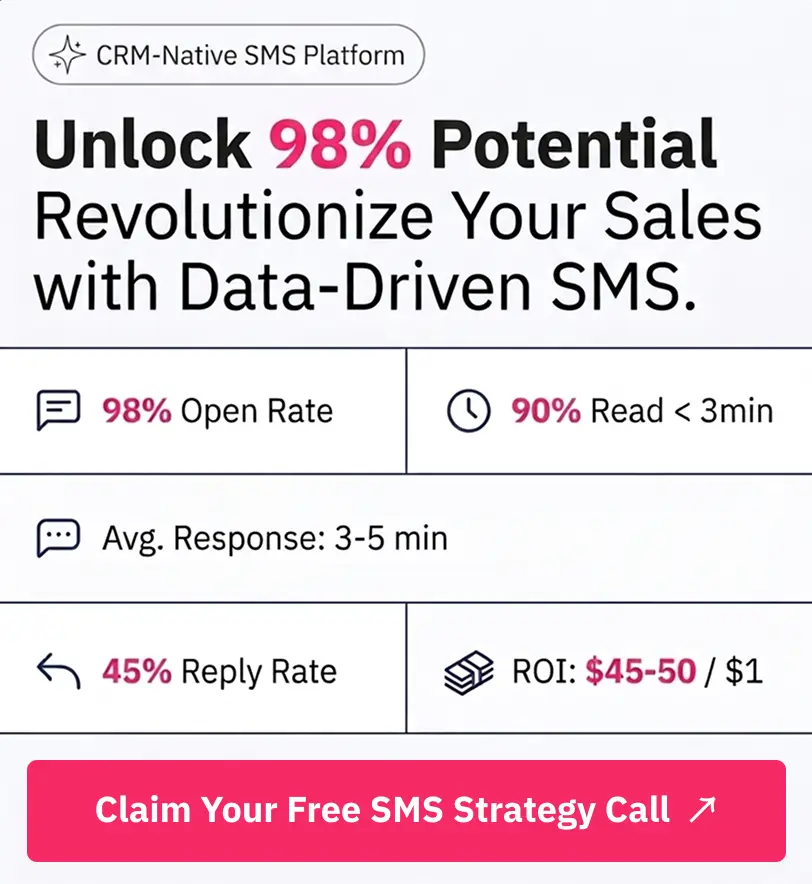
Table of Contents
- What a Salesforce NetSuite integration syncs
- Decide which system owns each record
- Connector, iPaaS, or custom API?
- Plan for Salesforce API limits
- Common mistakes that break the sync
- Why this matters for AI and reporting
- What this means for your business
- Frequently asked questions
- Get the data model right before you build