










Explore this article with AI:

Your sales team closes the deal in Salesforce. Then someone retypes it into the ERP, the order ships, the invoice goes out, and sales never sees any of it. That gap costs time every day and accuracy every month-end.
Salesforce ERP integration connects Salesforce to the system that runs your orders, inventory, and finance, such as NetSuite, SAP, or Microsoft Dynamics, so customer, order, and invoice data move between them automatically. Done well, closed deals become orders without retyping, and reps see order status, invoices, and stock without asking finance. We’ve integrated more than 300 platforms, and this guide covers your options, what drives cost, and how a Salesforce ERP integration actually works.
Free estimator
Know what your HubSpot project costs before the first call.
Select your services and get a transparent price range in minutes. No sales call needed to get a number.
Connect HubSpot to your ERP, billing platform, or database field mapping, custom logic, and support included.
Pipelines, workflows, email templates, and reporting configured for how your team actually works.
Live, role-based sessions with recordings and written guides built around a custom plan for your team.
HubSpot Partner
Client retention
Platforms integrated
What is Salesforce ERP integration?
Salesforce ERP integration is a connection between Salesforce, your CRM, and your enterprise resource planning (ERP) system that syncs shared data such as accounts, products, prices, orders, and invoices. It’s a form of ERP CRM integration, the broader practice of linking front-office and back-office systems.
The goal is one version of each customer and order, with each system owning the data it’s best at:
| Data | Usually owned by | Flows to |
|---|---|---|
| Leads, contacts, opportunities | Salesforce | ERP when a deal closes |
| Customer financial terms and credit | ERP | Salesforce account |
| Products and price lists | ERP | Salesforce price books |
| Inventory by location | ERP | Salesforce for quoting |
| Sales orders and fulfillment status | ERP | Salesforce opportunity or order |
| Invoices and payments | ERP | Salesforce account |
Your three integration options
There are three main ways to integrate Salesforce with an ERP. Each fits a different level of complexity.
1. A prebuilt connector
Many ERPs have connectors on the Salesforce AppExchange or their own marketplaces. They map standard objects with little setup.
- Best for: Standard objects and few customizations
- Watch out for: Custom fields, custom objects, and multi-entity setups the connector doesn’t map
2. An iPaaS (integration platform as a service)
Integration platforms, including Salesforce’s own MuleSoft, offer prebuilt recipes you configure and run on their platform.
- Best for: Teams with in-house integration admins and several systems to connect
- Watch out for: Ongoing platform licenses and the skills needed to maintain recipes
3. A custom API integration
A custom integration uses the Salesforce and ERP APIs directly, built around your data model and business rules.
- Best for: Custom objects, complex pricing, multiple subsidiaries, on-premise ERPs, or several systems in one flow
- Watch out for: You need a partner who supports it after go-live
How to choose
| Factor | Connector | iPaaS | Custom API integration |
|---|---|---|---|
| Setup speed | Fastest | Moderate | Moderate |
| Custom fields and objects | Limited | Configurable | Built to fit |
| On-premise or legacy ERP | Rarely | Sometimes | Yes |
| Ongoing cost | Subscription | Platform license plus admin time | Support agreement |
| Who maintains it | Vendor | Your team | Integration partner |
A simple rule: if a connector maps everything you need, use it. When it doesn’t, don’t force it.

Turn HubSpot Into A Real-Time SMS Engine with
Message IQ

Two-Way Conversations

Shared Team Inbox

Automation Triggers

Advanced Reporting

Compliance Tools
-
98%
SMS read within 3 min -
78%
Buy from first responder -
21×
More likely to qualify
3–5 min avg response
$45–$50 ROI / $1

*MessageIQ is an IntegrateIQ product – built natively for HubSpot by the same team.
Salesforce ERP integration by system
The ERP you run shapes the work. We cover the main pairings in depth on dedicated pages:
- Salesforce NetSuite integration: Accounts to customers with subsidiaries, closed won to sales orders, and inventory by location. See our Salesforce NetSuite integration page.
- Salesforce SAP integration: Business partners, materials, pricing conditions, and orders, often with SAP ECC to S/4HANA migration in the mix. See Salesforce SAP integration.
- Salesforce QuickBooks integration: For companies not on a full ERP yet, invoices and payments sync to Salesforce. See Salesforce QuickBooks integration.
- Salesforce and Microsoft Dynamics, Epicor, or Acumatica: Same patterns, different data models.
How much does Salesforce ERP integration cost?
Salesforce ERP integration cost depends on scope, not a flat rate. Connectors charge subscriptions, iPaaS adds platform licenses and admin time, and custom builds are priced by the work involved. These factors move the number most:
| Cost driver | Why it matters |
|---|---|
| Number of objects and fields | Each needs mapping, validation, and testing |
| Custom objects and business rules | Pricing tiers, approvals, and subsidiaries add logic |
| ERP type and hosting | On-premise ERPs need secure network access |
| Data volume and sync frequency | Shapes API usage and batch design |
| Historical migration | Backfill needs cleanup and validation |
| Number of systems in the flow | Commerce, tax, and billing tools add touchpoints |
Ask any partner for a fixed estimate after discovery. Our guide to system integration budget best practices covers how to plan for it.
How long does a Salesforce ERP integration take?
Most single Salesforce ERP integrations take about 8 to 12 weeks from kickoff, depending on complexity. A typical plan runs discovery and ID mapping in week one, design in weeks two and three, sandbox build in weeks four and five, review and backfill in week six, and go-live after that, with monitoring from day one.
What breaks in Salesforce ERP integrations
- Account vs customer mismatches. One Salesforce account may map to several ERP customers or ship-to sites. Store shared IDs on both records.
- Salesforce API limits. Salesforce sets a daily API request allocation by edition and license (Enterprise Edition starts at 100,000 requests per 24 hours plus 1,000 per Salesforce license, and Bulk API calls count toward it). High-volume syncs need batching and scheduling.
- Two-way overwrites. If both systems edit the same field, data gets lost. Set field-level ownership.
- Picklist and status gaps. A value that exists in one system and not the other stops records. Map every value.
- Silent failures. Without monitoring and alerts, a broken sync shows up at month-end. Build error handling and retries from the start.
What this means for your business
Salesforce ERP integration pays off fastest when it removes retyping and gives sales the order and invoice data they keep asking for. It also matters more now that AI tools in Salesforce can only reason about data that’s in Salesforce.
Start with one flow, usually closed won to sales order, prove it, then add invoices, inventory, and pricing. We process more than 20 billion records a year across integrations like these, and the projects that stick are the ones that agree on data ownership before anyone writes code.
Frequently asked questions
What is Salesforce ERP integration?
Salesforce ERP integration connects Salesforce to an ERP system like NetSuite, SAP, or Microsoft Dynamics so accounts, products, orders, and invoices sync automatically. It removes retyping and gives sales and finance the same view of each customer.
Does Salesforce have a built-in ERP?
No. Salesforce is a CRM platform. It connects to ERPs through AppExchange connectors, integration platforms like MuleSoft, or custom API integrations.
What is the best way to integrate Salesforce with an ERP?
Use a prebuilt connector if it maps all your objects and fields. Choose an iPaaS if you have in-house integration admins and many systems. Choose a custom API integration for custom objects, complex rules, or on-premise ERPs.
How much does Salesforce ERP integration cost?
Cost depends on objects, custom logic, ERP hosting, volume, history, and how many systems are involved. Connectors and iPaaS carry subscriptions, while custom builds are priced by scope. Get a fixed estimate after discovery.
How long does it take to integrate Salesforce with an ERP?
Most single Salesforce ERP integrations take about 8 to 12 weeks from kickoff. Multi-system programs run in phases.
What is ERP CRM integration?
ERP CRM integration links a customer relationship management system with an enterprise resource planning system so customer, order, and financial data stay consistent across sales, operations, and finance.
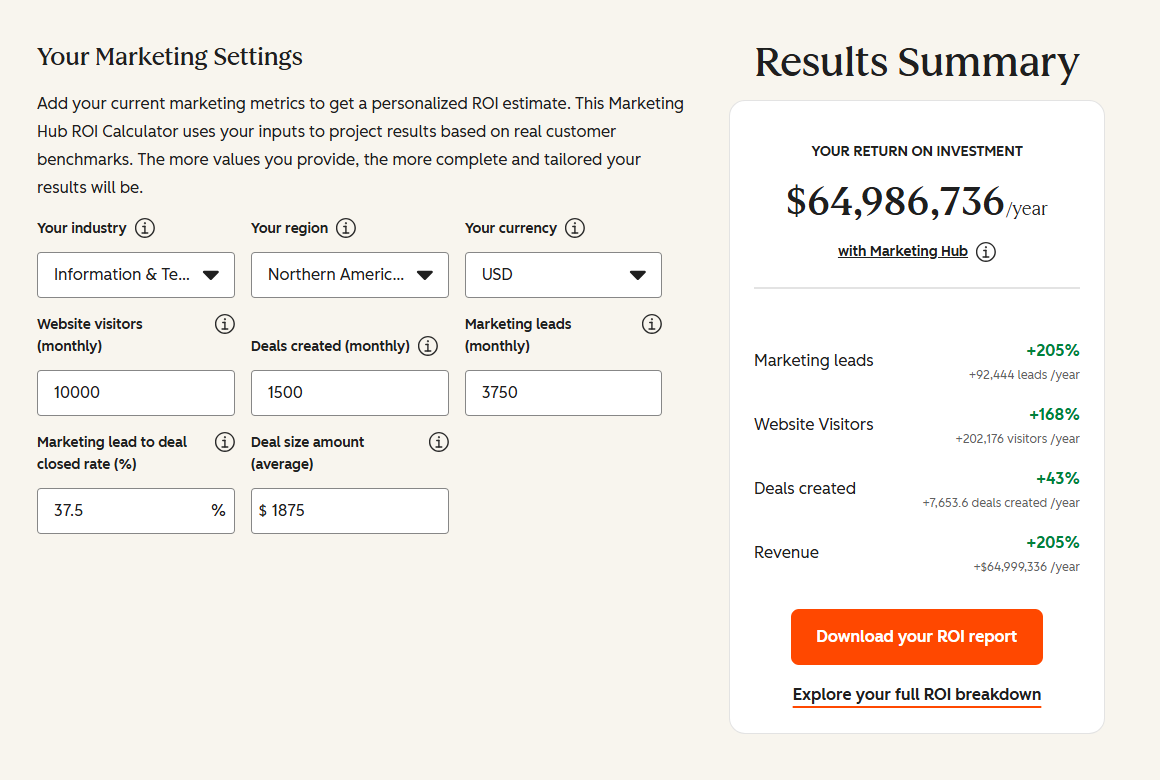
See your 12-month revenue impact with HubSpot CRM
Enter your current numbers — visitors, leads, deal size — and get a personalized projection based on real HubSpot customer benchmarks.
Connect Salesforce and your ERP the right way
If your teams still retype deals or chase finance for order status, IntegrateIQ can scope the right Salesforce ERP integration for your stack, with a 98.5% client retention rate and senior engineers on every build.
See how our integration process works, or tell us which systems you run.

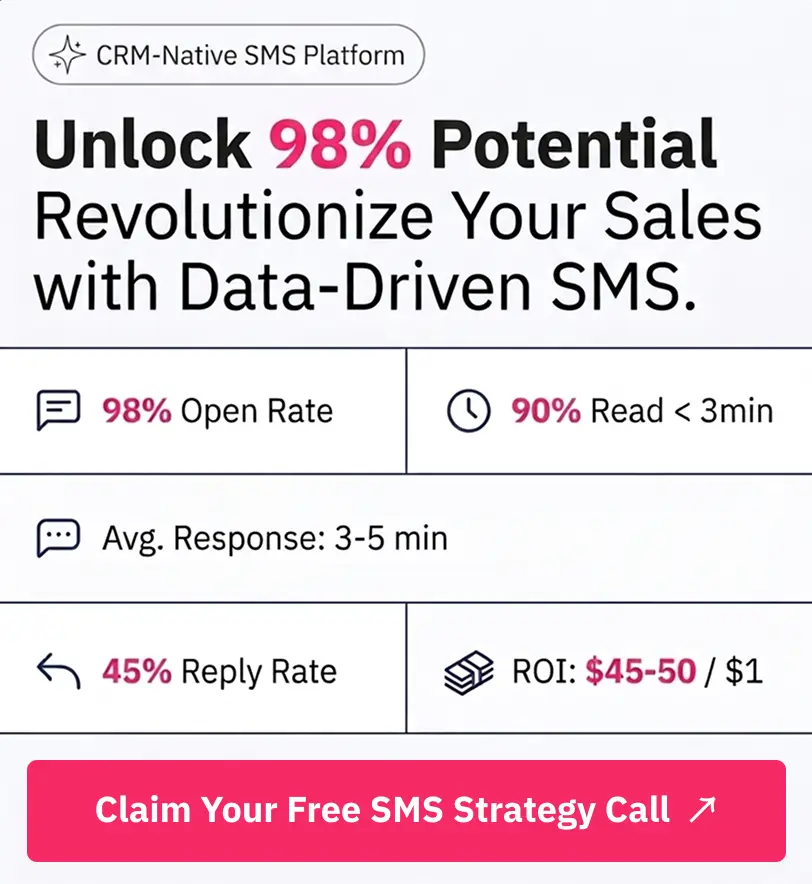
Table of Contents
- What is Salesforce ERP integration?
- Your three integration options
- Salesforce ERP integration by system
- How much does Salesforce ERP integration cost?
- How long does a Salesforce ERP integration take?
- What breaks in Salesforce ERP integrations
- What this means for your business
- Frequently asked questions
- Connect Salesforce and your ERP the right way