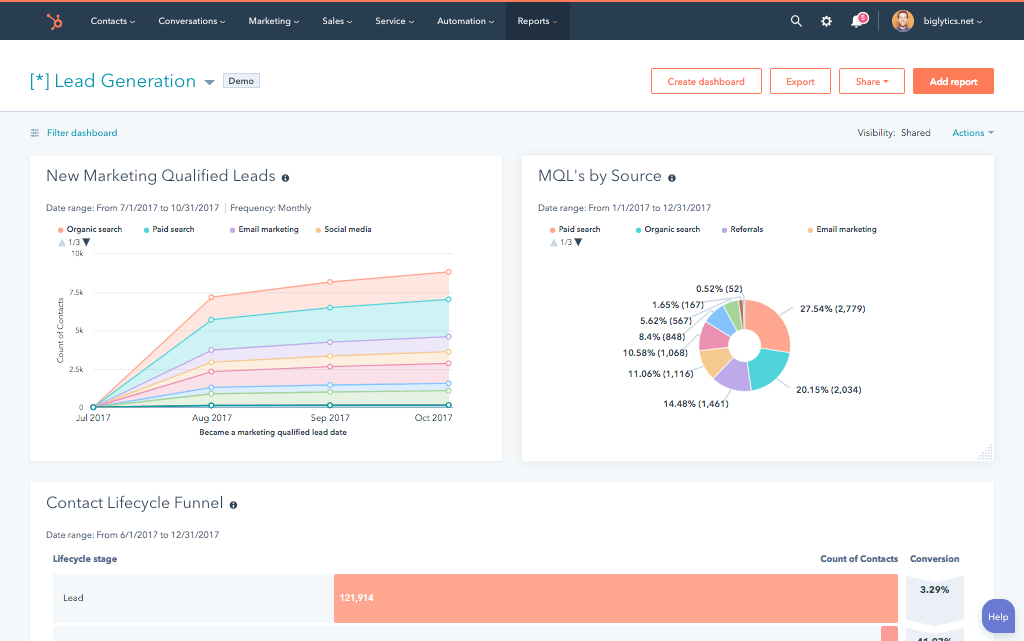
























What is a HubSpot NetSuite integration?
A HubSpot NetSuite integration is a data connection that syncs customers, contacts, opportunities, sales orders, invoices and payments between HubSpot CRM and Oracle NetSuite ERP in near real time. It automates the deal-to-sales-order handoff, brings financial data into HubSpot for account manager visibility and gives finance and sales a single source of truth on revenue.
How does the HubSpot NetSuite integration work?
The native connector works through NetSuite’s SOAP Web Services with OAuth 2.0 authentication and requires a Data Hub subscription. It syncs Contacts, Companies, and Deals bi-directionally and creates NetSuite Sales Orders through a deal-based HubSpot workflow triggered on Closed Won. Custom builds use NetSuite’s SuiteTalk REST API for better stability and financial data sync.

Turn HubSpot Into A Real-Time SMS Engine with Message IQ
 Two-Way Conversations
 Shared Team Inbox
 Automation Triggers
 Advanced Reporting
 Compliance Tools
- 98% SMS read within 3 min
- 78% Buy from first responder
- 21× More likely to qualify

*MessageIQ is an IntegrateIQ product – built natively for HubSpot by the same team.
Does HubSpot have a native NetSuite integration?
Yes. HubSpot maintains a native NetSuite connector in its App Marketplace. It syncs Contacts, Companies, and Deals bi-directionally and creates NetSuite Sales Orders when deals close won. It does NOT sync invoices, payments, credit balance, inventory, or order fulfilment back to HubSpot. It also requires a Data Hub subscription for custom field mapping.
How long does a custom HubSpot NetSuite integration take to build?
A custom HubSpot NetSuite integration takes about 8 weeks from kickoff to production. Weeks 1-2 cover discovery and ERP data mapping. Weeks 3-4 build against NetSuite’s SuiteTalk REST API. Weeks 5-6 run UAT with sales, account management, and finance. Weeks 7-8 cover go-live and monitoring. Multi-subsidiary environments extend discovery, not build.
Can I see NetSuite invoices in HubSpot?
Not with the native connector. The native HubSpot NetSuite integration syncs Contacts, Companies, and Deals but does not bring invoice status, payment history, customer credit balance, or order fulfilment status into HubSpot. A custom integration built on NetSuite’s REST API syncs invoice and payment objects to HubSpot Contact and Company properties or as timeline events.
Why do NetSuite Sales Orders fail to create from HubSpot workflows?
The most common cause is a SOAP child reference error: items have been deleted since you retrieved the form. NetSuite’s SOAP API requires item line internal IDs that HubSpot deal line items don’t carry. Fix by matching HubSpot Product SKUs to NetSuite item codes, or use a custom REST integration that avoids SOAP.
HubSpot NetSuite Integration: Setup Guide, Deal-to-Order Automation and What the Native Connector Misses
Companies running HubSpot for CRM and marketing and NetSuite as their ERP face the same operational gap: a deal closes in HubSpot, and someone manually creates a Sales Order in NetSuite.
When NetSuite processes an invoice, the payment status is invisible to account managers working in HubSpot. Financial data that should inform marketing campaigns customer spend, order history, credit status stays locked in the ERP.
The HubSpot NetSuite integration closes that gap. HubSpot offers a native connector that syncs standard CRM objects and, critically, enables a deal-based workflow that creates NetSuite Sales Orders automatically when deals are won.
It covers the core marketing-to-ERP handoff for most mid-market companies. It also hits specific walls: a SOAP-based architecture with known fragility, no native path for financial data (invoices, payments, credit) to reach HubSpot, and a Data Hub subscription requirement that catches many teams off guard.
We’re Integrate IQ, a HubSpot Diamond Solutions Partner with custom integration accreditation. We’ve connected HubSpot and NetSuite for companies across manufacturing, distribution, and professional services including organisations that started with the native connector and needed a more robust architecture. This guide covers both paths.
What the Native HubSpot NetSuite Integration Does
| Object | Sync Direction | Notes |
| Contacts | Bi-directional | HubSpot Contacts sync to NetSuite Customers / Individuals |
| Companies | Bi-directional | HubSpot Companies sync to NetSuite Customers (company accounts) |
| Deals | Bi-directional | HubSpot Deals sync to NetSuite Opportunities |
| Sales Orders | HubSpot to NetSuite (via workflow) | Requires a deal-based HubSpot workflow not automatic on deal close |
| NetSuite Subsidiary | NetSuite to HubSpot (read-only property) | Integration auto-creates a Subsidiary property in HubSpot; important for multi-subsidiary organisations |
Important: The native connector does NOT sync NetSuite financial data invoices, payments, customer credit balance, or order fulfilment status to HubSpot. Account managers have no visibility into a customer’s payment history or outstanding invoices from the HubSpot record. This is the most significant gap in the native integration and the most common reason companies move to a custom build.
Data Hub subscription required: The basic native connection is available with a HubSpot Data Hub subscription. Custom field mappings beyond the default field set require at least Data Hub Starter. This is separate from your Marketing or Sales Hub subscription and is a prerequisite teams often discover post-install.
NetSuite Prerequisites Before You Install
NetSuite requires several settings to be enabled before HubSpot can connect. These must be completed by a NetSuite administrator.
- Enable REST Web Services. In NetSuite, go to Setup > Company > Enable Features > SuiteCloud. Enable REST Web Services.
- Enable OAuth 2.0. On the same SuiteCloud settings page, enable OAuth 2.0.
- Enable Server-side RESTlets. Also on SuiteCloud, enable Server-side RESTlets.
- Install the HubSpot Sync Bundle. In NetSuite, go to Customization > SuiteBundler > Search & Install Bundles. Search for ‘HubSpot Sync Bundle’ and click Install. Allow up to 5 minutes for installation.
- Assign the HubSpot Sync Role. Go to Lists > Employees > Employees > Search. Find the user who will connect the integration, click Edit, navigate to the Access tab, find and select ‘HubSpot Sync role’, click Add, then Save.
- Locate your NetSuite Account ID. Go to Setup > Integration > SOAP Web Services Preferences. Your Account ID is in the Primary Information section. You’ll also need the Token ID and Token Secret from the integration setup.
How to Set Up the Native HubSpot NetSuite Integration
- In HubSpot, go to the Marketplace icon > HubSpot Marketplace. Search for NetSuite and click Install.
- In the dialog, enter your NetSuite Account ID, Token ID, and Token Secret. Click Connect to NetSuite by Oracle.
- Authorize additional features. After connecting, go to Settings > Integrations > Connected Apps > NetSuite > Feature discovery tab. Click Enable extra features. This activates HubSpot Embed in NetSuite, the sync card on HubSpot records, and workflow actions.
- Configure CRM syncs. Navigate to the CRM syncs tab. Turn on sync for Contacts, Companies, and Deals. Configure sync direction (one-way or two-way) for each. Set conflict resolution rules which system wins when both update the same field.
- Add the NetSuite sync card to your HubSpot records. If you installed after October 7, 2025, or have customised your HubSpot record sidebars, you’ll need to manually add the NetSuite integration card to Contact, Company, Deal, and Invoice record layouts.
The Deal-to-Sales-Order Workflow: The Most Valuable Automation
The ability to create a NetSuite Sales Order automatically when a HubSpot deal is won is the highest-ROI automation the native integration enables. Here’s how to set it up:
- In HubSpot, go to Automation > Workflows > Create workflow > Deal-based.
- Set the trigger: Deal Stage is ‘Closed Won’.
- Add the action: Scroll to Connected Apps > NetSuite. Select ‘Create Sales Order’. Map your HubSpot deal properties to NetSuite Sales Order fields: deal name to order name, deal amount to order total, deal line items (if using HubSpot’s Products/Line Items) to NetSuite order line items, HubSpot owner to NetSuite Sales Rep.
- Set any filtering conditions for example, only create Sales Orders for deals above a minimum value, or only for specific HubSpot pipelines.
- Review and publish the workflow.
Known issue SOAP child reference errors: The most common failure after activating this workflow is a ‘Items you have requested in the record have been deleted since you retrieved the form’ error from NetSuite. This happens because NetSuite’s SOAP API requires certain item line references (internal IDs for NetSuite inventory items) that HubSpot’s deal line items don’t automatically carry. Fixes: ensure your HubSpot Product SKUs match NetSuite item codes, test with a minimal custom NetSuite form that reduces required field dependencies, and check your SOAP logs in NetSuite for the specific missing reference.
What the Native Connector Cannot Do
| Limitation | Impact | Custom Integration Path |
| No financial data in HubSpot | Invoice status, payment history, customer credit balance, and order fulfilment all stay in NetSuite invisible to HubSpot account managers | Custom integration syncs NetSuite invoice and payment objects to HubSpot Contact/Company properties or timeline events |
| SOAP-based architecture with known fragility | SOAP quirks (child reference requirements, deleted form references) cause sync failures that are difficult to debug | Custom REST API build uses NetSuite’s SuiteTalk REST API more stable and better error handling |
| No real-time sync | Native connector polls on a schedule changes aren’t immediate | Webhook-driven custom integration fires on event triggers |
| Data Hub subscription required | Custom field mappings need Data Hub Starter; teams on Marketing/Sales Hub only can’t customise mappings | Custom integration doesn’t rely on HubSpot’s Data Hub connector tier |
| Multi-subsidiary complexity | The auto-created Subsidiary property can create confusion in multi-subsidiary NetSuite orgs; subsidiary-level data segregation isn’t natively handled | Custom integration can implement subsidiary-level routing and data segregation |
| Inventory data not in HubSpot | Sales reps can’t see NetSuite inventory levels or product availability on HubSpot records | Custom integration syncs real-time inventory visibility from NetSuite to HubSpot product/company properties |
Integration Method Decision Framework
| Factor | Native Connector | iPaaS (Celigo, Workato) | Custom API Integration |
| Setup time | 1-3 days | Days to weeks | 6-8 weeks |
| Financial data in HubSpot | Not supported | Partial (invoice objects) | Full invoices, payments, credit |
| Sales Order creation | Via HubSpot workflow | Via iPaaS workflow | Event-driven, full line item mapping |
| SOAP reliability | Known fragility | Depends on connector | REST API more stable |
| Real-time sync | No (polling) | Near real-time (some platforms) | Yes (webhook-driven) |
| Inventory visibility | Not supported | Limited | Full support |
| Multi-subsidiary handling | Manual / limited | Configurable | Full conditional logic |
| Cost | Data Hub subscription | $1,000-3,000/month subscription | One-time build + maintenance |
Three Questions That Point to a Custom Build
- Do your account managers need to see NetSuite invoice status, payment history, or customer credit information on HubSpot records?
- Are you hitting SOAP sync errors consistently on Company or Deal sync that the native connector can’t resolve cleanly?
- Do you need real-time sync between deal stage changes in HubSpot and NetSuite order status updates not a 15-minute polling interval?
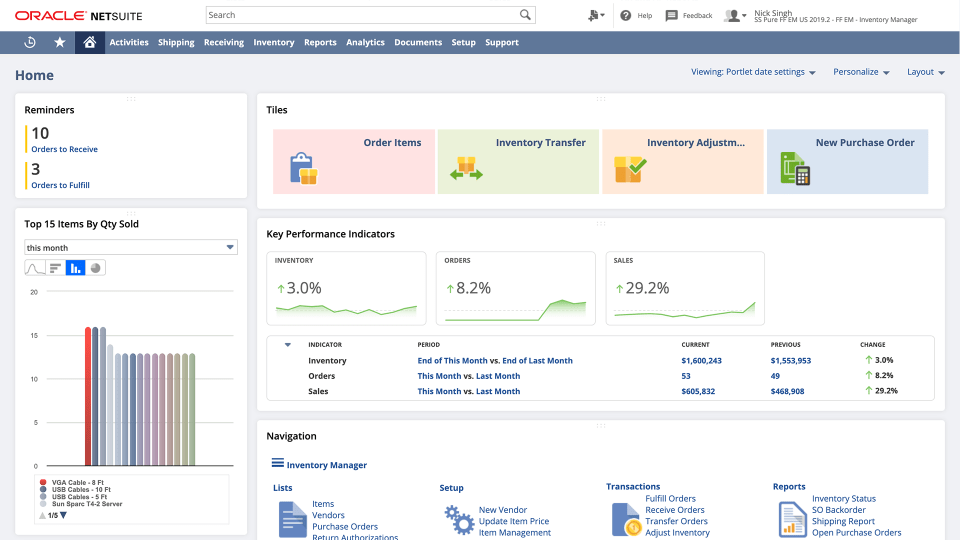
What to Expect from a Custom HubSpot NetSuite Build
- Weeks 1-2: Discovery and ERP Data Mapping. Map every HubSpot object that needs to connect to a NetSuite object. Define which NetSuite financial objects (invoices, payments, orders) need to appear in HubSpot and as which property types. Agree on trigger events and conflict resolution rules.
- Weeks 3-4: Build Using NetSuite REST API. Build against NetSuite’s SuiteTalk REST API (not SOAP) and HubSpot’s API. REST-based connections are more stable and easier to debug than SOAP. Test every trigger-action pair with real record shapes.
- Weeks 5-6: UAT. Sales team validates that Closed Won deals create correctly-mapped NetSuite Sales Orders. Account managers validate that invoice status and payment history appear accurately on HubSpot Company records. Finance validates that deal amounts match NetSuite order values.
- Weeks 7-8: Go-Live and Monitoring. Production deployment with active monitoring. Custom error handling and retry logic means sync failures surface and resolve without manual intervention.
We’ve processed over 20 billion records annually across 300+ platform integrations including multiple HubSpot NetSuite builds for manufacturing, distribution, and SaaS companies. See how our integration process works. For companies also connecting HubSpot to Salesforce or evaluating HubSpot Sage Intacct as a NetSuite alternative, we scope those builds the same way.
Key Benefits of a HubSpot NetSuite Integration
The integration of hubspot and netsuite eliminates the manual re-entry that slows down sales and finance teams. Five benefits will appear first once the sync is live.
Faster time to cash-to-deal. A Closed Won deal in HubSpot automatically creates a NetSuite Sales Order, so sales no longer has to wait for finance to manually enter order details.
A customer record. Contacts and Companies sync between the two systems so when a rep updates a phone number in HubSpot, NetSuite doesn’t show stale data and vise versa.
Few billing disagreements. Invoices are what sales actually quoted when deal line items correctly map to NetSuite items. This reduces the back and forth between AR and account managers.
Better forecasts. HubSpot deal stages provide finance pipeline visibility and NetSuite gives sales revenue-recognition context, rather than each team working off a different number.
Account manager visibility with the right build. The native connector does not bring invoice or payment status into HubSpot. Custom integrations can, so account managers can see a customer’s payment history before a renewal call, rather than asking finance to look it up.
The deeper the integration, the larger these gains. Teams syncing Contacts, Companies and Deals will enjoy the benefits of deal-to-cash and single-record. Add invoice and payment sync to unlock account manager visibility benefit for teams
See your 12-month revenue impact with HubSpot CRM
Enter your current numbers — visitors, leads, deal size — and get a personalized projection based on real HubSpot customer benchmarks.
Calculate My ROI
What Is the HubSpot NetSuite Connector, and How Does It Differ from a Custom Build?
The HubSpot NetSuite connector is the native app HubSpot lists in its Marketplace. It links HubSpot CRM records to NetSuite ERP records so both platforms share the same customer, deal, and opportunity data. Most teams searching for a ‘connector’ mean one of three things: HubSpot’s free native app, a paid iPaaS tool like Celigo, or a custom-built integration.
The native connector covers Contacts, Companies, and Deals. It syncs those objects bi-directionally over NetSuite’s SOAP Web Services and creates NetSuite Sales Orders through a HubSpot workflow when a deal closes. It requires a HubSpot Data Hub subscription and NetSuite admin setup before it works.
A custom HubSpot NetSuite ERP integration goes further. It builds against NetSuite’s SuiteTalk REST API instead of SOAP, which removes the fragile item-reference errors that break native syncs. It also adds objects the native connector skips entirely: invoices, payments, credit balances, inventory levels, and custom NetSuite records tied to your industry.
Choose the native connector if you need Contacts, Companies, Deals, and basic Sales Order creation, and your team can live with SOAP’s occasional sync failures. Choose a custom build if finance needs invoice and payment visibility inside HubSpot, or if you’re running a multi-subsidiary NetSuite instance that the native connector’s read-only Subsidiary property can’t handle.



Table of Contents
- What is a HubSpot NetSuite integration?
- How does the HubSpot NetSuite integration work?
- Does HubSpot have a native NetSuite integration?
- How long does a custom HubSpot NetSuite integration take to build?
- Can I see NetSuite invoices in HubSpot?
- Why do NetSuite Sales Orders fail to create from HubSpot workflows?
- HubSpot NetSuite Integration: Setup Guide, Deal-to-Order Automation and What the Native Connector Misses
- What the Native HubSpot NetSuite Integration Does
- NetSuite Prerequisites Before You Install
- How to Set Up the Native HubSpot NetSuite Integration
- The Deal-to-Sales-Order Workflow: The Most Valuable Automation
- What the Native Connector Cannot Do
- Integration Method Decision Framework
- What to Expect from a Custom HubSpot NetSuite Build
- Key Benefits of a HubSpot NetSuite Integration
- What Is the HubSpot NetSuite Connector, and How Does It Differ from a Custom Build?