















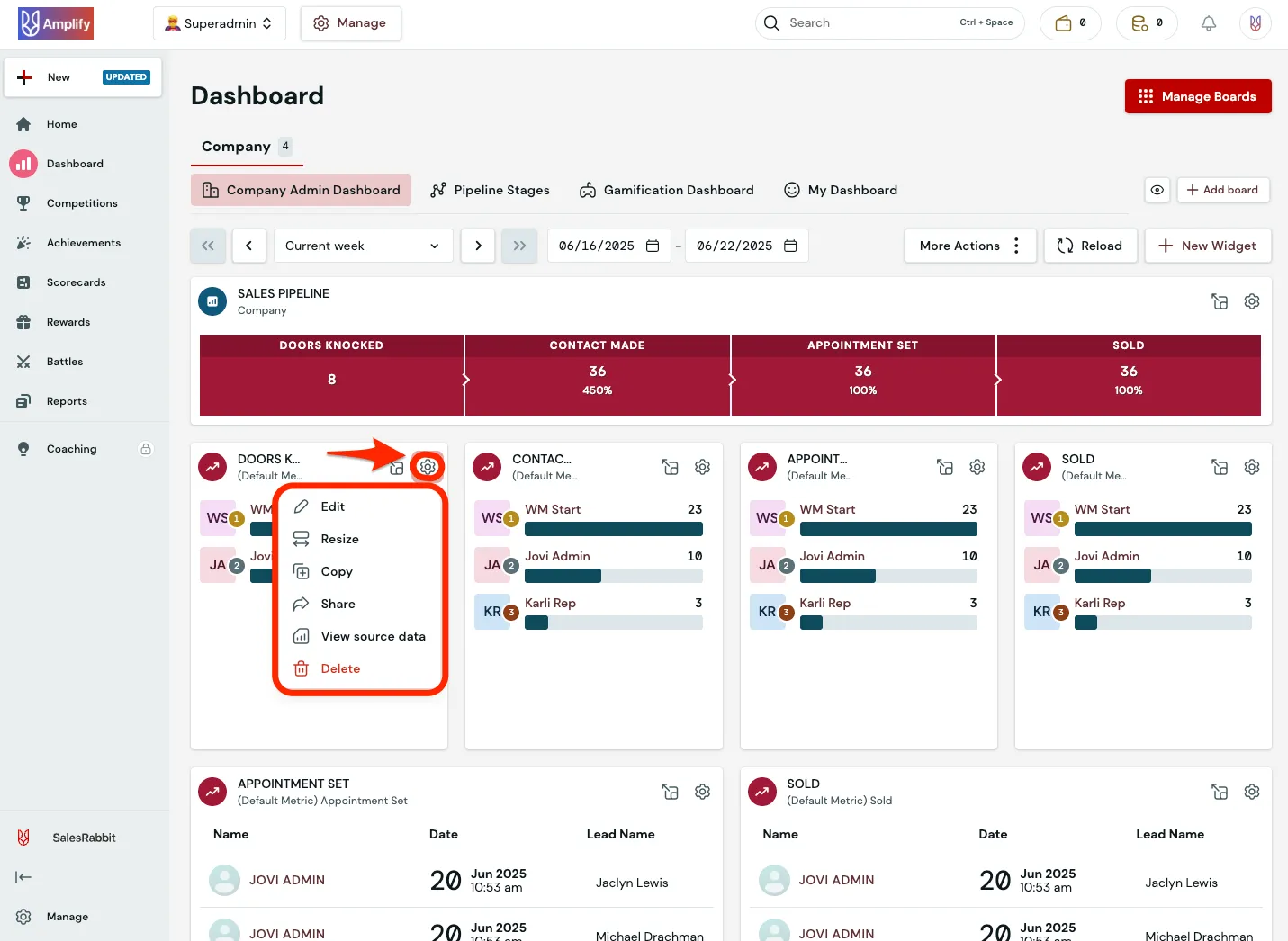



























What is a HubSpot SalesRabbit integration?
A HubSpot SalesRabbit integration connects your CRM to your door-to-door canvassing platform, syncing leads, dispositions, territories, and appointments so inside sales and marketing see field activity in HubSpot without a rep re-entering data or a manager exporting spreadsheets.
How does the HubSpot SalesRabbit integration work?
The integration maps SalesRabbit leads, dispositions, and reps to HubSpot contacts, deal stages, and owners, then keeps both systems current. A “Quote Sent” disposition in the field can move a HubSpot deal stage automatically, while lifecycle changes in HubSpot can update lead status back in SalesRabbit.

Turn HubSpot Into A Real-Time SMS Engine with Message IQ
 Two-Way Conversations
 Shared Team Inbox
 Automation Triggers
 Advanced Reporting
 Compliance Tools
- 98% SMS read within 3 min
- 78% Buy from first responder
- 21× More likely to qualify

*MessageIQ is an IntegrateIQ product – built natively for HubSpot by the same team.
Does HubSpot have a native SalesRabbit integration?
Yes, but it is limited to Pro and Enterprise SalesRabbit plans and handles basic contact, deal, and status syncing. Zapier fills some gaps with simple triggers. Neither handles custom disposition mapping, territory-based ownership rules, or DataGrid AI property data at scale.
How long does a HubSpot SalesRabbit integration take to build?
A custom HubSpot SalesRabbit integration typically takes 8 weeks: 2 weeks of discovery and disposition mapping, 3 weeks of build and staging, 1 week for historical territory and lead backfill, and 2 weeks for testing and go-live support. Multi-territory or multi-brand setups can extend the timeline.
Can HubSpot and SalesRabbit sync bi-directionally?
Yes. A custom integration can push new leads and dispositions from SalesRabbit into HubSpot and push lifecycle stage or lead-status updates from HubSpot back into SalesRabbit so field reps see current status on their mobile devices. Direction and timing are configurable per object.
What data can sync between HubSpot and SalesRabbit?
HubSpot contacts, deals, companies, tasks and custom objects can sync with SalesRabbit leads, jobs and contracts, commercial leads, appointments and disposition or check-in records. Which objects sync, and in which direction, depends on your source of truth for field activity.
How a HubSpot SalesRabbit Integration Actually Works
A HubSpot SalesRabbit integration works by giving each system ownership of what it does best: SalesRabbit owns door-to-door activity truth, disposition codes, and territory assignment, while HubSpot owns pipeline and relationship truth. The integration keeps both current without a rep or manager re-entering data.
In the SalesRabbit-to-HubSpot direction, a disposition change in the field, such as a rep marking a “Quote Sent,” can move the corresponding HubSpot deal stage automatically, along with notes, photos, and check-in data attached to the contact record.
In the HubSpot-to-SalesRabbit direction, a lifecycle stage change or a lead status update made by inside sales can write back to SalesRabbit, so the rep sees the latest status on their mobile device before their next visit to that door.
Three Ways to Connect SalesRabbit and HubSpot
Not every team needs custom. Here is the honest comparison.
| Factor | Native Marketplace App | Zapier / iPaaS | Custom (Integrate IQ) |
|---|---|---|---|
| Best for | Small teams syncing basic lead and contact data | Simple one-way trigger-and-action automation | Multi-territory canvassing teams with custom disposition and commission logic |
| Sync direction | One-way, SalesRabbit to HubSpot typically | One-way per Zap, several needed for two-way | True bi-directional, configurable per object |
| Custom objects/fields | Standard fields only | Limited, mapped per action | Full mapping of disposition codes, custom Visit objects, and DataGrid AI fields |
| Disposition and territory sync | Basic lead status only | Single-field status updates, no ownership logic | Full disposition-to-lifecycle mapping with territory and rep-ownership rules |
| Business logic | None | Basic conditional logic per Zap | Custom rules, e.g. sync only after a specific disposition or signed contract |
| Volume handling | Fine for a handful of reps | Task limits and throttling at scale | Built for thousands of daily pin drops and check-ins without timeouts |
| Historical backfill | Not supported | Not supported | Scripted historical load of territories and leads into HubSpot |
| Maintenance | Vendor-managed, limited control | You manage it, breaks silently on field changes | Monitored, maintained and supported |
If you’re syncing basic contact and deal status for a handful of reps, the native connector or a couple of Zaps may cover you. Once you’re managing multiple territories, custom disposition codes, or commission attribution tied to lead ownership, a custom HubSpot integration is what keeps the data trustworthy instead of noisy.
Field Sales Workflows You Can Automate Once SalesRabbit Data Lives in HubSpot
- Route-Based Follow-Up Sequencing. When a rep’s daily route closes with unresolved “callback” pins, HubSpot automatically schedules a follow-up task for the next canvassing pass or hands the lead to inside sales for a phone follow-up.
- Commission-Safe Re-Assignment. When a territory or lead is reassigned in SalesRabbit, whether from rep turnover or a redrawn boundary, HubSpot updates deal ownership so commission attribution stays accurate instead of sticking with the departed rep.
- DataGrid Buyer-Score Pre-Qualification Routing. High buyer-score properties identified by DataGrid AI route into a HubSpot high-priority sequence before a rep ever knocks, so marketing can warm the lead ahead of the visit.
- Missed-Appointment Recovery. A SalesRabbit appointment marked “no-show” triggers a dedicated HubSpot re-engagement sequence focused on rescheduling, distinct from the standard nurture track.
- Territory-Based Campaign Throttling. When canvassing pauses in a territory, whether for the season or a rep gap, HubSpot automatically pauses outbound nurture to that territory’s leads so marketing never gets ahead of a field team that isn’t there yet.
What Breaks in a SalesRabbit HubSpot Sync, and How We Prevent It
- Duplicate records and identity resolution. A rep logging the same lead under a slightly different email creates a second HubSpot record instead of updating the first. We key on the SalesRabbit lead ID, not email, so the same person stays one record.
- System-of-record conflicts. Inside sales may update a lead status in HubSpot while a rep updates the same lead’s disposition in the field. We define one source of truth per field and lock competing writes.
- Disposition and lifecycle stage drift. SalesRabbit disposition codes (Not Home, Interested, Quote Sent, Closed) don’t map cleanly to HubSpot deal stages by default. We build a translation layer so pipeline reporting never silently diverges from what actually happened at the door.
- Territory and lead-ownership conflicts. Rep turnover or overlapping territory boundaries can leave a lead assigned to the wrong rep in one system, sparking commission disputes. We build ownership rules that check territory and assignment history before a record updates.
- API rate limits at volume. Thousands of daily pin drops, check-ins, and disposition updates can hit SalesRabbit or HubSpot API limits. Across 300+ platform integrations moving 20 billion plus fields annually, we batch and throttle high-volume syncs by design, not by accident.
Implementation Timeline: What to Expect
Most HubSpot SalesRabbit integrations ship in 8 weeks. The first 2 weeks cover discovery and disposition mapping, including which lifecycle stages match which field activity. The next 3 weeks cover build and staging. Week 6 handles historical territory and lead data backfill. The final 2 weeks cover user acceptance testing, cutover, and hypercare support. Our HubSpot integration process is the same repeatable framework behind our 98.5% client retention rate.
See your 12-month revenue impact with HubSpot CRM
Enter your current numbers — visitors, leads, deal size — and get a personalized projection based on real HubSpot customer benchmarks.
Calculate My ROI
Connect the Rest of Your Revenue Stack
Field sales data rarely stays useful on its own. Teams running canvassing crews for pest control, lawn care, or other home services often pair this with our lawn care and pest control industry work. Getting reps and inside sales onto the new workflow goes faster with HubSpot training and HubSpot onboarding right after go-live. Once commission and payout data is flowing, a HubSpot QuickBooks integration keeps finance reconciled without a spreadsheet. Not sure what any of this is worth to your team? Run the numbers on our Integration ROI Calculator.



Table of Contents
- What is a HubSpot SalesRabbit integration?
- How does the HubSpot SalesRabbit integration work?
- Does HubSpot have a native SalesRabbit integration?
- How long does a HubSpot SalesRabbit integration take to build?
- Can HubSpot and SalesRabbit sync bi-directionally?
- What data can sync between HubSpot and SalesRabbit?
- How a HubSpot SalesRabbit Integration Actually Works
- Three Ways to Connect SalesRabbit and HubSpot
- Field Sales Workflows You Can Automate Once SalesRabbit Data Lives in HubSpot
- What Breaks in a SalesRabbit HubSpot Sync, and How We Prevent It
- Implementation Timeline: What to Expect
- Connect the Rest of Your Revenue Stack




