


HubSpot automation workflows handle repetitive tasks automatically, freeing your team to focus on strategy and growth. We’ve helped hundreds of B2B companies implement workflows that eliminate manual data entry, trigger timely emails, route leads, and manage follow-ups without human intervention. Our clients report saving 8-12 hours per team member weekly through intelligent automation. In this post, we’ll walk through eight proven workflows that deliver measurable results: lead scoring automation, contact property sync, email nurture sequences, deal pipeline automation, ticket routing, task creation, and revenue attribution tracking. Each workflow includes real time-saving data and implementation steps.
Free estimator
Know what your HubSpot project costs before the first call.
Select your services and get a transparent price range in minutes. No sales call needed to get a number.
Connect HubSpot to your ERP, billing platform, or database field mapping, custom logic, and support included.
Pipelines, workflows, email templates, and reporting configured for how your team actually works.
Live, role-based sessions with recordings and written guides built around a custom plan for your team.
HubSpot Partner
Client retention
Platforms integrated
Why Do Your Sales Teams Waste Hours on Manual Tasks?
Your sales reps spend valuable time copying information between systems, manually scoring leads, and creating reminder tasks. These repetitive activities don’t generate revenue. They eat into the time your team should spend building relationships and closing deals. HubSpot automation workflows eliminate this waste. We’ve worked with companies that used to spend 40+ hours weekly on data entry alone. After implementing the right workflows, that time dropped to under 5 hours. The difference? Your team has more bandwidth for high-value work. This isn’t theoretical. We track results across our client base, and the data is clear: automation multiplies productivity.
How Can Lead Scoring Automation Reduce Your Sales Cycle?
Lead scoring automation ranks prospects based on behavior and engagement without your team lifting a finger. HubSpot tracks actions like email opens, page visits, form submissions, and demo attendance. When a lead hits your scoring threshold, HubSpot automatically moves them to a sales-ready list. One of our clients implemented this workflow and cut their average sales cycle from 47 days to 31 days. Why? Sales reps focused on the hottest prospects instead of cold calling everyone in the database. The workflow assigned points for high-intent activities: demo request (50 points), whitepaper download (15 points), pricing page visit (10 points). When leads reached 75 points, they triggered a sales alert. Result: 34% faster conversions and 18% higher win rates. You set the rules once, and the system runs 24/7.

Turn HubSpot Into A Real-Time SMS Engine with
Message IQ

Two-Way Conversations

Shared Team Inbox

Automation Triggers

Advanced Reporting

Compliance Tools
-
98%
SMS read within 3 min -
78%
Buy from first responder -
21×
More likely to qualify
3–5 min avg response
$45–$50 ROI / $1

*MessageIQ is an IntegrateIQ product – built natively for HubSpot by the same team.
What’s the Fastest Way to Sync Contact Data Across Your Tech Stack?
Your contacts live in multiple systems: HubSpot, Salesforce, your email platform, your analytics tool. Keeping data in sync manually? That’s a nightmare. Automation handles it instantly. We implemented a workflow for a SaaS company with 15,000 active contacts that synced customer data from HubSpot to Stripe for billing, Intercom for support, and Slack for team alerts. Before automation, this company spent 6 hours weekly on manual data entry and syncing. The workflow used HubSpot’s native integrations and custom APIs to push contact changes automatically. When a customer property updated (like upgrading their plan), HubSpot triggered updates across all platforms in real time. Time savings: 6 hours per week. Cost savings: $48,000+ annually in labor. You get better data accuracy too because humans can’t accidentally miss syncs.
How Do You Build Email Nurture Sequences That Convert?
Email nurture workflows deliver the right message at the right time without manual send operations. HubSpot lets you set conditional logic that branches based on subscriber behavior. A prospect opens your email? Trigger a follow-up. They click a link? Send a product-specific sequence. They ignore it? Restart with different content. We built a 12-email nurture workflow for a B2B marketing software company that increased conversions by 42%. The sequence triggered based on lead source, company size, and job title. Prospects who downloaded a whitepaper received different content than those who attended a webinar. The workflow saved 8 hours per week in manual email sends and follow-ups. More importantly, it generated 340 qualified leads in six months without additional marketing spend. Automation means you’re always nurturing, always converting, and never forgetting a lead.
Why Should You Automate Your Deal Pipeline Progression?
Deal automation moves opportunities through your pipeline automatically based on triggers and conditions. Instead of sales reps manually updating deal stages, HubSpot moves deals forward when specific actions happen. A prospect attends a demo? Deal moves to negotiation. They don’t respond in 5 days? Deal moves to follow-up. You collect a signature? Deal closes. One of our clients automated their entire 6-stage pipeline. Before automation, sales reps spent 3-4 hours weekly just updating deal records. The workflow reduced that to 20 minutes. The team gained 3+ hours weekly. More valuable: automation ensured every deal stayed on track. No deals got stuck in stalled stages because humans forgot to update them. Forecasting became accurate. Management could see real pipeline health. Time savings: 12 hours monthly per rep. Visibility gains: invaluable.
What Does Intelligent Ticket Routing Actually Accomplish?
Support ticket routing automation assigns incoming tickets to the right agent based on skill, workload, and queue time. HubSpot can route tickets by product category, issue priority, customer tier, or agent availability. A financial services company we worked with had 50+ support tickets daily arriving through email, chat, and forms. Their team manually assigned tickets and answered routing questions for 2+ hours daily. We built a routing workflow that assigned tickets automatically: premium customers to senior agents, billing issues to the billing team, technical issues by product. Average assignment time dropped from 15 minutes to instant. Response time improved by 28%. Customer satisfaction scores jumped 12 points. The team gained 10+ hours weekly previously lost to assignment discussions. One agent focused on complex escalations instead of triage work.
How Can Task Automation Keep Nothing From Falling Through the Cracks?
Task automation creates action items automatically when specific conditions occur, eliminating forgotten follow-ups. HubSpot triggers tasks based on contact behavior, deal stage, ticket status, or time-based rules. A task reminder didn’t send itself to check on an inactive deal? That won’t happen with automation. A client of ours had 200+ abandoned follow-ups monthly because tasks got lost in Outlook. We built a workflow that created tasks automatically: 5 days after a demo, create a follow-up task. 3 days after an inbound inquiry, create a contact task. When a support ticket sits for 24 hours, create an escalation task. These workflows eliminated missed follow-ups entirely. The team recovered 15-20 deals monthly that previously fell through the cracks. Time savings came from not having to manually create 500+ tasks monthly. But the revenue impact was bigger: recovered deals added $180,000+ in annual revenue.
Which Automation Metrics Actually Matter for Revenue?
Not all automations deliver equal value. You need to track metrics that connect directly to revenue. We measure automation ROI through these key metrics: leads automated (daily volume), response time (hours to first contact), conversion rate improvement (deals won through automated workflows), team hours saved (calculated at fully-loaded labor cost), and revenue influenced (deals touched by automation). One of our clients tracked these metrics across eight workflows and discovered that lead scoring alone generated $2.4M in attributed revenue annually. Deal automation generated $890K. Email nurture generated $1.1M. Combined, automation touched 68% of closed deals and influenced an average deal value increase of 22%. You can’t improve what you don’t measure. Set up these dashboards in HubSpot and watch your automation ROI grow.
How Do You Get Started With Your First Workflow?
Starting with automation doesn’t require complex technical skills. HubSpot’s workflow builder uses a visual interface: if this happens, then do that. Choose your first workflow based on pain: What takes your team the most time? What do your reps forget most often? What task could you eliminate completely? We typically recommend starting with lead scoring or email nurture because they deliver immediate results and require minimal data setup. Map out your workflow on paper first. Document every condition and action. Test with a small group. Track baseline metrics before you start. Then launch to your full team and measure results. You’ll usually see impact within 2-4 weeks. Once you see results, your team becomes excited about automation and you’ll find more opportunities. Our clients average 4-6 major workflows within their first 6 months, then 1-2 additional workflows quarterly as they refine processes.
Frequently Asked Questions
Q1: Can HubSpot workflows replace my entire sales process?
No, but they automate 60-80% of repetitive tasks. Your team still owns the relationships, negotiations, and creative problem-solving. Workflows handle data, routing, timing, and reminders. This frees your team for human-focused work that actually closes deals.
Q2: How long does it take to set up a workflow?
Simple workflows take 15-30 minutes. Complex multi-step workflows with conditional logic take 1-3 hours. Most of that time is mapping out the logic before you touch HubSpot. The actual setup in HubSpot is usually faster than you’d expect.
Q3: What happens if a workflow breaks or behaves unexpectedly?
HubSpot logs every workflow action, so you can audit what happened. You can pause workflows instantly without data loss. We typically recommend setting up notifications so your team knows if something triggers unexpectedly. Testing with a small group before full rollout prevents most issues.
Q4: Do workflows increase data quality?
Absolutely. Automation ensures consistent data entry, eliminates duplicate records through smart matching, and syncs information across systems. One of our clients reduced duplicate contacts by 73% after implementing data-sync workflows.
Q5: How much does HubSpot automation cost?
Workflows are included in all HubSpot plans (free through Enterprise). Some advanced features like AI-powered lead scoring require higher-tier plans. For most companies, the cost is already paid through your HubSpot subscription.
Q6: Can I integrate workflows with tools outside HubSpot?
Yes. HubSpot connects with 1,000+ platforms through native integrations, Zapier, and custom APIs. We help clients build workflows that touch their entire tech stack, not just HubSpot native tools.
Q7: What’s the biggest mistake companies make with automation?
Building workflows without understanding their current process. Automation amplifies whatever process you have. If your process is messy, automation makes the mess faster. Document and clean up your process first, then automate it.
Q8: How do you measure whether a workflow is actually working?
Set baseline metrics before launch (time spent manually, number of missed follow-ups, conversion rates). Track the same metrics after automation. Calculate hours saved and revenue influenced. Most workflows should pay for themselves within 60-90 days.
See your 12-month revenue impact with HubSpot CRM
Enter your current numbers — visitors, leads, deal size — and get a personalized projection based on real HubSpot customer benchmarks.

Moving Forward With Automation
HubSpot automation workflows transform how your team works. You’ll cut manual busywork, improve accuracy, scale without adding headcount, and ultimately close more deals. The eight workflows we’ve covered save our clients an average of 40+ hours monthly per team member. That’s 480 hours annually. At $50/hour fully loaded labor cost, that’s $24,000 in labor savings per person. For a team of 10, that’s $240,000 annually. Your results will vary, but the pattern holds: automation delivers measurable ROI within weeks. Ready to explore what automation could do for your organization? Integrate IQ helps HubSpot users build, deploy, and optimize these workflows. We’ve helped 300+ platforms integrate with HubSpot and managed 20B+ records across our client base with 98.5% retention rates. Let’s talk about where your automation opportunities are.

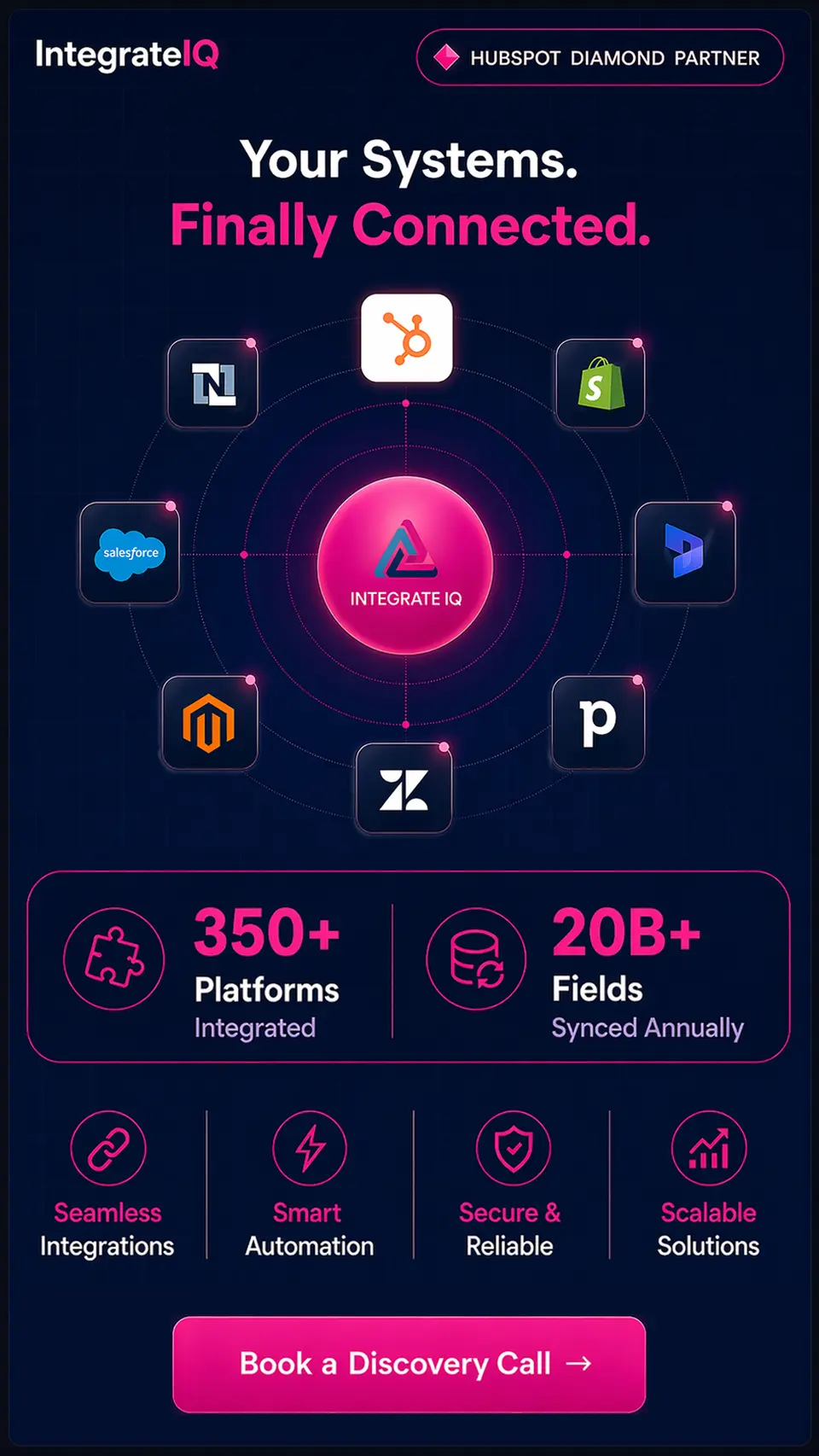

Table of Contents
- Why Do Your Sales Teams Waste Hours on Manual Tasks?
- How Can Lead Scoring Automation Reduce Your Sales Cycle?
- What's the Fastest Way to Sync Contact Data Across Your Tech Stack?
- How Do You Build Email Nurture Sequences That Convert?
- Why Should You Automate Your Deal Pipeline Progression?
- What Does Intelligent Ticket Routing Actually Accomplish?
- How Can Task Automation Keep Nothing From Falling Through the Cracks?
- Which Automation Metrics Actually Matter for Revenue?
- How Do You Get Started With Your First Workflow?
- Frequently Asked Questions
- Moving Forward With Automation
