

What is a HubSpot Keap integration?
A HubSpot Keap integration is a two-way data connection that syncs contacts, opportunities, tags, and activity records between HubSpot and Keap in near real time. It keeps Keap’s campaign and tag data visible inside HubSpot and pushes HubSpot’s marketing engagement back to Keap for closed-loop reporting.
How does the HubSpot Keap integration work?
It works through the HubSpot and Keap REST APIs, with field mapping, deduplication, and a defined system of record for every object. When a contact, tag, or opportunity updates in either system, the sync writes the change to the other within minutes. Bi-directional rules control which fields flow which direction.

Turn HubSpot Into A Real-Time SMS Engine with Message IQ
 Two-Way Conversations
 Shared Team Inbox
 Automation Triggers
 Advanced Reporting
 Compliance Tools
- 98% SMS read within 3 min
- 78% Buy from first responder
- 21× More likely to qualify

*MessageIQ is an IntegrateIQ product – built natively for HubSpot by the same team.
Does HubSpot have a native Keap integration?
HubSpot does not build Keap natively, but its marketplace lists a Keap data sync app for basic contact and opportunity sync. It maps tags imperfectly, locks custom field mapping behind paid Data Hub tiers, and handles only one Keap instance at a time. Teams with complex tag logic typically move to a custom-built integration.
How long does a HubSpot Keap integration take to build?
A custom HubSpot Keap integration takes about 8 weeks from kickoff to production. Discovery runs two weeks, build and staging tests run three, historical backfill runs one, and cutover with hypercare covers the final two weeks. Timelines extend for environments with heavy tag customization or multiple Keap instances.
Can HubSpot and Keap sync bi-directionally?
Yes. Bi-directional sync is standard in a custom HubSpot Keap integration. You define system of record per field, so Keap-owned data like tags and opportunity stage flows one way, HubSpot-owned lifecycle stage and lead score flow the other, and conflicts resolve by rule, not by whoever wrote last.
What data can sync between HubSpot and Keap?
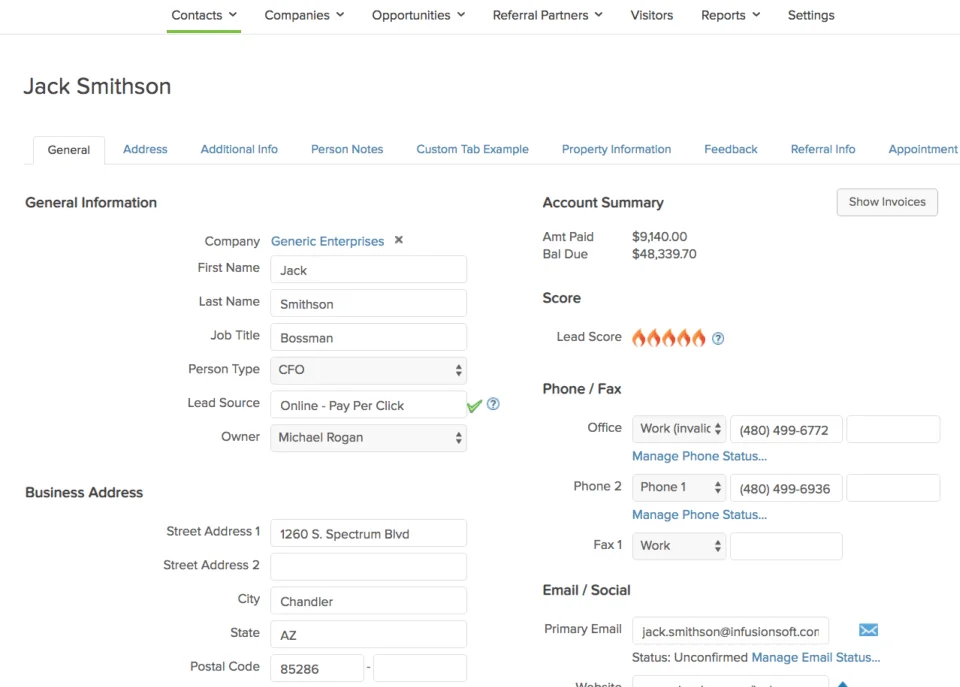
Contacts, opportunities, tags, custom fields, and notes, plus marketing activity such as emails, forms and page views, lifecycle stage, and lead score. Field mapping is configured per project so only relevant data flows and each field has a clear owner. Custom Keap objects sync through the Keap REST API.
How a HubSpot Keap Integration Actually Works
A HubSpot Keap integration works by giving each platform a defined job. Keap owns campaign execution, tag-based automation, and Keap-native opportunity data. HubSpot owns marketing engagement, lifecycle stage, and lead scoring. The integration keeps both sides current instead of forcing one system to hold data it was never built to manage.
In one direction, new HubSpot leads and their marketing context flow into Keap as contacts with the correct tags applied, ready to enter the right Keap campaign automatically. In the other direction, Keap opportunity stage, closed-won status, tags, and invoice data flow back into HubSpot, so marketing can see which campaigns actually closed revenue instead of just which ones generated leads.
Nothing syncs by accident. Every field has a defined system of record, so a Keap tag update does not overwrite a HubSpot lifecycle stage change made the same day, and vice versa. Sync direction, frequency, and conflict rules are all configured per field during the build.
Three Ways to Connect Keap and HubSpot
Not every team needs custom. Here is the honest comparison.
| Factor | Native Marketplace App | Zapier / iPaaS | Custom (Integrate IQ) |
|---|---|---|---|
| Best for | Single Keap instance, standard contact fields, low complexity | Simple trigger-action tasks, quick pilots | Multi-instance Keap, custom tags, complex campaign logic |
| Sync direction | One-way or two-way, Starter plan and up | Mostly one-way per Zap, two-way needs multiple Zaps | Bi-directional, field-level control over direction |
| Custom objects/fields | Default mappings only; custom mapping needs Data Hub Starter or above | Depends on the connector’s field list, limited depth | Full support, including custom Keap fields and objects |
| Activity and engagement sync | Contact and opportunity sync only, no engagement history | Basic activity logging per Zap | Full engagement, tag, and campaign context synced both ways |
| Business logic | Default field mappings, minimal conditional logic | Simple if/then per Zap, breaks down at scale | Custom rules built to your process, including tag-based triggers |
| Volume handling | Fine at low-to-mid contact volume | Task limits and rate throttling at scale | Built for high-volume batch and real-time sync together |
| Historical backfill | Not supported | Manual, one record at a time | Full historical backfill included in the build |
| Maintenance | HubSpot-managed, limited troubleshooting support | You own Zap upkeep as fields change | Monitored and maintained as part of the engagement |
If you run a single Keap instance, need only default field mappings, and don’t lean on tags to trigger campaigns, the marketplace data sync app or a Zapier bridge will get you moving. Once you’re managing multiple Keap instances, need bi-directional tag logic, or want historical backfill and monitored maintenance, that’s when custom HubSpot integration services pay for themselves.
Revenue Workflows You Can Automate Once Keap Data Lives in HubSpot
- Speed-to-lead routing. A HubSpot form submission creates a Keap contact, applies the correct tag, and drops them into the matching Keap campaign by product or region within minutes, so sales engages before interest cools.
- MQL handoff with full context. When a HubSpot lifecycle stage flips to MQL, the sync passes lead score, lifecycle stage, last five engagements, and UTM source into Keap and tags the record to trigger the right follow-up sequence.
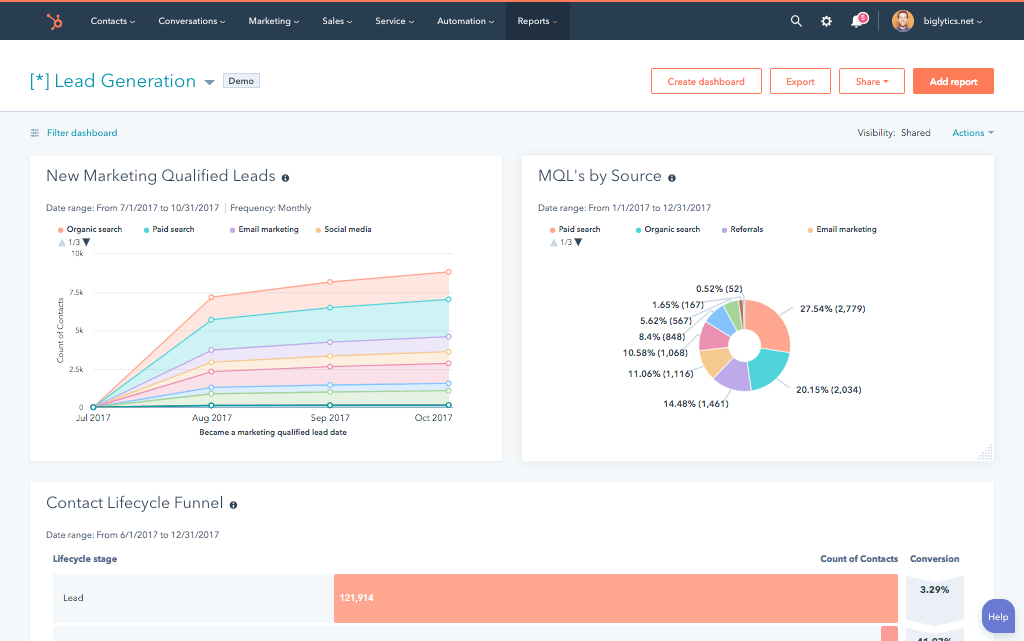
- Closed-loop revenue reporting. Keap opportunity stage, closed-won status, and invoice data sync back to HubSpot so marketing can attribute real revenue to campaigns instead of guessing from lead counts.
- Account-based re-engagement. A closed-lost tag applied in Keap triggers a HubSpot nurture workflow segmented by loss reason, keeping the account warm without manual list-building.
- Smart List activation. Keap purchase history and tags feed HubSpot Smart Lists automatically, powering targeted upsell, cross-sell, and new-product campaigns without exporting CSVs between systems.
What Breaks in a Keap HubSpot Sync, and How We Prevent It
- Duplicate records and identity resolution. We match on email first, then a configurable fallback key, so a lead who fills out a HubSpot form and later gets manually added in Keap does not become two records.
- System-of-record conflicts. We define, per field, which system wins when both update the same record close together, instead of letting whichever system wrote last silently overwrite the other.
- Keap tag-to-property drift. Keap tags are not a 1:1 match for HubSpot properties. We build an explicit tag-to-property mapping layer and monitor it, instead of relying on a generic multi-checkbox dump.
- Picklist and status value mismatch. Native connectors often sync display labels instead of internal values, so a renamed Keap stage silently breaks HubSpot reporting. We map on stable internal values.
- API rate limits at volume. Across our client base we move 300 plus platforms and 20 billion plus fields annually, so we batch, checkpoint, and throttle by design instead of by accident.
Implementation Timeline: What to Expect
Most HubSpot Keap integrations complete inside eight weeks of kickoff. The first two weeks cover discovery: object inventory in both systems, field-by-field mapping, system of record decisions, and a full audit of your existing Keap tag taxonomy. Weeks three to five are build and unit testing against a staging Keap instance and a HubSpot sandbox. Week six runs the historical backfill and reconciliation. Weeks seven and eight cover user acceptance testing, cutover, and hypercare. Post-launch monitoring is included, so if a Keap configuration changes or HubSpot pushes an API update, we see it before your reports do. Full detail is on our HubSpot integration process page and 98.5% of clients renew for a follow-on scope.
See your 12-month revenue impact with HubSpot CRM
Enter your current numbers — visitors, leads, deal size — and get a personalized projection based on real HubSpot customer benchmarks.
Calculate My ROI
Connect the Rest of Your Revenue Stack
Keap rarely runs alone in a revenue stack. If your team also evaluates HubSpot Salesforce integration as an enterprise CRM path, we can help you weigh it against staying on Keap; see our HubSpot vs Salesforce comparison for an honest breakdown. On the finance side, a HubSpot QuickBooks integration closes the loop from closed-won deal to invoice, and a HubSpot NetSuite integration covers teams scaling into full ERP. If reporting needs to go deeper than HubSpot dashboards, a HubSpot Snowflake integration puts synced Keap and HubSpot data into your warehouse for custom analysis.



Table of Contents
- What is a HubSpot Keap integration?
- How does the HubSpot Keap integration work?
- Does HubSpot have a native Keap integration?
- How long does a HubSpot Keap integration take to build?
- Can HubSpot and Keap sync bi-directionally?
- What data can sync between HubSpot and Keap?
- How a HubSpot Keap Integration Actually Works
- Three Ways to Connect Keap and HubSpot
- Revenue Workflows You Can Automate Once Keap Data Lives in HubSpot
- What Breaks in a Keap HubSpot Sync, and How We Prevent It
- Implementation Timeline: What to Expect
- Connect the Rest of Your Revenue Stack