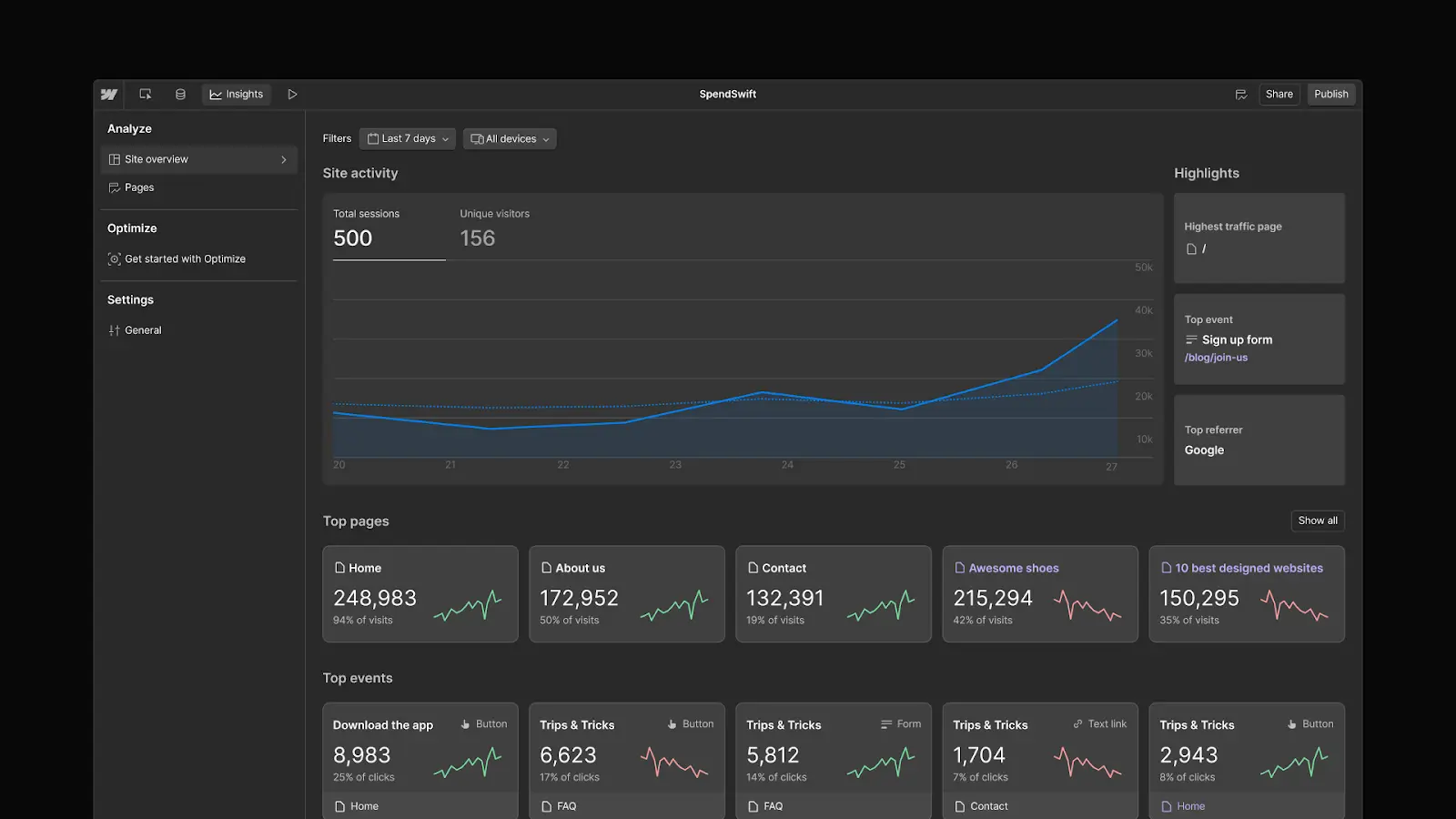


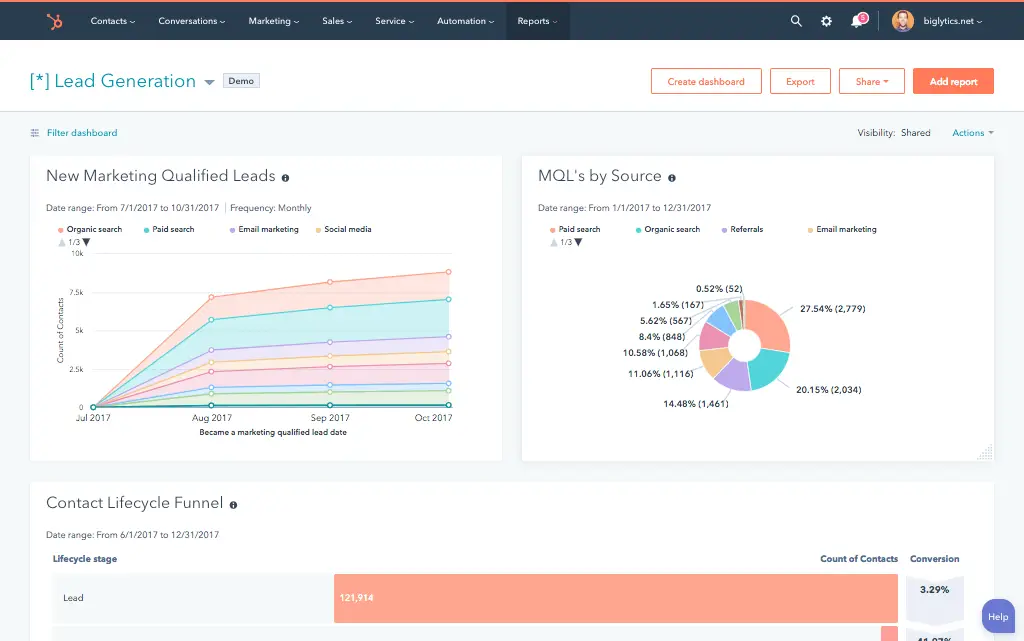
























What is a HubSpot Webflow integration?
A HubSpot Webflow integration connects your website’s forms, CMS content, and visitor data to HubSpot, so every form submission becomes a properly attributed contact and your marketing team can act on real website engagement data.
How does the HubSpot Webflow integration work?
The integration maps Webflow form fields to HubSpot contact properties, syncs CMS content like blog posts between the two platforms, and installs tracking so visitor behavior and lead source are captured accurately. Form submissions can trigger workflows, task creation, or deal creation depending on the form.

Turn HubSpot Into A Real-Time SMS Engine with Message IQ
 Two-Way Conversations
 Shared Team Inbox
 Automation Triggers
 Advanced Reporting
 Compliance Tools
- 98% SMS read within 3 min
- 78% Buy from first responder
- 21× More likely to qualify

*MessageIQ is an IntegrateIQ product – built natively for HubSpot by the same team.
Does HubSpot have a native Webflow integration?
Yes. HubSpot offers a native Webflow app through its App Marketplace that maps native Webflow forms to HubSpot properties without custom code. It’s a genuine, functional integration for standard use cases, with real, documented gaps around UTM tracking, complex field types, and duplicate-submission risk if misconfigured.
Does Webflow automatically capture UTM parameters for HubSpot attribution?
No, not automatically. Webflow’s native forms don’t capture UTM parameters on submission by default; without custom hidden-field JavaScript pulling those values from the URL, every paid lead enters HubSpot showing as direct traffic instead of its actual source. This is a common, easy-to-miss gap that quietly breaks attribution reporting.
How long does a HubSpot Webflow integration take to build?
A custom HubSpot Webflow integration typically takes 6 to 8 weeks: 1 to 2 weeks of discovery and field mapping, 3 weeks of build and staging, and the remaining weeks for testing and go-live support.
Can two Webflow forms with the same name cause mapping problems?
Yes. Webflow’s own help documentation confirms that when two or more forms share the same name, its API can lose track of which form’s fields should map where, since it defaults to the form with the most recent submission. This is a real, documented risk worth checking for directly, not a hypothetical edge case.
Three Ways to Connect Webflow and HubSpot
Not every team needs custom. Here is the honest comparison, currently absent from the page.
| Factor | Native Webflow App | Zapier / Middleware | Custom Integration (Integrate IQ) |
|---|---|---|---|
| Best for | Small teams with simple, standard forms and no custom attribution needs | Basic one-way automation, still needs manual UTM setup | Teams needing reliable attribution, complex field types, and duplicate-proof configuration |
| UTM / attribution capture | Not captured automatically, requires custom JavaScript regardless | Requires the same manual hidden-field setup | Built into the form logic from day one |
| Duplicate-submission risk | Real risk if both mapping methods are enabled at once | Depends on configuration | Single, deliberate capture path enforced by design |
| Sync direction | One-way, form to HubSpot only | One-way per trigger | True bi-directional, configurable per object |
| Business logic | None beyond basic field mapping | Basic conditional logic | Custom rules, e.g. domain-based filtering, company-matching by email |
| Volume handling | Fine for standard form volume; 10,000-submission cap on the tracking-code fallback method | Task limits and throttling at scale | Built for high-volume forms and CMS syncs without hitting caps |
| Maintenance | Vendor-managed | You manage it | Monitored, maintained, and supported |
If you’re running a small site with standard forms and don’t need custom attribution, the native app is a reasonable, genuinely functional starting point. Once UTM tracking, complex field types, or protection against the native app’s own documented duplicate-submission and same-name-form risks matter, a custom integration is what closes those specific, real gaps.
Additional Website Workflows You Can Automate Once Webflow Data Lives in HubSpot
This page already covers personalized web experiences, embedded smart forms and chatbots, HubSpot blog sync to Webflow, instant lead capture and routing, automated nurture sequences, full customer journey tracking, and deal creation from high-intent forms. The five below are deliberately new.
- UTM Parameter Capture Beyond Webflow’s Native Gap. Since Webflow’s native forms don’t automatically capture UTM parameters on submission, a custom integration adds hidden-field JavaScript to pull UTM values from the URL on every form load, so every lead entering HubSpot carries real source attribution instead of showing as “Direct Traffic.”
- Duplicate Submission Prevention Across Capture Methods. Since enabling both Webflow’s form-mapping app and HubSpot’s “Non-HubSpot forms” tracking simultaneously creates duplicate submissions, a custom integration enforces a single, deliberate capture path per form, eliminating the config trap that creates messy duplicate contact activity.
- Same-Name Form Disambiguation. Since Webflow’s own API can lose track of which form is which when two forms share the same name, a custom integration uses unique, hidden form identifiers to guarantee the correct mapping stays intact even as pages get duplicated or redesigned.
- Case-Sensitive Field Mapping Validation. Since a single misnamed or mismatched-case field can cause a silent mapping failure that goes unnoticed for weeks, a custom integration validates field mappings explicitly during build and monitors for blank-field submissions after launch.
- Multi-Select and Complex Field Type Support. Since the native form-mapping tool has real limits on complex field types like multi-select dropdowns, a custom integration handles these field types explicitly so segmentation data isn’t lost on submission.
What Breaks in a Webflow HubSpot Sync, and How We Prevent It
This section is currently absent from the page entirely.
- Duplicate records and identity resolution. Enabling both Webflow’s native form-mapping app and HubSpot’s “Non-HubSpot forms” tracking at the same time is a real, documented way to create duplicate form submissions and contact records. We use a single, deliberate capture path, not both simultaneously.
- System-of-record conflicts. Marketing may update a form’s field structure directly in Webflow while HubSpot’s mapping configuration still expects the old structure. We monitor for structural drift so a form redesign doesn’t silently break the mapping.
- Same-named forms break Webflow’s own API. Webflow’s own help center confirms that when two or more forms share the same name, its API can lose track of which form’s fields should map to which HubSpot properties, since it defaults to the form with the most recent submission. We enforce unique form identifiers so a page redesign or duplicated template doesn’t silently disconnect a mapping.
- UTM parameters aren’t captured by Webflow’s native forms. Webflow’s native forms don’t automatically capture UTM parameters on submission; without custom hidden-field JavaScript pulling those values from the URL, every paid lead enters HubSpot with no source attribution, undermining exactly the kind of full-journey reporting this integration is meant to enable. We build UTM capture into the form logic explicitly, not as an afterthought.
- Case-sensitive field mismatches cause silent data loss. A real audit of over 20 mid-market Webflow-HubSpot builds found 58% of basic integration failures traced back to a single misnamed or mismatched-case field, discovered weeks after launch with blank data quietly piling up. We validate every field mapping explicitly during build and monitor for unexpected blank fields after go-live.
See your 12-month revenue impact with HubSpot CRM
Enter your current numbers — visitors, leads, deal size — and get a personalized projection based on real HubSpot customer benchmarks.
Calculate My ROI
Connect the Rest of Your Marketing Stack
Custom domain-based filtering or company-matching logic beyond the standard build often needs full-stack development support. Getting marketing teams onto the new workflow goes faster with HubSpot training and HubSpot marketing operations support. Not sure what any of this is worth to your team? Run the numbers on our Integration ROI Calculator.



Table of Contents
- What is a HubSpot Webflow integration?
- How does the HubSpot Webflow integration work?
- Does HubSpot have a native Webflow integration?
- Does Webflow automatically capture UTM parameters for HubSpot attribution?
- How long does a HubSpot Webflow integration take to build?
- Can two Webflow forms with the same name cause mapping problems?
- Three Ways to Connect Webflow and HubSpot
- Additional Website Workflows You Can Automate Once Webflow Data Lives in HubSpot
- What Breaks in a Webflow HubSpot Sync, and How We Prevent It
- Connect the Rest of Your Marketing Stack