

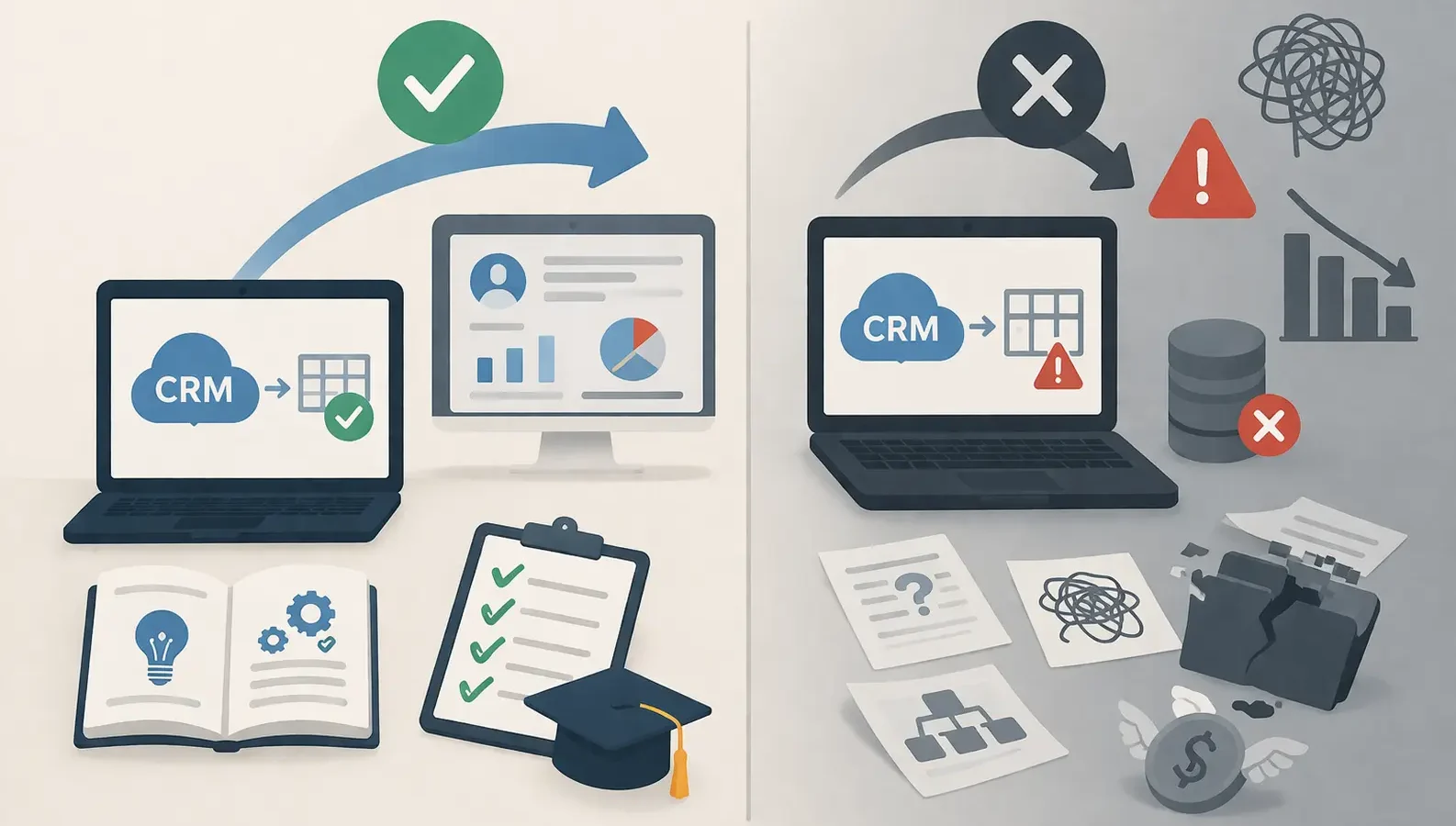
You just migrated to HubSpot. The new system is live, data is transferred, and your team has access. Everything looks good. So you skip the training. After all, CRM platforms are intuitive, right? Users can figure it out as they go.
Fast forward four weeks. Your sales team is frustrated. Marketing can’t find basic contact information. Your data quality has tanked. And somehow, people are still using spreadsheets for critical workflows. This scenario happens more often than most organizations admit.
Why Teams Skip CRM Training
Skipping training is rarely a malicious decision. It almost always comes down to these three factors:
Budget Constraints
Migrations are expensive. You’ve already spent on software licenses, implementation services, and data migration. By the time go-live arrives, the budget feels depleted. Training becomes optional, a luxury rather than a necessity. The thinking is simple: why invest more money when the system already works?
Time Pressure
Go-live dates are immovable. Migrations typically get delayed anyway, creating a compressed timeline at the end. Marketing has campaigns scheduled. Sales needs to hit quotas. Nobody has two hours for training. Training schedules get pushed to “next month,” which never comes. People are expected to learn on their own time, which realistically doesn’t happen.
The Intuition Assumption
This is the most dangerous assumption. Decision makers believe that CRM platforms are inherently intuitive. Nobody needed training on Gmail or Slack, the thinking goes. People will figure out HubSpot on their own. What gets underestimated is the behavioral and organizational shift required. HubSpot is not just software; it represents new workflows, new processes, and new responsibilities for each user. Without context and guidance, intuition fails fast.
The Adoption Cliff: What Happens in Weeks 1 to 4
The first month after migration without training follows a predictable pattern. Week one brings initial enthusiasm. Users explore the new interface, create a few records, and get a surface-level feel for the platform. But enthusiasm does not last without guidance.
By week two, confusion emerges. Users encounter fields they don’t understand. Workflows don’t work the way they expect. Some features exist but nobody knows about them. Workarounds start appearing. A salesperson finds that using email templates is confusing, so they compose emails manually. A marketer avoids automation because the trigger logic seems unclear.
Week three is where adoption starts failing. Frustration peaks. Users resort to what they know. Spreadsheets resurface. Manual processes replace automated ones. The new CRM becomes a secondary tool used only for compliance or reporting, not for actual work.
By week four, the damage is real. Adoption is clearly failing. At this point, leadership might finally call for training, but the moment has passed. Users are already entrenched in workarounds. Getting them to change behavior takes significantly longer than getting it right the first time.
Data Quality Deterioration: The Silent Killer
Bad training leads directly to bad data. This is cause and effect, not coincidence. When users do not understand the data model or why data structure matters, they enter information however it makes sense to them.
Duplicate records explode. Without training on deduplication workflows, users create new contacts instead of finding existing ones. One rep enters a company as Acme Inc. Another enters it as Acme, and a third as Acme Corporation. The system does not know these are the same account. Reports become useless.
Missing fields become standard. Users skip mandatory fields because they do not understand why the field exists. A phone number field might seem optional if the benefit of having it is not explained. Multiple fields go unfilled, creating incomplete records and blocked workflows downstream.
Inconsistent formatting destroys segmentation. Different users enter the same data in different ways. Phone numbers show up as (555) 123-4567, 555-123-4567, and 5551234567. Company sizes get recorded as 50 employees, 50 to 100, and approximately 50. Custom fields get populated with random values because their purpose was never explained.
Workflow Abandonment: Reverting to Manual Processes
HubSpot power lies in automation. Sales sequences, marketing workflows, automated task creation, triggered notifications. These features eliminate manual work and ensure nothing falls through the cracks. But they only work if people use them.
Without training, users avoid features they do not understand. Sales sequences seem overly complicated, so reps send emails manually. Marketing workflows are confusing, so campaigns run semi-manually. Task automation is mysterious, so managers create tasks by hand. The net result is that teams work harder than they should, and nothing is systematized.
This regression is particularly damaging because it is invisible at first. There is no alarm; workflows simply do not activate. Users have not disabled anything. They just do not know these tools exist or how to use them. The solution they had in their old system, the spreadsheet, is still available. They revert to it naturally.
The Hidden Cost: Remediation Training Costs 3 to 4X More
Skipping initial training does not save money. It defers it. Once adoption fails and data quality suffers, organizations eventually recognize the problem and invest in remediation training. This is where the math gets painful.
Remediation training costs significantly more than initial training because you are fighting against established habits. Users have already built workarounds. They have convinced themselves the system does not work for their job. You are not teaching features; you are changing behavior. Research and experience across hundreds of implementations shows that remediation training costs 3 to 4 times more than upfront training, and takes twice as long.
Additionally, you have data cleanup costs. Deduplication requires manual work or custom scripts. Formatting inconsistencies need standardization. Missing data might require outreach to customers or educated guesses. These operational costs compound the training investment.
Warning Signs Your Team Needs Training Intervention
- If your organization has not done formal CRM training yet, watch for these signs that intervention is urgent:
- Usage flatlines. Active user logins drop over the first month. Users open HubSpot only when forced to, not as part of their natural workflow.
- Data quality visibly declines. Duplicate records accumulate. Fields remain empty. Formatting becomes inconsistent. Reports cannot be trusted.
- Spreadsheets resurface. Critical workflows move back to Excel or Google Sheets. This is always a sign that the CRM is not filling its intended purpose.
- Support tickets spike. People submit tickets asking basic questions that training should have covered. The support team drowns in foundational questions.
- Adoption metrics plateau. If adoption was supposed to reach 80 percent and stalled at 50 percent by week three, training is missing.
What Effective CRM Training Actually Looks Like
Effective training is not a single session. It is a multi-week program that combines structured learning, practical application, and reinforcement. Here is the architecture that works:
- Pre-training preparation starts before the first session. Users receive documentation. They are given access to the system to explore. Expectations are set. There is no ambiguity about why training matters or what will be covered.
- Live group sessions introduce key concepts. These sessions should focus on workflow and mindset, not button-clicking. The goal is to help users understand how their job is changing and why the structure of the new system makes sense.
- Role-specific breakouts teach the unique aspects of each job. A sales rep training looks different from a marketing ops training. Content is tailored to specific workflows and responsibilities.
- Hands-on labs let people practice in a safe environment before going live. They create records, build workflows, run reports. Practice builds confidence and competence faster than watching someone else do it.
- Office hours and drop-in support in the days after launch catch confusion early. Users encounter real problems on their actual workflows and can get help immediately. This is where gaps in understanding surface and get addressed before bad habits form.
- Reinforcement training in weeks 2 to 4 reviews what did not stick and covers advanced topics. At this point, users have hands-on experience and are more receptive to learning.
Role-Based Training vs One-Size-Fits-All Approaches
One-size-fits-all training is the fastest way to waste everyone time. A sales rep does not need to understand marketing automation workflows. A marketer does not need to know the details of sales cadences. Yet generic training covers everything for everyone.
This approach fails because it overloads people with irrelevant information and undershoots on depth for their specific role. Reps zone out during the marketing section. Marketers miss crucial details about the contact model.
Role-based training is dramatically more effective. Salespeople train on pipeline management, deal stages, sales sequences, and reporting on their metrics. Marketing trains on contact workflows, list building, automation, and lead scoring. Operations trains on data quality, integrations, and system administration. Each person learns what matters for their job.
The initial investment is slightly higher because you are running multiple tracks. The payoff is dramatically higher adoption and faster time to productivity. People remember what is relevant to them. They build context for why their job changed. They leave training ready to contribute, not confused.
Building Internal CRM Champions
No organization can rely on formal training alone to sustain adoption. You need CRM champions: people who take ownership of the system and support their peers.
Champions are identified early, often before go-live. They are people who are naturally curious about the system and respected by their peers. They get deeper training than the broader team. They learn not just how to use the system, but how to support others using it.
Champions become the first line of support. A rep has a question about deal stages. Instead of emailing the support team, they ask the sales champion at their desk. A marketer wonders about lead scoring. They check with the marketing champion. This peer-to-peer support is faster, more accessible, and maintains enthusiasm.
Champions also provide feedback to leadership and implementations teams. They report what is working, what is confusing, and what workflows need adjustment. This feedback loop prevents minor frustrations from becoming major adoption problems.
Measuring Training ROI: Adoption Metrics, Data Quality, and Time Savings
Training ROI sounds abstract until you measure it. Here are the metrics that quantify the value of training:
- Adoption rates measure what percentage of your user base actively uses CRM features. Track active user logins, records created, workflows initiated, and report views over time. A team that started at 45 percent adoption and reached 82 percent through training has proven the value. These users are now working within the system instead of around it.
- Data quality scores quantify consistency, completeness, and accuracy. Calculate the percentage of records with all required fields populated. Measure duplicate ratios. Track formatting consistency. Improvements in these metrics directly reflect training effectiveness and impact downstream reporting accuracy.
- Time savings emerge when automation works as designed. Sales reps reclaim time previously spent on manual email and task creation. Marketing stops manually managing campaigns and lets workflows run. Finance saves time on reconciliation because data is consistent. Measure hours saved per week per role, multiply by hourly cost, and compare to training investment.
- Feature adoption measures how many people use advanced CRM features beyond basic record keeping. What percentage of your sales team uses sales sequences? How many marketers use workflow automation? Higher feature adoption indicates deeper training and greater system utilization.
- Support request volume decreases with effective training. Fewer basic questions mean lower support costs and faster resolution for complex issues. Track support tickets before and after training to see the impact.
Frequently Asked Questions
Q: Can users just learn as they go?
A: They can learn some basics this way. They cannot learn best practices, workflow optimization, or system strategy without structured guidance. Learning on the fly creates individual workarounds, inconsistent data, and missed opportunities. Structured training builds consistency across the organization.
Q: How much training is enough?
A: Initial training typically requires 4 to 6 hours per role spread over 1 to 2 weeks. This includes live sessions, hands-on labs, and office hours. Add 2 to 3 hours of reinforcement training in weeks 2 to 4. The total is roughly 6 to 9 hours per user. For organizations with 50 to 100 users, that is 300 to 900 hours of training. It sounds like a lot until you consider that bad adoption creates remediation costs 3 to 4 times higher.
Q: Should we train before or after go-live?
A: Train before go-live so users understand the system when they encounter it for the first time. Launch day is not the time for people to be figuring out how to create a contact. Pre-go-live training ensures familiarity and confidence. Post-launch, focus on office hours, support, and reinforcement.
Q: What about video training libraries?
A: Video libraries are excellent supplements but not substitutes for live training. Videos allow people to learn on their schedule and review complex topics. But they lack interaction, accountability, and immediate feedback. The most effective approach combines live training, hands-on labs, and video libraries for reference.
Q: How do we keep training relevant as the system evolves?
A: Plan quarterly training sessions covering system updates, new features, and use-case optimization. These sessions do not need to be as intensive as initial training. They refresh people on the system and help them adopt improvements. CRM champions lead much of this reinforcement training.
Conclusion
Skipping CRM training after migration feels like saving money and time. In reality, it defers costs and guarantees problems. The adoption cliff is real. Data quality deteriorates predictably. Teams revert to manual processes. And when organizations finally invest in remediation, the cost is 3 to 4 times higher than upfront training would have been.
Effective CRM training is structured, role-based, and includes hands-on practice. It builds internal champions and establishes support systems that extend beyond initial launch. The return on this investment shows up in adoption rates, data quality, and time savings.
If your organization has not prioritized CRM training yet, the time to invest is now, not after adoption fails. The economics are clear. Training works.
