













Explore this article with AI:
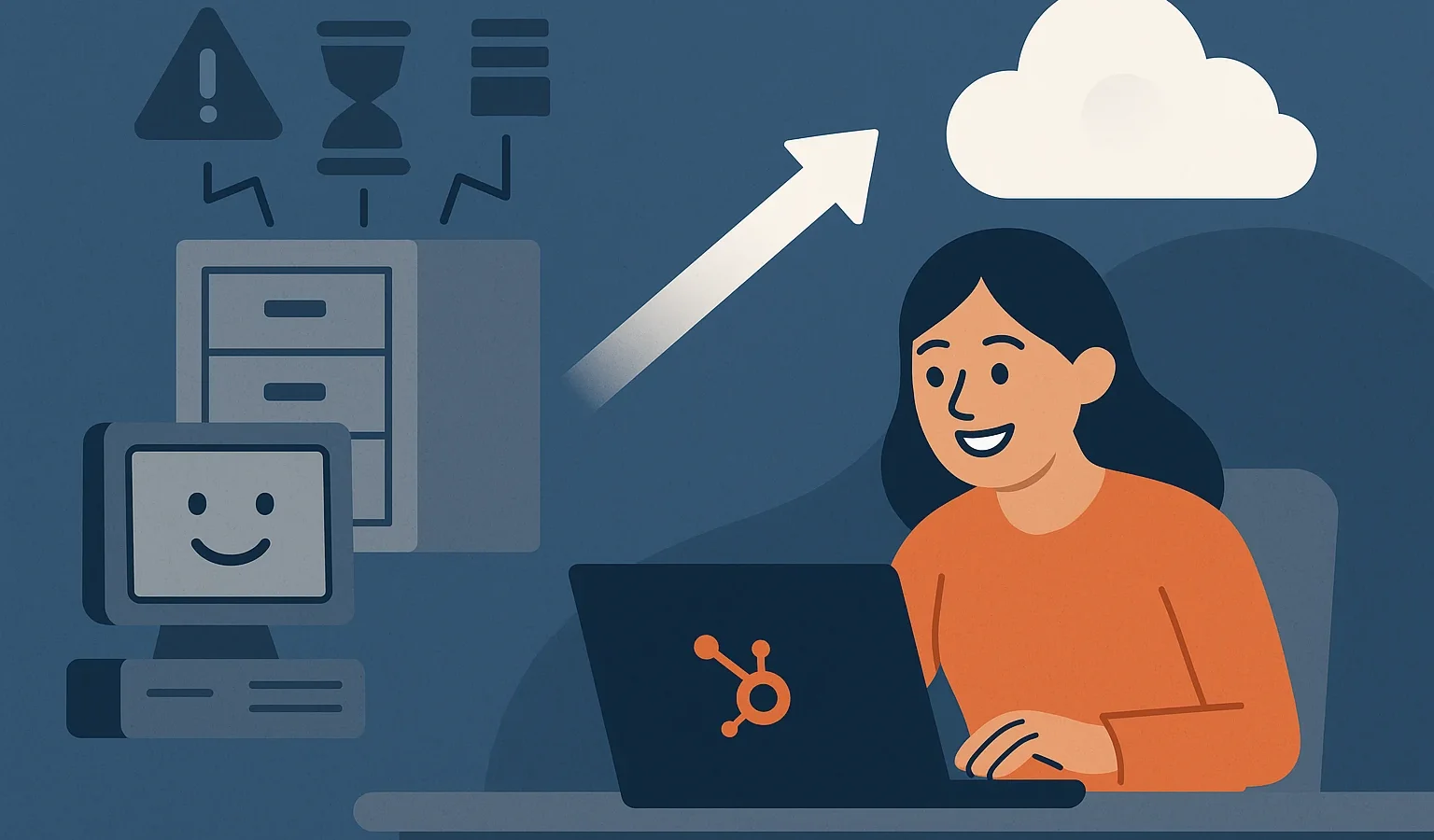
CRMs are designed to drive visibility, alignment, and efficiency across revenue teams. But when a system becomes outdated, slow, or disconnected, it drags your operations down instead of lifting them up. This guide explains when to migrate your CRM, the warning signs to watch for, and what legacy limitations cost your business over time.
Free estimator
Know what your HubSpot project costs before the first call.
Select your services and get a transparent price range in minutes. No sales call needed to get a number.
Connect HubSpot to your ERP, billing platform, or database field mapping, custom logic, and support included.
Pipelines, workflows, email templates, and reporting configured for how your team actually works.
Live, role-based sessions with recordings and written guides built around a custom plan for your team.
HubSpot Partner
Client retention
Platforms integrated
Key Takeaways
These are the most important insights executives should know before deciding to migrate their CRM:
- Knowing when to migrate your CRM begins with identifying legacy system problems that impact adoption, workflows, and customer experience.
- Common CRM upgrade indicators include slow performance, incomplete data, clunky workflows, and missing integrations.
- Outdated CRM issues reduce forecasting accuracy, weaken customer visibility, and hold back automation.
- Recognizing early signs you need a new CRM saves time, reduces long-term costs, and improves system-wide efficiency.
- A well-planned migration unlocks stronger data integrity, faster workflows, and deeper alignment across teams.
Why Organizations Struggle With Legacy CRMs
Legacy CRMs often begin as “good enough” tools that slowly become bottlenecks. As teams evolve and customer expectations rise, outdated systems fail to keep up. Over time, they slow workflows, fragment data, and create visibility gaps between departments.
Many companies wait too long to upgrade, resulting in more manual work, more errors, and frustrated teams. Understanding the true cost of staying on an outdated CRM is the first step toward meaningful improvement.

Turn HubSpot Into A Real-Time SMS Engine with
Message IQ

Two-Way Conversations

Shared Team Inbox

Automation Triggers

Advanced Reporting

Compliance Tools
-
98%
SMS read within 3 min -
78%
Buy from first responder -
21×
More likely to qualify
3–5 min avg response
$45–$50 ROI / $1

*MessageIQ is an IntegrateIQ product – built natively for HubSpot by the same team.
The Most Common Signs You Need to Migrate Your CRM
If your CRM feels harder to use each quarter, you might be dealing with early-warning indicators that your system is outdated. These signs often appear gradually but become clear once they start affecting performance.
1. Your CRM Is Slowing Down: Literally and Operationally
Legacy platforms often suffer from slow loading times, clunky interfaces, and outdated code structures.
This doesn’t just frustrate users; it reduces productivity, decreases CRM adoption, and increases manual work.
Indicators include:
- Long page loads
- Frequent system downtime
- Lag when updating records or running reports
- Time-consuming admin tasks
When performance becomes a daily roadblock, it’s a strong sign your CRM is aging out.
2. Your Teams Don’t Trust the Data Anymore
A CRM is only as good as the data inside it.
If your system produces inconsistent or unreliable insights, teams lose confidence and revert to spreadsheets or external tools.
Warning signs:
- Duplicate records multiplying
- Inconsistent field usage
- Incomplete or inaccurate customer data
- Conflicting reports between departments
These legacy CRM problems often stem from systems that lack strong validation rules, governance capabilities, or modern data structures.
3. Your Workflows No Longer Match How Your Business Operates
Businesses evolve. Legacy systems don’t.
If your CRM forces your team to work around limitations, it’s holding you back.
You may notice:
- Pipeline stages don’t match real buying behavior
- Automation is limited or impossible
- Workflows are too hard to update
- Teams use manual steps to compensate for system gaps
This is one of the clearest CRM upgrade indicators and a major trigger for migration.
4. Integrations Keep Breaking or Don’t Exist
A modern CRM must connect seamlessly with marketing, finance, service, project management, and communication tools. Older CRMs often fail here.
Clear symptoms include:
- Limited integration options
- Fragile third-party connections
- Manual file uploads required to sync data
- Tools operating in silos
Teams using systems like HubSpot Asana integration or HubSpot Trello integration expect effortless connectivity. If your current CRM can’t support these workflows, it’s time to upgrade.
5. Customer Visibility Is Fragmented Across Tools
When information lives in multiple disconnected places, customer experience suffers.
Legacy CRMs often lack unified timelines, interaction histories, or cross-team handoff visibility.
You’ll see:
- Sales and Support using separate systems
- Marketing unable to see full contact history
- Poor handoffs between teams
- Missing data from service or finance tools
Companies tackling these visibility gaps rely on integrations like HubSpot Zendesk integration and connected reporting ecosystems.
6. Reporting Feels Incomplete or Impossible
Legacy CRMs frequently struggle with modern analytics requirements.
Red flags:
- Hard-to-build dashboards
- No attribution visibility
- Inaccurate forecasting
- Missing lifecycle reporting
- Manual spreadsheet exports every week
If your CRM can’t produce reliable data, it’s time to consider migration.
Outdated CRM Issues That Impact Daily Operations
Outdated systems have ripple effects across every department.
When a CRM breaks down, your workflows, revenue insights, and customer experience weaken.
How Legacy CRMs Erode Operational Efficiency
- Sales struggles with outdated pipelines
- Marketing lacks engagement visibility
- Service teams can’t see ticket or customer history
- Operations can’t maintain consistent data
- Leadership can’t trust forecasting
These issues impact revenue, customer satisfaction, and internal alignment.
When to Migrate Your CRM: Clear Indicators It’s Time to Switch
Migration isn’t just about escape; it’s about enabling future growth.
Here are the most reliable signals that your organization has outgrown its current CRM.
1. You’ve Outgrown the System’s Customization Limits
If you can’t modify fields, workflows, objects, or automation, your CRM is limiting growth.
2. Integrations Are Essential and Your CRM Can’t Keep Up
Modern revenue teams need real-time sync across tools like finance, service, and project management.
Systems such as HubSpot Xero integration show the power of unified financial and sales data, something most legacy CRMs cannot support.
3. You’re Scaling, but Your CRM Isn’t
As teams expand, old systems create bottlenecks instead of capacity.
4. Compliance & Security Risks Are Increasing
Legacy systems often lack modern access control, audit logs, and compliance features.
5. Your CRM Vendor Is No Longer Innovating
If updates slow down or support weakens, the CRM will fall behind industry needs.
What to Do Once You Identify These CRM Upgrade Indicators
Once you recognize these signs, planning early prevents costly disruptions.
Companies that delay migration face higher cleanup costs and deeper operational debt.
Recommended Actions
- Document processes that no longer fit
- Assess data quality and duplicate volume
- Identify integrations that need upgrading
- Build requirements across all teams
- Review governance, roles, and data ownership
- Consult a CRM migration specialist
For teams at this stage, exploring full-stack CRM development and integration services gives you a reliable guide for planning and execution.
FAQs
What are the signs you need a new CRM?
Common signs include inconsistent data, slow performance, missing integrations, clunky workflows, poor reporting, and growing reliance on spreadsheets.
When should a company migrate its CRM?
Companies should migrate their CRM when legacy systems block growth, limit reporting, fragment customer data, or can’t support automation and integrations.
How do outdated CRM issues impact performance?
Outdated CRM issues reduce adoption, damage data quality, break workflows, and weaken decision-making across revenue teams.
What triggers the need for a CRM upgrade?
Triggers include scalability needs, integration limitations, compliance changes, and shifting customer experience expectations.
See your 12-month revenue impact with HubSpot CRM
Enter your current numbers — visitors, leads, deal size — and get a personalized projection based on real HubSpot customer benchmarks.

The Bottom Line
Legacy CRMs eventually cost more in lost productivity, poor visibility, and operational friction than they do to replace. Recognizing the signs early helps you protect data quality, improve team performance, and stay ahead of customer expectations.
If you’re ready to assess whether your CRM is holding you back, Integrate IQ can help you evaluate your system and plan a migration strategy that supports long-term growth. Schedule your CRM upgrade readiness review today.



Table of Contents

