













Explore this article with AI:
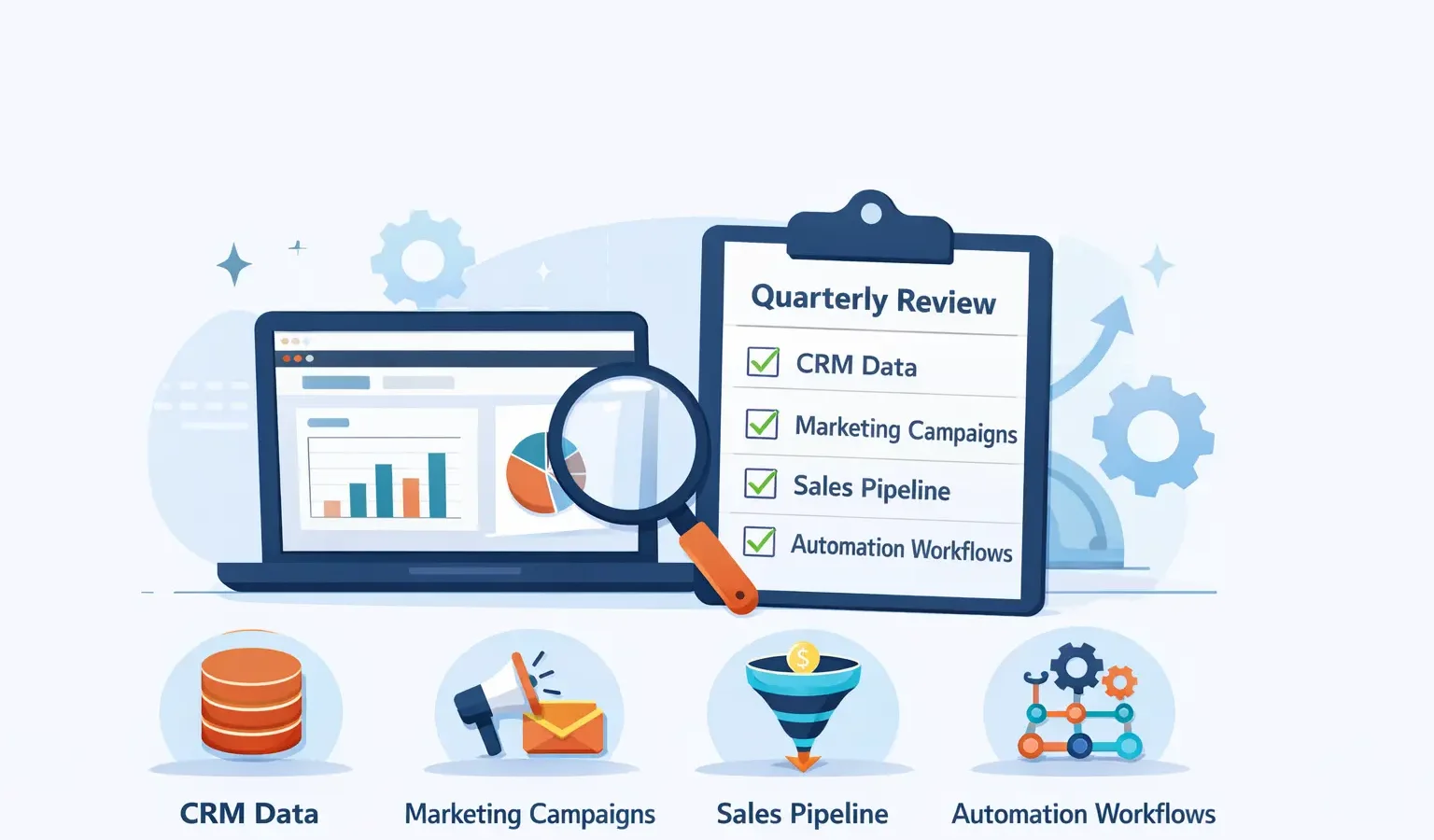
Your HubSpot portal is the engine driving your business operations. Like any engine, it needs regular maintenance to run at peak performance. A quarterly audit identifies data quality issues, configuration drift, unused integrations, and orphaned records that silently damage your ROI.
This guide provides a practical HubSpot CRM health check framework you can implement in 2-3 hours. We’ll walk through what to review, how to measure impact, and when to engage a HubSpot specialist. Integrate IQ has audited 150+ portals and identified common issues that cost companies between 10-30% of their expected CRM value.
Free estimator
Know what your HubSpot project costs before the first call.
Select your services and get a transparent price range in minutes. No sales call needed to get a number.
Connect HubSpot to your ERP, billing platform, or database field mapping, custom logic, and support included.
Pipelines, workflows, email templates, and reporting configured for how your team actually works.
Live, role-based sessions with recordings and written guides built around a custom plan for your team.
HubSpot Partner
Client retention
Platforms integrated
Why Does Your HubSpot Portal Need Quarterly Reviews?
Most companies audit their HubSpot portals reactively, only when something breaks. Proactive quarterly reviews prevent small issues from becoming major problems.
Here’s what happens without regular audits:
- Data quality degrades by 3-5% monthly as manual entry errors accumulate
- Unused integrations continue consuming credits and creating redundant records
- Custom fields proliferate without documentation, confusing your team
- Permissions drift as employees change roles, creating security gaps
- Workflows and automations become outdated, triggering incorrect actions
- Report dashboards display stale metrics from misaligned properties
According to HubSpot’s 2024 State of Service report, companies with quarterly CRM audits report 23% higher data accuracy and 18% faster deal cycles. The audit itself takes minimal time. The payoff compounds quarterly.
How Clean Is Your Contact and Company Data?
Data quality is the foundation. Garbage in equals garbage out, as the saying goes. Start here.
Audit Step 1: Measure Completeness
Check critical field fill rates across your primary objects.
Audit Step 2: Identify Duplicate Records
HubSpot’s Duplicate Management tool detects potential duplicates using fuzzy matching logic. Run this quarterly because duplicates accumulate faster than you realize.
- Go to Contacts > Duplicate Management
- Note the number of potential duplicates flagged
- Establish a threshold (anything under 50 is excellent, 50-150 is normal, 150+ requires intervention)
- Merge high-confidence duplicates following your naming conventions
Duplicates cause 8-12% of your operational issues. Merging just 50 duplicates can recover 0.5-1% of your data integrity instantly.
Audit Step 3: Audit Property Hygiene
- Custom properties become technical debt when undocumented. Create a properties inventory.
- Count total custom properties per object (Contacts, Companies, Deals)
- Identify properties not used in the past 6 months (use HubSpot reports or custom views)
- Flag properties with multiple naming conventions (e.g., Phone, phone number, Phone Num)
- Document each property’s purpose, owner, and calculation logic (if any)
Pro tip: If your portal has more than 50 custom contact properties, you’re experiencing property sprawl. Archive unused properties and consolidate overlapping ones.

Turn HubSpot Into A Real-Time SMS Engine with
Message IQ

Two-Way Conversations

Shared Team Inbox

Automation Triggers

Advanced Reporting

Compliance Tools
-
98%
SMS read within 3 min -
78%
Buy from first responder -
21×
More likely to qualify
3–5 min avg response
$45–$50 ROI / $1

*MessageIQ is an IntegrateIQ product – built natively for HubSpot by the same team.
Are Your Integrations Running Smoothly and Adding Value?
Integrations are the connective tissue of your tech stack. They also consume API credits, create sync delays, and propagate bad data if misconfigured.
Audit Step 4: Review Active Integrations
- Go to Settings > Integrations and audit each connection.
- If an integration hasn’t synced in 30+ days, investigate why. Either:
- It’s working but syncing at the expected rate (OK to keep)
- It’s broken and should be reauthorized (immediate action needed)
- It’s unused and should be deactivated (free up API credits)
Audit Step 5: Check API Credit Usage
API credits are finite. Many companies overspend on integrations that don’t justify their consumption.
- Navigate to Settings > Integrations > API Calls Dashboard
- Identify which integrations consume the most credits
- Calculate ROI: (Contacts created or enriched per month) / (API calls consumed)
- Deactivate integrations with ROI below 0.01 (meaning under 1 valuable action per 100 API calls)
A common scenario: A data enrichment integration might consume 5,000 API calls monthly but only enrich 200 new contacts (ratio of 25:1). Assess if that enrichment justifies the cost. Often, it doesn’t.
Audit Step 5.5: Data Sync Quality and Lag Times
Beyond just whether integrations are running, you need to assess the quality and timeliness of synced data.
- Measure sync lag times: How long does data take to flow from source systems to HubSpot?
- Check field mapping accuracy: Are all integrated fields populated correctly in HubSpot?
- Audit data type conversions: Are dates, numbers, and currency values syncing with correct formatting?
- Review sync error logs: Do any integrations show persistent errors that should be remedied?
- Validate record counts: Do synced record counts in HubSpot match source system counts?
Integrate IQ’s integration audits frequently identify data type mismatches that silently corrupt reporting. A synced date field interpreted as text, or a currency amount stored as a string instead of a number, breaks dashboards and automation rules downstream. These problems are easy to miss in manual reviews but critical to catch.
Are Your Automations Still Relevant and Accurate?
Workflows and automation rules drive your business logic. Over time, they drift. Conditions become outdated. Trigger logic doesn’t match your current sales process.
Audit Step 6: Audit Workflow Triggers and Enrollment
- Go to Automation > Workflows and review each active workflow.
- List all active workflows with their trigger conditions
- Check monthly enrollments for each (are people still entering the workflow?)
- Identify workflows with zero enrollments in 90 days (likely outdated)
- Verify trigger conditions match your current business rules
- Test a few workflow branches to confirm they’re executing as intended
A workflow that triggers when a deal closes might still execute tasks for your old sales process. Quarterly reviews catch these misalignments before they damage your operations.
Audit Step 7: Review Automation Rules
Automation rules in HubSpot (the simpler, property-based automation) can create cascading issues if they’re not regularly reviewed.
- Navigate to Automation > Automation Rules
- List all active rules and their conditions
- Check for conflicting rules (e.g., two rules updating the same property differently)
- Verify property conditions still exist (properties don’t get deleted out from under rules automatically)
If your portal has more than 15 active automation rules, you likely have unnecessary rules or duplicates. Consolidate where possible.
Who Has Access to What, and Do They Still Need It?
Access control is a security and data governance issue. Quarterly reviews ensure the principle of least privilege is maintained.
Audit Step 8: Review Team Members and Permissions
- Go to Settings > Users & Teams and audit active users.
- Identify inactive users (last login 90+ days ago) and deactivate them
- Verify role permissions match current job responsibilities
- Check if anyone has admin access who doesn’t need it (principle of least privilege)
- Ensure data access restrictions are applied correctly for sensitive objects
Deactivating unused users also frees up licenses. If you’re at your user limit and someone has departed, deactivation costs you nothing but creates seats for active team members.
Are Your Reports and Dashboards Showing Accurate Metrics?
Reports drive decisions. Bad data in reports drives bad decisions. Auditing your reporting layer is non-negotiable.
Audit Step 9: Validate Report Data Definitions
- Pick your three most important reports and validate their metrics.
- Open the report and note the filters applied (what is included/excluded?)
- Check the metric definition (is it counting active records only? All time or last 12 months?)
- Spot-check 5 records in the report against the source data to ensure accuracy
- Verify dashboard tiles pull from the correct reports
Example: Your monthly revenue report might include failed deals, deals marked as lost but not yet closed, or deals still in negotiation. The definition matters. If your report definition changed, historical comparisons become invalid.
Is Your Configuration Documented and Transferable?
Undocumented configuration is fragile. When your HubSpot administrator leaves, knowledge walks out the door.
Audit Step 10: Audit Portal Documentation
- Create a simple configuration inventory.
- Do you have a current data dictionary documenting all custom properties?
- Is workflow and automation logic documented anywhere (spreadsheet, wiki, or Notion)?
- Do you have a list of active integrations with their sync frequency and fields mapped?
- Is your user access policy documented?
- Do you have an audit log showing who changed what and when?
If you can’t answer yes to most of these, your portal is under-documented. Invest 2-3 hours creating this inventory. It pays for itself when someone needs to troubleshoot an issue or hand off responsibilities.
Building Your Documentation Inventory
Here’s a simple template to get started with your documentation inventory. You don’t need something elaborate. A single Google Sheet or Notion table suffices.
- Custom Properties Sheet: List object type, property name, description, owner, usage frequency (high/medium/low/unused), last modified date
- Integrations Sheet: Integration name, purpose, source/destination systems, sync frequency, fields mapped, API credit usage, last sync date, ROI assessment
- Workflows & Automations: Workflow name, trigger condition, actions, monthly enrollments, owner, last reviewed date, notes on any pending updates
- Users & Access: Username, email, role, access level, department, last login date, date added to team
Update these sheets during each quarterly audit. The act of documenting often reveals gaps that need attention.
What’s Custom and Does It Still Make Sense?
Many portals have custom fields, custom code, or custom integrations built years ago. Quarterly reviews assess whether they’re still delivering value.
Audit Step 11: Review Custom Code and Implementations
- If you’ve invested in custom HubSpot development, assess its ROI.
- List all custom code, webhooks, and custom modules
- Verify each is actively in use (check logs for recent execution)
- Assess whether a HubSpot native feature now replaces this custom work
- Evaluate if the custom implementation should be refactored, replaced, or retired
HubSpot releases new features regularly. A custom workflow you built three years ago might now have a native equivalent that’s more maintainable.
The Complete HubSpot Portal Audit Checklist
Print or bookmark this checklist for your next quarterly audit.
Frequently Asked Questions About HubSpot Portal Audits
Q: How long does a complete audit take?
A complete audit takes 2-4 hours depending on portal complexity and your familiarity with HubSpot. Smaller portals might take 1-2 hours. Complex, heavily integrated portals with many custom implementations may take 4-6 hours. If you’re doing an initial audit (first time), allocate an extra 1-2 hours for documentation and baseline establishment. Subsequent quarterly audits will be faster since you’re comparing against established baselines.
Q: What’s the ROI of quarterly audits?
Companies that audit quarterly report 15-25% improvements in data accuracy and 10-18% faster sales cycles. For a company with 500 active records generating 100,000 per month in value, a 15% efficiency gain equals 15,000 monthly. Quarterly audits cost 8-12 hours annually and typically return 50-100x their time investment. The math is straightforward: At 2 hours per quarter (8 hours annually), that’s roughly 1,920 annual investment. For a 15% efficiency gain on 100,000 monthly value, you gain 15,000 monthly or 180,000 annually. Even accounting for implementation time to fix issues found, the payback is measured in weeks, not months.
Q: Should I hire an external consultant for audits?
Not always. If you have internal HubSpot expertise, quarterly audits are manageable in-house. However, a third-party audit every 12-18 months catches issues internal teams miss due to familiarity bias. External consultants also bring best practices and can identify optimization opportunities your team hasn’t considered. IntegrateIQ offers comprehensive portal audits starting at 2,500 for deeper strategic reviews.
Q: What should I do if my audit reveals major issues?
Prioritize by impact. Fix data quality issues first (they affect everything downstream). Then address security/access control issues. Then tackle integration and automation drift. Create a 30-60-90 day remediation plan and assign ownership for each fix. Don’t try to fix everything at once, which overwhelms your team.
Q: How do I prevent audit findings from reoccurring?
Establish governance processes. Require documentation for any new fields, workflows, or integrations. Implement a change log. Assign an owner responsible for quarterly audits (even if it’s just 1 day per quarter). Build quarterly audits into your team calendar as a standing item.
Q: Can I automate parts of the audit?
Yes. Set up automated reports that surface key metrics: fill rates, duplicate counts, inactive users, API credit usage. Schedule these to run monthly and have them delivered to your team. Automation handles the data gathering; your team handles interpretation and remediation.
Q: Which is more important: quarterly audits or ongoing maintenance?
Both matter, but they’re different. Ongoing maintenance is reactive (fix issues as they arise). Quarterly audits are proactive (find issues before they affect operations). Ideally, you do both. Quarterly audits should trigger governance improvements that reduce ongoing maintenance burden.
Q: What if I don’t have internal resources for audits?
You have options. Engage a HubSpot Solution Partner for quarterly audits. Use HubSpot’s diagnostic tools (available in higher-tier plans). Or create a minimal internal cadence (just data quality and integration audits) and hire external expertise for deeper strategic reviews every 18 months.
See your 12-month revenue impact with HubSpot CRM
Enter your current numbers — visitors, leads, deal size — and get a personalized projection based on real HubSpot customer benchmarks.

Conclusion: Your Quarterly Audit Roadmap
A well-maintained HubSpot portal is a competitive advantage. Bad data, broken integrations, outdated workflows, and lax access controls drag down your revenue operations. Quarterly audits are the preventative maintenance that keeps your portal running at peak efficiency.
Start with the 11-point checklist in this guide. Block out 2-3 hours on your calendar. Work through each item systematically. Document findings and create a remediation plan. Build this into your quarterly operations routine.
If you’re auditing a complex portal with multiple integrations or you’re uncertain where to start, that’s when external expertise makes sense. Integrate IQ has performed 150+ audits and identified patterns that damage portal health. Our HubSpot Diamond partnership and custom integration accreditation mean we understand both native HubSpot configuration and the integration complexity most companies face.
The cost of skipping audits compounds quarterly. Each quarter without a review creates more technical debt, more orphaned data, and more misalignment between your portal configuration and your actual business processes. One company we worked with hadn’t audited in two years. Their portal had 847 duplicate contacts, 23 broken integrations consuming unused API credits, and 12 overlapping automation rules triggering contradictory updates. The remediation took 60+ hours.
Ready to audit your portal? Use this checklist as your roadmap. If you’d like professional guidance or a comprehensive strategic audit, contact Integrate IQ for a no-obligation consultation. We’ll help you identify your portal’s biggest opportunities for improvement.



Table of Contents
- Why Does Your HubSpot Portal Need Quarterly Reviews?
- How Clean Is Your Contact and Company Data?
- Are Your Integrations Running Smoothly and Adding Value?
- Are Your Automations Still Relevant and Accurate?
- Who Has Access to What, and Do They Still Need It?
- Are Your Reports and Dashboards Showing Accurate Metrics?
- Is Your Configuration Documented and Transferable?
- What's Custom and Does It Still Make Sense?
- The Complete HubSpot Portal Audit Checklist
- Frequently Asked Questions About HubSpot Portal Audits
- Conclusion: Your Quarterly Audit Roadmap

