













Explore this article with AI:
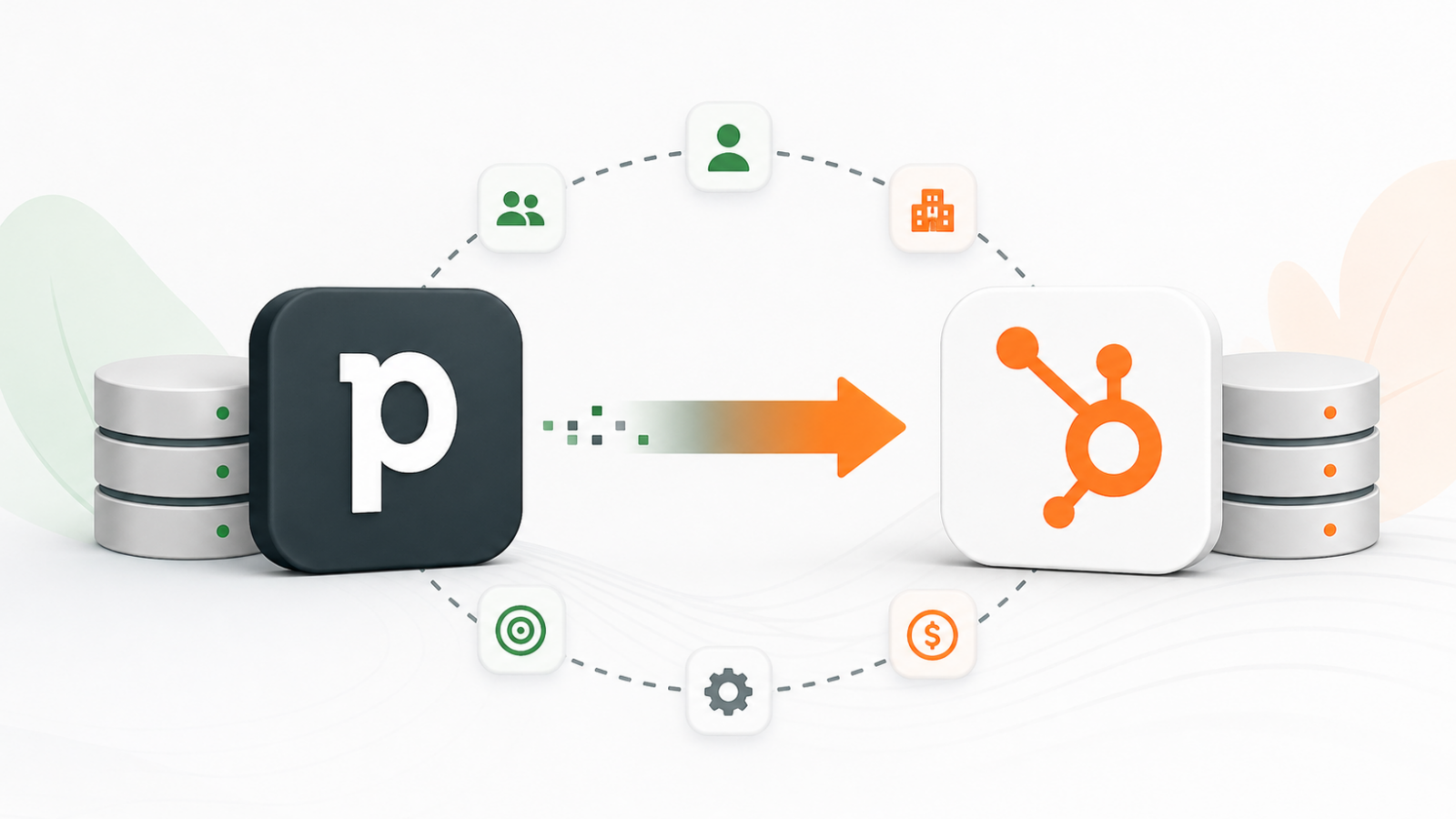
Most Pipedrive to HubSpot migrations don’t fail because of bad intentions they fail because someone treated a data-model translation problem like a file transfer. The CSV export runs fine. Then the team realizes three years of call notes, deal activities, and contact associations are gone. That’s not a minor inconvenience. That’s your entire sales history wiped.
A Pipedrive to HubSpot migration is the process of moving your CRM’s contacts, companies, deals, activities, custom fields, and workflow logic from Pipedrive’s data model into HubSpot’s object-oriented CRM structure while preserving every relationship that makes the data useful in the first place.
We’ve run this migration dozens of times at Integrate IQ a HubSpot Diamond Solutions Partner with custom integration accreditation. The average project runs 8 weeks and covers anywhere from 20,000 to 200,000+ records. What follows is the actual technical playbook, not the sanitized marketing version.
Free estimator
Know what your HubSpot project costs before the first call.
Select your services and get a transparent price range in minutes. No sales call needed to get a number.
Connect HubSpot to your ERP, billing platform, or database field mapping, custom logic, and support included.
Pipelines, workflows, email templates, and reporting configured for how your team actually works.
Live, role-based sessions with recordings and written guides built around a custom plan for your team.
HubSpot Partner
Client retention
Platforms integrated
Why Teams Move from Pipedrive to HubSpot
Three triggers push companies across the line and they tend to cluster together at a specific growth stage.
The first is team scale. Pipedrive handles 3–5 reps elegantly. Around 10–15 reps, the cracks in pipeline reporting and activity visibility start showing. Sales managers want forecast accuracy that Pipedrive’s reporting can’t deliver. HubSpot’s Sales Hub gives you deal inspection, sequence reporting, and rep-level performance analytics that actually connect to revenue.
The second is marketing-sales data unification. Pipedrive doesn’t have a native Marketing Hub equivalent. Most teams bolt on a separate email tool and then spend significant time reconciling contact records between two systems. HubSpot centralizes contacts, marketing engagement, deal data, and service tickets in one database. Marketing can finally build lead scoring models that account for actual sales pipeline signals.
The third trigger is service. Once a company adds a customer success or support function, Pipedrive’s deal-centric model starts breaking down. HubSpot’s Service Hub with ticket pipelines, knowledge bases, and customer portals shares the same contact and company objects as Sales Hub. Your support team sees the full deal history. Your sales team sees the open tickets. No API glue required.
Teams that consolidate from three to five tools into HubSpot report significant reduction in total cost of ownership over two to three years. The 86% improvement in lead quality through advanced lead scoring cited in migration case studies comes specifically from this unification not from HubSpot itself, but from finally having the data in one place.
The Pipedrive Data Model vs HubSpot: What Actually Differs
This is where most migration guides lose you they either skip it entirely or describe it so vaguely it’s useless. Here’s the actual mapping.
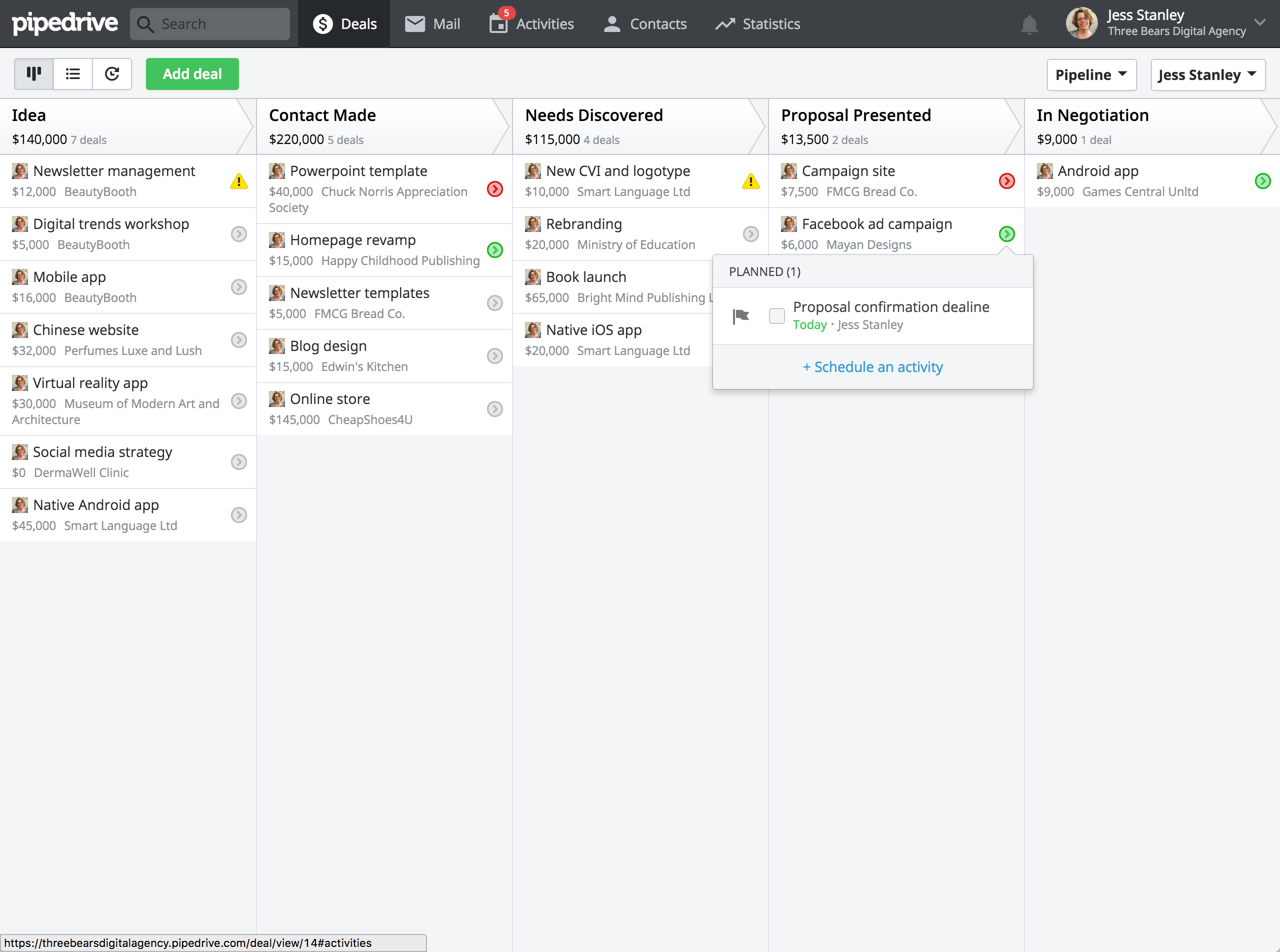
Pipedrive People map to HubSpot Contacts. Standard fields like name, email, and phone transfer cleanly. Custom fields on Persons need to be recreated as Contact properties in HubSpot before the migration runs.
Pipedrive Organizations map to HubSpot Companies. The relationship between People and Organizations becomes the Contact-Company association in HubSpot and this association needs to be explicitly preserved during migration, not assumed.
Pipedrive Deals map to HubSpot Deals. Pipeline stage names won’t match, so stage mapping is required. Each Pipedrive stage needs to be manually assigned to the corresponding HubSpot stage including any custom stages your team built.
Pipedrive Activities this is the landmine. After Pipedrive’s March 2024 API change, a Pipedrive activity can only link to one object at a time (deal, lead, or project). In HubSpot, the equivalent concept is Engagements notes, emails, calls, meetings, and tasks and each Engagement can be associated with multiple contacts, companies, and deals simultaneously via typed association IDs. Your transformation layer may need to expand relationships, not just copy them. This is why CSV migrations consistently lose activity history.
Pipedrive has no native custom objects. If your instance uses custom fields on Persons or Deals to simulate separate entity types like ‘Subscription’ or ‘Property’ you need to decide whether those become custom properties on HubSpot’s standard objects or dedicated custom objects. Custom objects in HubSpot require Sales Hub Enterprise or above. Make this decision before your migration starts, because it determines your HubSpot plan and your schema design.

Turn HubSpot Into A Real-Time SMS Engine with
Message IQ

Two-Way Conversations

Shared Team Inbox

Automation Triggers

Advanced Reporting

Compliance Tools
-
98%
SMS read within 3 min -
78%
Buy from first responder -
21×
More likely to qualify
3–5 min avg response
$45–$50 ROI / $1

*MessageIQ is an IntegrateIQ product – built natively for HubSpot by the same team.
Pipedrive to HubSpot Migration Methods: CSV vs API vs Custom ETL
Three paths exist. They’re not equally valid for every situation.
| Factor | CSV Import | Custom API / ETL |
| Data fidelity | Contacts and basic fields only | Full fidelity including associations, activities, attachments |
| Relationship preservation | Broken CSV strips relationship IDs | Preserved via typed association APIs on both sides |
| Activity/engagement migration | Not supported | Full Engagement migration with multi-object associations |
| Custom objects | Not supported | Supported with proper schema design |
| Rate limit management | N/A | Required both Pipedrive and HubSpot enforce limits |
| Technical skill required | Low | High requires API knowledge on both platforms |
| Best for | Under 5k records, contacts only | 20k+ records, full history, complex custom fields |
| Typical cost | $0 (DIY) | $3,000–$15,000+ depending on complexity |
CSV is fast and free, but it gets you contacts in a spreadsheet, not a working CRM. For anything beyond a basic contact list import, API-based ETL is the only method that preserves the associations that make CRM data actually useful.
HubSpot Smart Transfer handles simple migrations for supported apps, but it has hard limitations: no custom object support without a Data Hub subscription, no activity-to-engagement transformation, and no rate limit management. For straightforward setups with under 10,000 records and no custom objects, it works. For everything else, it doesn’t.
The Pipedrive API Rate Limits Problem Nobody Talks About
Pipedrive migrated to token-based rate limiting in December 2024, rolling out to all existing customers by May 2025. This fundamentally changes how migration scripts need to be architected.
Each Pipedrive API endpoint now carries a token cost based on its computational complexity. A lightweight GET request for a single record is cheap. A search query or a complex update costs significantly more. Your migration script’s token budget is shared across all users and all integrations on the account simultaneously. If sales reps are actively working in Pipedrive while your migration runs, their API-driven integrations compete for the same token pool.
Burst limits also apply on a rolling two-second window per API token. Even if your daily token budget hasn’t been exhausted, rapid-fire requests trigger 429 Too Many Requests errors. Persistent violations escalate to 403 responses from Cloudflare. A migration script that ignores both Pipedrive’s token system and HubSpot’s own rate limits will stall mid-run, produce partial imports, and leave your CRM in an inconsistent state that’s harder to clean up than starting from scratch.
We build Integrate IQ’s migration pipelines with explicit rate limit management on both sides adaptive throttling, retry logic with exponential backoff, and scheduling that runs heavy extraction jobs outside business hours when fewer users are competing for API tokens.
The Pipedrive to HubSpot Migration Process: Step by Step
Here’s the actual 8-week process we run. Each phase builds on the one before it skipping ahead to data import before the validation steps is how migrations blow up.
- Audit your Pipedrive environment (Week 1). Document all objects, custom fields, pipelines, stages, active workflows, and integrations. Count records per object type. Identify custom fields that simulate object relationships.
- Define migration scope (Week 1). Decide what travels with you and what stays behind. Archived deals from 5+ years ago may not be worth the complexity. Lost contacts with no activity history probably aren’t worth migrating either.
- Build the field mapping workbook (Week 2). Map every Pipedrive field to its HubSpot equivalent. Flag fields that don’t have a direct mapping and document your resolution strategy. This workbook is your source of truth for the entire migration.
- Clean and deduplicate source data (Week 2). Run deduplication on Pipedrive before migration, not after. Duplicate records in Pipedrive become duplicate records in HubSpot with broken associations. Use a pre-migration audit to identify contacts with missing email addresses, deals with no owner, and organizations with duplicate entries.
- Configure HubSpot portal (Week 3). Create all custom properties, pipeline stages, and lifecycle stages before any data comes in. Set up user accounts and permissions. Turn off any active integrations that could create records during the migration window.
- Run test migration on 10% sample (Week 4). Import a representative subset and validate associations, engagement records, field mappings, and ownership assignments. Involve the sales team have each rep spot-check their own records. Catch issues at 10% of the data, not 100%.
- Validate and iterate (Week 5-6). Fix every issue found in the test migration. Re-run the test on a fresh sample. Don’t proceed to full migration until the test is clean.
- Run full migration with rate limit management (Week 7). Schedule the full extraction and import. Set a data entry cutoff date no new records go into Pipedrive after this point. All updates go into HubSpot from this moment forward.
- Delta-sync for the cutover gap (Week 8). Capture any records modified in Pipedrive between your extraction date and your go-live date. This closes the gap without requiring a second full migration.
- Post-migration validation and go-live. Run final checks on record counts, association integrity, and workflow activation. Train the team on HubSpot before you shut down Pipedrive access.
Custom Integration vs Native Connector: When Each Makes Sense
HubSpot Smart Transfer handles standard migrations for its supported app list. If you’re running a simple Pipedrive setup contacts, companies, deals, standard fields and your record count is under 10,000, Smart Transfer can get you there with less complexity.
The moment you hit any of these conditions, you need a custom-built migration pipeline:
- More than 20,000 records across all objects
- Custom objects or fields simulating object relationships
- Activity history that needs to be preserved as HubSpot Engagements
- File attachments on deals or contacts that need to be migrated
- Complex workflow logic that needs to be rebuilt in HubSpot
- Integration dependencies that require careful sequencing
We’re a HubSpot Diamond Solutions Partner with custom integration accreditation specifically because this is where off-the-shelf tools hit their ceiling. We’ve processed over 20 billion records annually across 300+ platform integrations. The Pipedrive-to-HubSpot path is one we’ve mapped in detail including the edge cases that make migrations fail.
What Breaks and Why: The Four Most Common Failure Modes
Understanding these failure patterns before you start is the difference between an 8-week migration and a 6-month recovery.
Duplicate records from live CRM overlap. If your team keeps entering data into Pipedrive after you’ve set your migration cutover date, those new records won’t exist in HubSpot when you go live. The fix is non-negotiable: set a hard cutoff date, communicate it to every user, and disable write access to Pipedrive at that date.
Broken associations from CSV exports. CSV files contain field values but not relationship IDs. When you import a deal CSV into HubSpot, it has no connection to the contact or company it originally lived on in Pipedrive. Every relationship has to be established separately through HubSpot’s Associations API.
Missing activity history. Pipedrive’s native export doesn’t include notes, call logs, or email attachments linked to deals. This data requires API extraction and transformation into HubSpot Engagements. This is the most common source of ‘where did our history go?’ complaints post-migration.
Ownership transfer errors. Each Pipedrive object is assigned to a user. User accounts don’t automatically match HubSpot accounts. If you don’t build explicit user mapping into your migration script, records land in HubSpot without an owner and workflow triggers that depend on record ownership fire incorrectly or not at all.
Frequently Asked Questions
How long does a Pipedrive to HubSpot migration take?
For a typical mid-market company with 20,000–100,000 records across contacts, companies, deals, and activities, expect 6–12 weeks end-to-end. Simple setups with under 10,000 records and no custom objects can run in 2–4 weeks. Integrate IQ’s standard delivery is 8 weeks from project kickoff which accounts for the audit, mapping, test migration, validation, and production deployment phases.
Does Pipedrive export notes and activities?
Standard Pipedrive exports don’t include notes, call logs, or email attachments attached to deals. Those records live in Pipedrive’s Activities and Notes objects, which require API-based extraction. This is exactly why CSV migrations consistently lose engagement history the export just doesn’t contain it.
Will my deal history survive the migration?
Yes, if you use API-based ETL with proper association mapping. Deal history the full timeline of notes, calls, and stage changes requires that deal records are linked to their Engagement records in HubSpot via the Associations API. CSV imports don’t preserve these links. An API migration with explicit association handling does.
How much does a Pipedrive to HubSpot migration cost?
Ranges from $2,000 on the low end (small datasets, standard fields, no custom objects) to $15,000+ for enterprise-scale migrations with custom objects, complex workflow rebuilds, and integration dependencies. The biggest cost driver isn’t record volume it’s custom field complexity and the number of active integrations that need to be re-scoped for HubSpot.
Can I migrate Pipedrive automations to HubSpot workflows?
Pipedrive automations don’t transfer directly they need to be rebuilt as HubSpot Workflows. The good news is HubSpot’s workflow engine is significantly more powerful. Most Pipedrive automation logic maps cleanly to HubSpot, and in many cases the rebuilt version is simpler because HubSpot handles conditions and actions that required workarounds in Pipedrive.
What HubSpot plan do I need before migrating?
At minimum, Sales Hub Starter gives you the CRM objects you need for contacts, companies, and deals. If you have custom objects in Pipedrive simulated through custom fields, you’ll need Sales Hub Enterprise to recreate those as actual custom objects in HubSpot. Marketing Hub and Service Hub subscriptions should be in place before migration if you’re consolidating your full tech stack.
See your 12-month revenue impact with HubSpot CRM
Enter your current numbers — visitors, leads, deal size — and get a personalized projection based on real HubSpot customer benchmarks.

Ready to Migrate from Pipedrive to HubSpot?
Losing three years of deal history because of a bad migration isn’t a risk worth taking. Integrate IQ handles Pipedrive to HubSpot migrations from audit to go-live with full API-based ETL, explicit association mapping, rate limit management, and a standard 8-week delivery timeline. We process 20 billion+ records annually across 300+ platforms.
If your migration is coming up in the next quarter, start the scoping conversation now. The planning phase determines whether you go live clean or spend months cleaning up broken records.
Start your migration scoping at integrateiq.com/our-hubspot-integration-process/ or contact the team directly at integrateiq.com/contact-us/



Table of Contents
- Why Teams Move from Pipedrive to HubSpot
- The Pipedrive Data Model vs HubSpot: What Actually Differs
- Pipedrive to HubSpot Migration Methods: CSV vs API vs Custom ETL
- The Pipedrive API Rate Limits Problem Nobody Talks About
- The Pipedrive to HubSpot Migration Process: Step by Step
- Custom Integration vs Native Connector: When Each Makes Sense
- What Breaks and Why: The Four Most Common Failure Modes
- Frequently Asked Questions
- Ready to Migrate from Pipedrive to HubSpot?

