













Explore this article with AI:
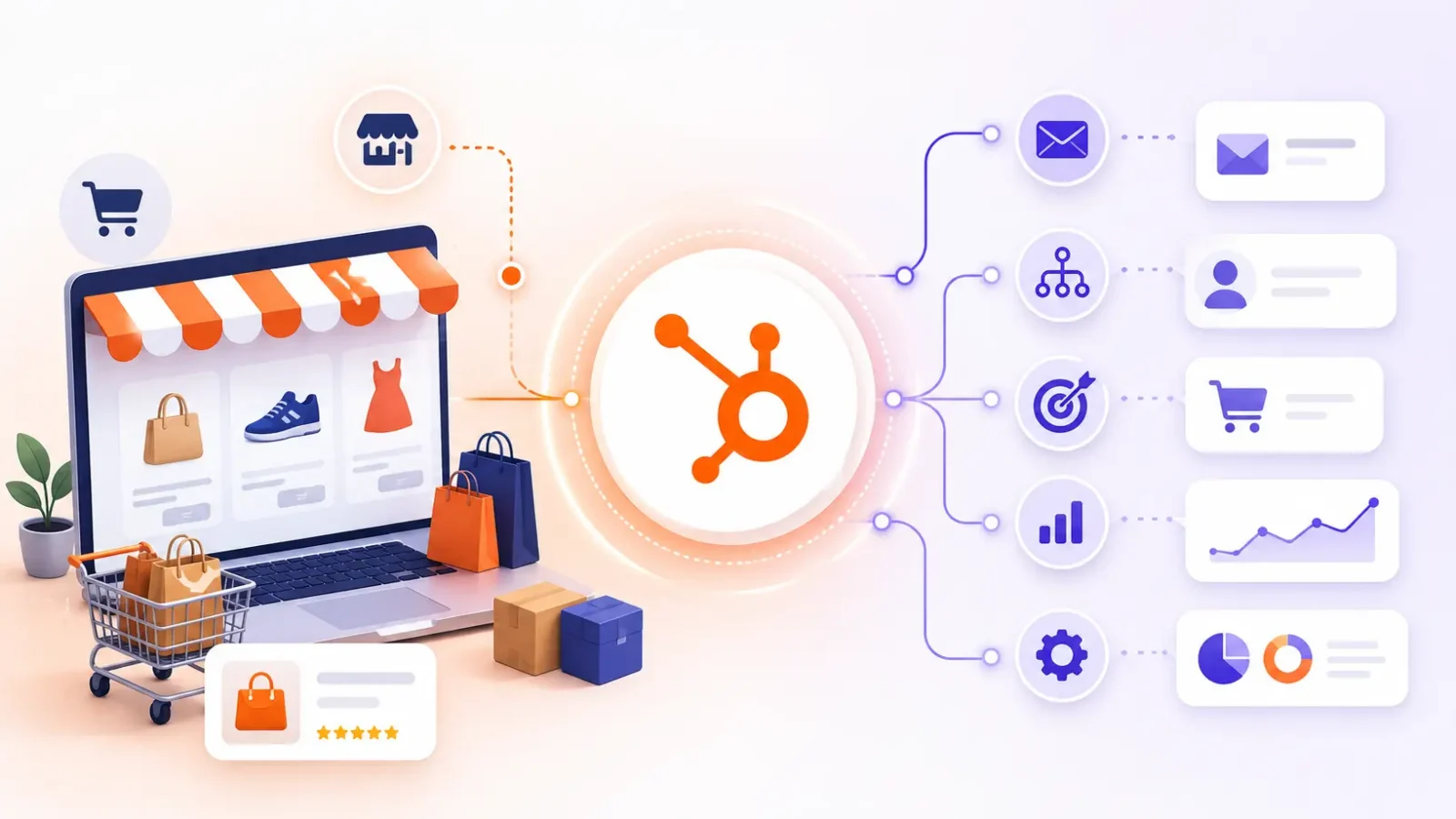
Timing is everything in e-commerce marketing. The right email an hour after an abandoned cart rescues a sale. Three days later the same email is ignored. The timing here is simply whether your store data and your automation tool really talk to one another. The real link is HubSpot integration with e-commerce marketing automation platforms. This allows customer behavior in your store to trigger the right campaign at the right time, rather than a generic newsletter blast.
HubSpot integration with e-commerce marketing automation platforms links your online store to HubSpot so order, product and cart data flows into the CRM and drives automated campaigns. HubSpot can be the automation engine itself, or it can sync with a dedicated e-commerce tool so each platform does what it does best.
As a HubSpot Diamond Solutions Partner with custom integration accreditation, we’ve scoped these integrations across 300+ platforms. This guide will walk through how the integration works, what automations it unlocks, and the honest tradeoff most guides skip: when HubSpot should run your e-commerce marketing on its own, and when it should sit next to a specialist tool. If you’re looking for platform-by-platform detail, our breakdown of the best e-commerce platforms that integrate with HubSpot makes for a good companion read.
Free estimator
Know what your HubSpot project costs before the first call.
Select your services and get a transparent price range in minutes. No sales call needed to get a number.
Connect HubSpot to your ERP, billing platform, or database field mapping, custom logic, and support included.
Pipelines, workflows, email templates, and reporting configured for how your team actually works.
Live, role-based sessions with recordings and written guides built around a custom plan for your team.
HubSpot Partner
Client retention
Platforms integrated
What HubSpot Integration With E-Commerce Marketing Automation Platforms Means
The phrase describes two different arrangements. Selecting the wrong one will cost you money. HubSpot is itself a marketing automation platform, with a CRM at its heart, so it’s seldom a question of if you can connect it. The question is, what does it do?
Setup one: HubSpot as the automation engine
You connect your storefront to HubSpot and let HubSpot run the marketing. Order and customer data syncs into the CRM, and HubSpot’s workflows handle abandoned carts, post-purchase nurture, and segmentation. Most B2B and considered-purchase brands choose this, because marketing, sales, and service already live in HubSpot.
Setup two: HubSpot alongside a specialist tool
You keep a dedicated e-commerce automation platform for transactional email and SMS, and sync it with HubSpot so the CRM still holds the full customer picture. High-velocity direct-to-consumer retailers often run this way, since retail-specific tools handle product-catalog logic that HubSpot needs configuration to match. The integration in this case keeps both systems agreeing on who the customer is.
How HubSpot Connects to E-Commerce Platforms for Marketing Automation
Four practical methods to integrate a store with HubSpot for marketing automation. The correct one depends on the platform you are on and how much custom data your workflows need.
- Native connectors. HubSpot’s Shopify integration is the most mature option, syncing customers, products, orders, and abandoned checkouts in near real time with pre-built workflow templates. BigCommerce has a native integration covering the core objects.
- Marketplace apps. WooCommerce connects through a WordPress plugin that works well for smaller stores but can strain at high order volume. Magento and other platforms rely on third-party marketplace apps.
- Orders and Carts API. HubSpot released public Orders and Carts APIs in 2024, giving e-commerce data dedicated objects instead of forcing every order into the Deals object. This matters for automation because workflows, segmentation, and reporting read those objects directly.
- iPaaS and custom builds. Tools like Zapier and Make cover simple, low-volume trigger-action flows. For multi-step logic, conditional branching, or high-frequency sync, a custom API integration or middleware is the reliable path.
Clean connection is better than fast one. An integration that syncs the right data is way more valuable than one that syncs everything and has your team spending months cleaning up duplicates. When finance systems are involved, a NetSuite HubSpot integration typically runs in parallel to ensure revenue data is consistent.
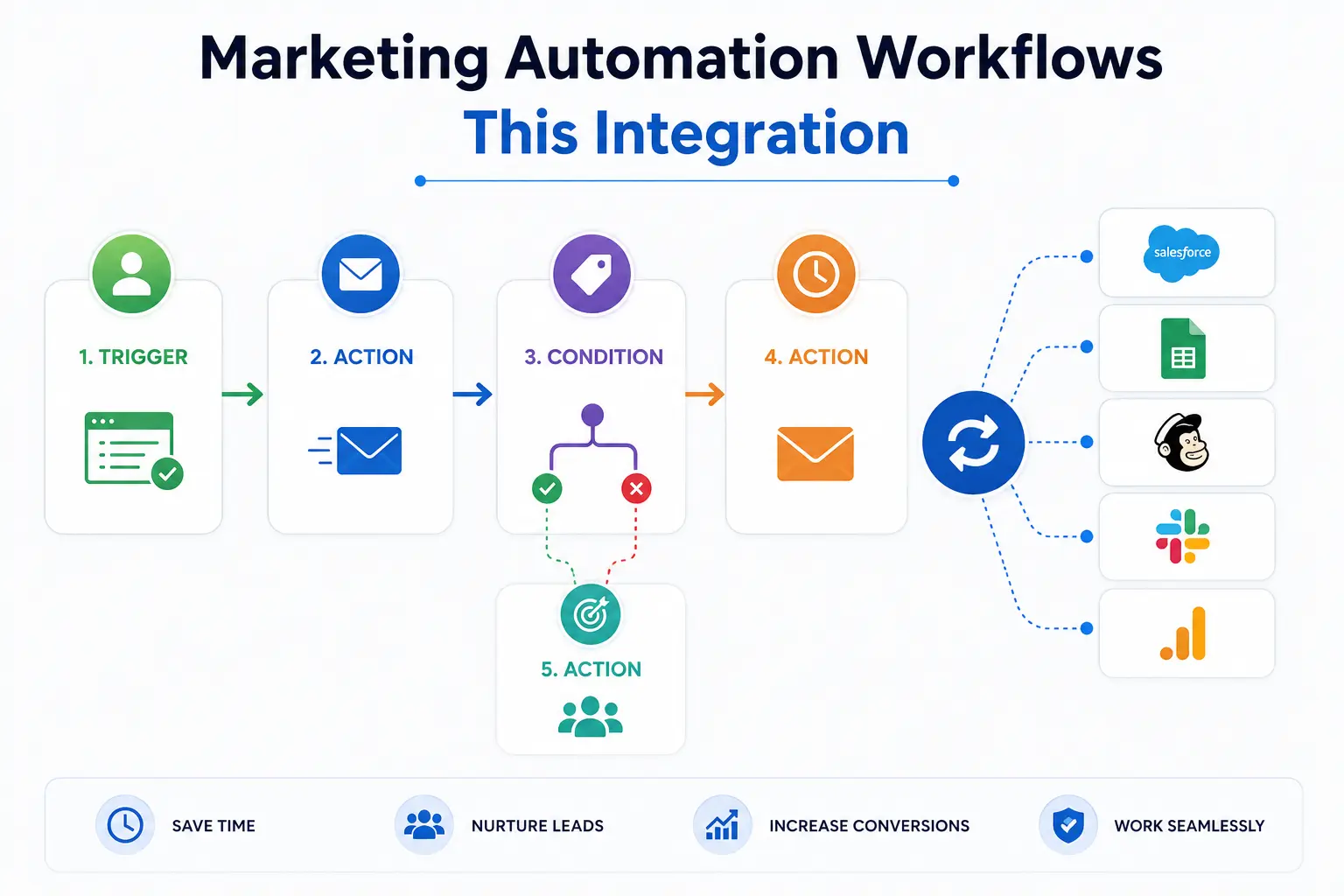
The Marketing Automation Workflows This Integration Unlocks
Once store data is flowing into HubSpot, the integration really pays off with workflows that respond to real buying behavior. These are the automations that shift the revenue needle:
- Abandoned cart recovery: trigger an email or SMS sequence when a cart syncs and no order follows within a set window.
- Welcome and first-purchase nurture: guide a first-time buyer toward a second order with timed, useful content.
- Post-purchase and review requests: send delivery follow-ups and review prompts keyed to the order date.
- Replenishment reminders: re-engage customers when a consumable product is likely running low.
- RFM and VIP segmentation: sync recency, frequency, and monetary value so HubSpot flags your best customers automatically.
- Win-back campaigns: target lapsed customers who haven’t ordered in a defined period with a reason to return.
- Product-based cross-sell: build active lists from line items, such as buyers of one product who never bought the obvious companion item.

Turn HubSpot Into A Real-Time SMS Engine with
Message IQ

Two-Way Conversations

Shared Team Inbox

Automation Triggers

Advanced Reporting

Compliance Tools
-
98%
SMS read within 3 min -
78%
Buy from first responder -
21×
More likely to qualify
3–5 min avg response
$45–$50 ROI / $1

*MessageIQ is an IntegrateIQ product – built natively for HubSpot by the same team.
HubSpot vs Dedicated E-Commerce Marketing Automation Platforms
HubSpot shines when marketing, sales, service, and content all live inside one CRM. Dedicated e-commerce platforms are better at product-catalog logic, order-based segmentation and the deep library of pre-built retail flows. The right choice depends on what kind of brand you have.
| Capability | HubSpot | Dedicated e-commerce automation platform |
| CRM and sales alignment | Strong. Marketing, sales, and service share one record | Limited. Built for marketing, weak on pipeline and rep handoff |
| Product-catalog and order-based segmentation | Workable, but needs configuration to match retail logic | Strong. Built for SKU, order, and lifecycle segmentation out of the box |
| Pre-built retail flows | General workflow templates, adaptable to commerce | Deep library of abandoned-cart, win-back, and replenishment flows |
| B2B and content marketing | Strong. Inbound, landing pages, lead scoring, long sales cycles | Thin. Focused on transactional DTC email and SMS |
| Pricing model | Tiered by Hub and contact count | Usually scales with contacts, sends, or revenue |
| Best fit | B2B, considered-purchase, or mixed sales-and-marketing brands | High-velocity DTC retail with frequent repeat purchases |
Here’s how that maps to real decisions:
- Choose HubSpot alone if you sell considered or B2B products, run content and inbound marketing, and need sales and marketing reading the same record. The unified CRM outweighs the missing retail-specific features.
- Choose a specialist tool, synced to HubSpot, if you’re a high-velocity DTC retailer where abandoned-cart and replenishment email is the core revenue driver, and you still want the CRM as the system of record.
- Avoid running both blindly. Two automation engines firing at the same contact without clear ownership creates conflicting messages. If you run both, define which system owns which workflow before launch.
How to Set Up the Integration Without Breaking Your Automation
A working connection is different from a well functioning integration. Follow this sequence for your automation to fire on the right data from day 1.
- Define the data model. Decide what Contacts, Orders, Carts, and Products mean for your store, and which properties your workflows will read.
- Clean the data first. Remove duplicates and outdated records before syncing. Automation built on messy data sends the wrong message to the wrong person.
- Connect the store. Install the native app, marketplace connector, or middleware that fits your platform, and authenticate both sides.
- Map fields and triggers. Match store fields to HubSpot properties and confirm which events start each workflow.
- Set dedupe rules. Use a unique external ID as the match key so guest checkouts never split one customer into several records.
- Test workflows with sample data. Run real test orders through every automation before going live, and confirm timing and message content.
- Monitor after launch. Watch sync logs and workflow enrollment for the first weeks so silent failures surface fast.
Teams setting up HubSpot for the first time can fold this into a wider HubSpot onboarding engagement, since the data model and workflow decisions overlap.
Common Automation Failures and How to Avoid Them
Most automation complaints trace back to setup, not the software. These are the failures we see most often.
- Workflows firing at the wrong time: sync lag delays the cart event, so the recovery email arrives after the customer already bought. Confirm sync frequency matches your workflow timing.
- Contradictory contact records: weak dedupe rules create multiple records for one buyer, so segmentation and reporting disagree. Fix it with a firm match key.
- Syncing everything: pushing every product field into HubSpot creates noise that slows the portal and clutters segmentation. Sync only what workflows and reports actually use.
- Missing tracking code: without the HubSpot tracking script on the store, on-site behavior never ties to known contacts and attribution breaks.
- Unmonitored sync errors: a failed sync that nobody catches means workflows quietly stop enrolling contacts. Error logging and alerts are not optional.
We process over 20 billion records and 7 million field updates a day across our client integrations and these five issues are the root cause of almost all recurring problems. These are not fails of the platform. They are looking for and watching gaps.
Cost and What to Budget for E-Commerce Marketing Automation
Cost will depend on method and tooling. HubSpot’s native Shopify Connector is free to install but marketing automation features are only available from a paid tier of Marketing Hub (based on contact count). Marketplace connectors for platforms like WooCommerce, BigCommerce and Magento typically operate on a monthly subscription model that scales with volume.
Dedicated e-commerce automation platforms typically price on contacts, email and SMS sends or revenue, so they get more expensive as you grow. Project work, scoped by the number of systems and whether sync is one-way or two-way. Custom and middleware builds. A custom e-commerce automation integration usually delivers in about 8 weeks from kickoff including discovery, mapping, build and testing. 98.5% client retention rate. Mostly because we get the testing step right. An automation that no one trusts will be turned off in a month. Or, if there is a need to reconcile the accounting data as well, the same project can include a QuickBooks HubSpot integration.
Frequently Asked Questions
Is HubSpot a marketing automation platform for e-commerce?
Yes. HubSpot is a CRM with built-in marketing automation, and it works for e-commerce once a store is connected. It runs abandoned cart, post-purchase, and segmentation workflows, though dedicated retail tools handle product-catalog logic with less configuration.
Can HubSpot integrate with Klaviyo?
Yes. HubSpot can sync with dedicated e-commerce automation platforms like Klaviyo through marketplace apps or middleware. Many brands run a specialist tool for transactional email and SMS while HubSpot stays the CRM system of record for the full customer picture.
What e-commerce data does HubSpot use for marketing automation?
HubSpot uses contact details, order history, product data, and abandoned cart events synced from your store. That data triggers workflows, builds segments, personalizes emails, and feeds reporting. The quality of the automation depends directly on the quality of the synced data.
Do I need both HubSpot and a dedicated e-commerce email tool?
Not always. B2B and considered-purchase brands usually run HubSpot alone. High-velocity DTC retailers sometimes keep a specialist tool for retail flows and sync it with HubSpot. Running both only works if you define which system owns which workflow.
What are HubSpot Orders and Carts objects?
HubSpot released public Orders and Carts APIs in 2024, giving e-commerce transactions dedicated CRM objects instead of forcing them into the Deals object. Workflows, segmentation, and reporting read these objects directly, which makes commerce automation cleaner to build.
How long does it take to set up e-commerce marketing automation in HubSpot?
A native Shopify connection with basic workflows can be live within days once your data model is defined. A custom or middleware build that involves an ERP or a specialist platform typically takes around 8 weeks from kickoff through testing.
See your 12-month revenue impact with HubSpot CRM
Enter your current numbers — visitors, leads, deal size — and get a personalized projection based on real HubSpot customer benchmarks.

Build Automation Your Store Data Can Actually Trust
If your abandoned cart emails fire late, your segments contradict each other, or you’re not sure whether HubSpot should run your e-commerce marketing alone, the integration is the problem to fix first. We scope and build HubSpot integration with e-commerce marketing automation platforms that map cleanly, test before go-live, and typically deliver in 8 weeks from kickoff. Walk through our HubSpot integration process or talk to our integration team to scope what your store needs.



Table of Contents
- What HubSpot Integration With E-Commerce Marketing Automation Platforms Means
- The Marketing Automation Workflows This Integration Unlocks
- HubSpot vs Dedicated E-Commerce Marketing Automation Platforms
- How to Set Up the Integration Without Breaking Your Automation
- Common Automation Failures and How to Avoid Them
- Cost and What to Budget for E-Commerce Marketing Automation
- Frequently Asked Questions
- Build Automation Your Store Data Can Actually Trust

