













Explore this article with AI:
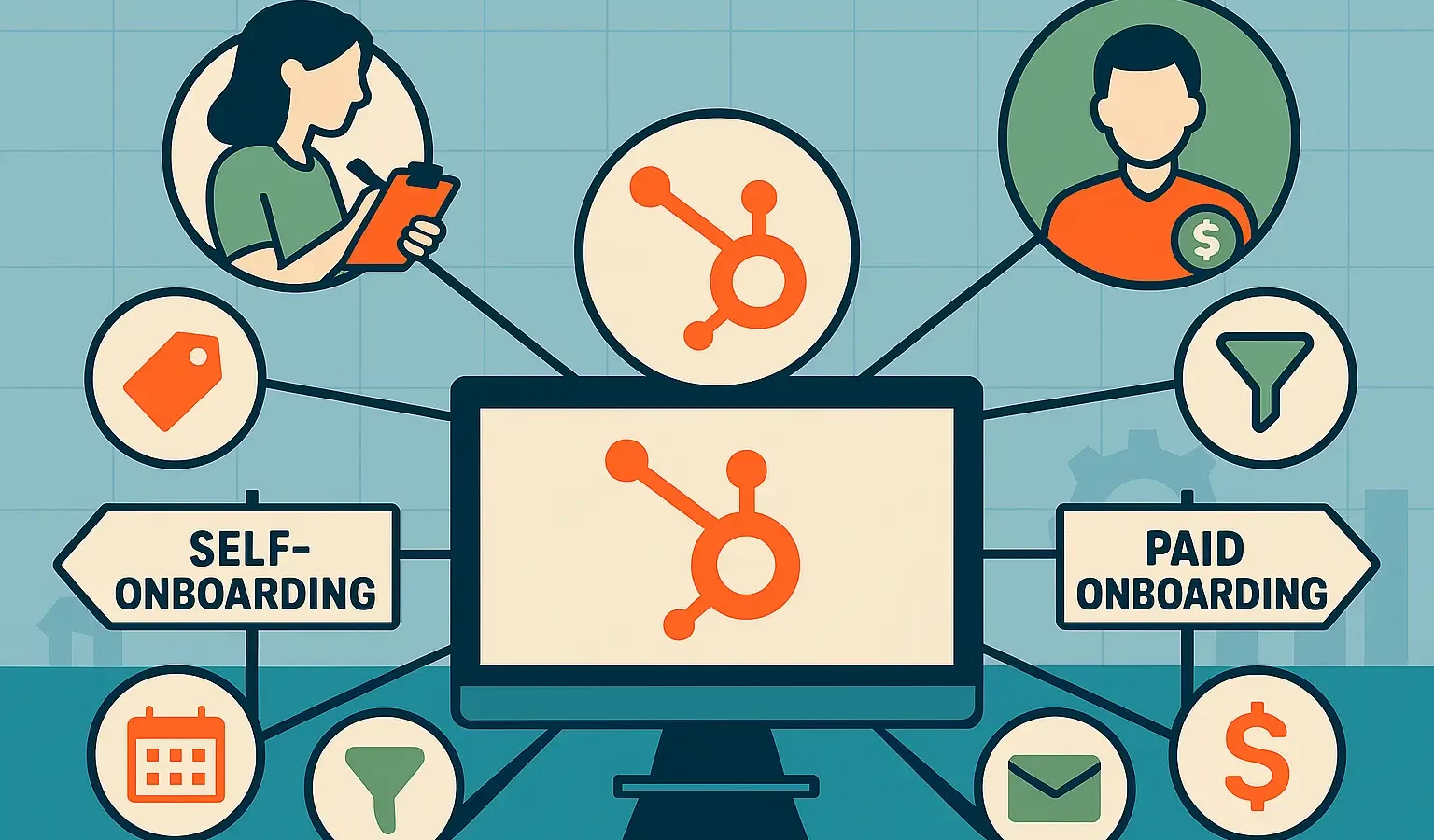
Choosing between self-onboarding and paid onboarding in HubSpot is more than a budget decision—it’s a strategic investment in your CRM’s future. This guide outlines seven essential insights to help you evaluate cost, complexity, data integrity, and long-term ROI before committing to your onboarding path.
Free estimator
Know what your HubSpot project costs before the first call.
Select your services and get a transparent price range in minutes. No sales call needed to get a number.
Connect HubSpot to your ERP, billing platform, or database field mapping, custom logic, and support included.
Pipelines, workflows, email templates, and reporting configured for how your team actually works.
Live, role-based sessions with recordings and written guides built around a custom plan for your team.
HubSpot Partner
Client retention
Platforms integrated
Key Takeaways: Self-onboarding vs Paid onboarding
- Self-onboarding works best for small teams with simple sales processes and high technical literacy.
- Paid onboarding through a partner ensures your CRM architecture supports advanced reporting and automation from day one.
- Data integrity is the biggest risk in DIY setups, often leading to “garbage in, garbage out” scenarios.
- Time-to-value is usually faster with professional help, as it bypasses the trial-and-error phase.
- Cost vs. Investment: Self-onboarding has low upfront costs but higher long-term “technical debt” risks.
Deciding how to set up your HubSpot portal is the first real test of your operational strategy. While the “do it yourself” route appeals to the budget-conscious, the complexity of modern RevOps often demands a more structured approach. This guide breaks down the pros and cons of self-onboarding versus paid onboarding to help you decide which path secures your long-term ROI.
The Bigger Picture: Why Your Onboarding Choice Matters Now
In an era where AI-driven insights and automated customer journeys define market leaders, your CRM is no longer just a digital Rolodex. It is the engine of your business. Mid-market executives often view onboarding as a one-time setup fee, but it is actually the foundation of your entire go-to-market strategy.
If the foundation is cracked, meaning your data properties are messy or your integrations are broken for every automated email and “predictive” report you generate later will be flawed. As HubSpot evolves into a platform centered on AI-powered personalization, the cost of a poor setup has never been higher.

Turn HubSpot Into A Real-Time SMS Engine with
Message IQ

Two-Way Conversations

Shared Team Inbox

Automation Triggers

Advanced Reporting

Compliance Tools
-
98%
SMS read within 3 min -
78%
Buy from first responder -
21×
More likely to qualify
3–5 min avg response
$45–$50 ROI / $1

*MessageIQ is an IntegrateIQ product – built natively for HubSpot by the same team.
Understanding HubSpot Self-Onboarding
Self-onboarding is exactly what it sounds like: your team takes the keys to the portal and follows HubSpot’s built-in checklists and Academy lessons to get moving.
The Benefits of Going Solo
The primary driver here is cost. If you are a startup or a small business with a single pipeline and a straightforward lead-to-customer journey, you might not need a specialized consultant. It allows your team to learn the “guts” of the system by building it themselves.
The Hidden Hurdles
The challenge isn’t clicking the buttons; it’s knowing which buttons to click to satisfy your future reporting needs. Without an architect, teams often create redundant custom properties or fail to set up “Lifecycle Stages” correctly. This leads to a CRM that feels cluttered and untrustworthy within six months.
The Case for Paid Onboarding
Paid onboarding usually comes in two flavors: HubSpot’s internal professional services or a HubSpot Diamond Partner like Integrate IQ.
Why Professionals Use a Different Blueprint
A professional partner doesn’t just teach you how to use the tool; they translate your business goals into a technical configuration. They focus on:
- Lead Scoring Models: Ensuring Sales only gets high-quality leads.
- Complex Integrations: Connecting your ERP, proprietary software, or niche marketing tools without breaking data syncs.
- Multi-touch Attribution: Setting up the portal so you can actually see which marketing efforts closed the deal.
Strategic Alignment vs. Technical Setup
While HubSpot’s internal onboarding is excellent for technical walkthroughs, a partner focuses on RevOps strategy. They ask why you have a 14-step sales process and help you trim the fat before you automate it. This prevents you from simply “paving the cow path”—automating a broken process just because you can.
Checkout our HubSpot Onboarding Checklist
Comparing Self-Onboarding vs Paid Onboarding Pros and Cons
| Feature | Self-Onboarding | Paid Onboarding (Partner-Led) |
| Upfront Cost | $0 (plus HubSpot subscription) | Moderate to High investment |
| Time Investment | High (Internal team does the heavy lifting) | Low (Partner handles execution) |
| Customization | Basic / Template-based | High / Tailored to specific workflows |
| Data Quality | High risk of duplication/errors | Clean migration and mapping |
| Expertise | Limited to internal knowledge | Access to multi-industry best practices |
3 Pitfalls to Watch Out For in Self-Onboarding
- Over-Engineering Properties: Creating 50 custom properties when 5 standard ones would suffice. This makes data entry a nightmare for sales reps.
- Ignoring the “Object” Hierarchy: Failing to understand how Contacts, Companies, and Deals interact, leading to fragmented reporting.
- Lack of Documentation: Building a complex web of workflows that no one understands six months later when the person who built them leaves the company.
3 Pitfalls to Watch Out For in Paid Onboarding
- The “Set It and Forget It” Trap: Thinking the partner will run your business for you. You still need internal owners to drive adoption.
- Scope Creep: Trying to solve every business problem at once rather than focusing on a Minimum Viable Portal (MVP).
- Choosing a “Generalist” Agency: Working with a firm that knows “marketing” but doesn’t understand the technical nuances of HubSpot’s CRM architecture.
What Executives Should Do Now
- Audit Your Internal Bandwidth: Does your Ops leader have 10–15 hours a week for the next two months to dedicate to setup? If not, pay for help.
- Define Your “Must-Have” Reports: If you need to see ROI by channel or sales velocity by territory on day one, professional onboarding is non-negotiable.
- Check Your Tech Stack: If you have more than three integrations (e.g., Salesforce, NetSuite, ZoomInfo), the complexity justifies a paid expert.
- Review the Roadmap: Look at upcoming HubSpot updates. If you plan to use advanced features like the Marketing Studio or AI-powered segments, start with a professional foundation.
FAQs
Is self-onboarding vs paid onboarding better for small teams?
Self-onboarding can work for very small teams with simple needs. However, even small teams often choose paid onboarding to ensure their CRM is scalable, preventing a costly “re-do” a year later.
What is the main difference in self-onboarding vs paid onboarding for ROI?
The main difference is the “Time to Value.” Paid onboarding typically results in a faster rollout and higher user adoption, which accelerates your return on investment. Self-onboarding has a lower initial cost but often delayed ROI due to setup errors.
Can I switch from self-onboarding to paid onboarding later?
Yes, but it is often more expensive. Transitioning usually involves a “portal audit” and data cleanup to fix the mistakes made during the DIY phase. It is generally more cost-effective to start with a professional guide.
See your 12-month revenue impact with HubSpot CRM
Enter your current numbers — visitors, leads, deal size — and get a personalized projection based on real HubSpot customer benchmarks.

Bottom Line
The choice between self-onboarding vs paid onboarding isn’t just about the invoice; it’s about the value of your time and the integrity of your data. If you have a simple process and a surplus of time, self-onboarding is a viable path. However, for mid-market firms looking to scale, paid onboarding provides the strategic guardrails necessary to turn HubSpot from a cost center into a revenue-generating machine. Let’s Start Onboarding



Table of Contents
- Key Takeaways: Self-onboarding vs Paid onboarding
- The Bigger Picture: Why Your Onboarding Choice Matters Now
- Understanding HubSpot Self-Onboarding
- The Case for Paid Onboarding
- Comparing Self-Onboarding vs Paid Onboarding Pros and Cons
- 3 Pitfalls to Watch Out For in Self-Onboarding
- 3 Pitfalls to Watch Out For in Paid Onboarding
- What Executives Should Do Now
- FAQs
- Bottom Line

