










Explore this article with AI:
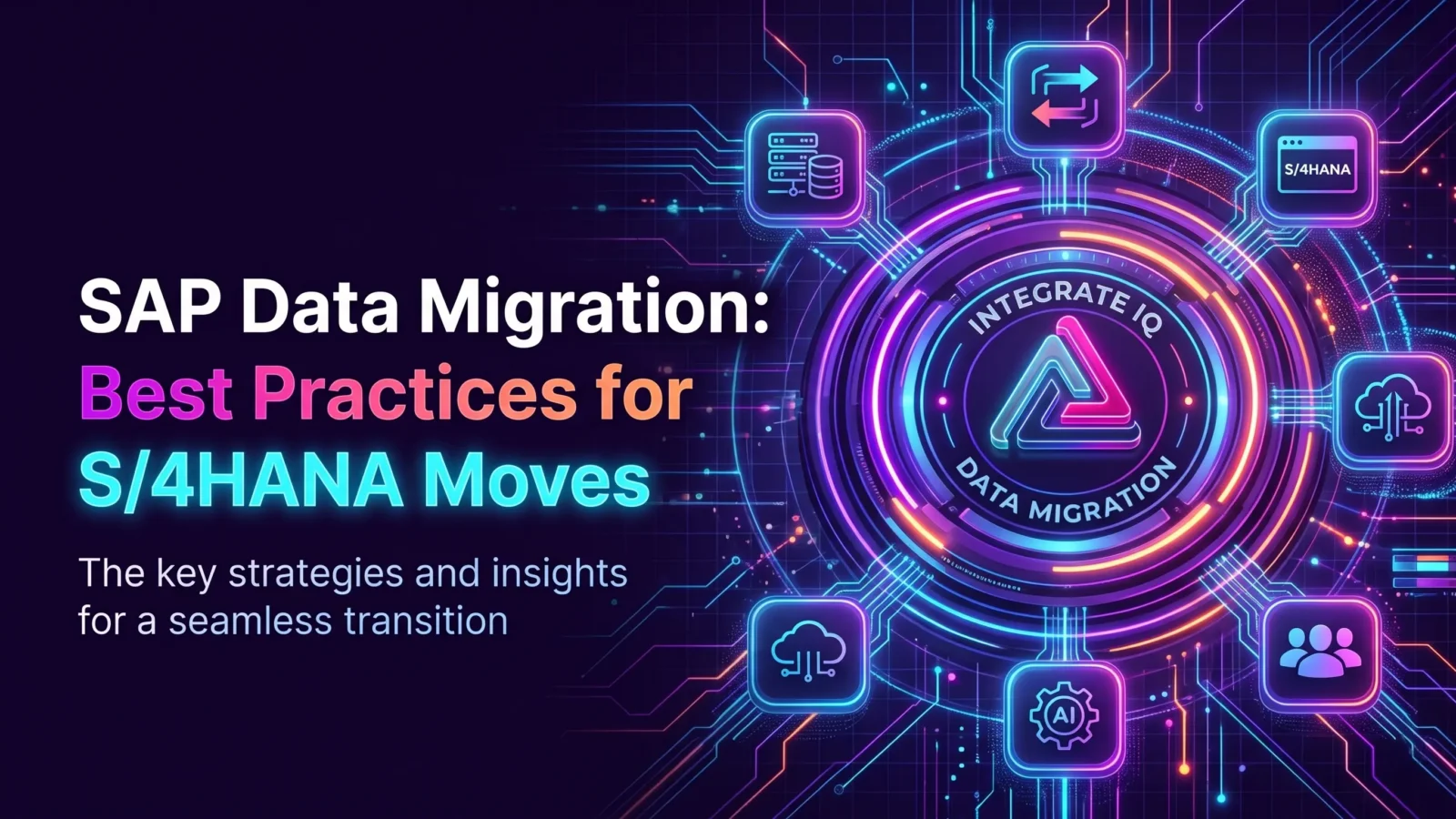
SAP mainstream maintenance for ECC ends on December 31, 2027. For thousands of companies, that date turns SAP data migration from a someday project into a budget line. And the hardest part of most moves isn’t the new system. It’s the data.
SAP data migration is the process of moving master data, open transactions, and history from a legacy system, often SAP ECC, into a new SAP environment like S/4HANA, then validating that everything arrived correctly. The best practices come down to choosing the right approach, cleaning data before you move it, testing in staging, and keeping every connected system working through cutover. We’ve migrated data across more than 300 platforms, and here’s what we’ve learned.
Free estimator
Know what your HubSpot project costs before the first call.
Select your services and get a transparent price range in minutes. No sales call needed to get a number.
Connect HubSpot to your ERP, billing platform, or database field mapping, custom logic, and support included.
Pipelines, workflows, email templates, and reporting configured for how your team actually works.
Live, role-based sessions with recordings and written guides built around a custom plan for your team.
HubSpot Partner
Client retention
Platforms integrated
Why SAP data migration matters now
SAP’s published timeline for ECC (Business Suite 7 core applications) is:
| Phase | Dates |
|---|---|
| Mainstream maintenance | Ends December 31, 2027 |
| Extended maintenance | 2028 through 2030 |
| Transition option (certain customers) | 2031 through 2033 |
Every year you wait shrinks the pool of available consultants and raises the risk of a rushed cutover. Data work, cleanup especially, is the part you can start now regardless of which approach you pick.
Choose your SAP migration approach
There are three common approaches, and each treats data differently.
| Approach | What it means | Data impact |
|---|---|---|
| New implementation (greenfield) | Build a fresh S/4HANA system and migrate selected data | You choose what to bring, so cleanup and mapping are big jobs, but you leave old clutter behind |
| System conversion (brownfield) | Convert your existing ECC system to S/4HANA | History comes along, including bad data, so cleanup must happen before conversion |
| Selective data transition | Move selected business units, years, or processes | Flexible, but needs careful scoping of what moves |
SAP’s tooling, including the SAP S/4HANA migration cockpit with staging tables, supports loading data into a new implementation. Pick the approach first, because it decides most of the data plan.

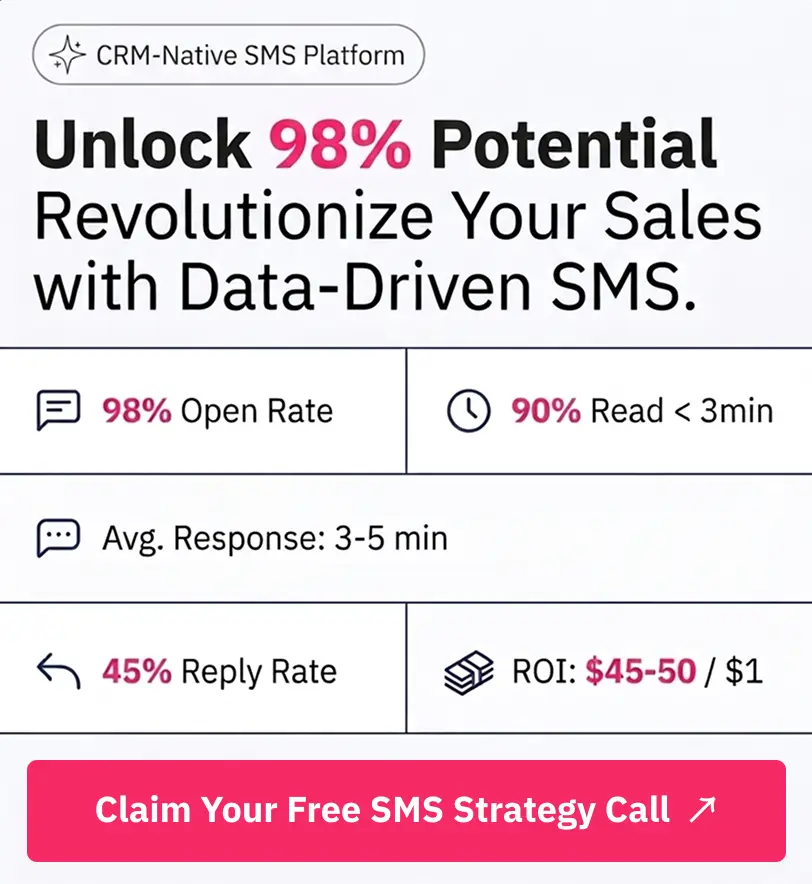
Turn HubSpot Into A Real-Time SMS Engine with
Message IQ

Two-Way Conversations

Shared Team Inbox

Automation Triggers

Advanced Reporting

Compliance Tools
-
98%
SMS read within 3 min -
78%
Buy from first responder -
21×
More likely to qualify
3–5 min avg response
$45–$50 ROI / $1

*MessageIQ is an IntegrateIQ product – built natively for HubSpot by the same team.
SAP data migration best practices
1. Decide what to migrate
Not every record deserves a move. Agree on a history lookback for transactions, retire unused materials and customers, and archive the rest. Less data means faster loads and fewer errors.
2. Clean data before you move it
Duplicates, incomplete records, and inconsistent formats cause most migration failures. Clean customers, vendors, and materials in the source system, and assign owners for each data domain.
3. Map objects field by field
S/4HANA changes data structures, such as business partners replacing separate customer and vendor records. Map every field, value, and code list, and document the rules.
4. Run multiple test loads in staging
Plan several mock migrations, not one. Each run should be reconciled against the source: record counts, balances, and spot checks of real transactions.
5. Reconcile financials to the penny
Open items, balances, and inventory values must match. Finance should sign off on reconciliation before cutover.
6. Plan the cutover window
Decide what freezes, in what order data loads, and how you’ll roll back if needed. Rehearse it.
7. Keep connected systems working
CRM, ecommerce, warehouse, and reporting tools all read from SAP. Each integration needs remapping to the new structures and testing before go-live. This is the step most teams underestimate.
Don’t forget the systems around SAP
An SAP migration changes every system that touches it. Plan these alongside the core move:
- CRM: Customer, pricing, and order data flowing to Salesforce or HubSpot. See our HubSpot SAP integration and Salesforce SAP integration pages.
- Ecommerce: Product, price, and inventory feeds to your storefront.
- Data warehouse and BI: Reports and dashboards built on ECC tables. See our HubSpot Snowflake integration.
- Finance and tax tools: Billing, tax, and payment systems.
Run reporting from both systems during the overlap so leadership dashboards stay accurate.
Common SAP data migration mistakes
- Migrating everything. Moving decades of unused data slows loads and carries old errors forward.
- Cleaning too late. Cleanup squeezed into the final weeks becomes the critical path.
- One test load. A single mock run won’t surface the edge cases.
- Ignoring integrations. CRM and commerce flows break on cutover day.
- No data owners. Without business owners signing off, nobody can approve what “correct” looks like.
Our CRM migration playbook covers many of the same traps on the CRM side.
What this means for your business
An SAP migration is a chance to fix data you’ve lived with for years. Start cleanup now, decide your approach early, and give integrations their own workstream. We process more than 20 billion records a year, and we validate historical backfill in staging on every migration we run, because reconciliation is where trust is won or lost.
If AI is part of your post-migration plan, clean, connected data matters even more. Our AI Accelerator helps teams get data ready for it.
Frequently asked questions
What is SAP data migration?
SAP data migration is moving master data, open transactions, and selected history from a legacy system into a new SAP environment such as S/4HANA, then validating and reconciling the results before go-live.
When does SAP ECC support end?
SAP mainstream maintenance for ECC ends December 31, 2027. Extended maintenance runs from 2028 through 2030, and a transition option runs from 2031 to 2033 for certain customers.
What is the difference between greenfield and brownfield SAP migration?
Greenfield is a new S/4HANA implementation where you migrate selected data into a fresh system. Brownfield converts your existing ECC system to S/4HANA, bringing its history and configuration with it.
What tool does SAP provide for data migration?
SAP provides the SAP S/4HANA migration cockpit, which loads data into a new S/4HANA system, including through staging tables. Many projects also use additional tools for extraction, cleanup, and validation.
How long does SAP data migration take?
It depends on data volume, approach, and the number of connected systems. Large migrations run over many months with several test loads before cutover.
How do you keep CRM and other systems working during an SAP migration?
Treat integrations as their own workstream. Remap each connected system to the new data structures, test in a sandbox, and run reporting from both systems during the overlap.
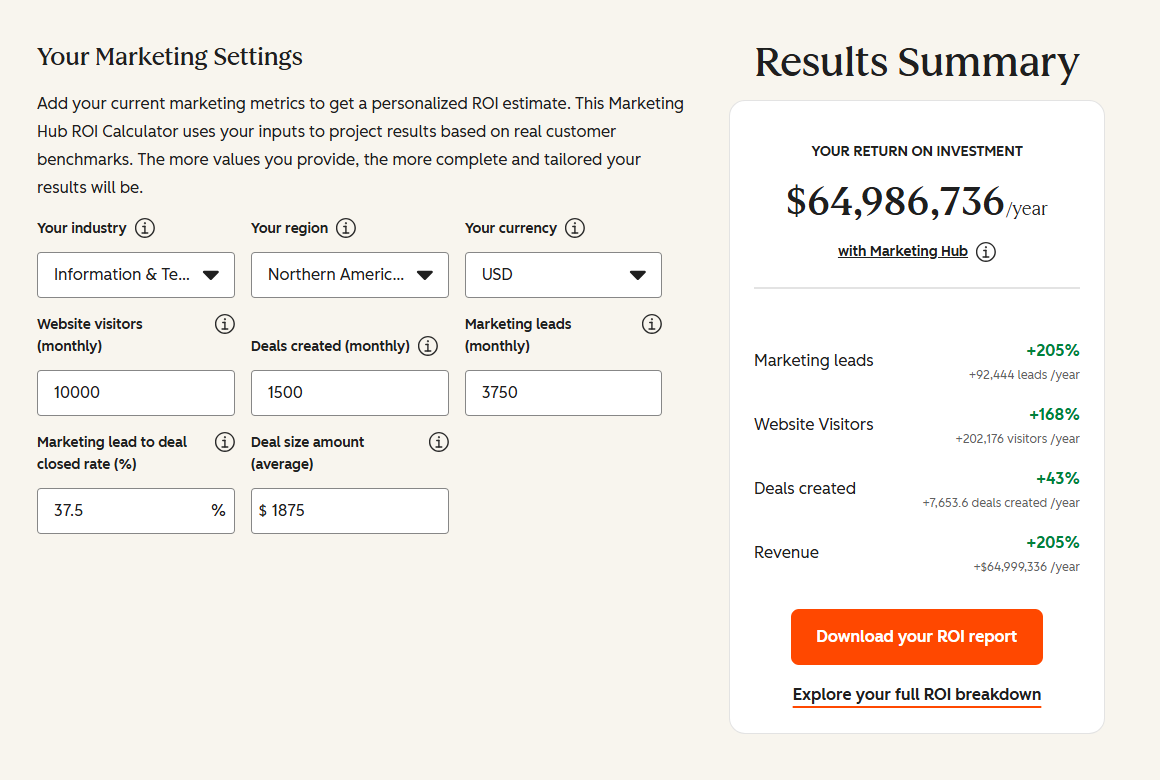
See your 12-month revenue impact with HubSpot CRM
Enter your current numbers — visitors, leads, deal size — and get a personalized projection based on real HubSpot customer benchmarks.
Keep your systems connected through the move
IntegrateIQ helps companies migrate data and rebuild the integrations around SAP, so CRM, commerce, and reporting keep working on cutover day. We keep a 98.5% client retention rate and put senior engineers on every build.
Explore our CRM migration services, or tell us where you are in your SAP plan.